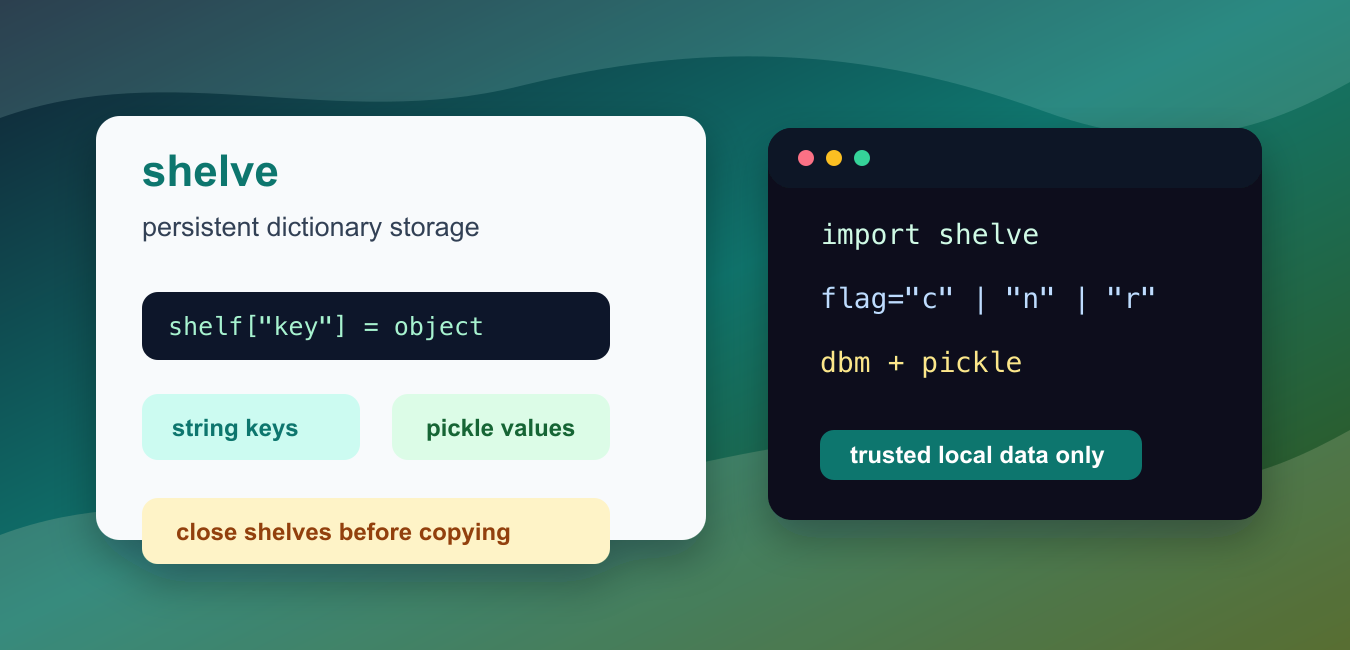
Quick answer: shelve provides a persistent dictionary-like interface with string keys and pickle-serialized values. It is convenient for small local, single-user data, but dbm backend differences, concurrent writes, portability, and pickle trust limits make a real database the better choice for shared or transactional systems.
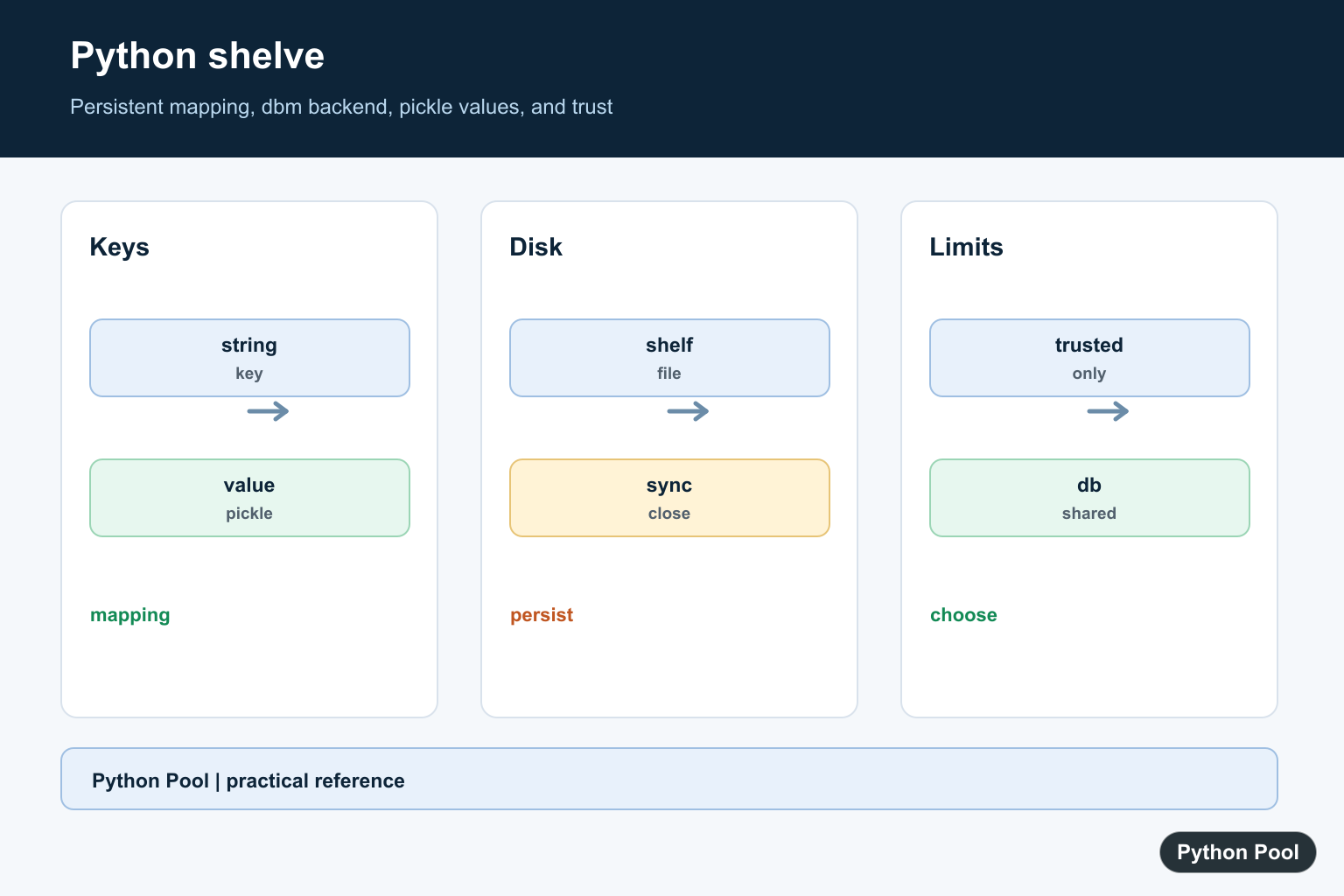
Python shelve gives you a persistent dictionary for small local programs. It stores string keys and Python objects on disk, so a later run can open the same shelf and read the saved values back.
The module is useful when plain text is too awkward and a full database would be extra work. A command-line tool, local cache, learning project, or one-user desktop script can often use a shelf for settings, counters, lightweight records, or computed results.
A shelf is not a server database. It is backed by dbm and serializes values with pickle. That means it is simple and convenient, but it also inherits backend limits, platform differences, and the usual warning about loading pickled data only from trusted sources.
The official Python documentation covers the shelve module, the underlying dbm interfaces, and the pickle module.
Use shelve when the data naturally behaves like a mapping. Each key must be a string. Each value must be pickleable. If you need SQL queries, concurrent writers, transactions, remote access, or transparent data sharing across languages, choose SQLite, PostgreSQL, Redis, or another storage system instead.
Create A Shelf
The basic flow is open, assign keys, close, then open again later. A context manager closes the shelf even if an error interrupts the block.
import shelve
from pathlib import Path
from tempfile import TemporaryDirectory

with TemporaryDirectory() as tmp:
    shelf_path = str(Path(tmp) / "students")

    with shelve.open(shelf_path) as shelf:
        shelf["ada"] = {"course": "Python", "score": 95}
        shelf["grace"] = {"course": "Data tools", "score": 91}

    with shelve.open(shelf_path) as shelf:
        print(sorted(shelf.keys()))
        print(shelf["ada"]["score"])
This example writes two records and reads one back from a later shelf handle. The temporary directory keeps the sample from leaving backend files in the current folder.
Depending on the platform, one shelf name can create one file or several related files. Treat the base name as the shelf path and let Python choose the backend details.
Choose An Open Mode
shelve.open() accepts the same style of flag used by dbm.open(). The common choices are "c" to create if needed, "n" to start fresh, and "r" to read an existing shelf.
import shelve
from pathlib import Path
from tempfile import TemporaryDirectory

with TemporaryDirectory() as tmp:
    shelf_path = str(Path(tmp) / "settings")

    with shelve.open(shelf_path, flag="n") as shelf:
        shelf["theme"] = "dark"
        shelf["page_size"] = 25

    with shelve.open(shelf_path, flag="r") as shelf:
        print(shelf["theme"])
        print(shelf.get("missing", "fallback"))
Use "n" in examples and tests when you want a clean shelf every time. Use "c" in application code when an existing shelf should be reused or created if it does not exist yet.
A read-only open is a good guard for reporting code. It communicates intent and avoids accidental updates while a script is only inspecting stored data.
Update Mutable Values
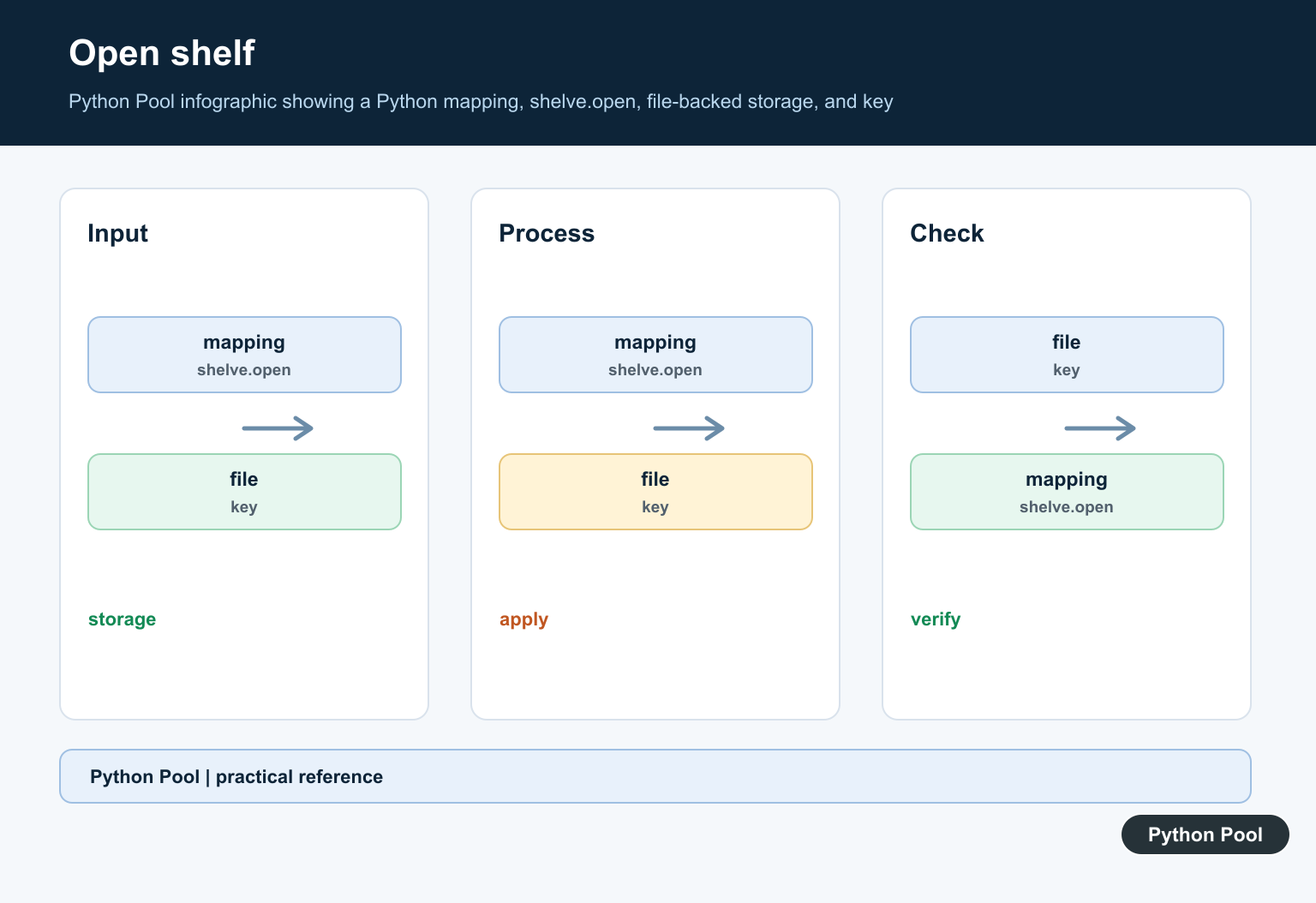
A shelf stores serialized objects. If you read a list or dictionary, mutate it in memory, and do not write it back, the stored value may not change when writeback is false.
import shelve
from pathlib import Path
from tempfile import TemporaryDirectory

with TemporaryDirectory() as tmp:
    shelf_path = str(Path(tmp) / "orders")

    with shelve.open(shelf_path, flag="n") as shelf:
        shelf["cart"] = {"items": ["book"], "total": 12}

    with shelve.open(shelf_path, writeback=False) as shelf:
        cart = shelf["cart"]
        cart["items"].append("pen")
        cart["total"] += 3
        shelf["cart"] = cart

    with shelve.open(shelf_path) as shelf:
        print(shelf["cart"])
The safest habit is to assign the changed object back to the key. That makes the write explicit and avoids relying on cache behavior that may surprise the next maintainer.
This pattern also keeps memory use predictable. A shelf with many large objects should not keep everything cached just to catch nested updates.
Use writeback Carefully
writeback=True caches accessed entries and writes them back on sync or close. It can make nested edits convenient, but it may use more memory and can make closing slower if many entries were touched.
import shelve
from pathlib import Path
from tempfile import TemporaryDirectory

with TemporaryDirectory() as tmp:
    shelf_path = str(Path(tmp) / "preferences")

    with shelve.open(shelf_path, flag="n", writeback=True) as shelf:
        shelf["profile"] = {"name": "Ada", "history": []}
        profile = shelf["profile"]
        profile["history"].append("opened")
        shelf.sync()

    with shelve.open(shelf_path) as shelf:
        print(shelf["profile"]["history"])
Use writeback=True only when the convenience is worth the cost. For small settings files it can be fine. For larger caches, explicit reassignment is usually clearer.
sync() asks the shelf to write pending changes to disk without closing it. It is still not a substitute for good error handling or for a storage engine with stronger durability rules.
Delete Keys
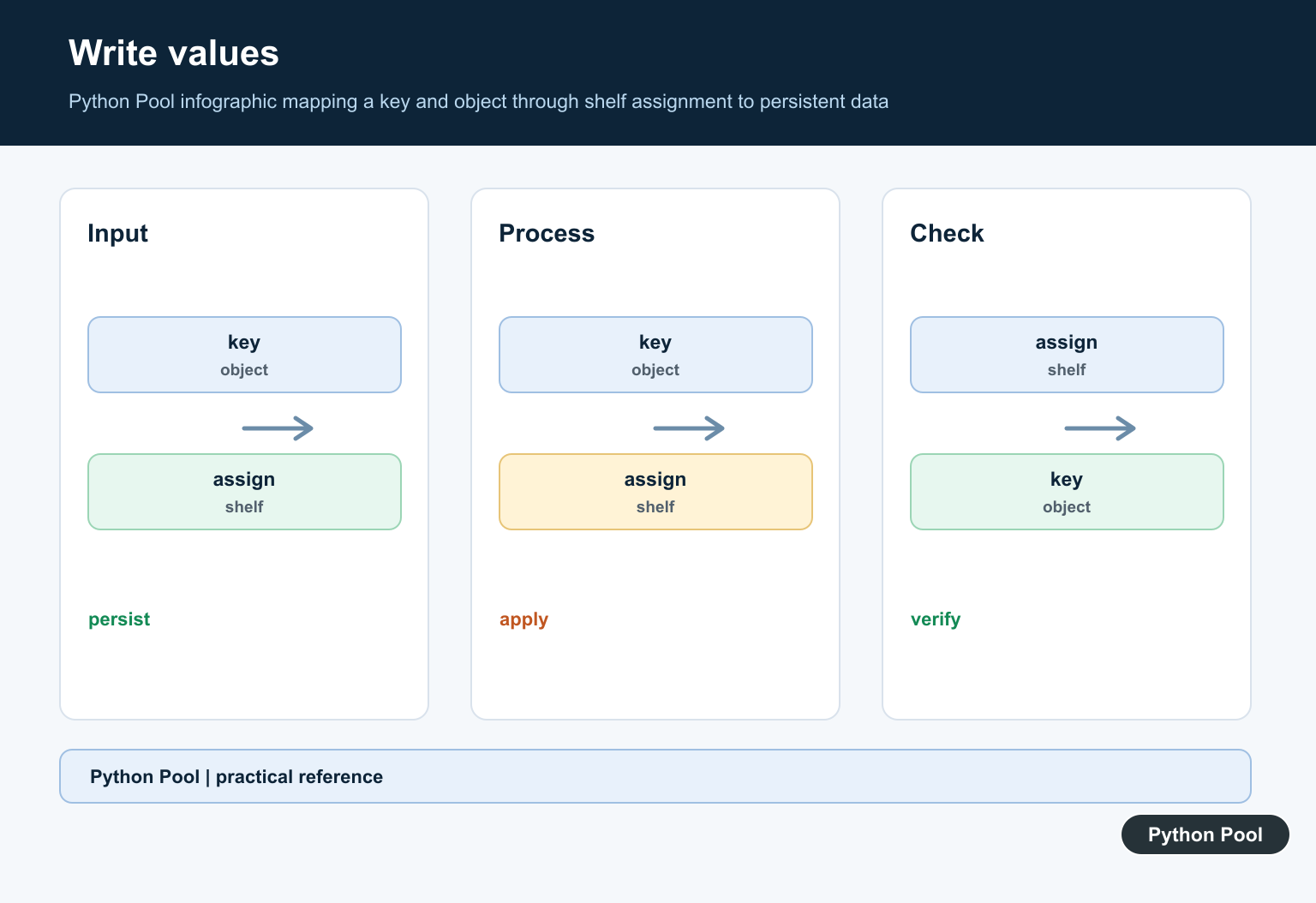
A shelf supports familiar mapping operations such as membership checks, deletion, iteration over keys, and length checks. These operations are helpful for maintenance commands and cleanup jobs.
import shelve
from pathlib import Path
from tempfile import TemporaryDirectory

with TemporaryDirectory() as tmp:
    shelf_path = str(Path(tmp) / "tasks")

    with shelve.open(shelf_path, flag="n") as shelf:
        shelf["active"] = ["write", "test"]
        shelf["draft"] = "remove this entry"
        print("draft" in shelf)

        del shelf["draft"]
        print("draft" in shelf)
        print(len(shelf))
Deleting a key removes the stored entry, but it does not always shrink the backend files immediately. That detail depends on the selected dbm implementation.
If a shelf grows and shrinks a lot, consider rebuilding it into a fresh shelf during a maintenance step or moving the data to a database designed for that workload.
Clean Up Shelf Files
A shelf should be closed before moving, copying, backing up, or deleting its backend files. The context manager is the easiest way to make that reliable.
import shelve
from pathlib import Path
from tempfile import TemporaryDirectory

with TemporaryDirectory() as tmp:
    folder = Path(tmp)
    shelf_base = folder / "inventory"

    with shelve.open(str(shelf_base), flag="n") as shelf:
        shelf["count"] = 3

    created = sorted(path.name for path in folder.glob("inventory*"))
    print(created)

print(Path(tmp).exists())
The final print is False because the temporary directory has been removed. In a real project, choose an application data directory deliberately and keep the shelf files together.
Do not unpickle shelves from people or systems you do not trust. Because shelve uses pickle, opening hostile data can run code during loading. For shared or user-supplied data, use JSON, CSV, SQLite, or another safer format.
In short, shelve is best for trusted, local, dictionary-shaped persistence. Keep keys as strings, write mutable values back explicitly, use read-only mode for inspection, close shelves with context managers, and move to a stronger database when the data needs concurrency or query features.
Use A Context Manager
Open a shelf with a context manager so it closes even when an exception interrupts the operation. Assign string keys and pickleable values, then reopen the shelf to read persisted state.
Understand Writeback
Mutable values retrieved from a shelf are not automatically persisted after in-place mutation unless writeback behavior or an explicit reassignment is used. Reassign updated values when predictable persistence matters.
Choose The Right Storage
shelve fits small local settings, caches, and learning projects. SQLite or a server database is more appropriate for queries, transactions, multiple writers, remote access, or cross-language data.
Treat Values As Trusted
shelve uses pickle for values, so opening an untrusted shelf can execute code. Protect the file and choose a safer interchange format when its source is not fully trusted.
Plan For Backend Differences
The underlying dbm implementation and file behavior can vary across operating systems. Test backup, migration, locking, corruption recovery, and deployment on the actual target platform.
The Python shelve documentation covers keys, values, writeback, and security. Related references include pickle migration, protocol compatibility, and persistence tests.
For related persistence choices, compare pickle migration, protocol compatibility, and persistence tests when storing local state.
Frequently Asked Questions
What is Python shelve used for?
It stores string-keyed Python objects persistently for small local programs, caches, settings, and lightweight single-user data.
Are shelve values safe to load?
Only load shelves from a trusted source because values are serialized with pickle.
Can multiple processes write to one shelf?
Concurrent read and write access is not a safe default; use a real database when transactions or multiple writers matter.
What type must shelve keys have?
Keys must be strings, while values must be pickleable objects.
