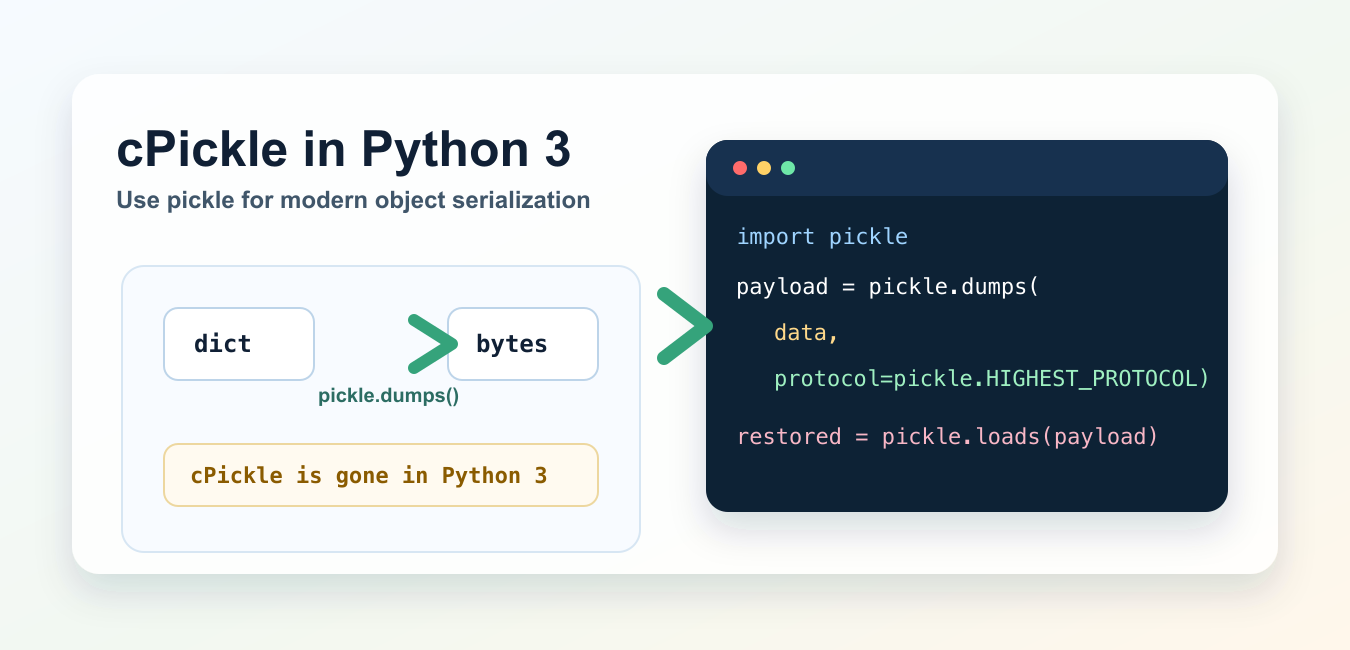
Quick answer: cPickle was Python 2’s accelerated serialization module. In Python 3, import the public pickle module instead; its implementation is optimized without requiring application code to use a private accelerator name. Treat every pickle stream as trusted-only data.
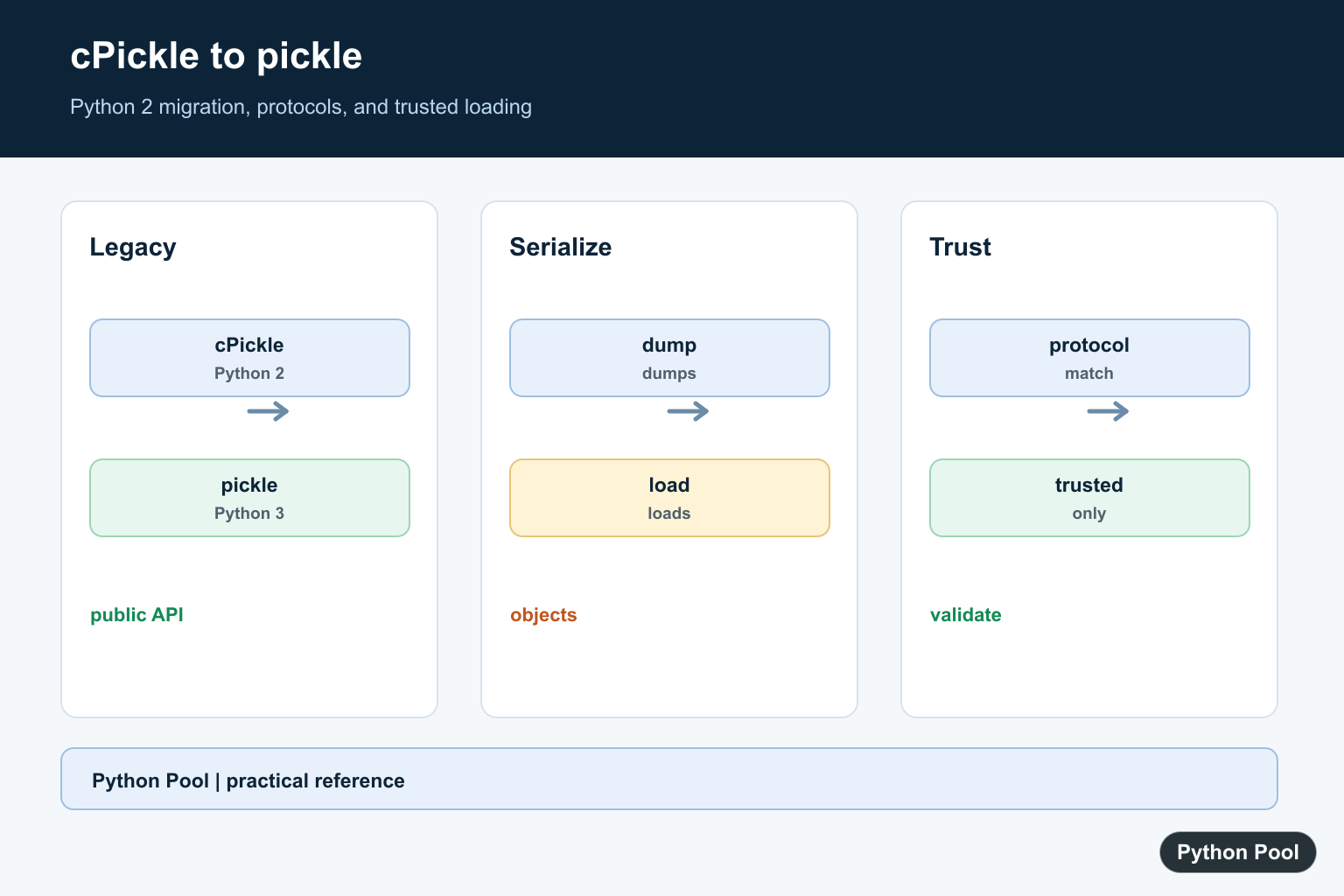
cPickle was a Python 2 module for faster object serialization. In Python 3, cPickle is gone. Use the standard pickle module instead. Modern Python automatically uses its optimized implementation where available, so application code should import pickle, not cPickle.
If you see ModuleNotFoundError: No module named 'cPickle', the fix is usually a one-line import change. This guide shows the modern replacement, how to serialize and load objects, and when pickle is the wrong format to use. Pickle is only one storage option; Save Python Variables to a File compares it with text, JSON, CSV, and binary formats.
Why cPickle fails in Python 3
In Python 3, this import fails:
import cPickleThe local Python 3.14 check returned ModuleNotFoundError: No module named 'cPickle'. Replace it with:
import pickleYou do not need to import a private accelerator module in normal code. The public pickle API is the supported interface for object serialization.
Python 2 and Python 3 compatible import
If you maintain very old code that must still run on Python 2 and Python 3, use a fallback import:
try:
    import cPickle as pickle  # Python 2
except ImportError:
    import pickle             # Python 3
For new code, avoid the fallback and use only import pickle. If you are migrating old scripts, also review the guide to Python input() vs raw_input(), because that is another common Python 2 to Python 3 change.
Serialize an object with dumps()
pickle.dumps() converts a Python object into a bytes object. pickle.loads() converts those bytes back into the original object.
import pickle

record = {"language": "Python", "posts": 733, "active": True}
payload = pickle.dumps(record, protocol=pickle.HIGHEST_PROTOCOL)
restored = pickle.loads(payload)

print(type(payload))
print(restored == record)
On the local check, the payload was a bytes object and the restored object matched the original dictionary. Use pickle.HIGHEST_PROTOCOL when both writing and reading happen in modern Python environments and you want the most efficient protocol available in that interpreter.
Write and read a pickle file
Use pickle.dump() for writing to a file and pickle.load() for reading from a file. Open pickle files in binary mode.
import pickle

settings = {"theme": "light", "page_size": 25}

with open("settings.pkl", "wb") as f:
    pickle.dump(settings, f, protocol=pickle.HIGHEST_PROTOCOL)

with open("settings.pkl", "rb") as f:
    restored = pickle.load(f)

print(restored)
Binary mode matters: use "wb" when writing and "rb" when reading. If you are building file names dynamically, see how to get a filename from a path in Python.
Do not unpickle untrusted data
Pickle is powerful because it can reconstruct Python objects, but that also makes it unsafe for untrusted input. Do not use pickle.load() or pickle.loads() on data from users, unknown websites, public uploads, or messages you cannot authenticate.
For data exchange with other systems, prefer safer interchange formats such as JSON. For compression of trusted local pickle files, see the Python gzip guide. For integrity checks, the Python MD5 guide explains hashing concepts, though modern security-sensitive work should choose stronger hashes when possible.
pickle vs JSON
| Need | Better option | Reason |
|---|---|---|
| Save Python-only objects locally | pickle |
Preserves many Python object types. |
| Exchange data with APIs | json |
Portable and language-independent. |
| Read untrusted input | json |
Pickle is not safe for untrusted data. |
| Cache trusted intermediate objects | pickle |
Convenient for local Python workflows. |
If your data comes from user prompts or forms, start with safer parsing and validation. PythonPool’s Python user input guide covers input handling, and checking your Python version helps confirm whether you are running Python 2-era code or modern Python.
Common cPickle migration errors
If the error is No module named 'cPickle', replace import cPickle with import pickle. If old code uses cPickle.dumps(), change it to pickle.dumps(). If it uses cPickle.load(), change it to pickle.load().
# Old Python 2 style
# import cPickle
# payload = cPickle.dumps(data)

# Modern Python 3 style
import pickle
payload = pickle.dumps(data, protocol=pickle.HIGHEST_PROTOCOL)
If your old script also has command-line exits, the Python exit guide shows modern sys.exit() usage. If it works with local test files, the Python HTTP server guide can help you serve a directory during testing.
Official references
The examples here follow the Python documentation for the pickle module, pickle.dumps(), pickle.loads(), pickle.dump(), pickle.load(), and json.
Conclusion
For Python 3, the answer to cPickle is simple: use pickle. Replace old imports, use dumps() and loads() for bytes, use dump() and load() for files, and never unpickle data you do not trust. When a reader uses an older Python runtime than the pickle writer, Fix ValueError: unsupported pickle protocol 5 explains how to choose a compatible protocol.
Use The Public Module
Replace import cPickle with import pickle in new Python 3 code. The public API covers dump, dumps, load, and loads, while the interpreter can use its optimized implementation internally.
Migrate Old Imports Carefully
A temporary compatibility import can support a codebase that still runs on Python 2 and Python 3, but it should be isolated and covered by tests. New code should not preserve a legacy fallback without a real support requirement.
Choose A Serialization Boundary
Pickle preserves Python object graphs and is convenient for trusted internal caches or Python-to-Python workflows. JSON, CSV, or a domain format is often better when another language or long-term interchange is involved.
Keep Protocols Compatible
A writer and reader must agree on a protocol supported by the oldest target runtime. Record the Python version and protocol for artifacts that move between environments.
Never Unpickle Untrusted Data
Pickle is not a security boundary. A malicious stream can execute code while being loaded, so authenticate the source or use a safer validated representation for external input.
The Python pickle documentation describes protocols, the public API, and the untrusted-data warning. Related references include protocol compatibility, version checks, and migration tests.
For related serialization fixes, compare protocol compatibility, Python version checks, and migration tests when updating old code.
Frequently Asked Questions
What replaced cPickle in Python 3?
Use the standard pickle module. Python 3 integrates the optimized implementation behind the public pickle API.
How do I migrate a cPickle import?
Replace import cPickle with import pickle and update any code that relied on private or version-specific names.
Can pickle load untrusted data?
No. Unpickling can execute code, so only load data from a trusted source or use a safer validated format.
How do I support old Python 2 code temporarily?
A compatibility import can fall back from cPickle to pickle, but new Python 3 code should use pickle directly.
