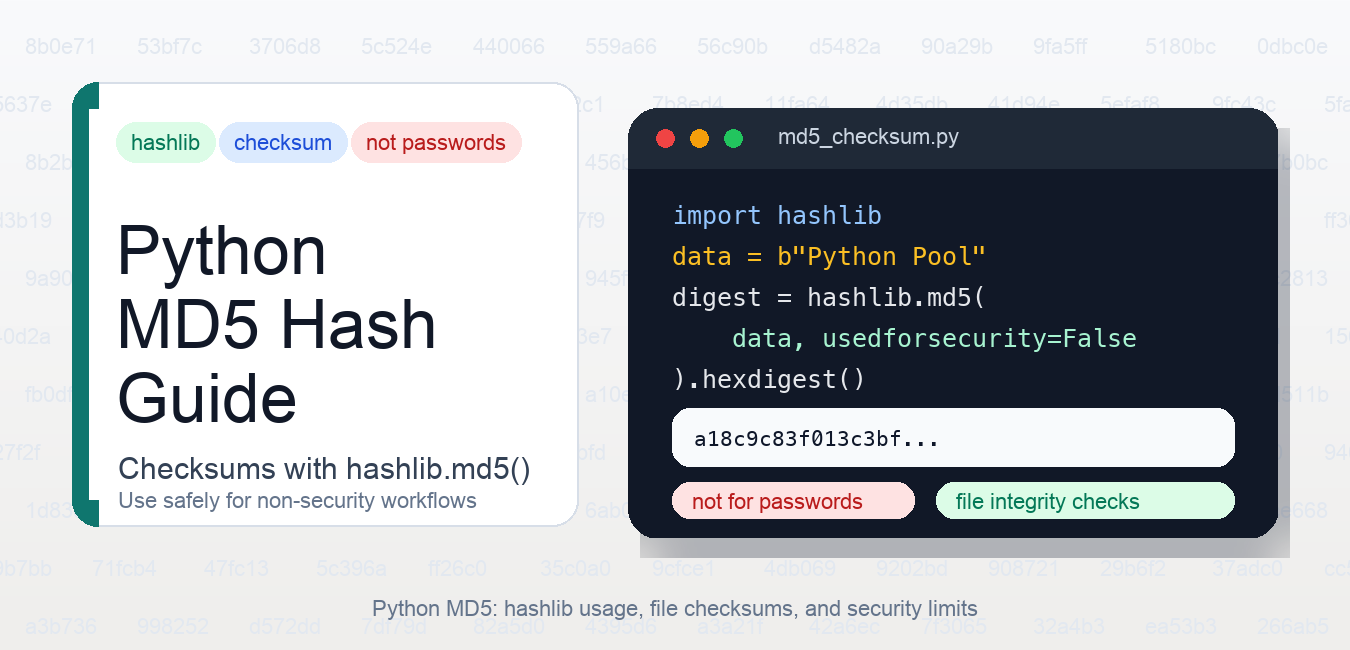
Quick answer: hashlib.md5 is appropriate for legacy or non-adversarial checksums, not passwords, signatures, or security-sensitive integrity. Use a modern digest such as SHA-256 for collision-resistant integrity and a dedicated password hash for credentials.
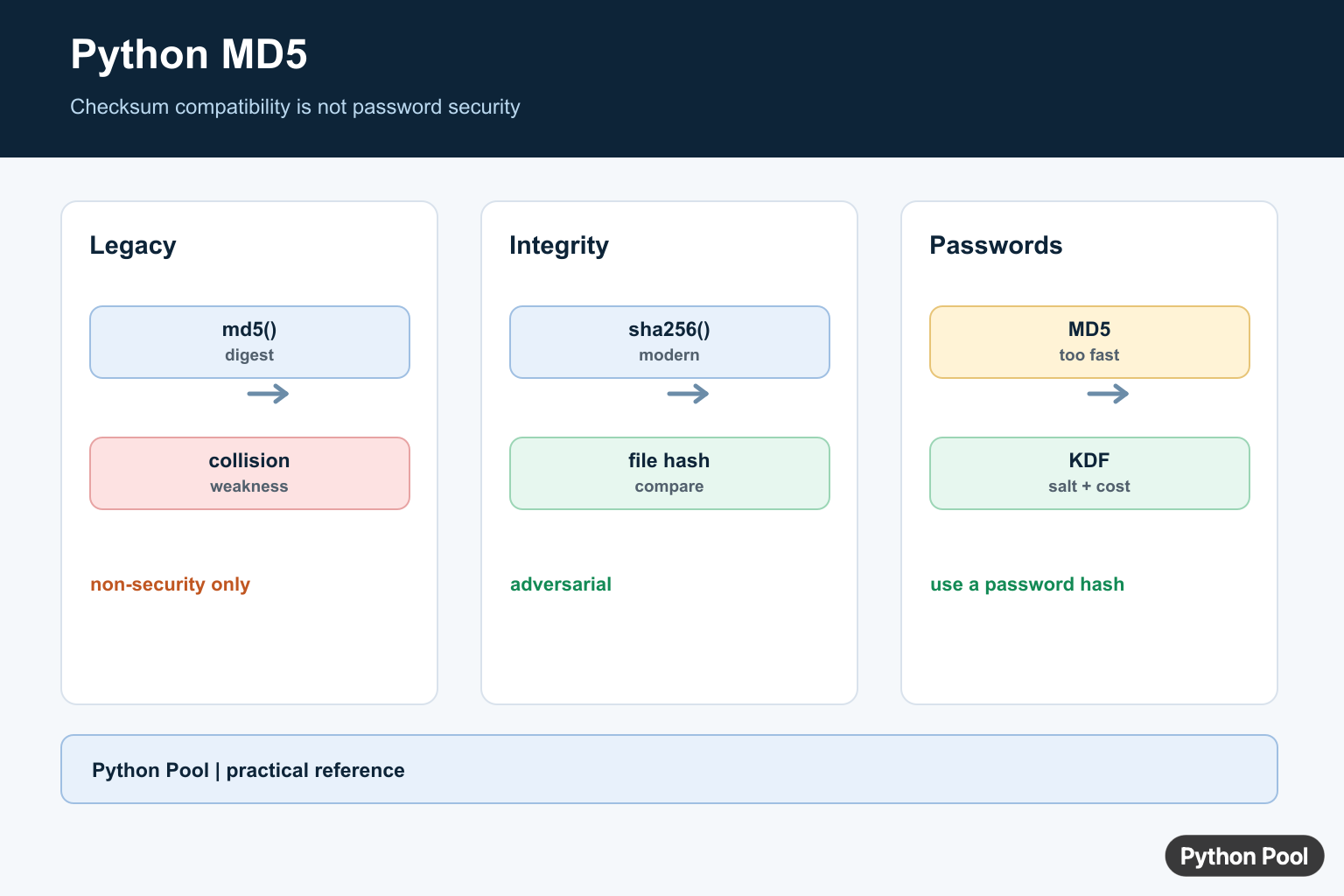
Python MD5 hashing is available through the standard-library hashlib module. MD5 returns a 128-bit digest, usually shown as a 32-character hexadecimal string. It is still useful for non-security tasks such as legacy checksums, quick file identity checks, and matching old systems that already store MD5 values. The legacy crypt module is separate from hashlib; Fix Python crypt Module Not Supported on Windows explains its Windows compatibility failure and safer alternatives.
MD5 should not be used for passwords, authentication tokens, digital signatures, or new security-sensitive designs. It has known collision weaknesses. If you need a modern general-purpose digest, use SHA-256 instead; PythonPool also has a separate guide to Python SHA256.
Basic Python MD5 example
Use hashlib.md5() with bytes. If you start with a string, encode it first. The hexdigest() method returns the readable hexadecimal form.
import hashlib

message = "Python Pool".encode("utf-8")
digest = hashlib.md5(message, usedforsecurity=False).hexdigest()

print(digest)
Output:
a18c9c83f013c3bfcaa403ec881f687aThe usedforsecurity=False keyword is available in modern Python versions and makes the intent explicit: this example is not using MD5 for security. In older Python versions, you may see examples without that keyword. The bytes requirement is important; if you pass a normal string directly, Python raises a type error. For related encoding cleanup, see bytes to string in Python and the fix for a byte-like object is required, not str.
digest() vs hexdigest()
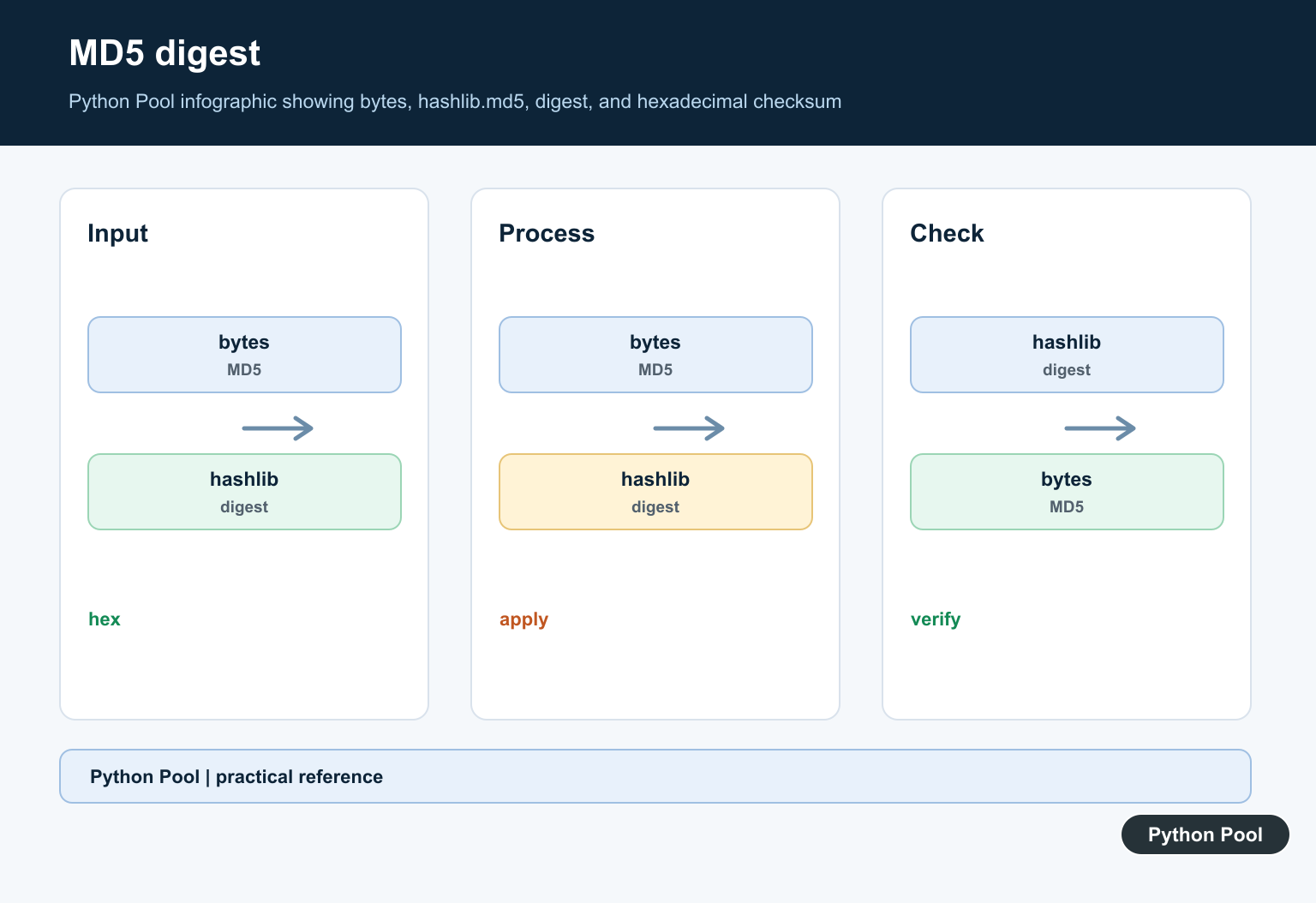
digest() returns the raw bytes of the hash. hexdigest() returns hexadecimal text. Most logs, checksum files, APIs, and command-line comparisons use hexdigest() because it is easy to copy and compare.
import hashlib

value = b"Python Pool"
md5 = hashlib.md5(value, usedforsecurity=False)

print(md5.digest())
print(md5.hexdigest())
The hexadecimal output is not a decimal number. It uses base 16 characters from 0 to 9 and a to f. If you are parsing hexadecimal values, the guide to hexadecimal to decimal in Python is relevant.
MD5 file checksum in Python
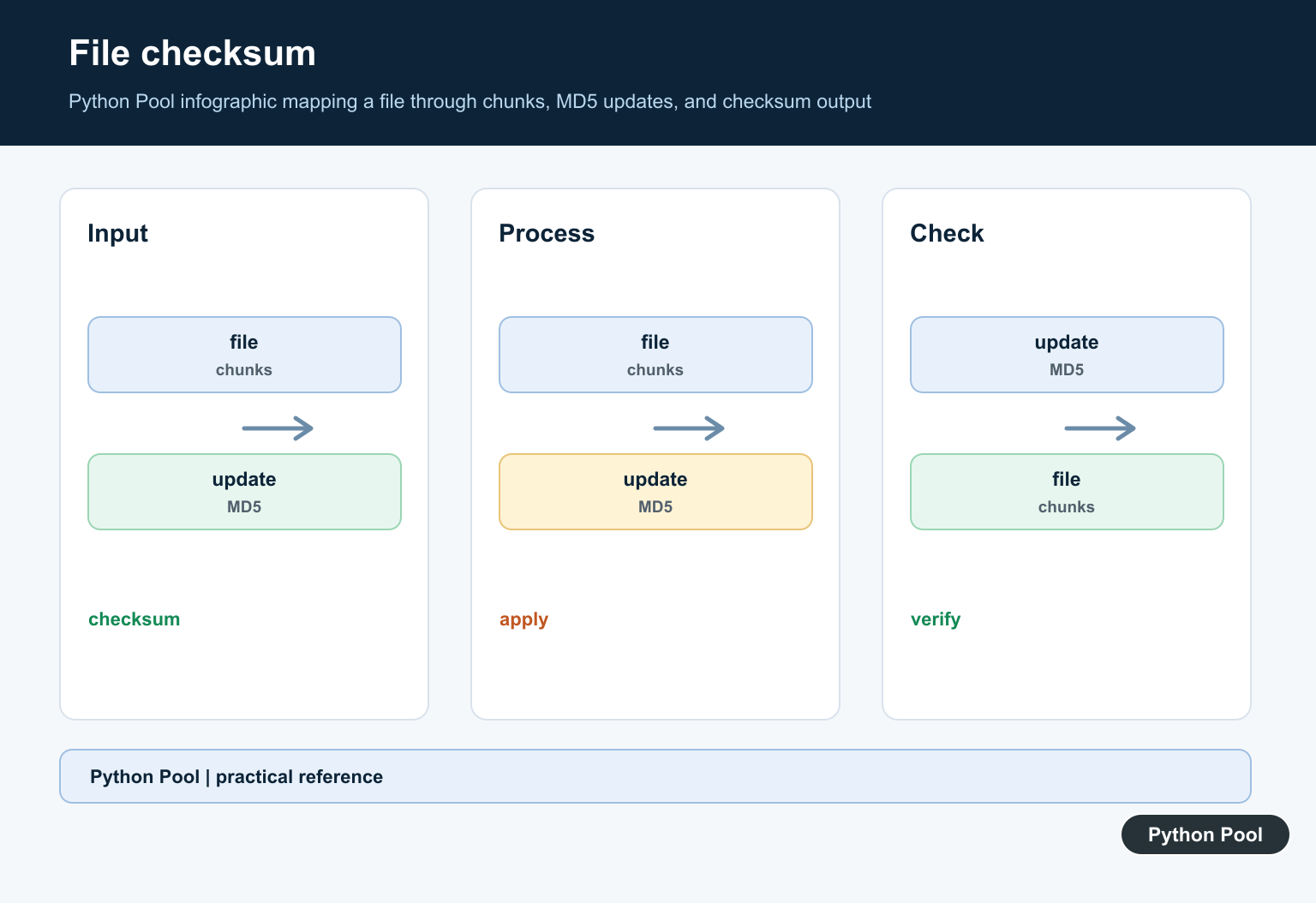
For files, do not read the whole file into memory unless the file is small. Update the hash object in chunks. This works for large downloads, archives, generated reports, and any workflow where you need to detect accidental changes.
import hashlib
from pathlib import Path

path = Path("sample.txt")
md5 = hashlib.md5(usedforsecurity=False)

with path.open("rb") as file:
    for chunk in iter(lambda: file.read(8192), b""):
        md5.update(chunk)

print(md5.hexdigest())
The file is opened in binary mode so the digest is based on the exact bytes on disk. Text mode can change newline handling on some platforms, which would produce a different hash. For adjacent file workflows, see reading files line by line, writing bytes to a file, and getting a filename from a path.
Compare an MD5 checksum safely
If you compare a calculated checksum with an expected checksum, normalize both strings and use hmac.compare_digest(). That function avoids timing differences in comparisons. The timing protection does not make MD5 cryptographically safe, but it is still a better comparison habit.
import hmac

expected = "a18c9c83f013c3bfcaa403ec881f687a"
actual = "a18c9c83f013c3bfcaa403ec881f687a"

if hmac.compare_digest(actual.lower(), expected.lower()):
    print("checksum matches")
else:
    print("checksum changed")
This pattern is useful for verifying a published checksum or checking whether a local file changed unexpectedly. It should not be treated as proof that a file is safe or trusted unless the checksum came from a trusted, authenticated source.
When MD5 is acceptable
MD5 is acceptable for non-adversarial integrity checks, deduplication hints, cache keys, and compatibility with legacy databases or APIs. In those cases, a hash collision is usually inconvenient rather than a security break. Even then, document why MD5 is being used so a future maintainer does not reuse the code for passwords or signatures.
For compression and archive workflows, a checksum can help detect accidental changes before or after processing. The Python gzip guide covers a related file-processing workflow where clear binary handling also matters.
When not to use MD5
Do not use MD5 for password storage, password reset links, API keys, session tokens, signatures, certificate checks, or any place where an attacker can choose inputs. For passwords, use a password hashing function with a salt and a work factor, such as Argon2, bcrypt, scrypt, or PBKDF2. For random tokens, use Python’s secrets module. For new file digests where compatibility is not forcing MD5, SHA-256 is usually the safer default.
If you are working more broadly with hashing APIs, the PythonPool guide to hashlib in Python covers the standard module beyond MD5.
Official references
- Python hashlib documentation
- Python hashlib.md5 documentation
- Python hashlib usage notes
- Python hmac.compare_digest documentation
- Python secrets documentation
- Python bytes documentation
- NIST SP 800-131A Rev. 2
- RFC 6151: Updated Security Considerations for MD5
Calculate A Compatibility Digest
Hash constructors consume bytes and expose digest or hexdigest. Encode text explicitly and keep the digest contract stable when interoperating with a legacy system. In Python versions that support it, usedforsecurity=False documents that MD5 is not being used as a security primitive.
import hashlib

message = "Python Pool".encode("utf-8")
digest = hashlib.md5(message, usedforsecurity=False).hexdigest()
print(digest)
Do Not Use MD5 For Security
MD5 has known collision weaknesses. An attacker can deliberately construct different inputs with the same digest, so MD5 is not suitable for passwords, signatures, authorization tokens, or adversarial file verification. Its speed is also a liability for password guessing.
import hashlib

message = b"data"
print(hashlib.sha256(message).hexdigest())
Hash Files In Binary Mode
For a file checksum, open the file in rb mode and update the digest in chunks so memory use does not scale with file size. Compare the expected digest using the protocol required by the source, and choose SHA-256 when you control the format.
import hashlib

digest = hashlib.sha256()
with open("archive.bin", "rb") as handle:
    for chunk in iter(lambda: handle.read(1024 * 1024), b""):
        digest.update(chunk)
print(digest.hexdigest())
Python’s hashlib documentation warns about MD5 collision weaknesses and defines usedforsecurity.
For related data-integrity boundaries, compare text and bytes, file copying, and optional dependencies without treating a checksum as authentication.
Frequently Asked Questions
How do I calculate an MD5 hash in Python?
Call hashlib.md5 on bytes and read hexdigest(), using usedforsecurity=False when the digest is explicitly non-security compatibility work.
Is MD5 secure for passwords?
No. MD5 is fast and collision-weakened; use a salted, tunable password-hashing scheme instead.
What should replace MD5 for file integrity?
Use SHA-256 or another modern digest when the integrity check must resist collisions or adversarial manipulation.
Why can hashlib.md5 be unavailable?
A restricted FIPS-compliant build may block MD5 for security use; non-security compatibility use may allow usedforsecurity=False where supported.
