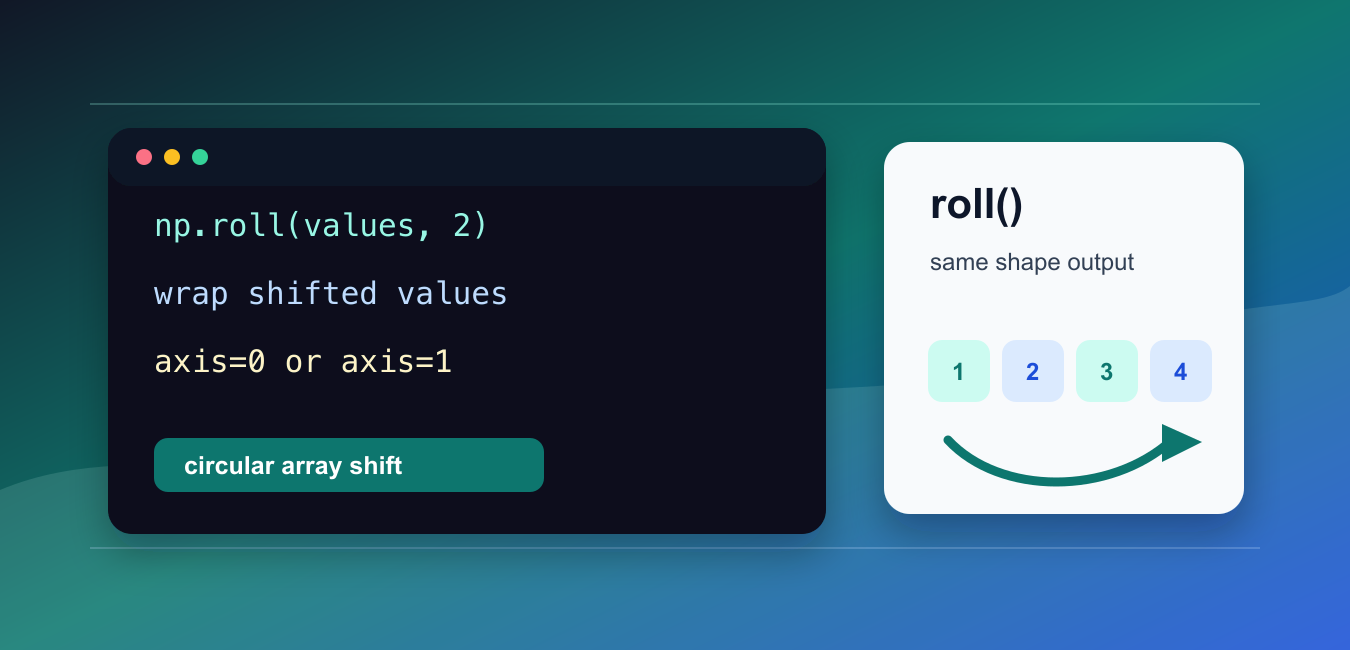
Quick answer: np.roll performs a circular shift: values that leave one edge re-enter at the opposite edge. Choose the shift and axis explicitly, and remember that this is different from padding, slicing, or deleting elements.
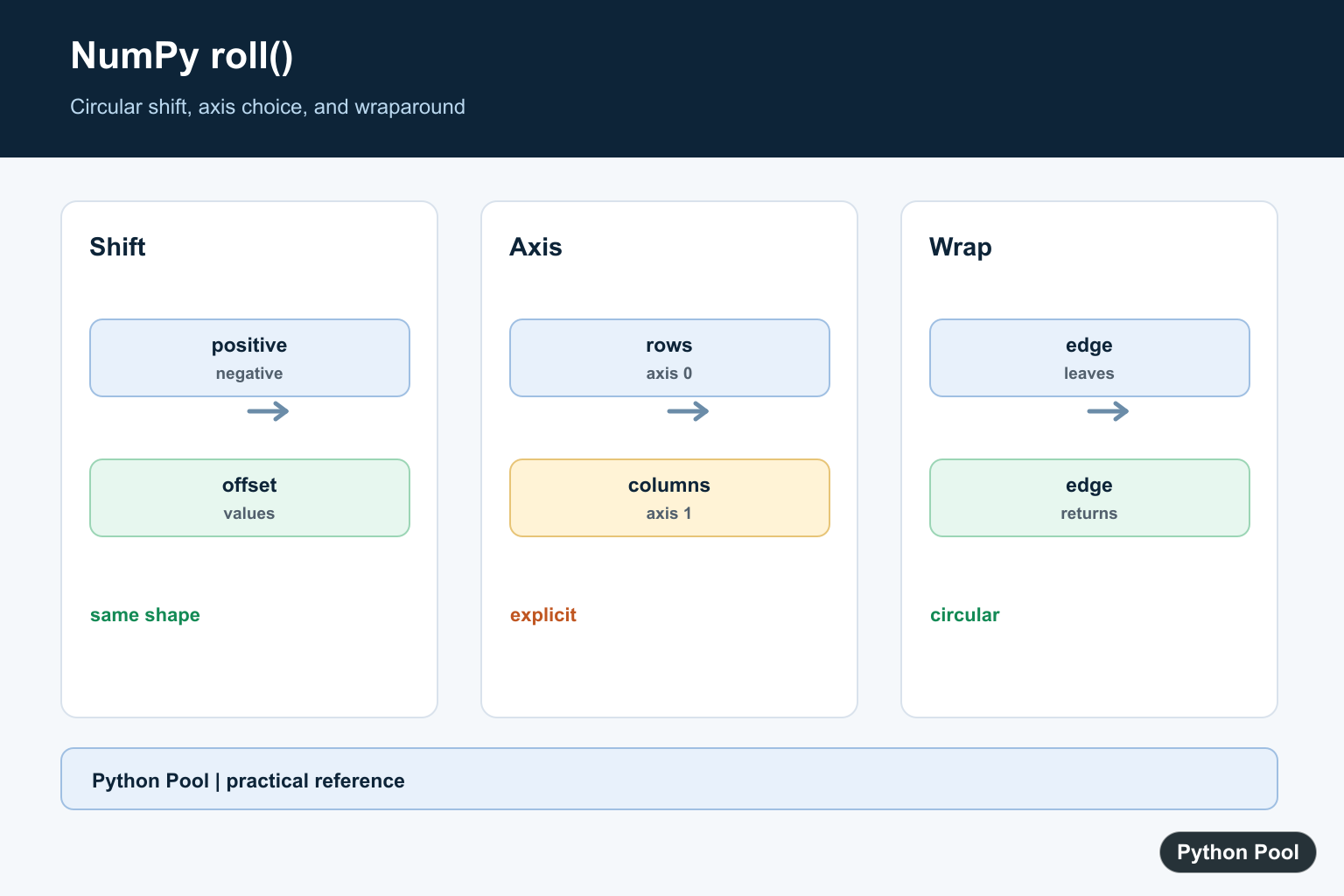
numpy.roll() shifts array elements by a chosen number of positions. Values that move past one end wrap around to the other end.
The official NumPy documentation covers numpy.roll(), numpy.rollaxis(), and numpy.take().
Use roll() when data should shift circularly while keeping the same shape. It is useful for rotations, lagged comparisons, cyclic buffers, and examples that need wrapped movement.
The key arguments are a, shift, and axis. shift controls how far values move. axis controls the direction for multi-dimensional arrays.
If axis is omitted, NumPy flattens the input, rolls the flattened data, and then returns the result with the original shape.
Positive shifts move values toward higher indices along the selected axis. Negative shifts move values toward lower indices.
The output has the same shape as the input. roll() changes positions, not array size.
Before using it, decide whether wrapping is desired. If values should fall off instead of wrapping around, slicing or padding is usually a better fit.
For multiple axes, pass tuples for both shift and axis so each axis has a matching shift.
A practical review step is to ask whether the data is truly cyclic. Days of the week, circular buffers, and wrapped grids can make sense with roll(). Ordinary sorted records often should not wrap.
If the roll is being used to compare each value with a previous value, remember that the wrapped edge value participates in the comparison too.
Roll A One-Dimensional Array
Pass a positive shift to move values to the right.
import numpy as np

values = np.array([1, 2, 3, 4, 5])

result = np.roll(values, 2)

print(result)
The last two values wrap around to the front.
The result has the same length as the input.
This is the simplest form of roll().
Use it when a sequence should rotate without losing values.
If losing values at the edge is intended, use slicing instead of roll(). The wraparound behavior is the defining feature here.
Use A Negative Shift
Negative shifts move values in the opposite direction.
import numpy as np

values = np.array([1, 2, 3, 4, 5])

result = np.roll(values, -2)

print(result)
The first two values wrap around to the end.
This is useful for leading comparisons or left rotations.
Positive and negative shifts are symmetric.
Choose the sign that matches the direction you want to inspect.
When debugging, try a tiny array like [1, 2, 3] first. That makes the shift direction obvious.
Roll Rows
Use axis=0 to roll rows up or down.
import numpy as np

data = np.array([
    [1, 2],
    [3, 4],
    [5, 6],
])

result = np.roll(data, 1, axis=0)

print(result)
The last row wraps around to the top.
The column order inside each row stays the same.
Use this form when each row is a time step, record, or grid row.
Check the axis carefully because rolling rows and rolling columns answer different questions.
For row-based time series, this can create a lagged version of the data. Handle the wrapped first row deliberately if it should not be treated as a real previous observation.
Roll Columns
Use axis=1 to roll values across columns.
import numpy as np

data = np.array([
    [1, 2, 3],
    [4, 5, 6],
])

result = np.roll(data, 1, axis=1)

print(result)
The last column wraps around to the first column.
The row order stays unchanged.
This is useful for circular column shifts and grid-style examples.
For table data, make sure column order is truly cyclic before using this.
Rolling feature columns is less common than rolling rows. It is usually appropriate only when neighboring columns have ordered meaning.
Roll Multiple Axes
Pass tuples to shift multiple axes in one call.
import numpy as np

data = np.array([
    [1, 2, 3],
    [4, 5, 6],
])

result = np.roll(data, shift=(1, -1), axis=(0, 1))

print(result)
This rolls rows by one and columns by negative one.
The shift tuple lines up with the axis tuple.
Use this form when a two-dimensional grid needs a circular shift in both directions.
Keep tuple lengths matched so the call is easy to review.
For complex grid shifts, write the axis tuple explicitly instead of relying on defaults. That makes the intended movement easier to maintain.
Compare Flattened And Axis Rolls
Omitting axis rolls the flattened array.
import numpy as np

data = np.array([
    [1, 2, 3],
    [4, 5, 6],
])

flat_roll = np.roll(data, 1)
axis_roll = np.roll(data, 1, axis=1)

print(flat_roll)
print(axis_roll)
The two results differ because the first call rolls flattened data.
The second call rolls within each row.
This is why production code should usually pass axis. The default flattened behavior is concise, but it can hide layout assumptions.
In short, use np.roll(array, shift) for circular shifts, pass axis for row or column control, and avoid roll() when values should be dropped instead of wrapped.
Roll A One-Dimensional Array
A positive shift moves values toward larger indices and wraps the last values to the front. The output keeps the same shape as the input.
import numpy as np

values = np.array([10, 20, 30, 40])
print(np.roll(values, 1))
print(np.roll(values, -1))
Choose An Axis
For a matrix, axis=0 shifts rows and axis=1 shifts columns. Naming the axis is safer than flattening a multidimensional array accidentally.
import numpy as np

values = np.arange(6).reshape(2, 3)
print(np.roll(values, 1, axis=0))
print(np.roll(values, 1, axis=1))
Shift Several Axes
Pass sequences of shifts and axes when each dimension needs its own circular offset. The sequences must have matching lengths.
import numpy as np

values = np.arange(12).reshape(3, 4)
shifted = np.roll(values, shift=(1, -1), axis=(0, 1))
print(shifted)
Know What Roll Does Not Do
roll does not fill a new boundary with zeros and does not reduce the array. Use pad, slice, or a masked operation when wraparound is not intended.
import numpy as np

values = np.array([1, 2, 3])
rolled = np.roll(values, 1)
if rolled.shape != values.shape:
    raise RuntimeError("unexpected shape change")
print(rolled)
NumPy’s roll() reference defines circular shifts and axes. Related references include padding, axis selection, and numerical derivatives.
For related array transformations, compare padding, axis selection, and numerical derivatives when choosing a shift.
Frequently Asked Questions
What does np.roll do?
It shifts array elements and wraps values that pass an edge back to the opposite side.
What does axis control in np.roll?
axis selects the dimension along which values are shifted; without it, the array is flattened for the operation.
Can I shift multiple axes?
Yes. Pass matching sequences of shifts and axes when each dimension needs a different circular offset.
Does np.roll change the original array?
It returns a shifted array and does not modify the input array in place.
