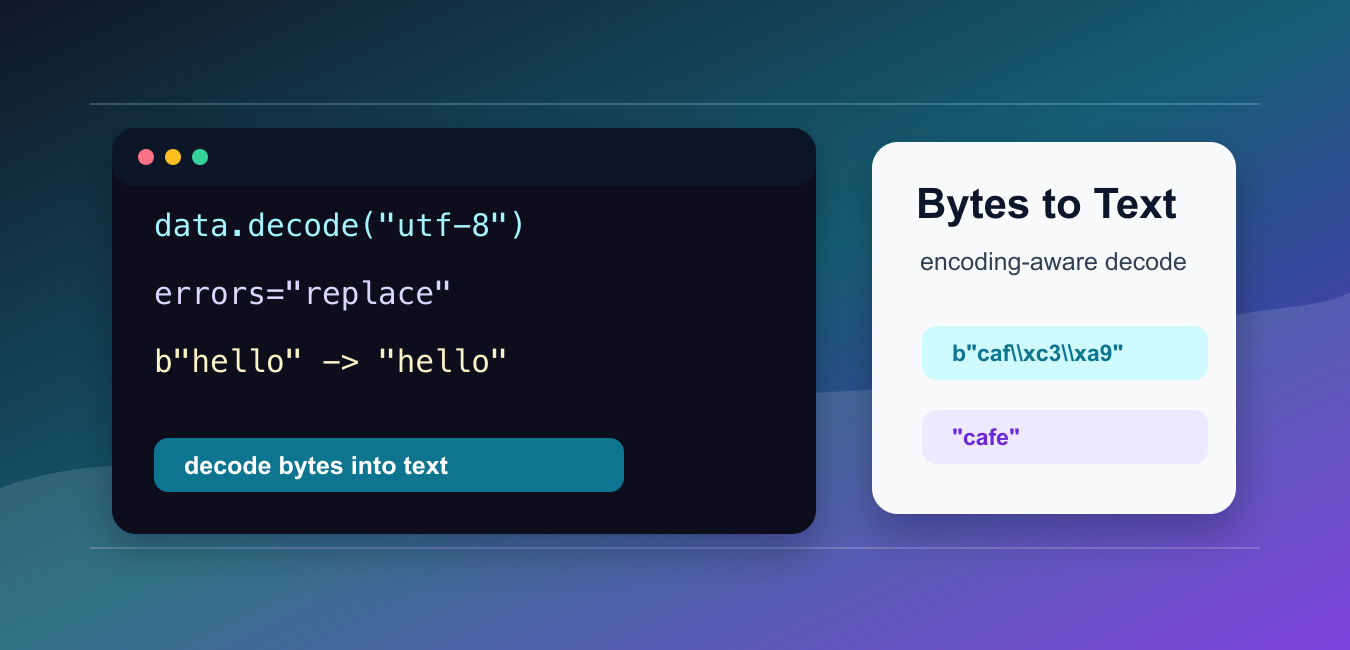
Quick answer: Convert Python bytes to text with bytes.decode() and the encoding that matches the data, usually UTF-8. Keep binary data as bytes until the boundary where it becomes text, and choose an error policy deliberately.
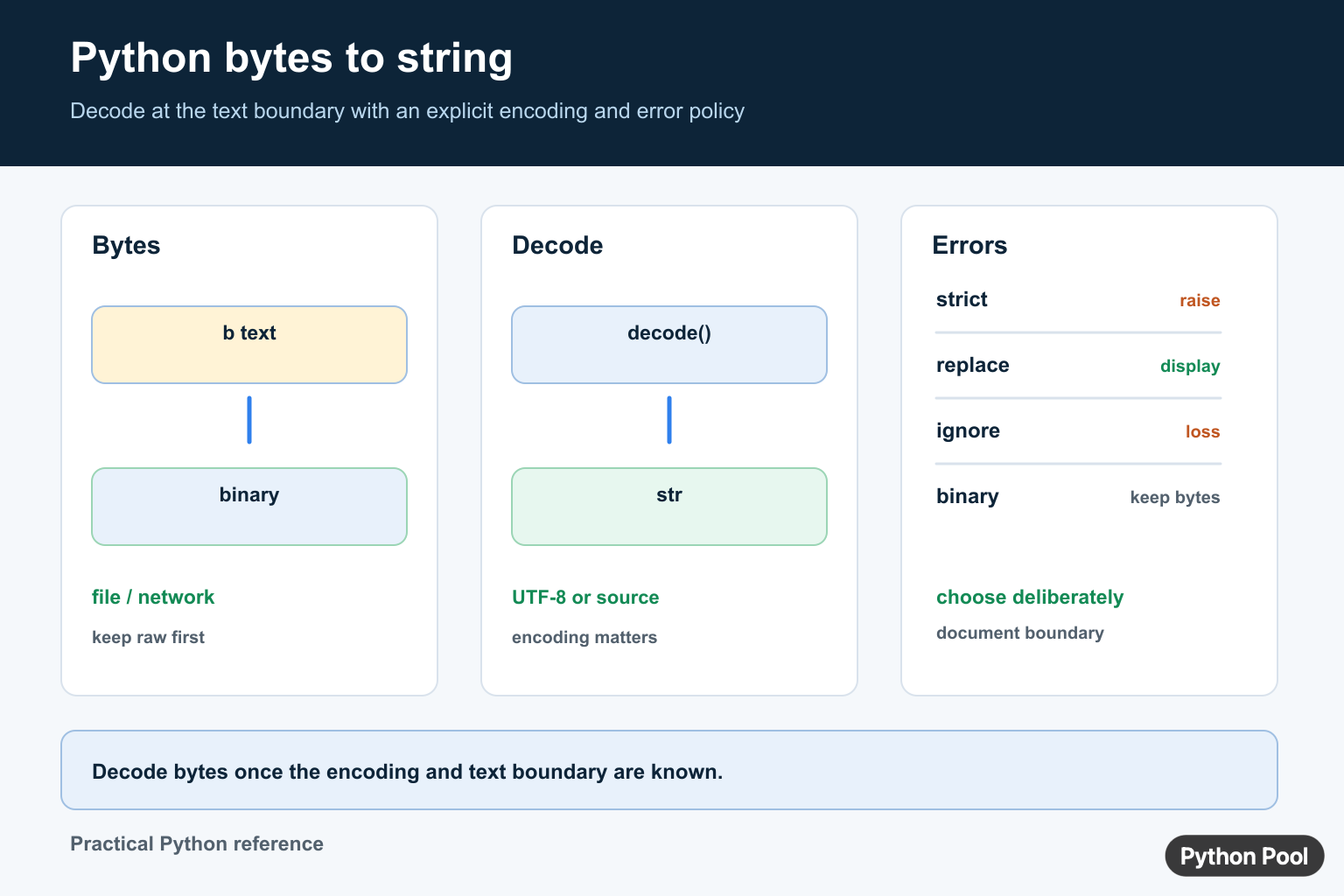
To convert bytes to a string in Python, call decode() on the bytes object and pass the correct encoding. In most modern text data, that encoding is "utf-8".
The official Python documentation covers bytes.decode() and the standard codec error handlers.
Bytes are raw binary data. A string is text. Decoding is the step that tells Python how the raw bytes should be interpreted as characters. If the encoding is wrong, the output may be unreadable or the conversion may fail.
Do not use str(data) as a replacement for decoding. That produces the representation of the bytes object, including the leading b, rather than the text inside the bytes.
The safest workflow is to keep the source format clear. If data comes from a file, network response, subprocess, database, or device, look for the documented encoding first. Guessing can work for simple ASCII text, but it fails quickly when names, accents, symbols, or non-English text appear.
Once bytes are decoded, the result is a normal Python string. You can call string methods, measure its length, split it, search it, or pass it to other text APIs. Keep bytes only when the data is truly binary or when the encoding boundary has not been reached yet.
Decode UTF-8 Bytes
Use decode("utf-8") for ordinary UTF-8 text.
data = b"Hello, Python!"

text = data.decode("utf-8")

print(text)
This returns a normal Python string.
UTF-8 is the most common encoding for web data, JSON, modern files, and API responses. Start with UTF-8 unless the source tells you to use something else.
If the data is generated by your own Python code, encode and decode with the same encoding. A mismatch is one of the most common causes of confusing text output.
Avoid str Bytes Output
str(data) does not decode the bytes unless an encoding is passed to str().
data = b"hello"

print(str(data))
print(data.decode("utf-8"))
print(str(data, encoding="utf-8"))
The first line prints a representation. The second and third lines produce actual text.
This distinction matters when writing logs, templates, CSV output, or responses where the leading b would be incorrect.
The representation is helpful for debugging because it shows escape sequences. It is not appropriate when the goal is user-facing text.
Use The Correct Encoding
Some data is not UTF-8. If the source uses latin-1, decode with latin-1.
data = b"caf\xe9"

text = data.decode("latin-1")

print(text)
The same bytes can mean different text under different encodings.
When reading from files or network systems, look for documentation, headers, metadata, or file specifications that state the encoding.
Some older files use encodings such as latin-1 or cp1252. If UTF-8 fails on legacy data, identify the actual source encoding instead of trying random options until one succeeds.
Handle Decode Errors
If bytes contain invalid data for the chosen encoding, decoding can raise UnicodeDecodeError.
data = b"hello\xffworld"

safe_text = data.decode("utf-8", errors="replace")
short_text = data.decode("utf-8", errors="ignore")

print(safe_text)
print(short_text)
errors="replace" inserts a replacement character. errors="ignore" drops invalid bytes.
Prefer replace when you need to preserve the fact that something was wrong. Use ignore only when losing those bytes is acceptable.
For audit logs and imports, replacing invalid bytes is often better than ignoring them because it leaves visible evidence that the source data had a problem.
Decode Bytes From A File
When reading raw bytes from a file, decode after reading.
from pathlib import Path

path = Path("message.txt")
path.write_bytes("Python café".encode("utf-8"))

data = path.read_bytes()
text = data.decode("utf-8")

print(text)
If you only need text, Path.read_text(encoding="utf-8") is shorter. Use byte reading when you truly need the raw bytes first.
Keeping the encoding explicit makes the code easier to move between systems with different defaults.
For scripts, prefer read_text() when text is all you need. Prefer read_bytes() when you need to inspect raw bytes, detect a format, or pass binary data to another API before decoding.
Decode Chunks Safely
If text arrives in chunks, join the bytes before decoding when possible.
chunks = [b"Py", b"thon", b" ", b"3"]

data = b"".join(chunks)
text = data.decode("utf-8")

print(text)
Joining first avoids splitting a multi-byte character across chunks during decoding.
For streaming protocols, use an incremental decoder from the codecs module. For simple collected chunks, joining and decoding once is usually enough.
Splitting a multi-byte character is a real issue with UTF-8 because one visible character may require more than one byte. Joining collected chunks first avoids decoding a partial character.
In short, convert bytes to a string with bytes.decode(), use the encoding that matches the source, and choose an explicit error policy when the input may be damaged or mixed. Decoding is a data-format decision, not just a syntax step.
Decode With An Explicit Encoding
Bytes are numeric data; strings are text. decode() interprets each byte sequence using a character encoding. UTF-8 is common for modern APIs and files, but the producer’s encoding is the source of truth. Do not use str(data) when you need decoded text, because it creates a representation that can include the leading b marker.
payload = b"Python Pool"
text = payload.decode("utf-8")
print(text)
print(str(payload))
Handle Invalid Data Deliberately
The default strict policy raises UnicodeDecodeError when the bytes are not valid for the chosen encoding. replace can keep a display pipeline running by inserting replacement characters, while ignore discards undecodable bytes and should be used only when data loss is acceptable.
payload = b"valid\xfftext"

try:
    print(payload.decode("utf-8"))
except UnicodeDecodeError as error:
    print(error)

print(payload.decode("utf-8", errors="replace"))
Keep The Boundary Clear
Read binary files with rb and text files with rt plus an encoding. Network clients may expose raw content and decoded text. Decode once at the application boundary, document the encoding, and keep cryptographic material, compressed payloads, and binary formats as bytes.
For I/O boundaries, continue with writing bytes to a file, StringIO, and reading a file line by line.
Frequently Asked Questions
How do I convert bytes to a string in Python?
Call data.decode() with the encoding used to create the bytes, commonly UTF-8 for modern text data.
What is the difference between decode() and str() for bytes?
decode() interprets bytes using a character encoding, while str(bytes_value) usually creates a representation such as b’hello’ rather than decoding the payload.
How do I handle invalid UTF-8 bytes?
Choose an explicit errors policy such as strict, replace, or ignore only when it matches the data contract; replacing or ignoring can lose information.
When should I keep data as bytes?
Keep it as bytes for binary files, cryptographic inputs, compressed data, and protocol payloads until a text boundary is clearly defined.

I am newbie in python, and I think is important for me. So, I rate it for me.
Good to know!
The 3rd method works well.
Yes, it’s probably the best method.
.docode()is also a simple way of converting!Which method has the best performance?
str() would be your best option here.