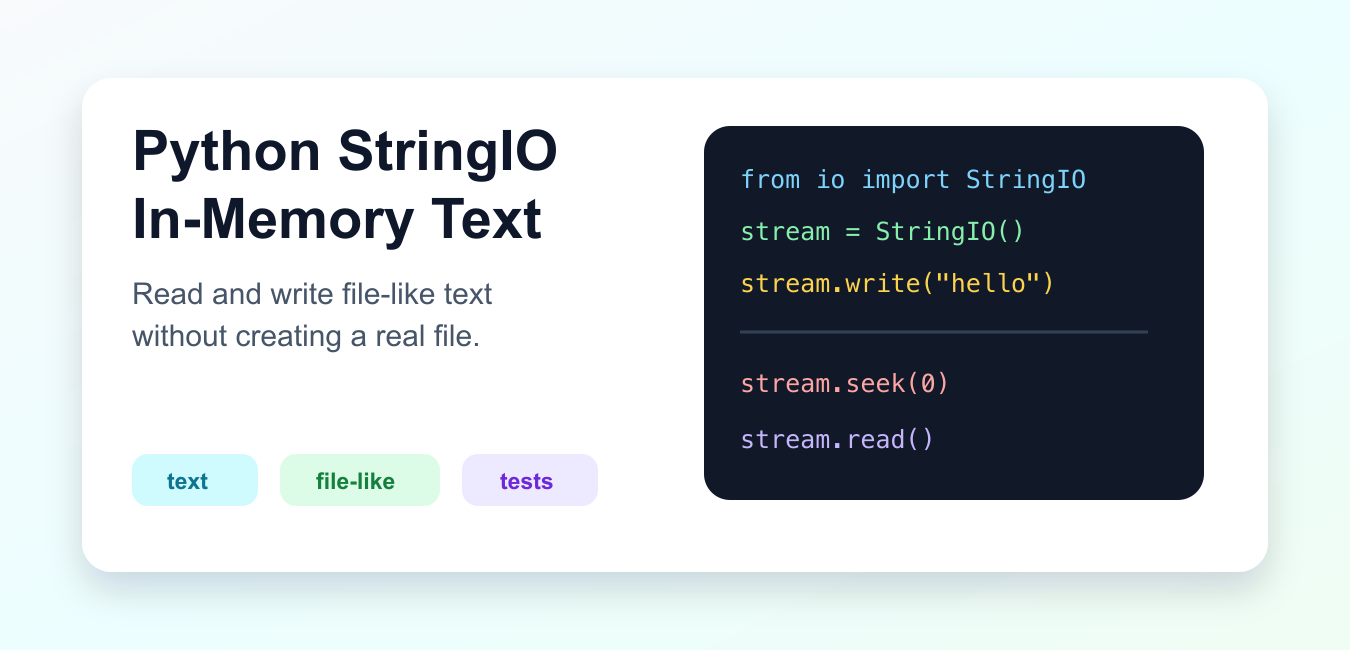
Quick answer: io.StringIO is a file-like text stream stored in memory. Write and read it with normal text-I/O methods, use seek to control the cursor, and call getvalue before closing when you need the complete buffer.
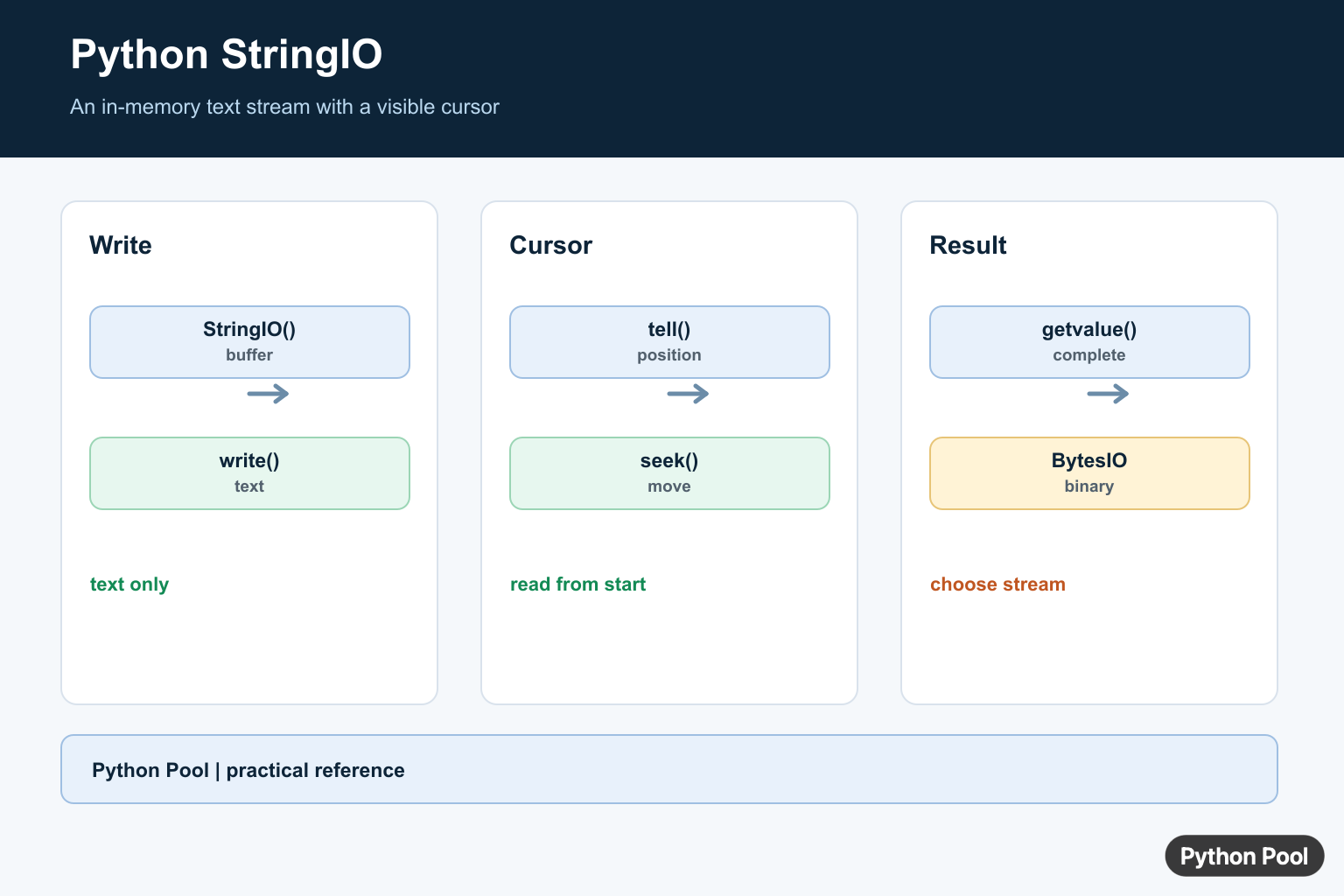
StringIO is a text stream that lives in memory. It behaves like a file object for strings, but it does not create a real file on disk. You can write text to it, move the cursor with seek(), read from it, and pass it to code that expects a text file-like object.
Import it from the standard-library io module. Use StringIO for text. Use BytesIO for bytes.
The official Python io.StringIO documentation describes the in-memory text stream class. The official Text I/O documentation explains text stream behavior.
Write Text In Memory
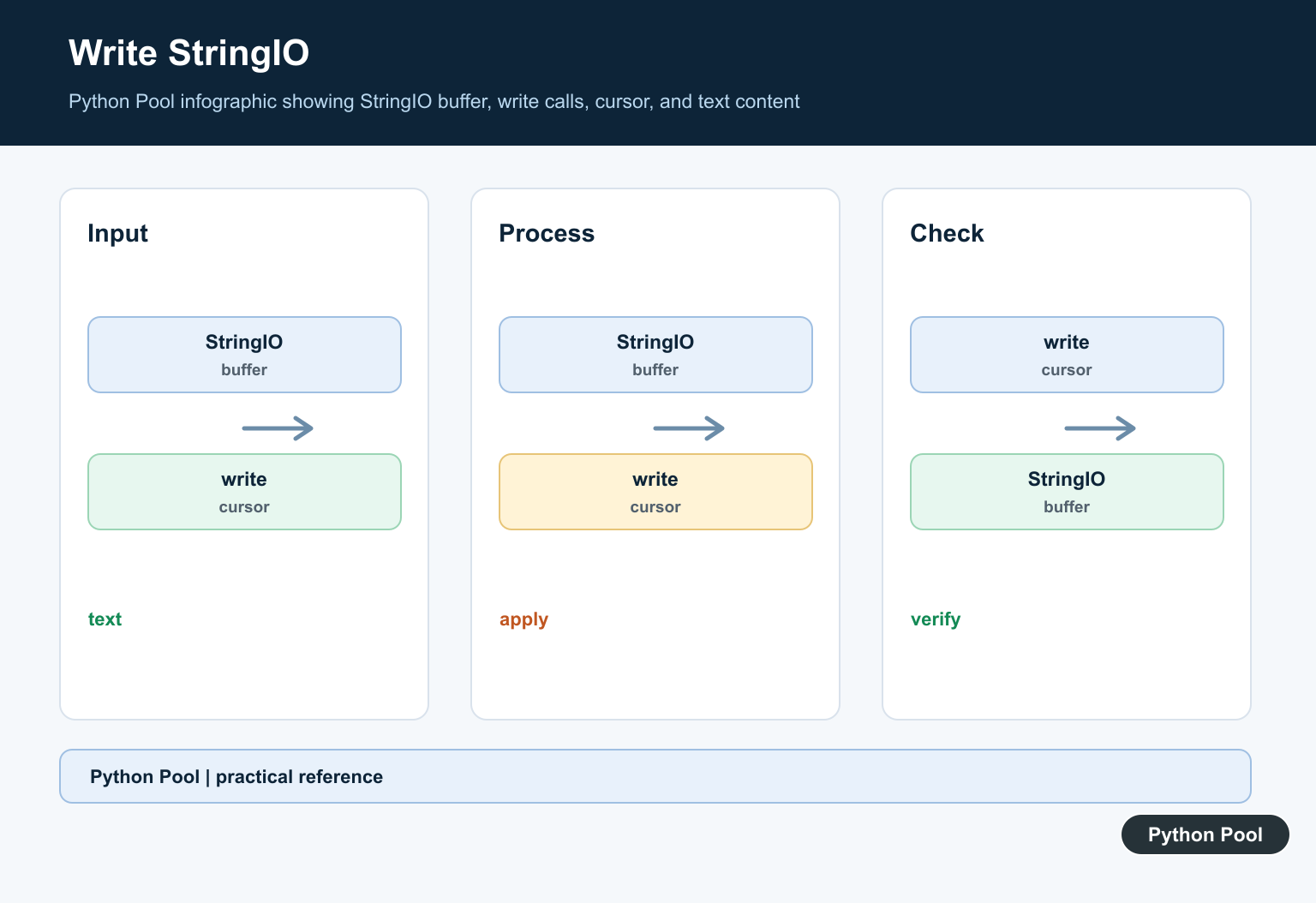
Create a StringIO object and write strings to it. Use getvalue() to retrieve all stored text.
from io import StringIO

stream = StringIO()

stream.write("first line\n")
stream.write("second line\n")

text = stream.getvalue()

print(text)
write() returns the number of characters written. The stream stores text in memory until it is closed or discarded.
This is useful for building a text result that should later be returned, tested, or passed to another function.
Read From The Beginning
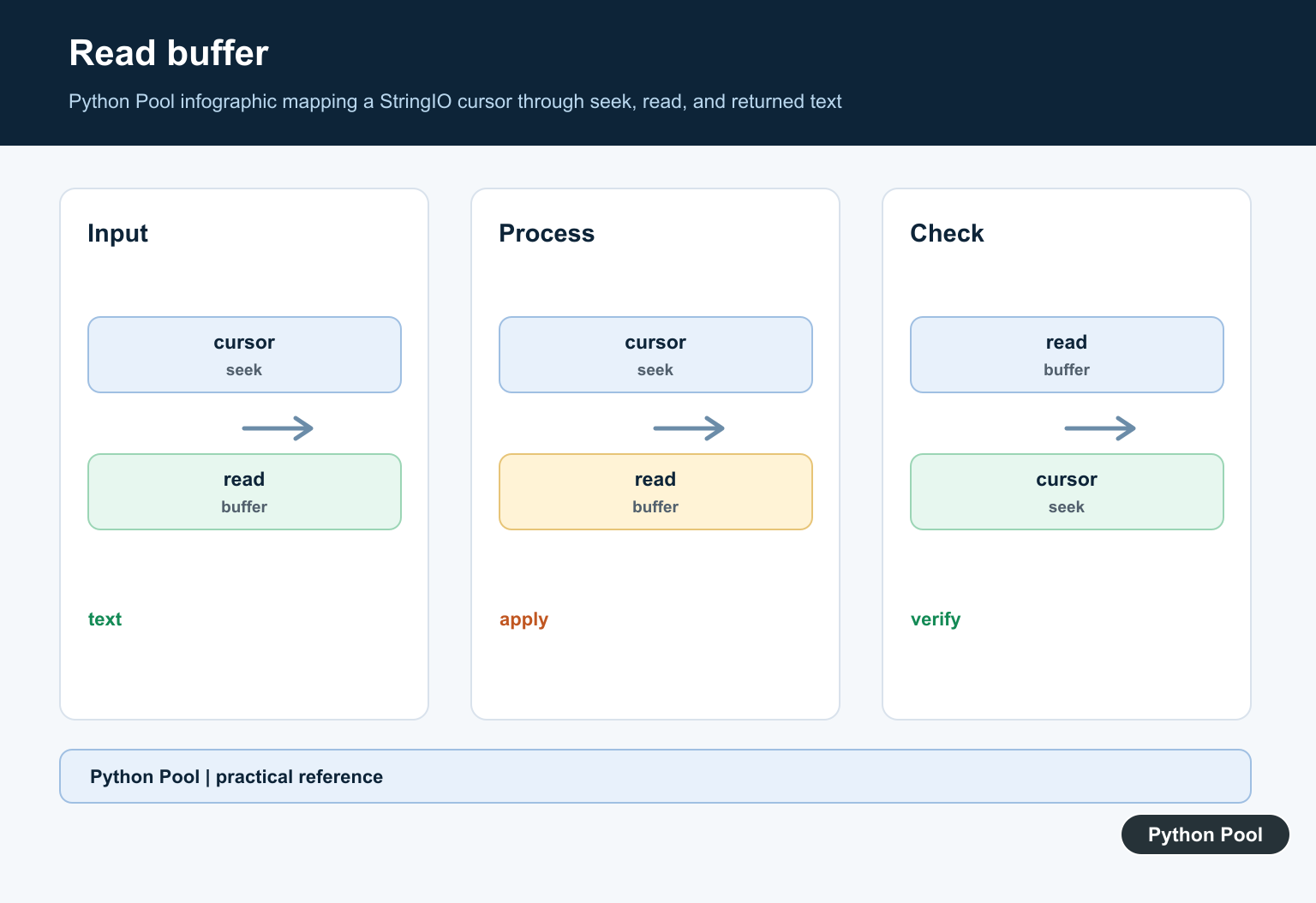
After writing, the stream cursor is at the end. Move it back with seek(0) before reading.
from io import StringIO

stream = StringIO()
stream.write("alpha\nbeta\n")

stream.seek(0)

print(stream.readline().strip())
print(stream.readline().strip())
If you forget seek(0), a read immediately after writing often returns an empty string because there is nothing after the current cursor position.
This cursor behavior matches real files, which is why StringIO works well for testing file-like code.
Start With Existing Text
You can pass initial text to the constructor. The stream is then ready to be read.
from io import StringIO

stream = StringIO("name,score\nAna,10\nBo,8\n")

header = stream.readline().strip()
rows = [line.strip() for line in stream]

print(header)
print(rows)
This pattern is helpful when a parser expects a file object but your test data is a string.
It keeps tests fast and avoids creating small files solely to exercise parsing logic.
Pass StringIO To File-Like Code
Functions that read from a text stream can accept a real file or a StringIO object.
from io import StringIO

def count_lines(file_obj):
    return sum(1 for line in file_obj if line.strip())

sample = StringIO("one\n\ntwo\nthree\n")

print(count_lines(sample))
This design makes code easier to test. Production can pass an object returned by open(), while tests can pass StringIO.
The function should depend on the small interface it needs, such as iteration or read(), instead of requiring a filesystem path.
Capture Printed Output
contextlib.redirect_stdout() can send printed text into a StringIO buffer.
from contextlib import redirect_stdout
from io import StringIO

buffer = StringIO()

with redirect_stdout(buffer):
    print("report")
    print("ready")

captured = buffer.getvalue()

print(captured)
This is useful in tests for command-line helpers. It lets the test inspect output without writing to the terminal.
For application logging, prefer the logging package. Use output capture when the function intentionally writes to standard output.
Parse CSV Text
Many standard-library tools accept file-like objects. The csv module works directly with StringIO.
import csv
from io import StringIO

text = "name,score\nAna,10\nBo,8\n"
stream = StringIO(text)

reader = csv.DictReader(stream)

for row in reader:
    print(row["name"], row["score"])
This keeps examples and tests compact while still exercising the same parser that reads real files.
Choose StringIO, BytesIO, Or A Real File
StringIO stores text, so every read and write works with str. If the code expects bytes, use BytesIO instead. Mixing text and bytes will raise type errors, just as it does with normal text and binary files.
Use a real file when data must survive after the program exits, when another process needs to read it, or when the content is too large to keep comfortably in memory. StringIO is a convenience for text streams, not a replacement for storage.
For tests, StringIO is often the cleanest option because it avoids setup and cleanup for small files. It also makes the test data visible next to the test, which improves review and maintenance.
Remember Cursor And Close Behavior
StringIO has a cursor just like a file. Writing advances the cursor, reading advances the cursor, and seek() moves it. Most surprising empty reads come from reading while the cursor is already at the end.
You can call close() when finished, or use a context manager. After closing, the stream can no longer be read or written. For short tests this usually does not matter, but production helpers should still clean up streams consistently.
Do not return a closed StringIO object to a caller that still needs to read from it. Return the string from getvalue(), or keep the stream open and document that the caller owns it.
StringIO is best for text-sized data that comfortably fits in memory. For large files, binary data, or output that must persist after the process exits, use normal files or streaming APIs instead.
The practical rule is simple: use StringIO when code wants a text file-like object and you already have, or want to create, a string in memory.
Write And Read In Memory
StringIO is useful for assembling generated text, testing code that expects a file-like object, and adapting APIs without creating a temporary file. It stores str values, not bytes, and starts with a cursor positioned according to its initial-value rules.
from io import StringIO

buffer = StringIO()
buffer.write("Python")
buffer.write(" Pool")
print(buffer.getvalue())
Control The Cursor
After writing, the cursor is at the end. Call seek(0) before reading from the beginning, or seek(0, io.SEEK_END) when appending to an initialized buffer. tell reports the current logical position.
import io

stream = io.StringIO("old text")
stream.seek(0)
print(stream.read())
stream.seek(0, io.SEEK_END)
stream.write(" + new")
print(stream.getvalue())
Choose StringIO Or BytesIO
StringIO is for text and accepts str. BytesIO is for binary bytes and accepts bytes-like values. Converting between them requires an encoding boundary; do not use StringIO as a substitute for a binary stream or file upload.
from io import BytesIO

text = StringIO()
text.write("hello")
binary = BytesIO()
binary.write(b"hello")
print(text.getvalue(), binary.getvalue())
Python’s StringIO reference documents getvalue, seek, newline handling, and the closed-buffer lifecycle.
For related stream boundaries, compare bytes decoding, multiline text, and file line reads.
Frequently Asked Questions
What is StringIO in Python?
io.StringIO is an in-memory text stream that exposes file-like read, write, seek, and getvalue operations.
How do I get text from StringIO?
Call buffer.getvalue() to retrieve the complete string without changing the current stream position.
How do I append to StringIO?
Seek to io.SEEK_END before writing, or initialize and write according to the cursor position you need.
Can StringIO replace BytesIO?
No. StringIO stores text str values; use BytesIO for binary bytes data.
