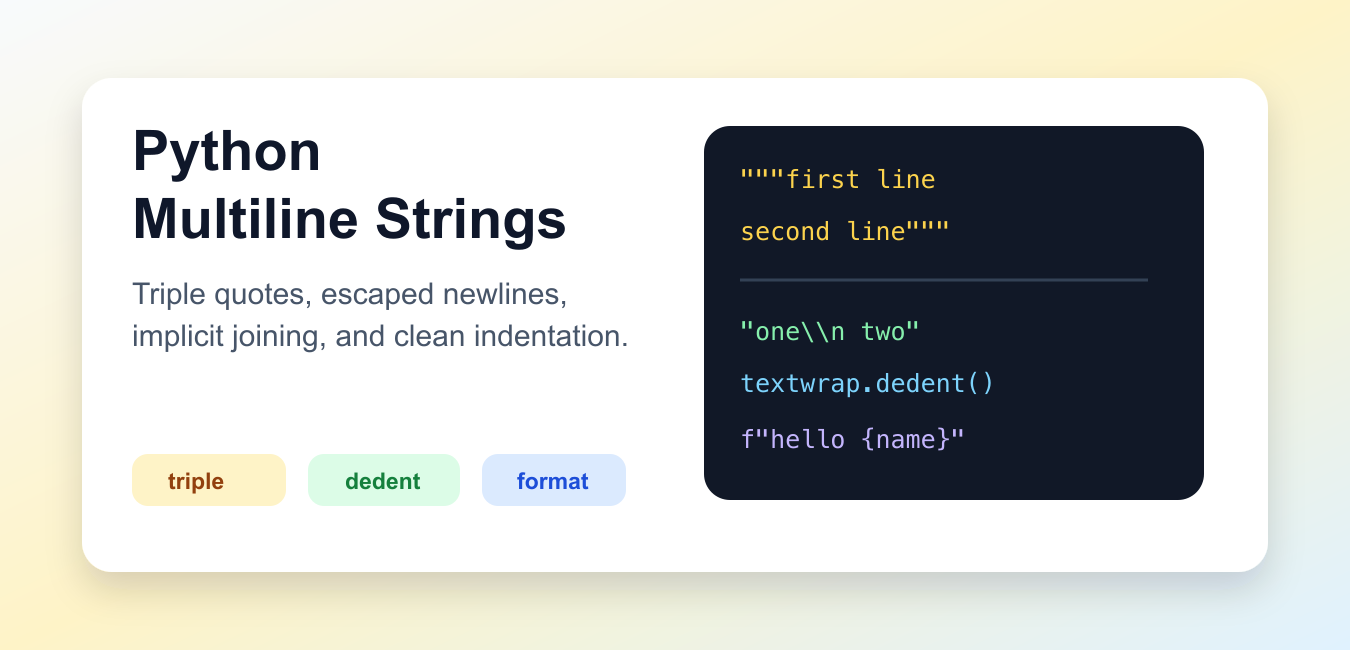
Quick answer: Use triple-quoted Python strings when the content should contain literal newlines. Use adjacent literals for long text without added line breaks, and use textwrap.dedent() when source indentation should not leak into the result.
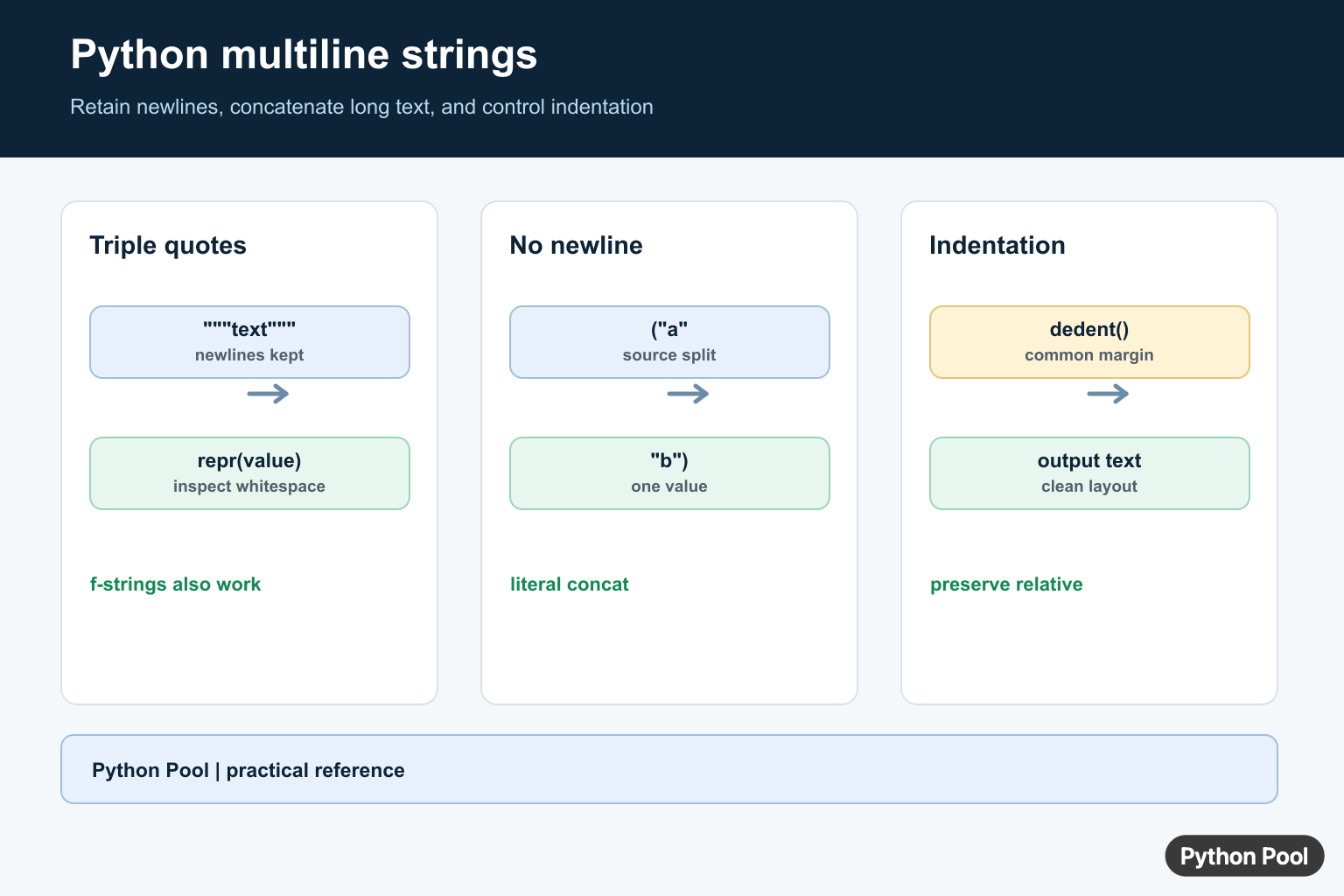
A Python multiline string is text that spans more than one source line or contains newline characters inside the final string. The most common form is a triple-quoted string, but it is not the only clean option.
Use triple quotes when the line breaks are part of the text. Use parentheses and adjacent string literals when you only want to wrap long source code. Use explicit \n characters when the final layout is short and controlled.
The official Python lexical analysis documentation covers string literal syntax, including triple-quoted strings, raw strings, f-strings, and adjacent literal joining. The official textwrap documentation is useful when indentation from source code must be cleaned.
Use Triple Quotes For Real Line Breaks
Triple single quotes and triple double quotes both create strings that can span several lines. The line breaks inside the literal become part of the string.
message = """Python keeps this text
on three separate
lines."""

print(message)
print(message.splitlines())
This is the right shape for templates, blocks of help text, test fixtures, and any content where the final string should contain line breaks.
Choose triple double quotes for most examples because they are familiar and work well when the text includes apostrophes. Triple single quotes are also valid when they make the surrounding text easier to read.
Strip Extra Edges When Needed
A triple-quoted string often starts or ends with an unwanted newline because the closing quotes sit on their own source line. Use strip() when those outer blank lines should not remain.
sql = '''
SELECT name, email
FROM users
WHERE active = 1
'''

clean_sql = sql.strip()

print(clean_sql)
strip() removes whitespace from both ends of the string. It does not change spacing inside the middle of the text.
For SQL, email templates, and console output, decide whether leading and trailing blank lines are meaningful. If not, strip them near the point where the text is created.
Wrap Long Source Lines With Parentheses
When you only need readable source code, use parentheses and adjacent string literals. Python joins adjacent string literals at compile time.
title = (
    "Python multiline strings "
    "can keep source code readable "
    "without adding line breaks."
)

print(title)
The final value is one line because none of the string literals contain newline characters. This is a clean pattern for long messages, URLs, logging text, and assertions.
Prefer this over adding backslashes at the end of source lines. Parentheses are easier to edit and less fragile when trailing spaces are introduced by an editor.
Add Explicit Newline Characters
For short text where the layout is simple, explicit \n characters can be clearer than a triple-quoted block.
menu = "1. Start\n2. Settings\n3. Quit"

print(menu)
print(menu.splitlines())
This approach keeps all text on one source line, which is useful for compact examples or small command-line prompts.
Do not overuse this style for long content. A large string filled with \n sequences is harder to scan than a triple-quoted block or a small list joined with "\n".join(...).
Clean Indentation With textwrap.dedent
Indented code can accidentally add spaces to each line in a triple-quoted string. textwrap.dedent() removes common leading whitespace from every line.
from textwrap import dedent

email = dedent("""\
    Hello,
        This line keeps its extra indent.
    Goodbye.
""").strip()

print(email)
The backslash after the opening triple quotes prevents an initial blank line. The strip() call removes the final newline after the closing content.
This pattern is especially useful inside functions, tests, and classes where the source code is indented but the resulting string should start at the left edge.
Use Multiline f-Strings Carefully
An f-string can also span multiple lines when it is triple-quoted. Expressions inside braces are evaluated normally.
name = "PythonPool"
count = 3

summary = f"""Report for {name}
Items checked: {count}
Status: ready"""

print(summary)
Multiline f-strings are useful for small reports and templates that include values. Keep expressions inside braces simple so the template remains readable.
If the template grows large, consider a dedicated template engine or store the template in a separate file. Python string syntax is excellent for compact text, but very large templates become easier to maintain outside source code.
The practical rule is simple: triple quotes preserve real line breaks, parentheses wrap long source code without adding line breaks, \n is useful for short explicit layouts, and textwrap.dedent() fixes unwanted indentation.
Pick the form based on the final string you need, not only how the code looks in the editor. That keeps both the source and the output predictable.
Triple Quotes Retain Newlines
Three matching single or double quotes allow unescaped newlines and quotes of the other kind. The newline characters become part of the string, so inspect repr() when whitespace matters. Triple-quoted f-strings can combine retained layout with interpolation.
message = """Hello, Python Pool!
This is a second line.
"""
print(repr(message))

name = "Ada"
greeting = f"""Hello, {name}.
Welcome."""
print(greeting)
Avoid Unwanted Newlines
A backslash at the end of a physical source line suppresses that source newline. Adjacent literals inside parentheses are often clearer for long prompts, SQL fragments, and messages that should remain one logical line.
single_line = (
    "This text is split across source lines "
    "but has no inserted newline."
)
print(single_line)
Normalize Indentation Deliberately
When a multiline string is nested inside a function or conditional, its visual indentation may become content. textwrap.dedent() removes the common leading indentation while preserving relative indentation inside the text. Apply it at the boundary where the string becomes output.
from textwrap import dedent

help_text = dedent("""
    Usage:
        python app.py --help
    """)
print(help_text)
Python’s string-literal rules define which newlines, prefixes, and escape sequences become part of the value.
For related text transformations, continue with string length, trimming text, and reading files line by line.
Frequently Asked Questions
How do I create a multiline string in Python?
Use matching triple single or double quotes when the string should contain literal newlines.
Do Python triple quotes include newlines?
Yes. Unescaped newlines inside a triple-quoted literal are retained in the resulting string.
How do I make a long string without adding newlines?
Use adjacent string literals inside parentheses; Python concatenates them at compile time.
How do I remove indentation from a multiline string?
Use textwrap.dedent() when indentation comes from the surrounding Python source and should not be part of the output.
