
Quick answer: A Python shebang is the first line of an executable Unix-like script, such as #!/usr/bin/env python3. It selects an interpreter through the operating system’s script execution path; executable permission, PATH, virtual environments, line endings, and the target platform still determine whether the script runs as intended.
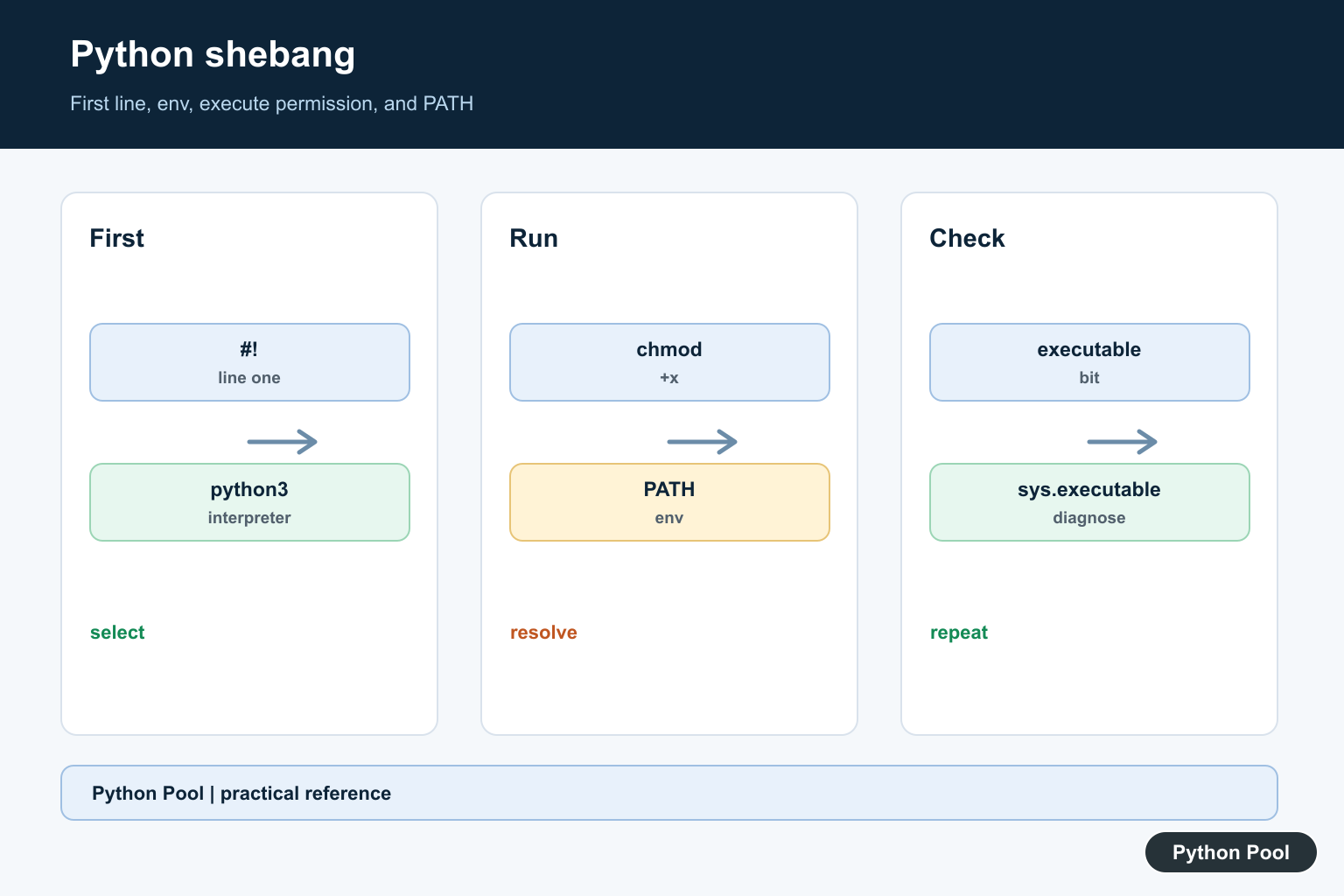
A shebang is the first line of an executable script on Unix-like systems. For Python scripts, it tells the operating system which interpreter should run the file.
The main references are PEP 394, the Python docs for using Python on Unix platforms, and the tutorial section on executable Python scripts.
The common modern shebang is #!/usr/bin/env python3. It asks env to locate python3 on the command path, which is usually more portable than hardcoding one exact interpreter path.
Shebangs matter most for command-line scripts, cron jobs, deployment hooks, and small tools checked into a repository. They make the script runnable without typing the interpreter command every time.
Write A Minimal Python Shebang
The shebang must be the first line of the file.
#!/usr/bin/env python3

print("Hello from an executable Python script")
After saving this script, mark it executable and run it directly from a Unix-like shell.
The shebang is ignored when you run the file with python3 script.py because the interpreter is already chosen by the command.
That difference explains why a script may work with python3 script.py but fail with ./script.py. The direct execution path relies on the shebang and file permissions.
Read The First Line Of A Script
You can inspect a script’s first line to confirm its shebang.
from pathlib import Path

script = Path("example.py")
script.write_text("#!/usr/bin/env python3\nprint('ok')\n")

first_line = script.read_text().splitlines()[0]

print(first_line)
script.unlink()
This is useful when diagnosing scripts checked into a repository or generated by another tool.
If the first line is blank or contains a comment before the shebang, the operating system will not treat it as the interpreter directive.
Keep the first line short and plain. Extra arguments in shebang lines can behave differently across platforms.
Make A Script Executable From Python
On Unix-like systems, a script also needs executable permission before it can run as ./script.py.
from pathlib import Path
import stat

script = Path("example.py")
script.write_text("#!/usr/bin/env python3\nprint('ok')\n")

mode = script.stat().st_mode
script.chmod(mode | stat.S_IXUSR)

print(oct(script.stat().st_mode)[-3:])
script.unlink()
This mirrors the effect of chmod u+x example.py. The shebang chooses the interpreter; the executable bit allows direct execution.
Windows handles script launching differently, so shebang behavior is mainly a Unix and macOS concern.
On shared projects, executable permissions should be committed intentionally so teammates and deployment systems receive the same script mode.
Replace python With python3
Some older scripts use #!/usr/bin/env python. On many current systems, python3 is the safer name.
from pathlib import Path

script = Path("tool.py")
script.write_text("#!/usr/bin/env python\nprint('old')\n")

lines = script.read_text().splitlines()
if lines and lines[0] == "#!/usr/bin/env python":
    lines[0] = "#!/usr/bin/env python3"

script.write_text("\n".join(lines) + "\n")
print(script.read_text().splitlines()[0])
script.unlink()
This replacement fixes many env: python: No such file or directory cases.
Only keep python when your environment intentionally provides that command and the project expects it.
PEP 394 explains why the meaning of python can vary across systems. For new Python 3 scripts, naming python3 avoids ambiguity.
Print Interpreter Diagnostics
When a shebang runs the wrong Python, print diagnostics from inside the script.
import shutil
import sys

print(sys.executable)
print(sys.version)
print(shutil.which("python3"))
sys.executable shows the interpreter currently running the script. shutil.which() shows what command lookup finds.
These checks help distinguish path issues from package installation issues.
If the executable path differs between terminal and editor, update the editor interpreter setting or run the script the same way in both places.
Validate Shebang Text
A small validation helper can catch missing or outdated shebangs in project scripts.
from pathlib import Path

def read_shebang(path):
    lines = Path(path).read_text().splitlines()
    return lines[0] if lines else ""

Path("task.py").write_text("#!/usr/bin/env python3\nprint('task')\n")

first_line = read_shebang("task.py")
print(first_line.startswith("#!"))
print("python3" in first_line)

Path("task.py").unlink()
This kind of check can be useful in a release checklist or repository maintenance script.
Keep the rule simple: line one should start with #! and name the expected interpreter.
This check is also useful after code generators or formatters touch scripts, because a misplaced first line can break direct execution.
Common Shebang Mistakes
Do not put whitespace, comments, or encoding lines before the shebang. It must be first.
Do not assume python exists on every system. Use python3 for modern cross-platform Unix-style scripts unless your deployment policy says otherwise.
Do not confuse a shebang problem with a missing package. If the wrong interpreter runs, imports may fail even when packages are installed elsewhere.
The practical default is #!/usr/bin/env python3, executable permission on Unix-like systems, and a quick sys.executable check when behavior differs between terminal, editor, and deployment.
When troubleshooting, test both forms: python3 script.py and ./script.py. If only direct execution fails, focus on the shebang, command path, and executable permission. If both forms fail, the problem is probably inside the script or its imports.
Keep scripts consistent across a project so maintenance checks stay simple and predictable for everyone.
Use A First-Line Interpreter Directive
The shebang must be the first bytes of the file, before encoding declarations or other text. A common portable form is #!/usr/bin/env python3, while an absolute path can be appropriate for a controlled deployment. Choose the form based on how the environment is managed, not by copying it blindly.
Pair It With Execute Permission
On Unix-like systems, chmod +x script.py gives the file permission to run as a program. The shebang does not grant permission, install Python, or activate a virtual environment. Test the exact command a user or service will invoke, including its working directory and PATH.
Diagnose The Selected Interpreter
Use the same interpreter to print sys.executable and sys.version when debugging. A shebang that resolves to a different Python from the one used by pip can create missing-package errors. In a virtual environment, use the environment’s executable or ensure PATH resolves to the intended one.
Understand env And Portability
env searches PATH and may select a different Python across machines. Some systems support env -S for multiple arguments, but that form is less portable. Keep the shebang simple unless the deployment targets and operating-system behavior are known.
Check Line Endings And Windows Behavior
CRLF line endings can produce an interpreter-not-found error on Unix-like systems when the carriage return becomes part of the path. Windows normally uses associations or the Python launcher, so document the supported invocation for each platform and test it in CI.
The Python on Unix documentation discusses executable scripts and the Windows usage guide covers platform-specific launching. Related guidance includes interpreter checks and environment isolation.
For related interpreter setup, compare version checks, process execution, and environment isolation when diagnosing a script launch.
Frequently Asked Questions
What is a Python shebang?
It is the first line of an executable script, such as #!/usr/bin/env python3, that tells a Unix-like system which interpreter should run the file.
Why use /usr/bin/env python3?
env searches PATH for python3, which can make a script work across installations, but the selected environment must still be inspected and controlled.
How do I make a Python script executable?
Add a valid shebang, grant execute permission with chmod +x script.py, and run it from a supported Unix-like shell.
Does a shebang control Windows Python execution?
Windows normally uses file associations or the Python launcher rather than the Unix kernel shebang mechanism, although the first line may still be useful in cross-platform tooling.
