Quick Answer
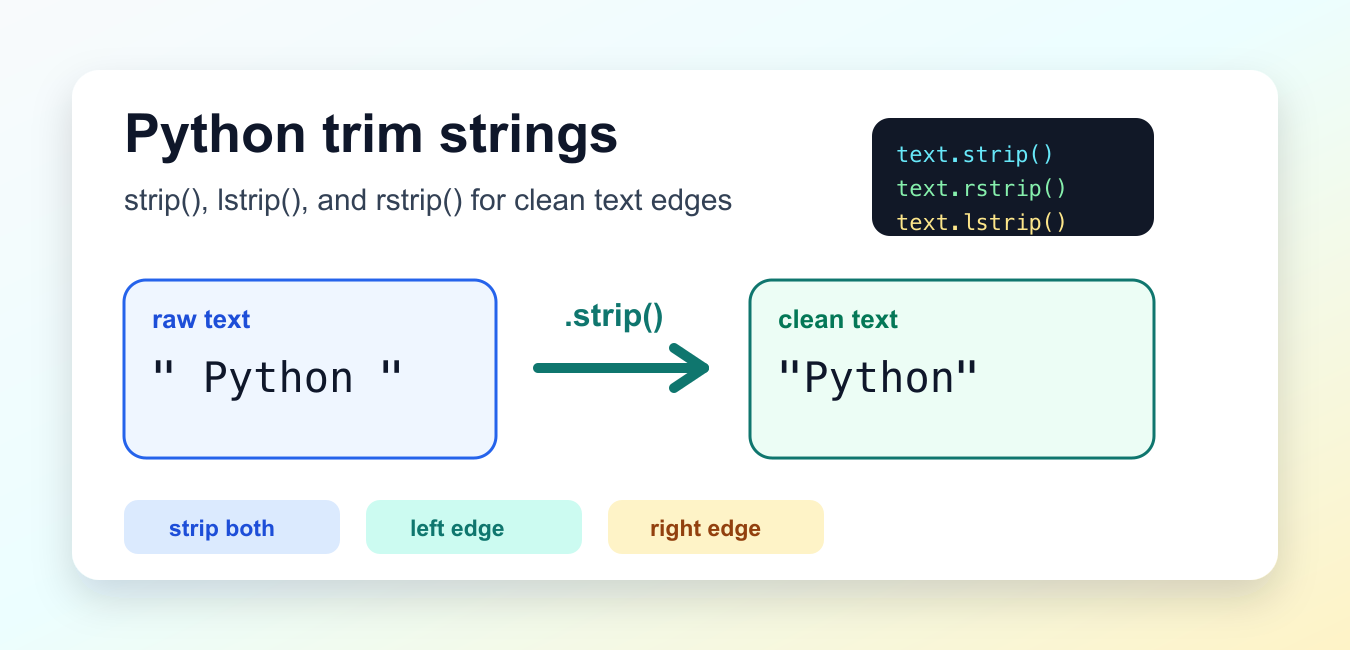
Use strip() to remove whitespace or selected characters from both ends of a string. Use lstrip() for the left side and rstrip() for the right side. These methods return a new string and do not modify the original value.
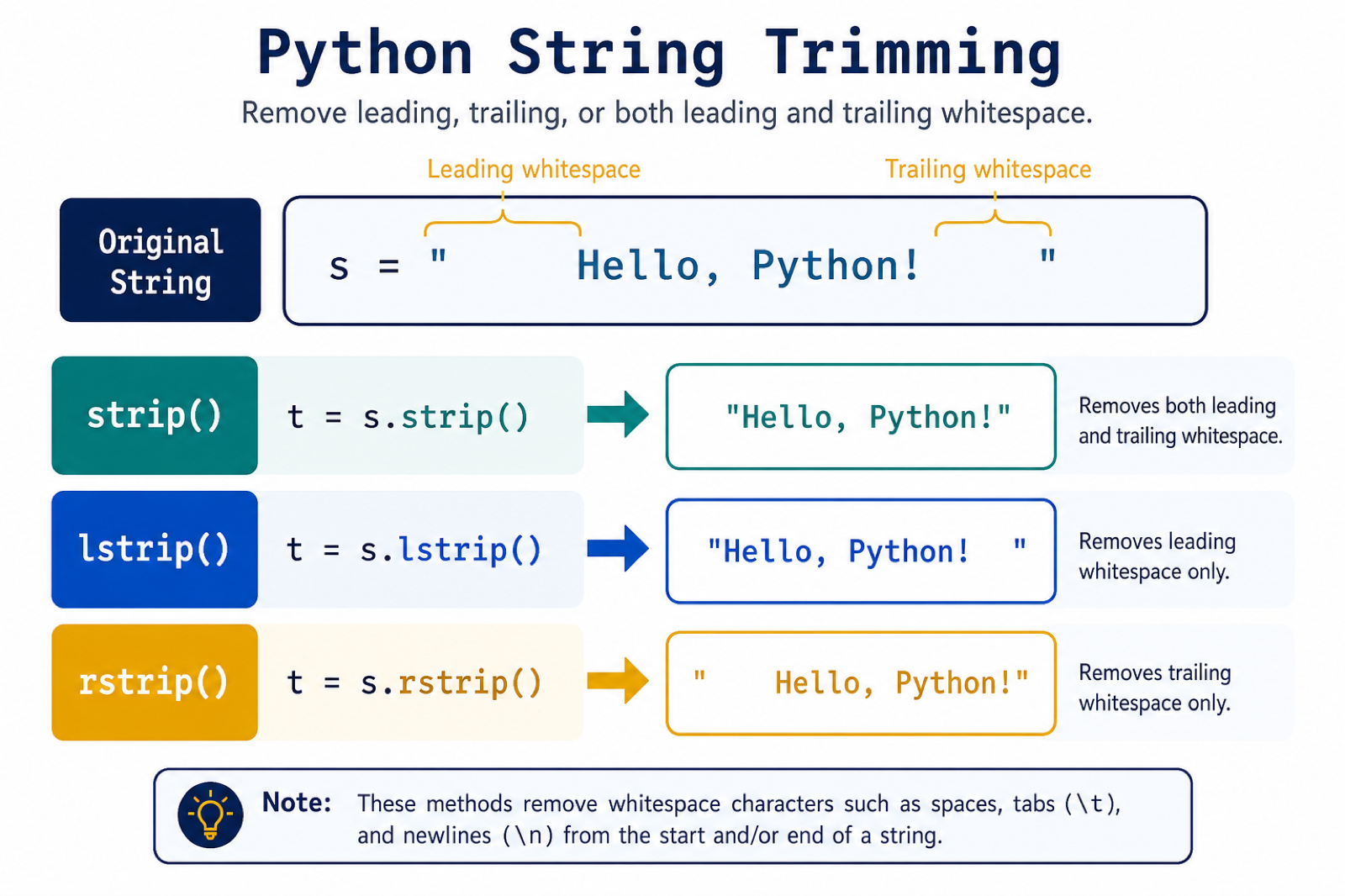
Python trim usually means removing unwanted characters from the beginning or end of a string. Python does not have a method literally named trim(), but the built-in string methods strip(), lstrip(), and rstrip() cover the same job clearly.
The official Python str.strip documentation defines the main method. The same string-method reference also documents str.lstrip() and str.rstrip().
Trimming is most useful at input boundaries. Text from forms, files, terminals, and copied content can include spaces, tabs, or newline characters that are hard to see. Removing those edge characters before comparison or storage prevents simple mismatches such as "admin " not matching "admin".
The important word is edge. These methods do not remove characters from the middle of a string. They only inspect the left side, the right side, or both sides, then return a new string. The original string object is unchanged because Python strings are immutable.
Trim Whitespace From Both Sides
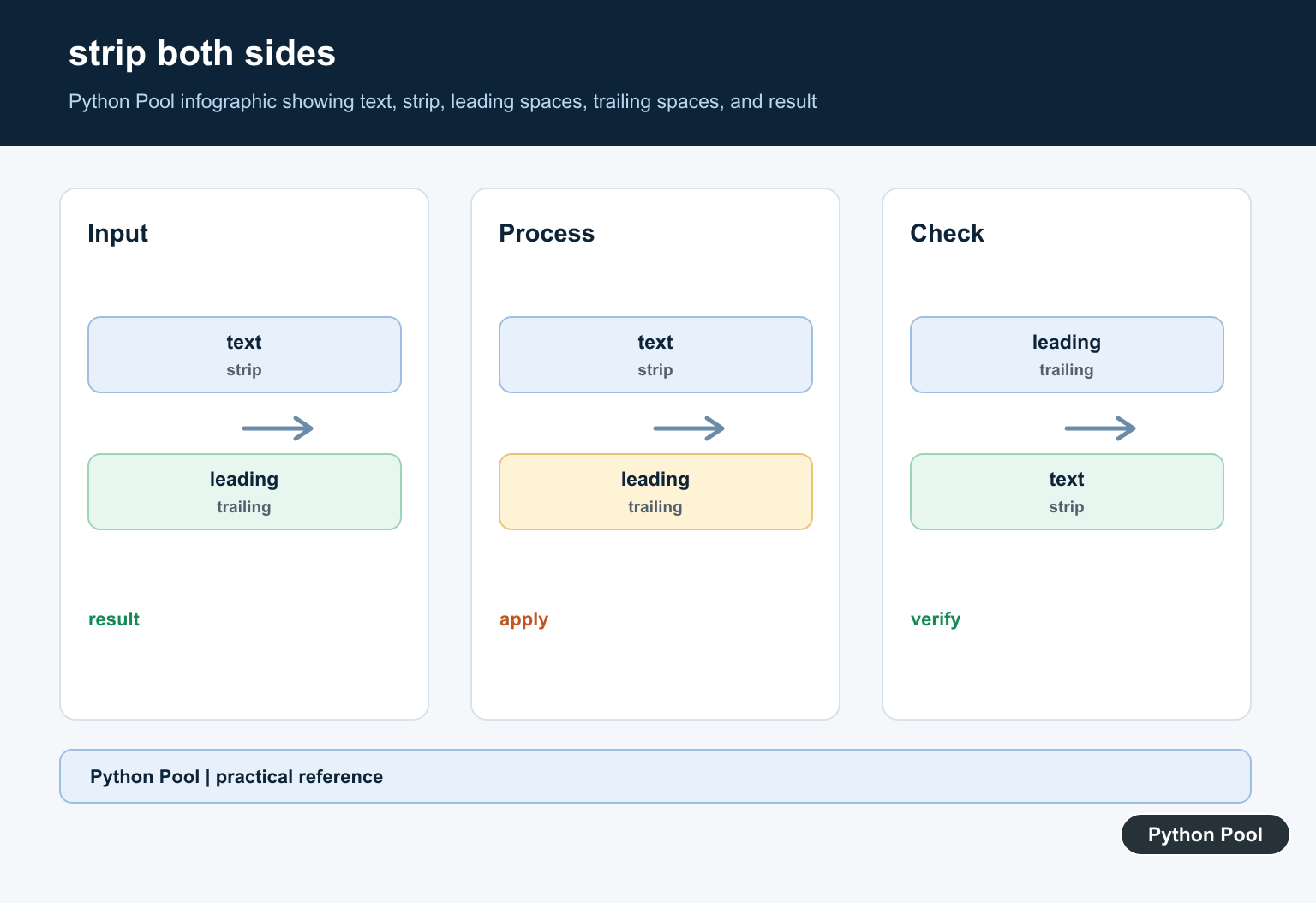
Call strip() with no argument to remove leading and trailing whitespace. That includes normal spaces, tabs, newlines, carriage returns, form feeds, and a few other whitespace characters.
text = "  Python Pool\n"
clean = text.strip()

print(repr(text))
print(repr(clean))
repr() makes hidden edge characters visible in the output, which is helpful when testing cleanup code. A plain print() call may hide the difference between a clean string and one that still has a newline at the end.
Use this form when the goal is ordinary whitespace cleanup. It is the best default for command-line input, simple form fields, names, tags, and short labels before comparison.
Trim Only The Left Or Right Side
Use lstrip() when only the left side should be cleaned. Use rstrip() when only the right side should be cleaned.
line = "\t  status: ready  \n"

print(repr(line.lstrip()))
print(repr(line.rstrip()))
print(repr(line.strip()))
This distinction matters when leading spaces carry meaning. For example, indentation in a plain text outline or a code sample may need to remain intact while a trailing newline is removed.
rstrip() is common when reading lines from a file because each line often ends with "\n". In that case, trimming the right edge keeps any intentional indentation at the start.
Trim Selected Edge Characters
Passing an argument changes the set of characters that can be removed from the edges. The argument is not treated as an exact prefix or suffix. Python removes any matching character while it appears at the selected edge.
path = "///docs/python///"

print(path.strip("/"))
print(path.lstrip("/"))
print(path.rstrip("/"))
This behavior is perfect for small cleanup tasks such as removing repeated slashes, commas, dots, or quote characters at the edges. It can be surprising if you expect an exact word to be removed.
If you need to remove a precise prefix or suffix, use removeprefix() or removesuffix() instead. Those methods match a full string, while strip() works from a character set.
Clean User Input Before Comparison
Trimming often pairs with case normalization before a comparison. The order is usually trim first, then convert case, because edge whitespace is not part of the meaningful answer.
answer = "  Yes "
normalized = answer.strip().casefold()

if normalized in {"yes", "y"}:
    print("confirmed")
else:
    print("not confirmed")
casefold() is stronger than lower() for text comparisons, while strip() handles accidental spaces around the answer. Together they make simple input checks more forgiving without changing the middle of the text.
Do not trim blindly when edge spaces are meaningful. Passwords, fixed-width records, signed messages, and some identifiers may treat spaces as real data. Apply trimming only where the input rule says edge whitespace should be ignored.
Trim Many Strings In A List
For a list of short text values, a list comprehension keeps cleanup compact and readable.
raw_items = [" alpha ", "\tbeta", "gamma\n", "  "]
clean_items = [item.strip() for item in raw_items]
non_empty = [item for item in clean_items if item]

print(clean_items)
print(non_empty)
The first comprehension trims each item. The second removes empty strings that appear after trimming. This is a common pattern for tags, comma-separated input, short CSV fields, and small configuration lists.
For very large files, process lines as you read them instead of building several full lists. The trimming method is the same; only the surrounding loop changes.
Write A Small Helper For Reuse
When the same cleanup rule appears in several places, wrap it in a small function with a name that explains the rule.
def clean_label(text):
    return text.strip().casefold().replace(" ", "-")

labels = ["  Python Pool ", "Data Tools", "  Web Scraping  "]
slugs = [clean_label(label) for label in labels]

print(slugs)
This helper trims both sides, applies a consistent case rule, and replaces internal spaces with hyphens. Keeping that behavior in one place makes tests easier and avoids slight differences between forms, imports, and admin tools.
The practical rule is simple: use strip() for both edges, lstrip() for the left edge, and rstrip() for the right edge. Use no argument for whitespace cleanup. Pass a character set only when you really want to remove those characters from the edges, not from the middle.
Remember that every trim method returns a new string. Save or return that result if later code should use the cleaned text. If you call text.strip() and ignore the result, nothing useful changes for the next step.
Trim Whitespace or Remove a Specific Character
Python string trimming is usually a boundary operation: it cleans the start and end without changing matching characters in the middle. With no argument, strip(), lstrip(), and rstrip() remove whitespace such as spaces, tabs, and newlines.
value = "\t  Python Pool\n"

print(value.strip())
print(value.lstrip())
print(value.rstrip())
Passing a string does not remove that exact substring as a single unit. It treats the argument as a set of characters. For example, name.strip(" P") removes any combination of spaces and the letter P from the boundaries until another character is reached.
Do Not Use strip() for Substring Removal
If the unwanted text is a known prefix or suffix, use removeprefix() or removesuffix() instead. Those methods express the intent precisely and do not remove individual characters that happen to be in the argument.
filename = "report.csv"
print(filename.removesuffix(".csv"))

label = 'ID: 42'
print(label.removeprefix('ID: '))
All four methods are non-mutating. Assign the returned value when the cleaned string must be used later, and use repr() while debugging so invisible whitespace remains visible.
For related string normalization, compare Python uppercase conversion and Unicode-safe casefold matching. Read python uppercase and python casefold for the related workflow.
Frequently Asked Questions
What is the difference between strip(), lstrip(), and rstrip() in Python?
strip() removes matching characters from both ends, lstrip() removes them from the left end, and rstrip() removes them from the right end.
Does Python strip() remove characters from the middle of a string?
No. These methods only remove matching characters at the boundary. Characters in the middle remain unchanged.
How do I trim a known prefix or suffix?
Use removeprefix() or removesuffix() when the complete prefix or suffix is known. They are clearer than passing a character set to strip().
Does strip() change the original Python string?
No. Strings are immutable, so strip() returns a new string. Store the result, for example cleaned = value.strip(), when you need to keep it.
