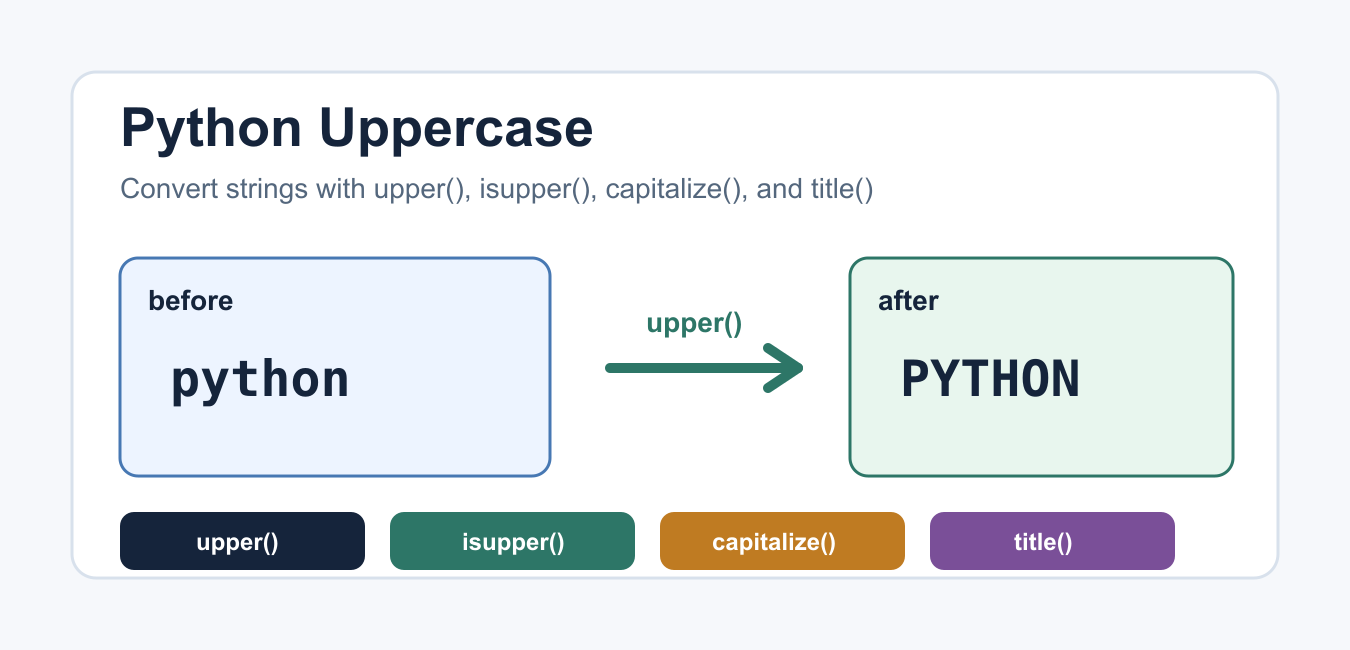
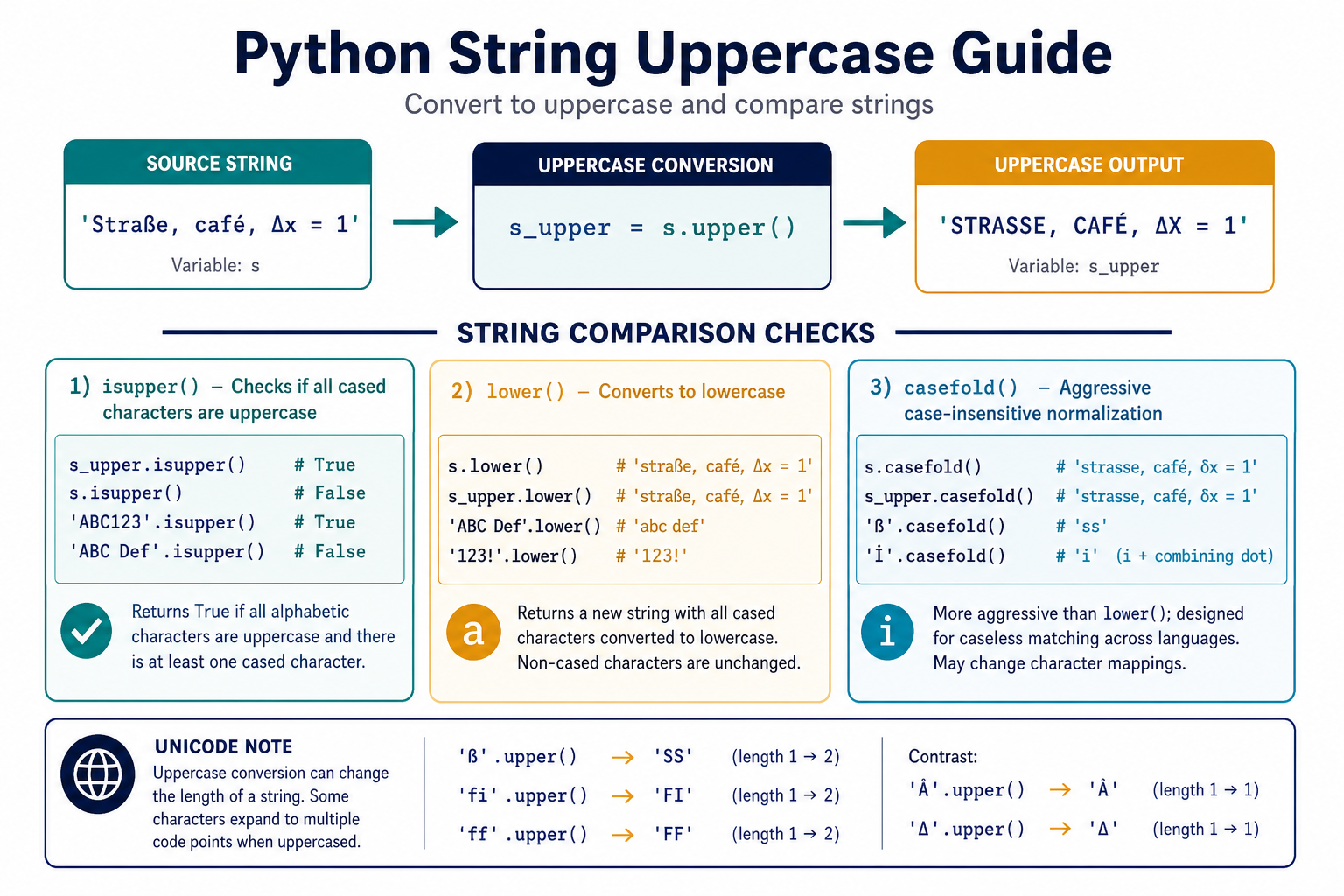
Python uppercase operations are usually simple, but three different questions are often mixed together: converting text to uppercase, checking whether text is uppercase, and comparing text without caring about case. The str.upper() method creates a new string, str.isupper() tests the case of cased characters, and str.casefold() is designed for aggressive case-insensitive matching.
Quick answer
Call text.upper() to return an uppercase version without changing the original string. Use text.isupper() to test whether the string contains at least one cased character and all cased characters are uppercase. Use text.casefold() when comparing user-entered text across languages and case variants. These methods do not mutate a string because Python strings are immutable.
The official Python string method documentation describes upper() and related case operations. Unicode case conversion can change the number of characters, so code that assumes one output character for every input character needs a test.
Convert a string with upper()
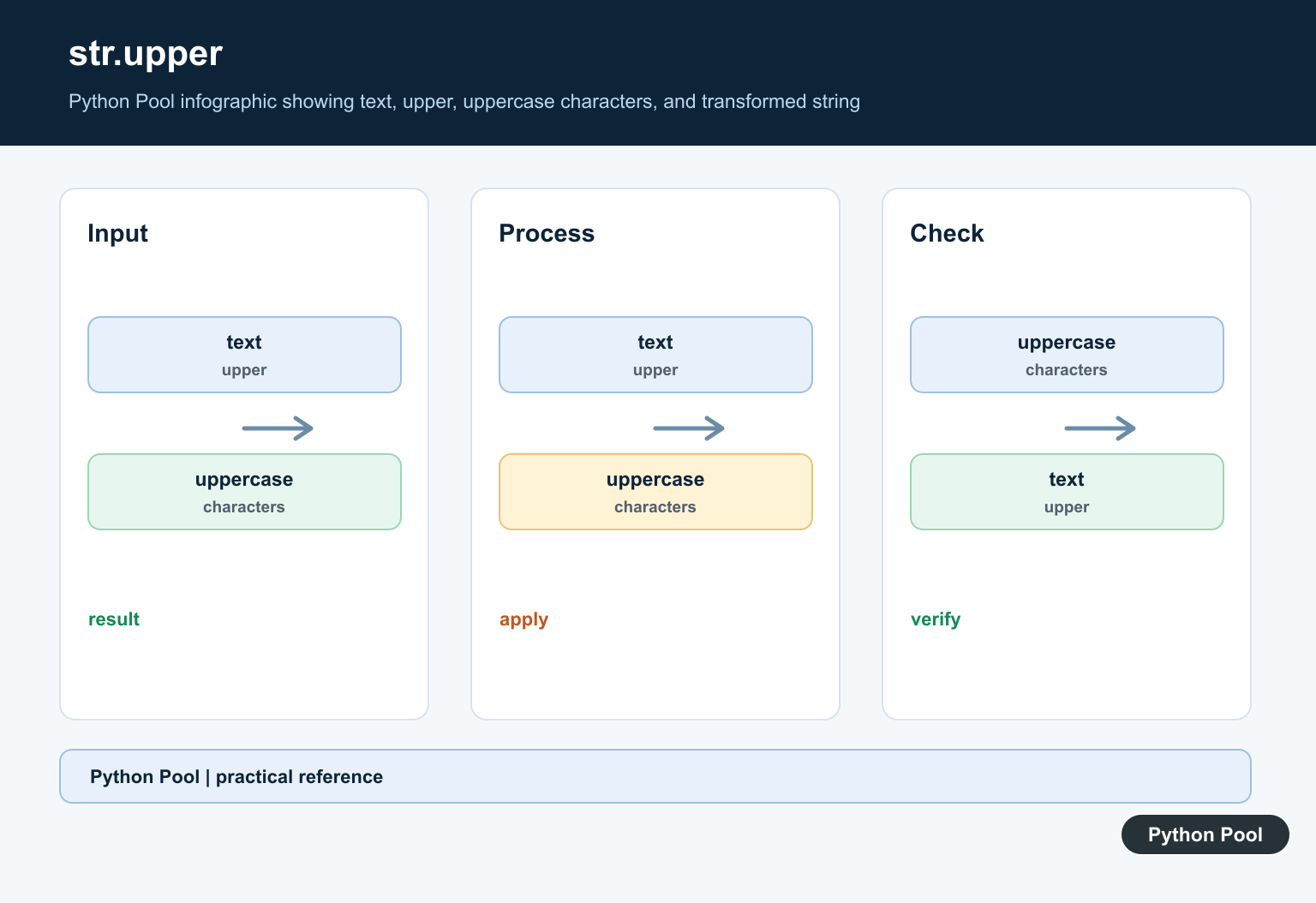
The basic operation is a method call on a string. It returns a new value and leaves the original variable unchanged. Assign the result if later code needs the uppercase version.
message = "Python Pool"
uppercase_message = message.upper()

print(uppercase_message)
print(message)
print(message == uppercase_message)
Letters are converted according to Unicode rules. Numbers, whitespace, and punctuation are returned unchanged. This makes upper() useful for headings, labels, command names, and normalized display text, but it is not automatically the right choice for comparing identifiers.
Check uppercase text with isupper()
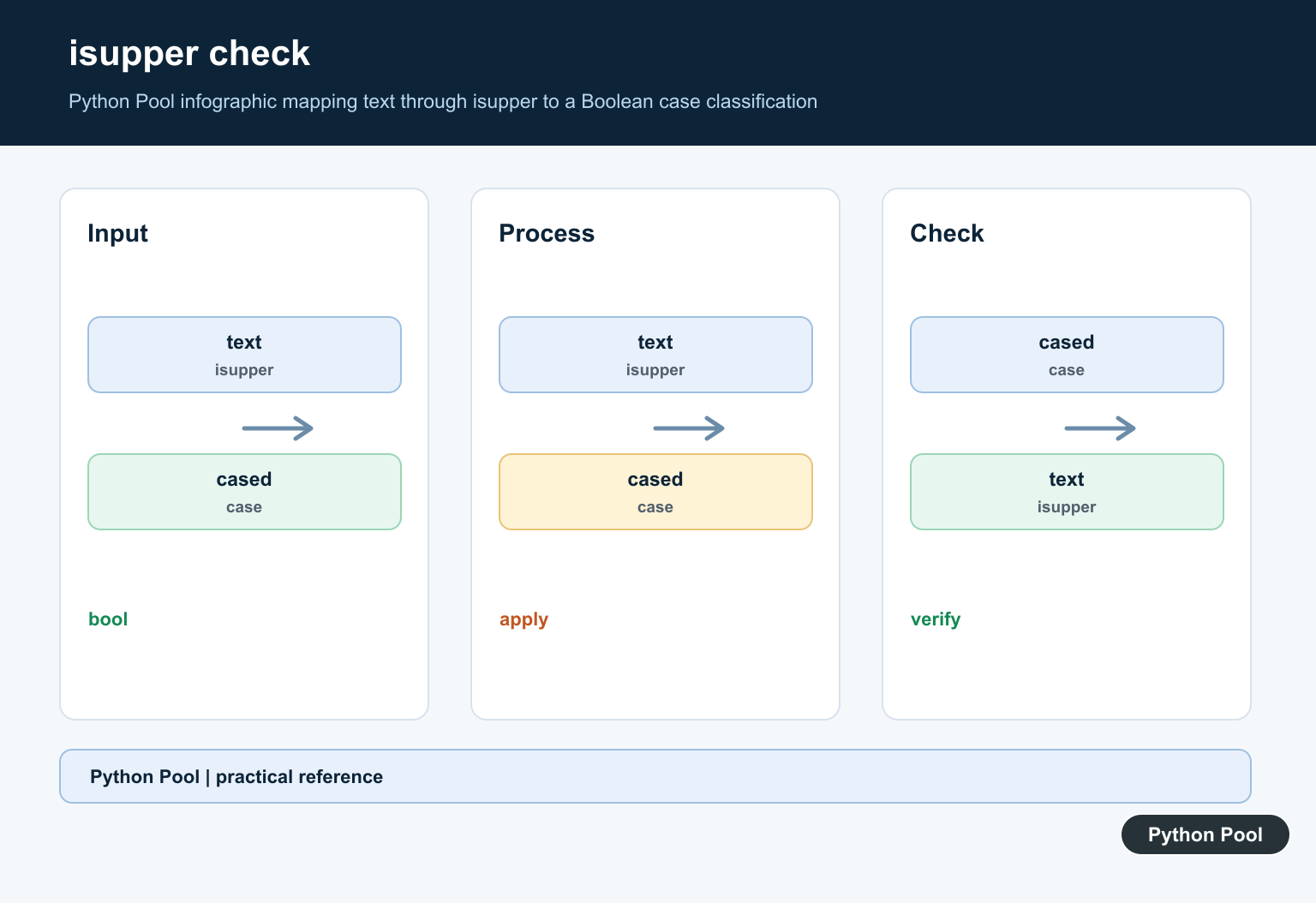
isupper() returns a Boolean. It is true when there is at least one cased character and every cased character is uppercase. Non-cased characters do not make an otherwise uppercase string false, which is why an input such as "ERROR 404!" passes.
samples = ["ERROR 404!", "Error 404!", "12345", "", "READY?"]

for sample in samples:
    print(repr(sample), sample.isupper())
An empty string and a string containing no cased characters return False. If your application treats digits-only labels as acceptable uppercase identifiers, add that business rule explicitly instead of assuming isupper() covers it.
Uppercase a list of values
Strings are immutable, so converting every item in a list creates a new list. A comprehension is concise and preserves the input list. If values may not be strings, validate them or convert them intentionally before calling upper().
labels = ["numpy", "Pandas", "matplotlib"]
uppercase_labels = [label.upper() for label in labels]

print(uppercase_labels)
print(labels)
Do not call upper() on a value that may be None without deciding what None means. Treating missing data as an empty string can hide a data-quality problem. A small validation helper is safer when the input comes from a form, CSV file, or API response.
Compare text with casefold()
For case-insensitive matching, lower() is common but not the strongest Unicode-aware choice. casefold() is intended for caseless comparisons and may make transformations that lower() does not. Normalize both sides before comparing.
def same_text(left, right):
    return left.casefold() == right.casefold()

print(same_text("Python", "PYTHON"))
print(same_text("Straße", "STRASSE"))
Use upper() when the result is for display. Use casefold() when the result is an internal comparison key. For security-sensitive identifiers, also consider Unicode normalization and an allowlist of accepted characters.
Handle Unicode expansion
Case conversion is not guaranteed to preserve length. Some Unicode characters have an uppercase representation that contains more than one code point. That is correct behavior, but it matters for fixed-width storage, cursor positions, and UI labels.
text = "ß"
converted = text.upper()

print(converted)
print(len(text))
print(len(converted))
print([hex(ord(char)) for char in converted])
Do not truncate the converted string just to preserve the original length. If a protocol requires a specific width, define whether width is measured in code points, grapheme clusters, encoded bytes, or display columns and use a suitable library or validation rule.
Build a safe normalization helper
When input can be missing or contain surrounding spaces, make those decisions in one helper. Strip only when surrounding whitespace is not meaningful. Return a predictable type so callers do not have to repeat checks.
def uppercase_label(value):
    if value is None:
        raise ValueError("label is required")
    if not isinstance(value, str):
        raise TypeError("label must be a string")
    return value.strip().upper()

print(uppercase_label("  pandas  "))
A helper like this is appropriate for presentation labels. It should not be reused for passwords, opaque tokens, or user names when case and whitespace are meaningful. The correct normalization rule depends on the field, not only on its Python type.
Use upper() in a filter
To select rows or values with a case-insensitive prefix, create a comparison key rather than repeatedly changing the display text. For a small in-memory list, a comprehension is enough. For a database, use the database’s documented case-insensitive comparison and index strategy.
commands = ["run", "BUILD", "test", "release"]
selected = [
    command for command in commands
    if command.casefold().startswith("b")
]

print(selected)
Using casefold() for matching and keeping the original value for display avoids surprising users. It also makes it clear that the normalized value is an implementation detail rather than the text that should be shown on screen.
Common mistakes
- Expecting
upper()to modify the original string. - Using
isupper()to decide whether a digits-only string is valid for a business rule. - Using uppercase display conversion as a substitute for caseless comparison.
- Assuming Unicode case conversion always preserves string length.
- Calling string methods on
Noneor non-string input without validation.
The short rule is: convert with upper(), test with isupper(), compare with casefold(), and define field-specific whitespace and Unicode rules explicitly. That separation keeps both the code and the user-facing behavior predictable.
Keep display and comparison values separate
A useful design pattern is to keep the original input for display and derive a normalized key only for matching. This prevents an uppercase conversion from leaking into a name, title, or message that a person expects to see in its original form. It also lets the comparison policy evolve without rewriting stored content.
When text crosses an API or database boundary, define whether matching is case-sensitive, whether Unicode normalization is required, and whether leading or trailing whitespace is significant. Writing those rules next to the normalization helper makes future fixes safer than scattering calls to upper() through unrelated code.
For complete case handling, compare Python lowercase conversion with Unicode-safe casefold matching. Read python lowercase and python casefold for the related workflow.
Frequently Asked Questions
Frequently Asked Questions
How do I convert a string to uppercase in Python?
Call text.upper(); it returns a new uppercase string and leaves the original immutable string unchanged.
How do I check whether a string is uppercase?
Call text.isupper(). It is true when at least one cased character exists and all cased characters are uppercase.
What is the difference between upper() and casefold()?
upper() is mainly for display conversion, while casefold() is intended for Unicode-aware case-insensitive comparisons.
Can uppercase conversion change string length?
Yes. Unicode case mappings can expand into multiple code points, so do not assume one output character per input character.
