
Quick answer: str.casefold() returns an aggressive Unicode-aware comparison form for caseless matching. Keep the original string for display, create a separate comparison key, and apply any required Unicode normalization or application policy consistently to both values. casefold is usually stronger than lower for matching text across languages.
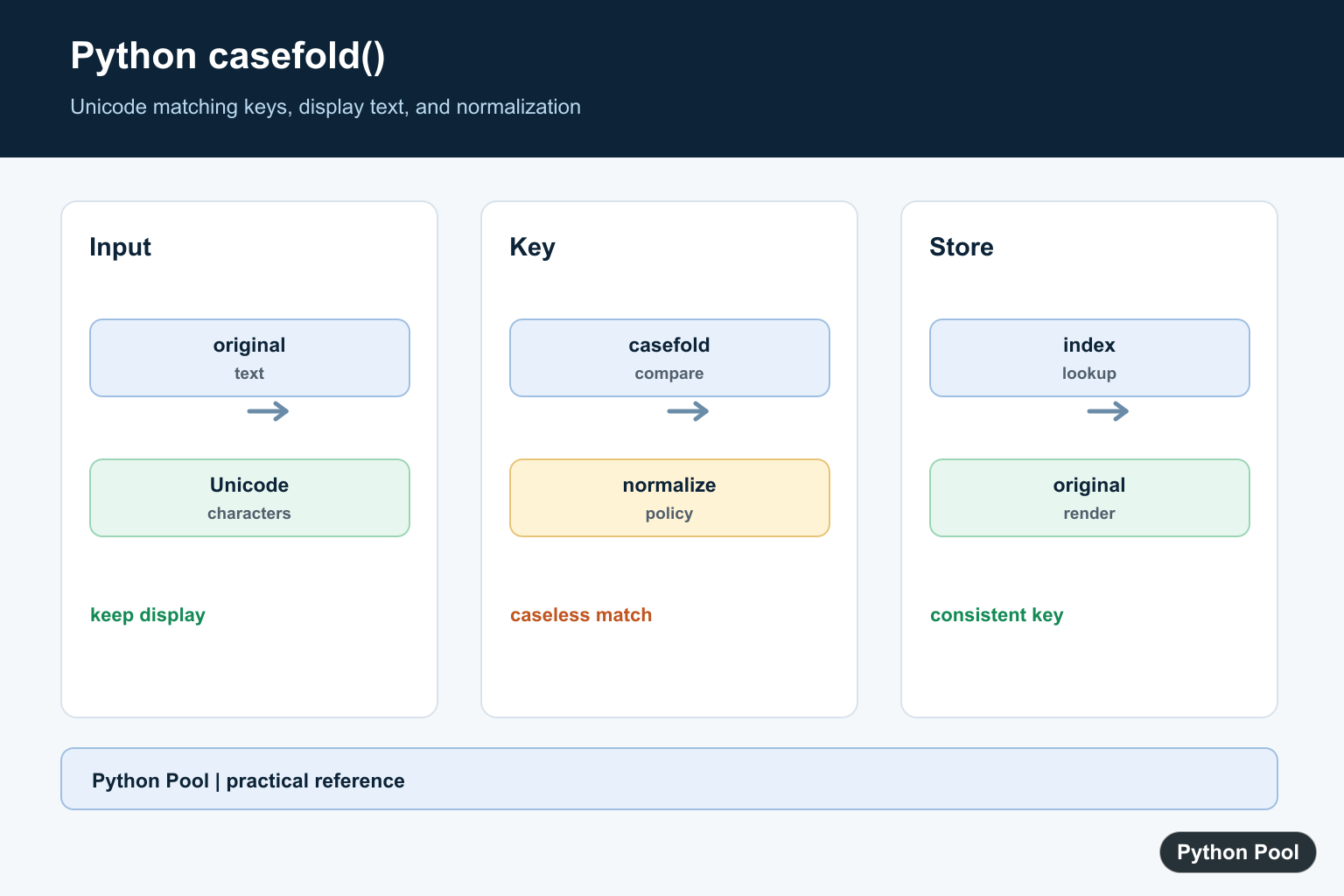
casefold() returns a case-normalized copy of a string for case-insensitive comparison. It is stronger than lower() because it is designed for Unicode text, not only simple ASCII lowercase conversion.
Use casefold() when comparing user-facing text, usernames, search terms, tags, labels, or identifiers where capitalization should not matter. The official str.casefold documentation defines the method, the Python Unicode HOWTO explains Unicode handling, and the Unicode case mapping FAQ gives deeper background.
Basic casefold Example
Call casefold() on a string to get a normalized lowercase-like version.
text = "Python"

print(text.casefold())
The result is python. The original string is unchanged because Python strings are immutable.
For simple English text, casefold() and lower() often look the same. The difference appears with broader Unicode text.
casefold Versus lower
lower() handles ordinary lowercase conversion. casefold() applies a more aggressive Unicode case normalization.
word = "Stra\u00dfe"

print(word.lower())
print(word.casefold())
print(word.casefold() == "strasse")
The escaped code point represents the German sharp s. Casefolding can convert it in a way that supports a broader comparison with strasse.
This is the main reason casefold() is preferred for case-insensitive matching.
Compare Strings Case-Insensitively
Apply casefold() to both sides before comparing.
left = "Admin"
right = "admin"

same = left.casefold() == right.casefold()

print(same)
This keeps the comparison clear and avoids modifying the original strings.
Use this pattern for login names, commands, category names, and other text where capitalization should be ignored.
Search A List With casefold
Casefolding also works well for membership tests in lists.
names = ["Ada", "Grace", "Linus"]
target = "grace"

matches = [name for name in names if name.casefold() == target.casefold()]

print(matches)
This returns the original spelling from the list while using case-insensitive matching for the search.
Keeping the original spelling is useful when displaying results back to the user.
Normalize Dictionary Keys
If lookups should ignore case, store a normalized key next to the original value.
users = {"Alice": 3, "BOB": 7}
lookup = {name.casefold(): score for name, score in users.items()}

print(lookup["alice"])
print(lookup["bob"])
This makes lookups consistent even when the original keys have mixed capitalization.
Be careful when two different original keys fold to the same normalized key. Decide whether the later key should overwrite the earlier one or whether that should be treated as a conflict.
Combine Unicode Normalization And casefold
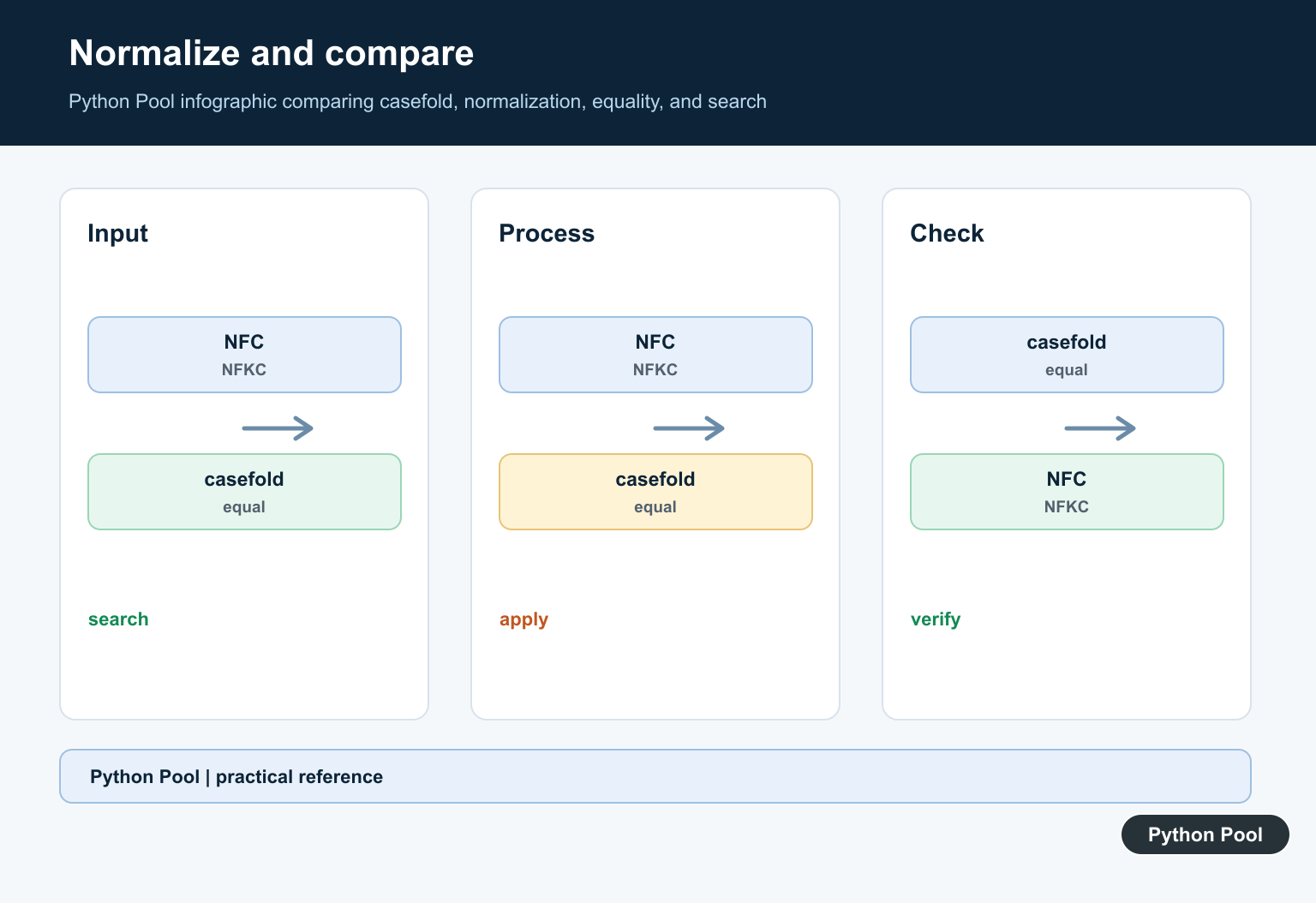
Casefolding handles case, but Unicode text can also have different composed forms. For stricter matching, normalize first and then casefold.
import unicodedata

def normalize_text(text):
    normalized = unicodedata.normalize("NFKC", text)
    return normalized.casefold()

print(normalize_text("Python"))
print(normalize_text("PYTHON"))
This pattern is useful for search indexes, tags, and identifiers that need consistent text matching.
Normalization rules should match your product requirements. Some systems need strict preservation, while others need broad matching.
When To Use casefold
Use casefold() when the goal is case-insensitive comparison. Use lower() when the goal is display formatting or a simple lowercase transformation.
For user input, normalize the text at comparison time or store a separate normalized key. Do not replace the original text unless you are certain the original spelling is not needed later.
For security-sensitive identifiers, be careful with broad normalization because visually similar text can still be confusing. Casefolding is helpful, but it is not a complete identity or anti-abuse system.
Storage And Search Tips
For search features, keep two forms when possible: the original text for display and the casefolded text for matching. This lets search behave consistently without losing capitalization, accents, or spelling choices that matter to users.
For repeated lookups, compute the folded form once and store it in an index or lookup dictionary. Recomputing it for every comparison is usually fine for small lists, but a prepared lookup is clearer and faster for large collections.
For APIs, document whether matching is case-sensitive. If the server uses casefolding but the client expects exact case matching, results can feel surprising. Clear rules make text handling easier to test.
Casefolding should be one step in a text policy, not an accidental transformation. Decide how to handle whitespace, punctuation, accents, and Unicode normalization separately.
Common Mistakes
Do not assume lower() and casefold() are always identical. They often match for simple examples but differ for some Unicode characters.
Do not casefold only one side of a comparison. Both strings should go through the same normalization path.
Do not use casefolding as a display style. It is meant for matching, not for producing polished user-facing text.
The practical rule is to use casefold() for robust case-insensitive matching, keep the original text for display, and add Unicode normalization only when the application needs stricter matching.
Create A Comparison Key
Do not overwrite the value users typed just to compare it. A small helper makes the matching policy reusable and keeps display text separate from lookup data.
def comparison_key(value):
    return value.casefold()

left = "Python"
right = "PYTHON"
print(comparison_key(left) == comparison_key(right))
print(left, right)
See The Difference From lower
casefold can perform Unicode-specific changes that lower does not. The exact result depends on the character, so test representative data from the languages your application supports.
value = "Straße"
print(value.lower())
print(value.casefold())
Normalize When The Policy Requires It
Case folding and canonical Unicode normalization solve different problems. If canonically equivalent sequences must compare equal, normalize first or as part of a documented key function, then casefold consistently.
import unicodedata


def normalized_key(value):
    normalized = unicodedata.normalize("NFKC", value)
    return normalized.casefold()

print(normalized_key("Cafe"))
Keep Display And Search Data Separate
A search index, username lookup, or deduplication key can use casefold while the UI keeps the original spelling. Store the policy with the field so a later migration does not silently compare old and new keys differently.
records = ["Admin", "Editor"]
index = {value.casefold(): value for value in records}
query = "ADMIN"
print(index.get(query.casefold()))
Python’s str.casefold() reference describes Unicode caseless matching. Related references include finding text, lowercase conversion, and character translation.
For related text matching, compare finding text, lowercase conversion, and character translation when designing a comparison key.
Frequently Asked Questions
What does Python casefold do?
It returns a Unicode-aware lowercase-like form intended for caseless matching.
How is casefold different from lower?
casefold can make additional Unicode transformations for matching, while lower is a less aggressive case conversion.
Does casefold change the original string?
No. Strings are immutable and casefold returns a new string.
How do I compare user names safely?
Create a documented comparison key with casefold, and still apply any required normalization or account-specific policy.
