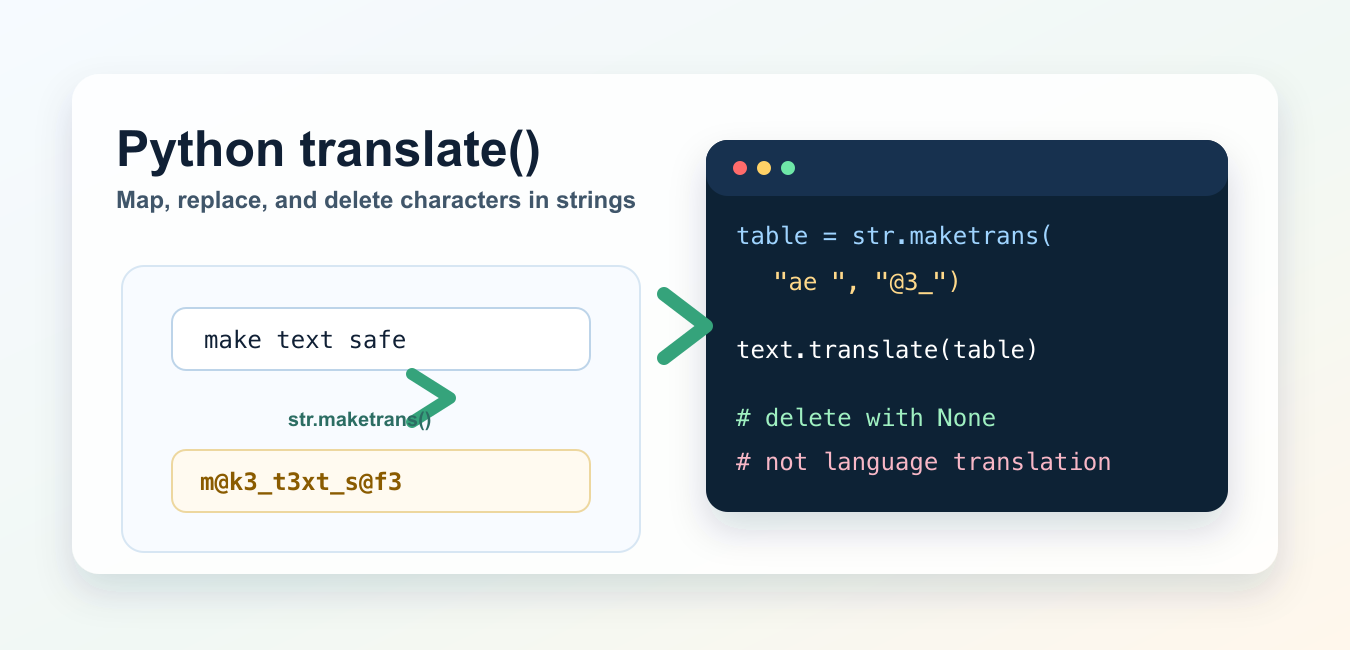
Quick answer: Python str.translate() performs character-level mapping through a translation table; it is not natural-language translation. Build the table with str.maketrans(), map one character to another or to a longer string, and map to None to delete characters. Use str.replace() or a dedicated language library for words, phrases, and language translation.
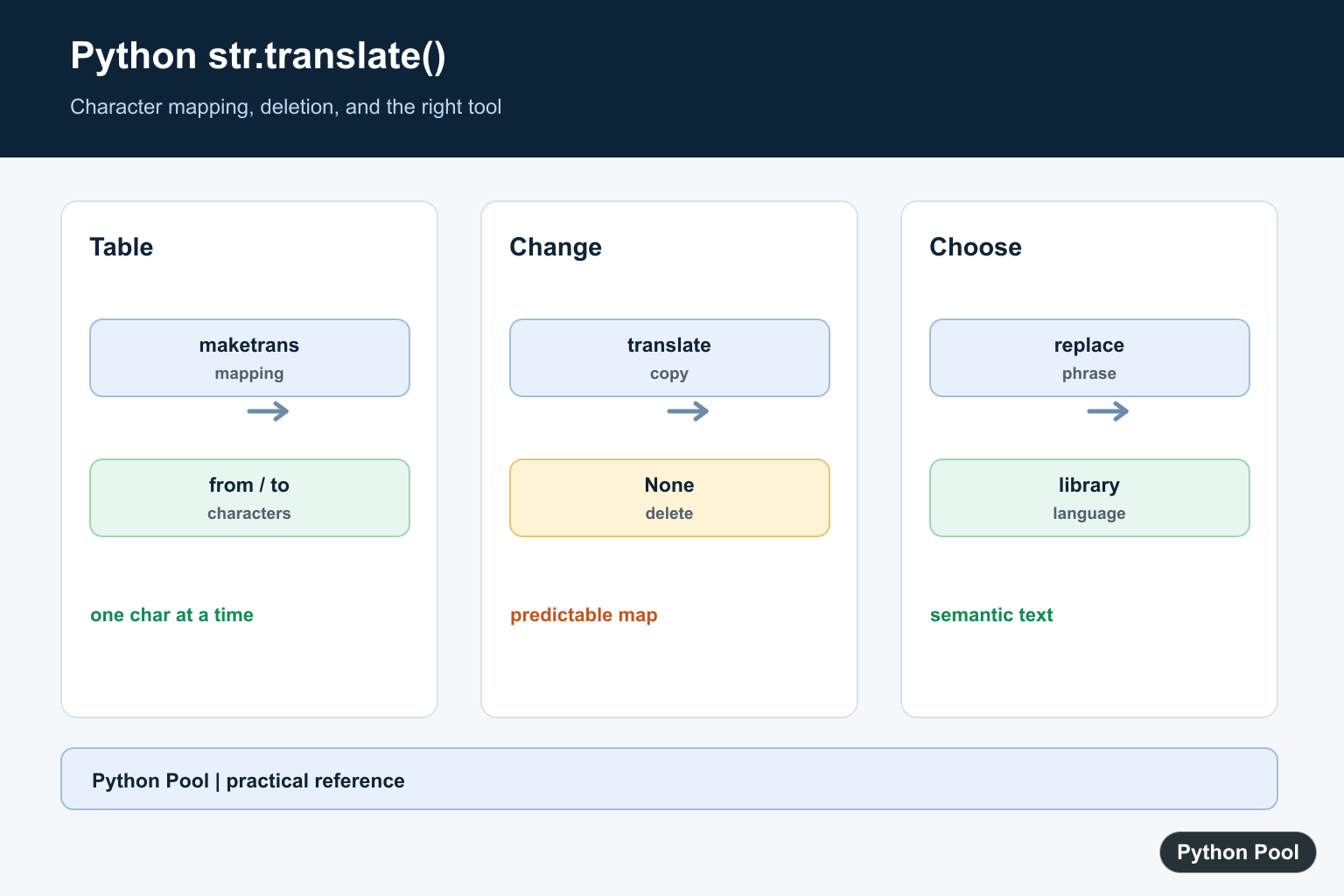
Python translate() is a string method for character-level replacement and deletion. It does not translate English to Spanish or one natural language to another. Instead, str.translate() maps each character through a translation table, usually created with str.maketrans().
Use it when you need to replace many single characters at once, remove characters such as digits or punctuation, normalize simple text, or build a fast character mapping. This is character translation, not language translation. For ordinary word or phrase replacement, str.replace() is often clearer.
Basic translate() example
Create a translation table with str.maketrans(), then call translate() on the string.
text = "make text safe"
table = str.maketrans({"a": "@", "e": "3", " ": "_"})

result = text.translate(table)
print(result)
The local Python 3.14 check returned m@k3_t3xt_s@f3. Each matching character was replaced, and characters not listed in the table stayed unchanged.
Use maketrans() with two strings
The two-string form maps characters by position. The first character in the first string maps to the first character in the second string, and so on.
table = str.maketrans("ae ", "@3_")
print("make text safe".translate(table))
This produces the same result as the dictionary example. The two strings must have equal length. If they do not, Python raises ValueError. In local testing, str.maketrans("ab", "x") raised that exact error.
Delete characters with the third argument
The third argument to str.maketrans() lists characters to remove. This is useful for stripping digits, punctuation, or other unwanted characters.
text = "Python 3.14"
delete_digits = str.maketrans("", "", "0123456789.")

print(text.translate(delete_digits))
The result is Python , because the digits and period were deleted. If you need to clean generated file names after translation, see getting a filename from a path in Python.
Map one character to multiple characters
A translation table can also map one character to a longer string. Use the dictionary form for this.
table = str.maketrans({"&": "and", "–": "-"})
text = "Research & development – 2026"

print(text.translate(table))
This can be useful for lightweight text normalization. For more complex text processing, combine it with clear string-building patterns from appending strings in Python.
Remove punctuation
The string module provides string.punctuation, which can be passed as the third argument when you want to remove ASCII punctuation.
import string

text = "Hello, world! Ready?"
remove_punctuation = str.maketrans("", "", string.punctuation)

print(text.translate(remove_punctuation))
This returns Hello world Ready. Be careful with Unicode punctuation if your input includes non-ASCII text; string.punctuation only covers ASCII punctuation characters.
ROT13-style character mapping
translate() is also useful when you have two alphabets of equal length.
lower = "abcdefghijklmnopqrstuvwxyz"
upper = lower.upper()
rot13 = str.maketrans(
    lower + upper,
    lower[13:] + lower[:13] + upper[13:] + upper[:13],
)

print("Python".translate(rot13))
The local check returned Clguba. This example is mainly a demonstration of positional mapping; do not use ROT13 for security.
translate() vs replace()
Use replace() when replacing one substring or a small number of clear phrases. Use translate() when many single-character replacements or deletions should happen in one pass.
| Task | Better method | Reason |
|---|---|---|
| Replace one word | replace() |
Clearer for substrings. |
| Map many characters | translate() |
One table handles all mappings. |
| Delete many characters | translate() |
Use None or the third maketrans() argument. |
| Translate human languages | External API or model | str.translate() does not do language translation. |
If you are working with user-provided text, validate it first. The guides to Python user input, Python inline if, and Python ternary expressions cover related control-flow patterns.
Common mistakes
The biggest mistake is expecting str.translate() to convert text between languages. It only maps characters. For language translation, use a dedicated translation service, library, or model.
Another common mistake is passing two strings of different lengths to str.maketrans(). Those strings must match length because characters are paired by position. If you need deletion, use the third argument or map characters to None in a dictionary.
Finally, remember that strings are immutable. translate() returns a new string; it does not modify the original string in place. If you need to confirm your interpreter version while testing examples, see how to check your Python version.
Official references
The examples here follow the Python documentation for str.translate(), str.maketrans(), str.replace(), and string.punctuation.
Conclusion
Use Python translate() for character-level mapping, replacement, expansion, and deletion. Build the table with str.maketrans(), use replace() for simple substrings, and choose a separate translation API when the goal is human-language translation.
Map Characters With A Dictionary
The dictionary form of maketrans accepts single-character keys and values such as strings, integer code points, or None. Characters not present in the table pass through unchanged.
text = "make text safe"
table = str.maketrans({"a": "@", "e": "3", " " : "_"})
result = text.translate(table)
print(result)
Use Equal-Length From And To Strings
The two-string form maps characters by position. The strings must have equal length, so it is convenient for a small one-to-one mapping but less expressive than a dictionary for deletion or expansion.
table = str.maketrans("ae " , "@3_")
print("make text safe".translate(table))

try:
    str.maketrans("ab", "x")
except ValueError as error:
    print(error)
Delete Characters With None
Map unwanted characters to None or pass a third string to maketrans. This is useful for a known character set such as digits or punctuation; it is not a general-purpose Unicode normalization policy.
text = "Python 3.14!"
delete = str.maketrans("", "", "0123456789.!")
print(text.translate(delete))
Choose The Right Text Tool
translate is efficient for many independent character substitutions. replace is clearer for a word or phrase, regular expressions fit pattern-based edits, and a translation service or language model is required for semantic language translation.
text = "red,green,blue"
character_table = str.maketrans({",": ";"})
print(text.translate(character_table))
print(text.replace("green", "emerald"))
Python’s official str.translate() and str.maketrans() references define character mapping, deletion with None, and the supported table forms. Related references include trim methods, removing characters, and string length.
For related character-processing tasks, compare trim methods, string length, and removing characters before choosing a translation table.
Frequently Asked Questions
What does Python str.translate() do?
It returns a copy of a string with each character mapped through a translation table; it does not translate natural language.
How do I create a translation table?
Use str.maketrans() with a mapping dictionary or with equal-length from and to strings.
How do I delete characters with translate()?
Map characters to None or pass the characters to remove as the third argument of str.maketrans().
Should I use translate() for words or phrases?
Use str.replace() or a text-processing or translation library for multi-character words, phrases, or natural-language translation.
