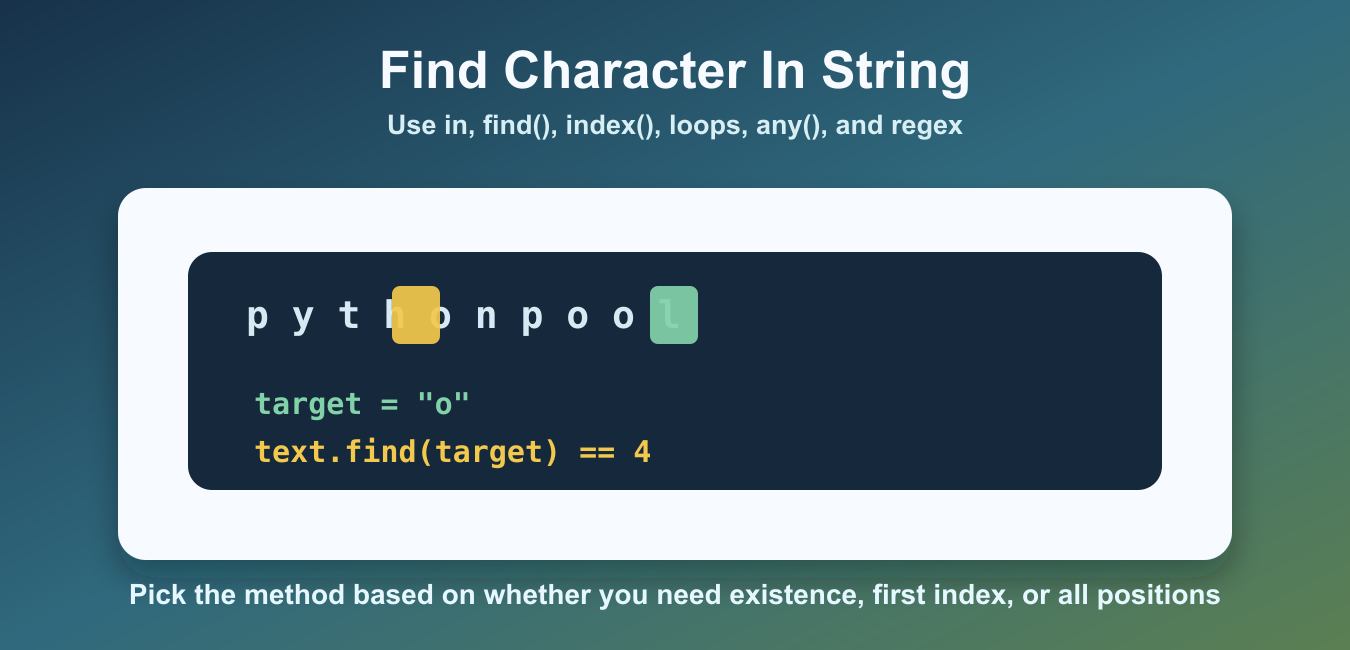
Quick answer: Use the in operator for a yes-or-no character check, find() for a position with a -1 result when missing, index() when a missing match should raise, count() for frequency, and a regex when the matching rule is more complex than one literal character.
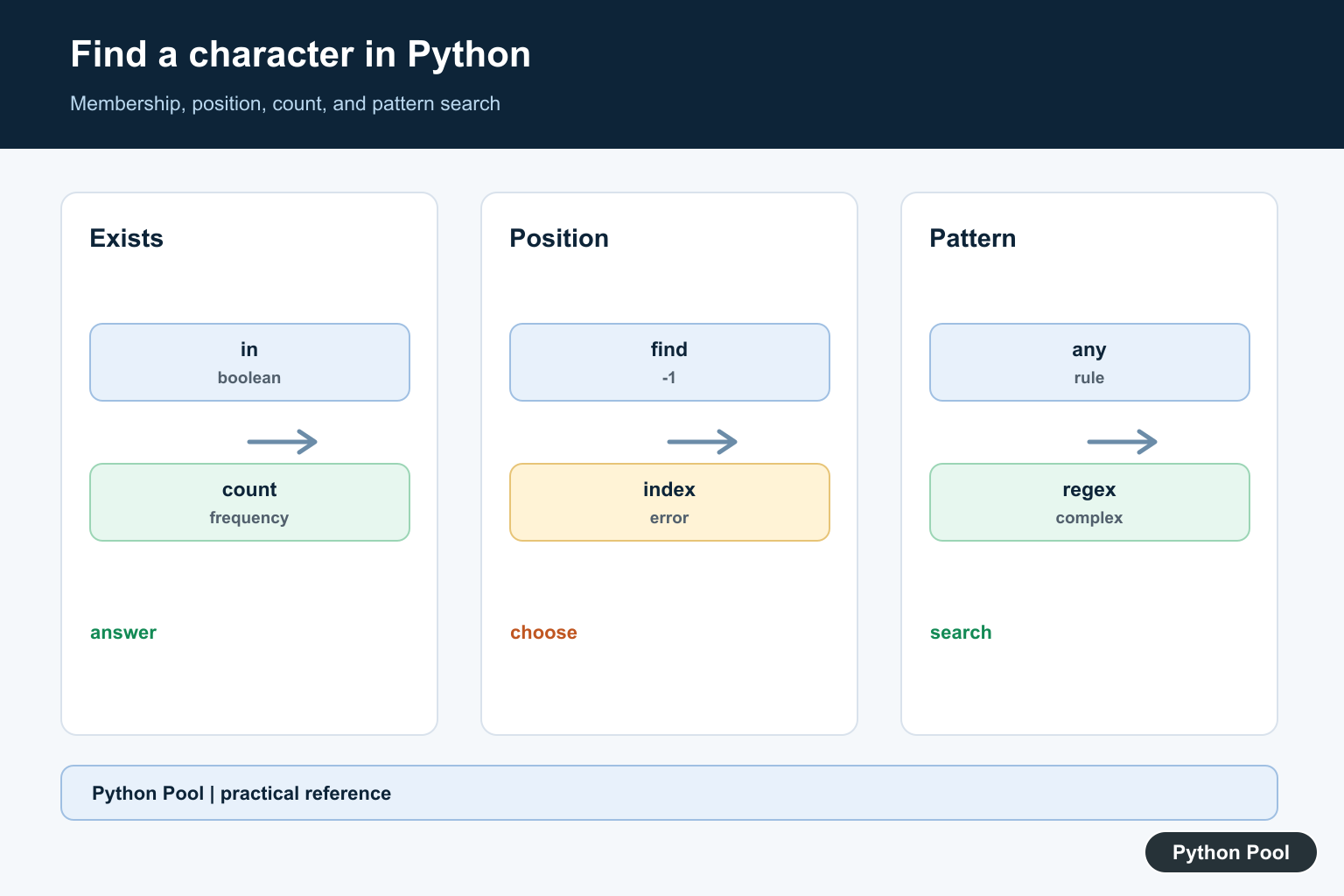
Python gives you several ways to find a character in a string. Use the in operator when you only need a true or false answer. Use find() or index() when you need the position. Use a loop when you need every matching position.
Strings are sequences, so Python checks characters from left to right. Searches are case-sensitive by default, which means "A" and "a" are different characters unless you normalize the text first.
The right method depends on the question you are asking. “Does this character exist?” is different from “where is the first match?” or “where are all matches?” Choosing the narrowest method keeps the code shorter and avoids extra work.
The official Python string methods documentation covers these APIs. For related examples, see the Python string __contains__ guide, the Python any() guide, and the regex new line guide.
Check Whether A Character Exists
The simplest approach is the in operator. It returns True if the character appears anywhere in the string.
text = "pythonpool"
target = "p"

if target in text:
    print("found")
else:
    print("not found")
This is the best option when you do not need the index. It is direct, readable, and works for one character or a longer substring.
Membership checks are also the easiest to read in conditions. Use this approach for validation, guards, and simple branching where the exact position does not matter.
Find The First Position With find()
str.find() returns the lowest index where the character is found. If the character is missing, it returns -1.
text = "pythonpool"
target = "o"

position = text.find(target)

print(position)
The first o appears at index 4 because Python string indexes start at zero. Check for -1 before using the returned position in later logic.
find() also accepts optional start and end positions. That makes it useful when you only want to search part of a larger string, such as the text after a known prefix.
Use index() When Missing Should Be An Error
str.index() is similar to find(), but it raises ValueError when the character is not present.
text = "pythonpool"
target = "z"

try:
    position = text.index(target)
    print(position)
except ValueError:
    print("character not found")
Use index() when a missing character is exceptional. Use find() when a missing character is a normal result that your code expects to handle.
Find All Matching Positions
If a character can appear more than once, loop with enumerate() to collect every matching index.
text = "banana"
target = "a"

positions = []
for index, character in enumerate(text):
    if character == target:
        positions.append(index)

print(positions)
This returns [1, 3, 5]. A loop is clearer than repeated calls to find() when every match matters.
Keeping every position is useful for highlighting matches, building diagnostics, or validating fixed-width formats. If you only need the count, text.count(target) is shorter.
Search Without Case Sensitivity
For case-insensitive search, convert both the text and the target to the same case before comparing.
text = "PythonPool"
target = "p"

lower_text = text.lower()
lower_target = target.lower()

print(lower_target in lower_text)
print(lower_text.find(lower_target))
This finds P at the start of the original string because both sides are compared in lowercase form. For user-facing text in many languages, casefold() can be stronger than lower().
Use any() For Custom Character Rules
any() is useful when the rule is more complex than matching one exact character. For example, you can check whether any character is a digit.
This reads cleanly because any() stops as soon as it finds a matching character. It is a good fit for validation checks.
A typical expression is any(character.isdigit() for character in text). It checks each character until a digit is found. Use this style for rules based on character methods such as isdigit(), isalpha(), isspace(), or custom comparisons.
Use Regex For Patterns
Regular expressions are useful when you are not looking for one fixed character, but for a class of characters such as digits, whitespace, or punctuation.
import re

text = "Ticket A-42"
match = re.search(r"[A-Z]", text)

if match:
    print(match.group())
    print(match.start())
Use regex when the search pattern is more important than a single literal character. For simple literal checks, in, find(), and index() are easier to read.
Regex is powerful, but it is also easier to overuse. If the target is a literal character such as "," or ":", normal string methods are faster to understand and easier to maintain. When the rule is specifically ‘one or more alphabetic characters and nothing else,’ use the isalpha() behavior in Python isalpha() String Method Guide.
Which Method Should You Use?
Use target in text for a yes-or-no check. Use find() when you need the first index and missing text is normal. Use index() when missing text should raise an error. Use enumerate() when you need every position.
Use lower() or casefold() for case-insensitive comparisons. Use any() for custom per-character rules. Use regex only when the pattern cannot be expressed cleanly with normal string methods.
Remember that Python strings are immutable, so these search methods do not change the original string. They only return booleans, indexes, lists of indexes, or match objects that your code can use in the next step.
Choose The Question First
A character search can ask whether a value exists, where it first appears, how many times it appears, or which positions match a rule. Pick the smallest operation that answers the question so missing values and case behavior remain obvious.
Use Membership For A Boolean
char in text is readable and returns a boolean without exposing a position. It also works with a string of acceptable characters when the requirement is membership in a set of alternatives, but make the case policy explicit.
Use find() Or index() For Positions
find() returns the first zero-based position or -1, which is useful when absence is an ordinary result. index() raises ValueError when no match exists, making it suitable when a missing character indicates invalid input that the caller must handle.
Find All Matches And Ignore Case
enumerate(text) can produce every matching position, while count() answers only the number. For case-insensitive search, normalize with a documented policy or use re.IGNORECASE for pattern semantics; avoid changing the original text when the matched slice must be preserved.
Use Regex Only For A Real Pattern
Regular expressions are appropriate for character classes, boundaries, or repeated patterns, but they add syntax and escaping rules. Test Unicode, empty strings, repeated characters, combining marks, and missing matches so a shortcut does not define an accidental text contract.
Python’s official str documentation covers in, find, index, and count. The regular-expression reference explains pattern searches. Related guidance includes Unicode handling and string tests.
For related text boundaries, compare Unicode filtering, string matching, and search tests when defining a character policy.
Frequently Asked Questions
How do I check whether a character is in a Python string?
Use the in operator when you only need a boolean membership result.
How do I find the position of a character?
Use find() for a -1 result when the character is absent, or index() when absence should raise ValueError.
How do I find every occurrence?
Use a loop, a comprehension over enumerate(), or a regular expression when the matching rule is more complex than one character.
How do I search without case sensitivity?
Normalize both the text and search value with an intentional case policy, or use a regular expression with re.IGNORECASE when pattern semantics are needed.
