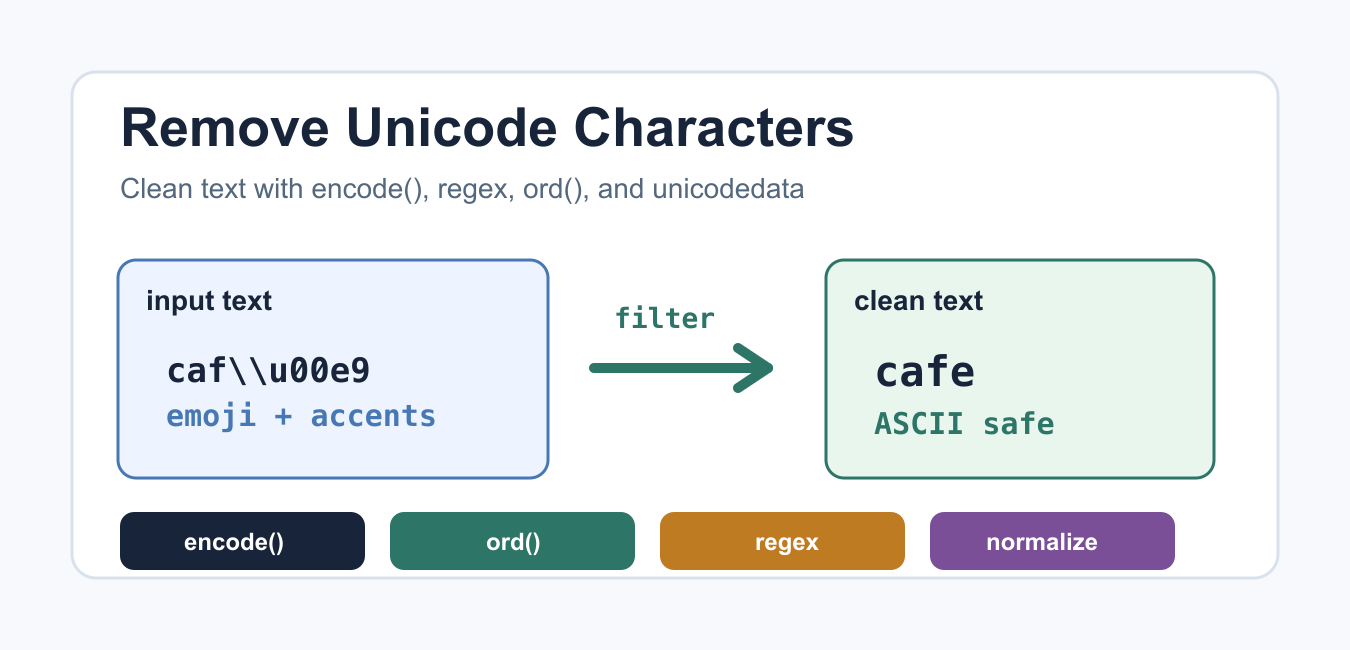
Quick answer: Unicode is the text standard, not a list of unwanted symbols. Define whether you need ASCII-only text, accent removal, symbol filtering, or control-character cleanup, then choose encoding, normalization, translate, or regex so valid user text is not deleted accidentally.
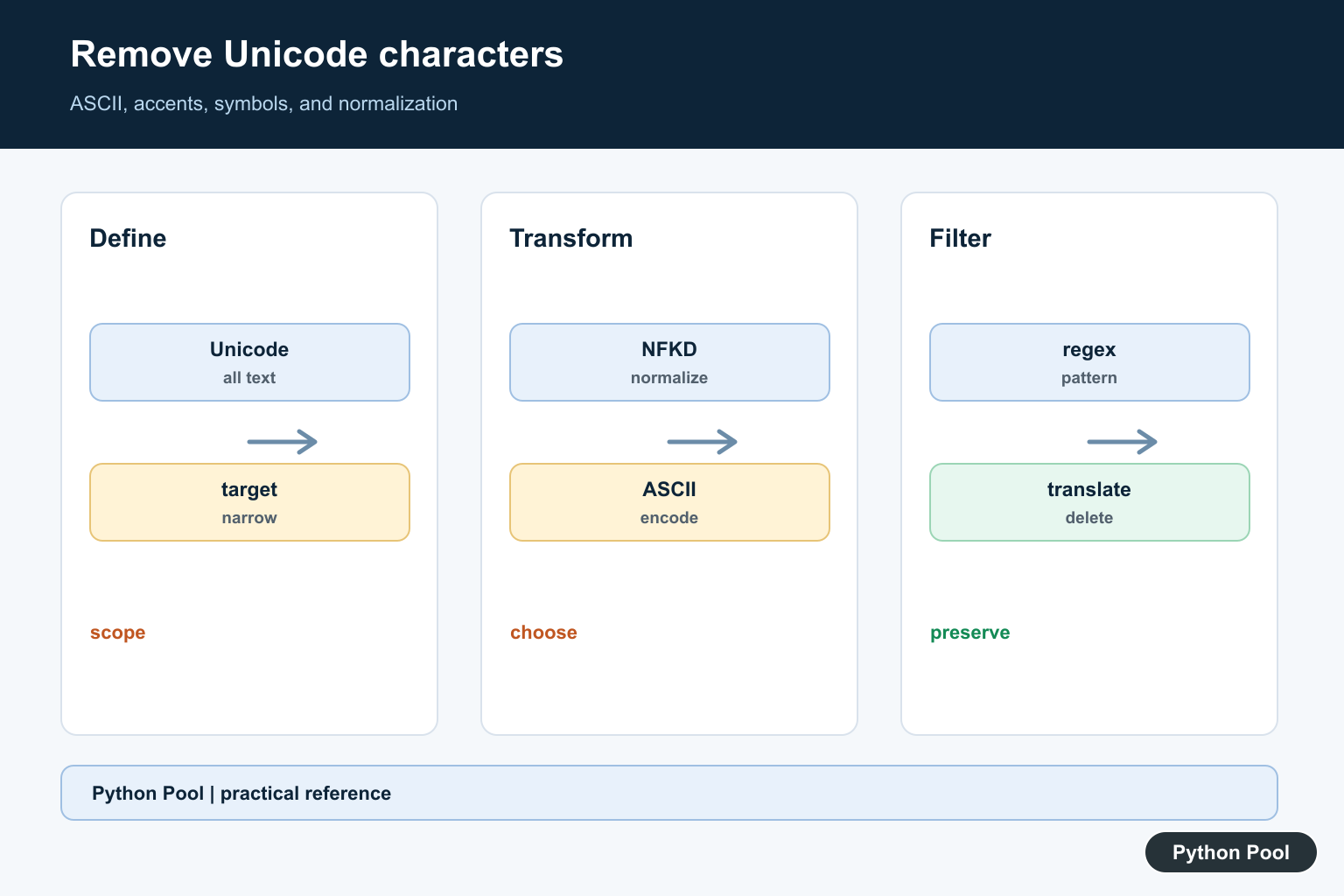
Python strings are Unicode by default, so they can hold letters from many writing systems, emoji, currency signs, mathematical symbols, and control characters. Sometimes you need to remove some of those characters before exporting text to an old system, building an ASCII-only slug, matching a strict file format, or cleaning noisy input.
The right method depends on the goal. Removing every non-ASCII character is different from converting accented letters to plain ASCII, and both are different from removing only emoji or symbols. Python’s Unicode HOWTO, unicodedata module, and str.encode() docs are the best references for these behaviors.
Remove non-ASCII with encode and decode
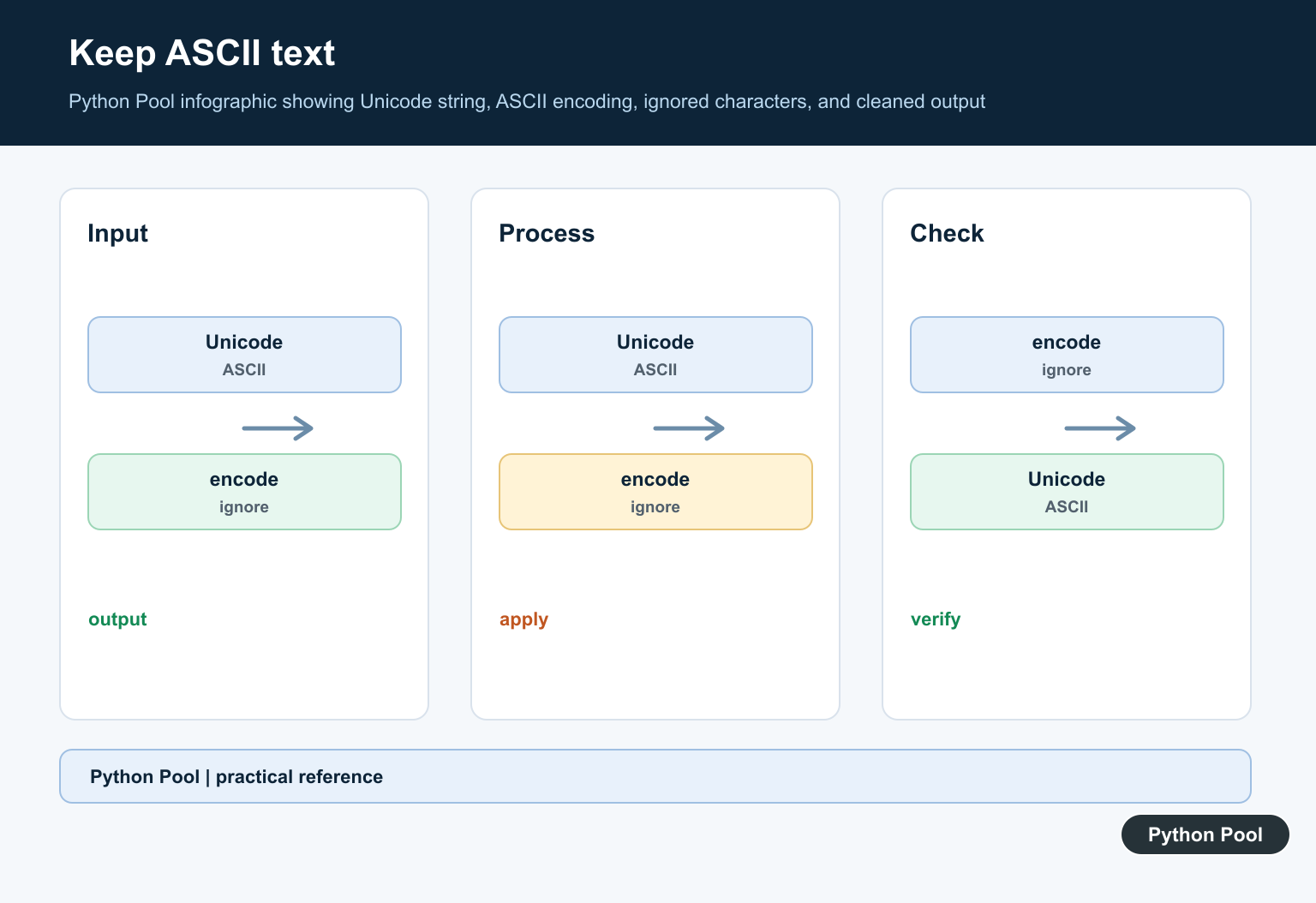
The shortest approach is to encode the string as ASCII and ignore characters that cannot be represented. Decode the bytes back to a string afterward.
text = "caf" + chr(233) + " " + chr(0x2615)
clean = text.encode("ascii", "ignore").decode("ascii")

print(text)
print(clean)
This removes the accented character and the symbol. It is useful when the destination truly accepts ASCII only. It can also remove useful information, so do not use it blindly on names, addresses, or user-submitted text.
Replace removed characters
If you want to see where data was lost, use errors="replace". Characters that cannot be encoded are replaced with question marks.
text = "price " + chr(0x20AC) + " 10"
clean = text.encode("ascii", "replace").decode("ascii")

print(clean)
This is helpful during audits because it makes removed characters visible. After you understand the data, switch to a rule that matches the output you actually need. Replacement output is usually a temporary diagnostic format, not the final cleaned value.
Filter with ord
ord() returns the Unicode code point for a character. ASCII characters have code points below 128, so an ord() filter is explicit and easy to adjust.
def remove_non_ascii(text):
    return "".join(char for char in text if ord(char) < 128)

text = "na" + chr(239) + "ve text " + chr(0x2713)
print(remove_non_ascii(text))
This method is readable when the rule is simple. If you need more detail on code points, see the Python ord() guide and the Python chr() guide.
Use regex for ASCII-only text
A regular expression can remove every character outside the ASCII range. This is compact, but it is less descriptive than a named helper function.
import re

text = "log" + chr(0x2605) + " entry " + chr(0x2713)
clean = re.sub(r"[^\x00-\x7F]+", "", text)

print(clean)
Regex is a good fit for one-off cleanup pipelines. For larger text workflows, wrap the expression in a function so the intent is clear and easy to test.
Normalize accented letters
Sometimes you do not want to drop a letter; you want a plain ASCII version. Unicode normalization can split a character into a base letter and a combining mark. Encoding to ASCII after normalization keeps the base letter and drops the mark.
import unicodedata

text = "caf" + chr(233) + " resume"
normalized = unicodedata.normalize("NFKD", text)
clean = normalized.encode("ascii", "ignore").decode("ascii")

print(clean)
This is often better for search, slugs, and simple matching because it turns accented letters into a readable fallback. It is still a lossy conversion, so keep the original text when accuracy matters. For user-facing content, show the original string and use the cleaned string only for matching or export.
Remove only symbols
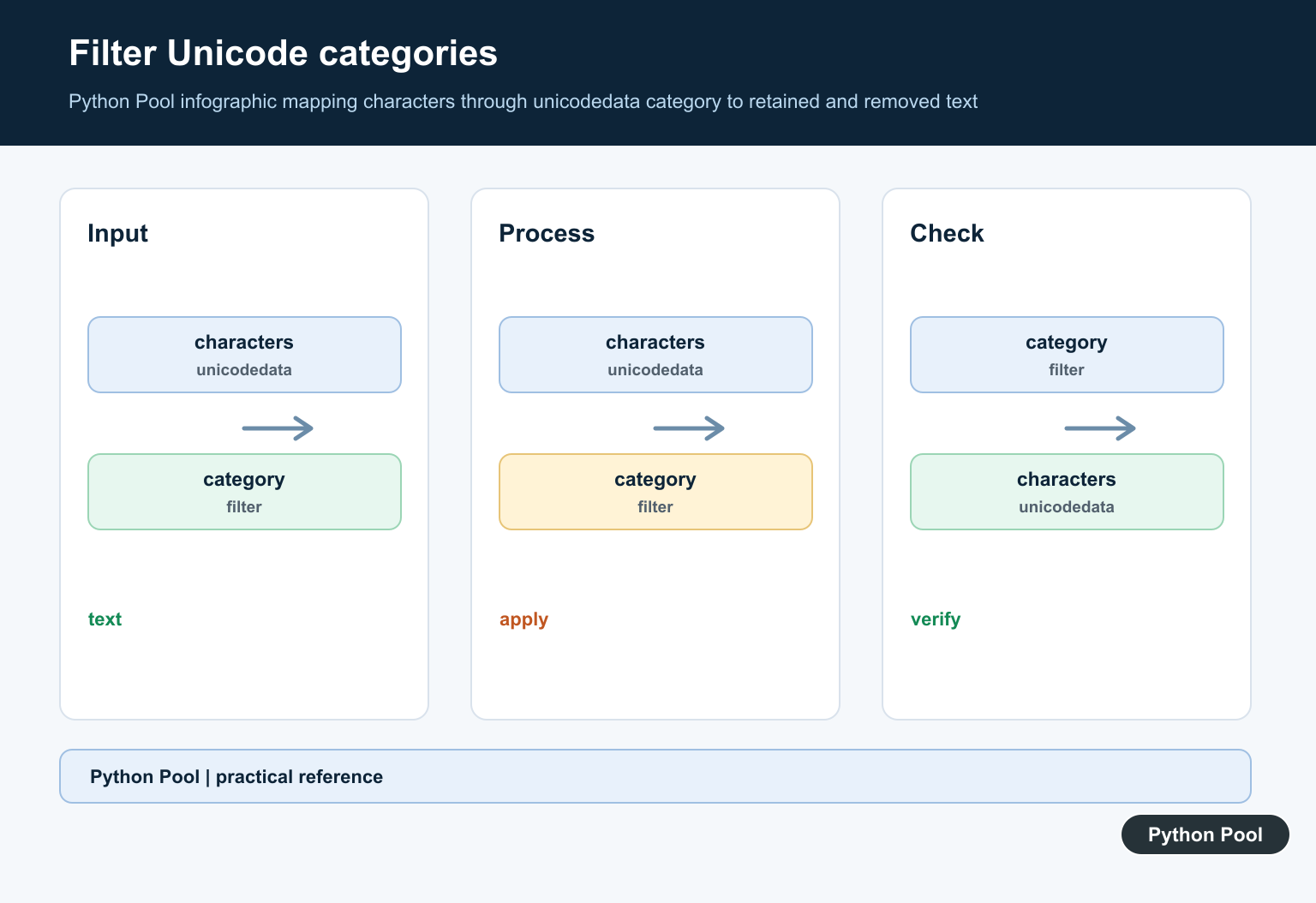
If you only want to remove symbols such as emoji, currency marks, and decorative characters, use Unicode categories. The unicodedata.category() function returns category codes such as Lu for uppercase letters and So for other symbols.
import unicodedata

def remove_symbols(text):
    return "".join(
        char for char in text
        if not unicodedata.category(char).startswith("S")
    )

text = "total " + chr(0x20AC) + " 10 " + chr(0x2713)
print(remove_symbols(text))
This keeps letters from non-English languages while removing symbols. That is usually safer than forcing everything to ASCII when the text may include real names or multilingual content.
Which method should you choose?
Use encode("ascii", "ignore") when the output must be ASCII and losing characters is acceptable. Use normalization when accented letters should become plain letters. Use ord() when you want a clear numeric boundary. Use regex for compact ASCII-only cleanup. Use unicodedata.category() when you need to remove only certain classes of characters.
Before choosing, write down what must be preserved: letters, digits, spaces, punctuation, currency signs, symbols, or language-specific characters. That decision matters more than the function name. Two cleanup rules can both be correct for different systems, and both can be wrong if they remove text the user expects to keep.
After cleanup, test with empty strings, plain ASCII, accented letters, symbols, and mixed text. If you are cleaning lists of strings, the remove newline from list guide has related cleanup patterns. For text analysis after cleanup, see the count words in Python strings guide.
Unicode cleanup should be conservative. Removing too much can damage names, product titles, and user content. Keep the original text when possible, and store the cleaned value only for the specific system that needs it.
Define What Should Be Removed
Removing every non-ASCII code point can destroy names and scripts that are perfectly valid. Decide whether the requirement concerns control characters, emoji, punctuation, combining marks, a particular Unicode category, or characters outside a protocol’s limited alphabet. A narrow rule is easier to test and explain.
Use ASCII Encoding With An Explicit Policy
text.encode(‘ascii’, ‘ignore’).decode(‘ascii’) drops characters that cannot be represented in ASCII, while replace substitutes a marker. This is useful for a deliberately ASCII-only export, but it is lossy. Keep the original text when it may need to be displayed or audited later.
Normalize Accents When That Is The Goal
unicodedata.normalize(‘NFKD’, text) decomposes many accented characters into a base character and combining mark. Removing combining marks can produce an unaccented representation, but transliteration is not universal and compatibility normalization can change distinctions that matter.
Use translate Or Regex For Selected Characters
str.translate() is explicit for deleting a known set or mapping code points. Regular expressions can target defined categories or patterns, but broad patterns should be reviewed against newline, emoji, scripts, and combining sequences. Avoid using a shortcut where the allowed character set is not documented.
Test Unicode As Real Data
Test ASCII, accented Latin, non-Latin scripts, emoji, combining marks, punctuation, control characters, empty text, and mixed input. Assert the intended normalization and preserve or reject invalid data at the correct boundary instead of silently changing it in a display helper.
The official unicodedata documentation defines normalization and Unicode properties. Python’s str.translate reference and codecs documentation cover mapping and encoding behavior. Related guidance includes text tests.
For related text boundaries, compare input handling, string matching, and Unicode tests when narrowing a character policy.
Frequently Asked Questions
How do I remove non-ASCII characters in Python?
Encode the string with ASCII and an explicit error policy such as ignore or replace, then decode it, understanding that information may be lost.
How do I remove only selected Unicode symbols?
Use str.translate() with a deletion mapping or a carefully defined regular expression rather than deleting every non-ASCII character.
Can I remove accents without deleting letters?
Normalize with unicodedata.normalize(‘NFKD’, text), then remove combining marks when transliteration to an unaccented form is the intended result.
Why should I avoid removing all Unicode?
Unicode includes valid letters, punctuation, and scripts; broad deletion can corrupt names, identifiers, or user content when the real requirement is narrower.
