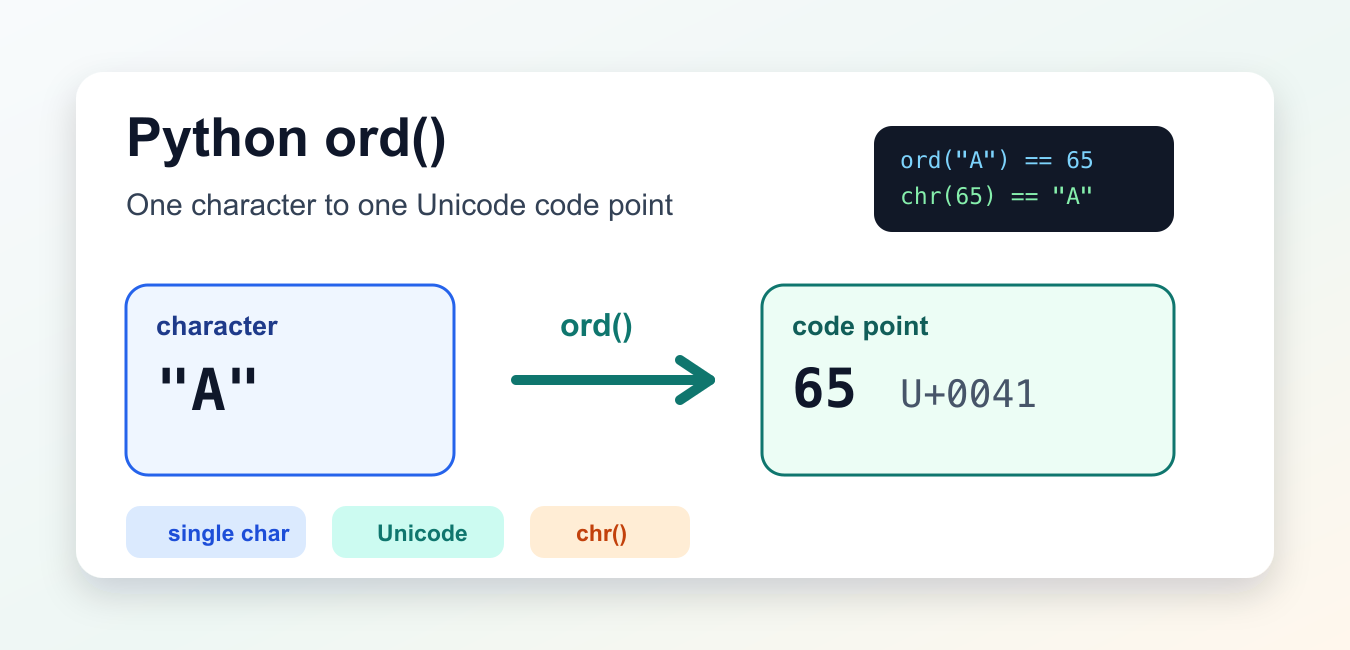
Quick answer: Python ord() returns the Unicode code point for exactly one character. Use chr() to convert a valid code point back to a character, and do not confuse a Unicode value with an alphabet position or an encoded byte value.
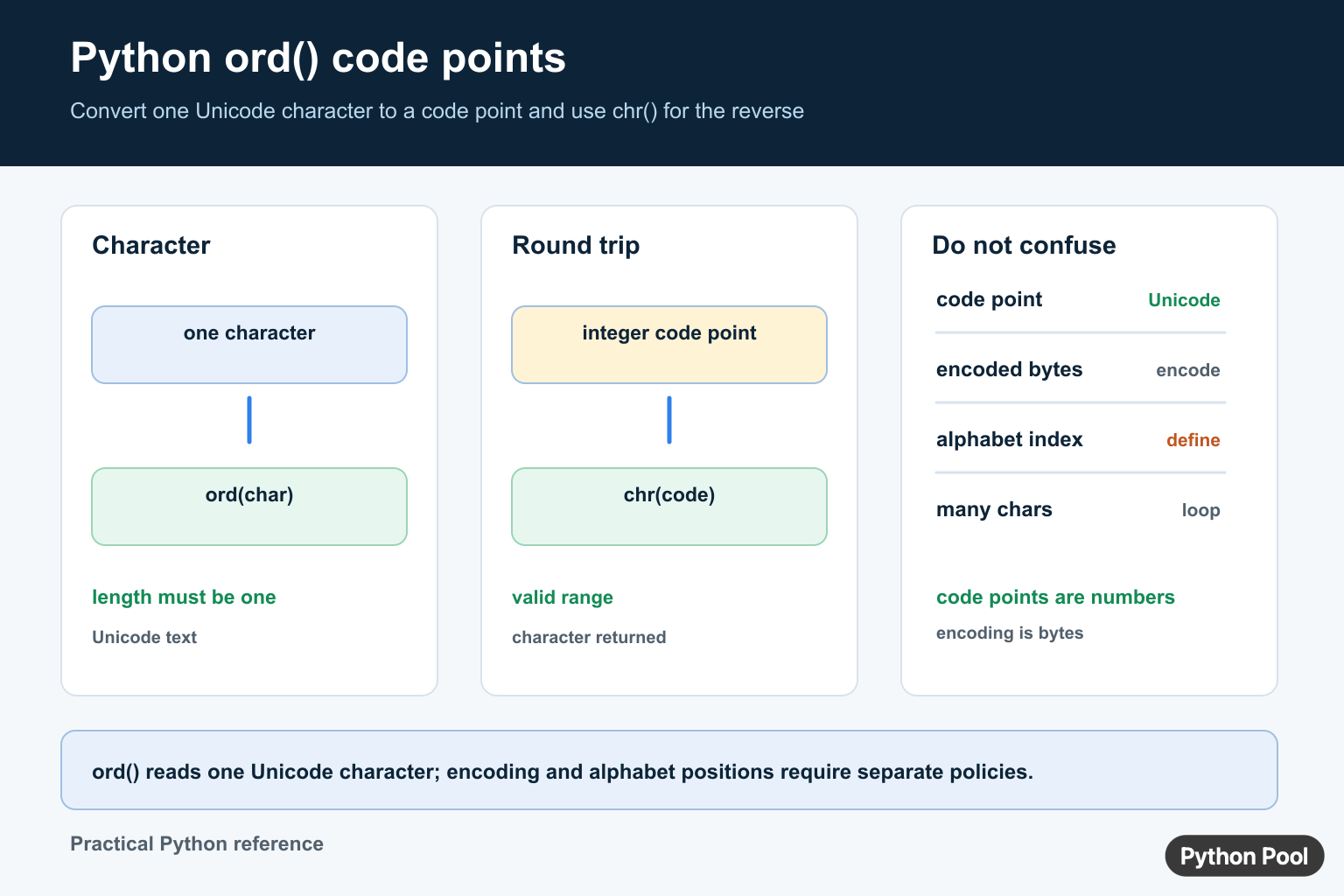
ord() is a built-in Python function that returns the Unicode code point for one character. Give it a string of length one, and it returns an integer. That integer is the numeric identity Python uses for the character in Unicode-aware text operations.
The official Python ord documentation defines the built-in function, and the official Python chr documentation covers the reverse conversion. The Python Unicode HOWTO and the Unicode Standard are useful background references.
Use ord() when code needs to inspect the numeric position of a character, compare ranges, build simple encoders, or explain why two characters that look similar are not equal. It is not limited to ASCII. Python strings are Unicode text, so ord() works for letters, digits, symbols, whitespace, currency signs, accented characters, and emoji, as long as the input is exactly one character.
The function is small, but it prevents a common mistake: treating characters as if they were just byte values. Text can contain far more than the first 128 ASCII characters. The integer from ord() is a Unicode code point, not a file encoding byte and not a display width.
Get Code Points For Common Characters
The simplest use is to call ord() on one character and print the result.
for ch in ["A", "a", "9", "#"]:
    print(ch, ord(ch))
Uppercase and lowercase letters have different code points, so "A" and "a" are not interchangeable. Digits such as "9" also have character codes that differ from the numeric value nine.
This distinction matters in parsers and format checks. If text contains the character "1", ord("1") describes the character, while int("1") parses a number. Use the function that matches the job.
Convert Back With chr()
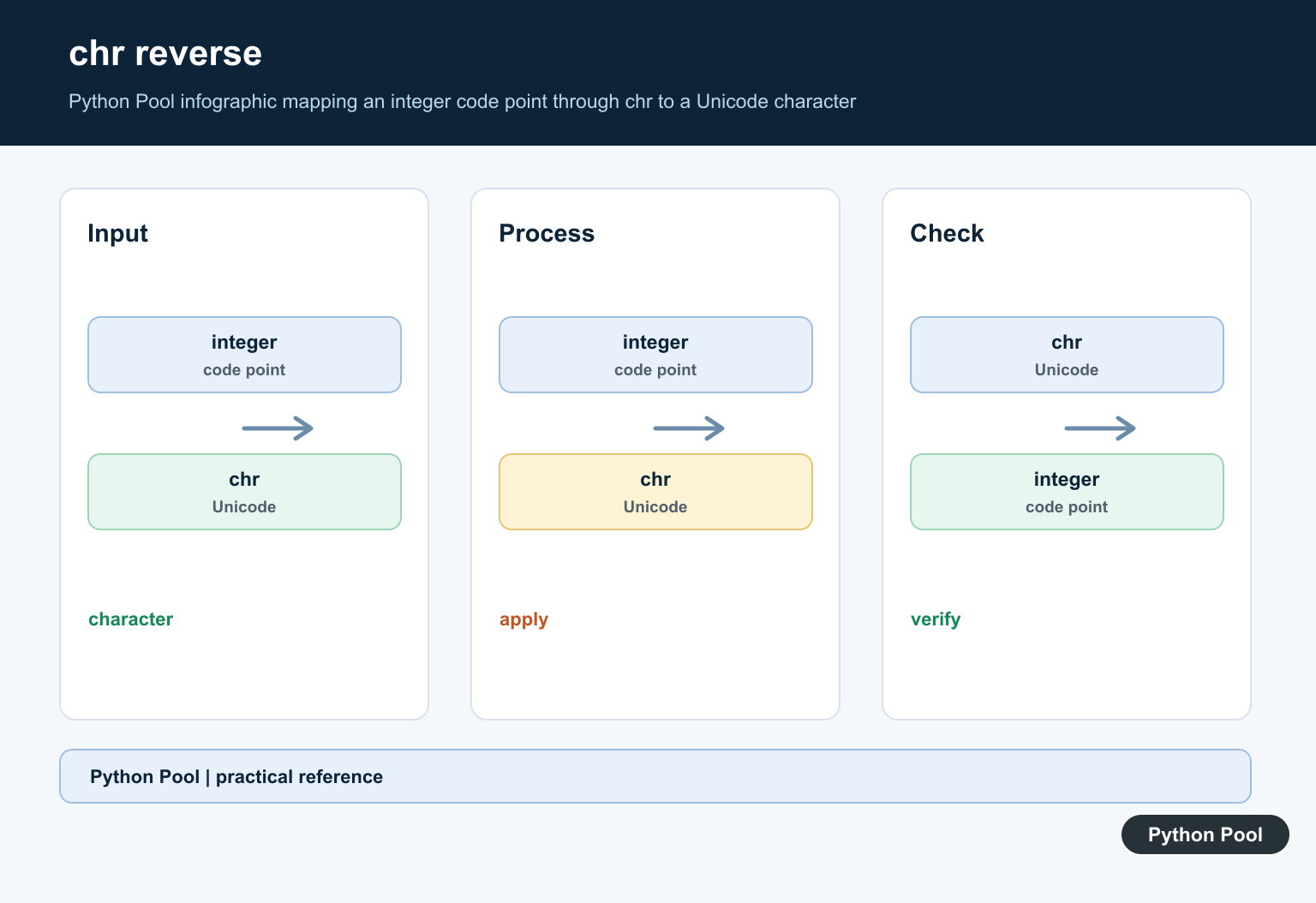
chr() is the inverse operation for valid Unicode code points. It accepts an integer and returns the character for that code point.
ch = "A"
point = ord(ch)
same_ch = chr(point)

print(point)
print(same_ch)
This round trip is useful when teaching Unicode, generating character ranges, or checking that a transformation preserved the original character. If chr(ord(ch)) does not give the expected result, the input may not be the character you thought it was.
Do not use this pair as a substitute for encoding and decoding files. File encodings such as UTF-8 convert text to bytes and back. ord() and chr() move between a single Python character and a Unicode code point.
Inspect Whitespace And Symbols
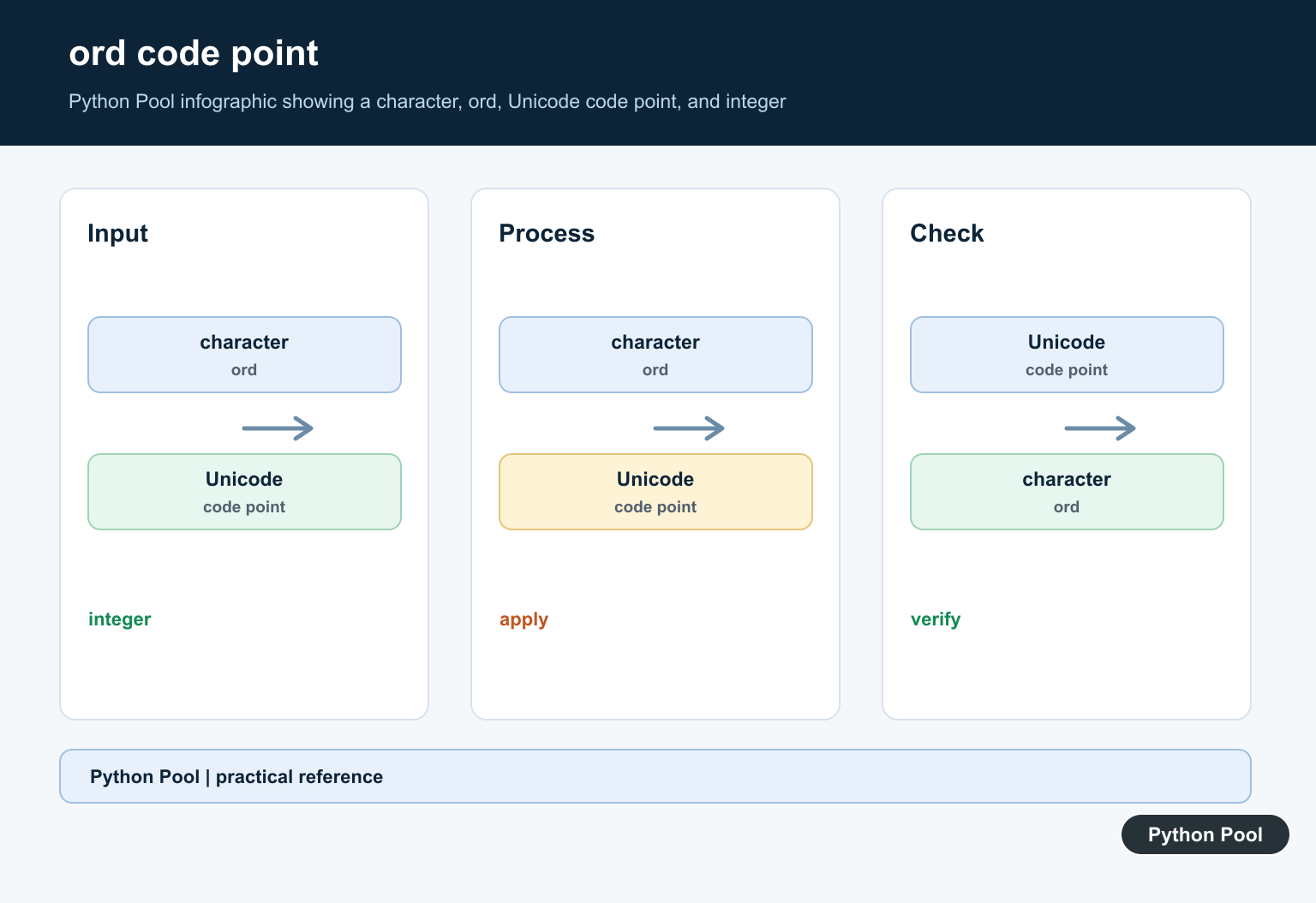
Characters that are hard to see on screen still have code points. Showing repr(), decimal form, and hexadecimal form together gives a compact diagnostic view.
samples = [" ", "\n", "\u20ac", "\U0001f642"]

for ch in samples:
    print(repr(ch), ord(ch), hex(ord(ch)))
The space character, newline character, euro sign, and smiling face all produce different values. Hexadecimal output is common in Unicode references because code points are usually written in the form U+20AC or U+1F642.
This approach helps when text copied from a page, terminal, or document has hidden characters. A plain print call may show a line break or empty-looking space without explaining which character is present.
Handle Strings Longer Than One Character
ord() accepts exactly one character. Passing an empty string or a string with more than one character raises TypeError. For application code, it is often clearer to validate length yourself and raise a message that fits the input source.
def require_one_char(text):
    if len(text) != 1:
        raise ValueError(f"expected one character, got {len(text)}")
    return ord(text)

for text in ["P", "Pool"]:
    try:
        print(text, require_one_char(text))
    except ValueError as exc:
        print(exc)
Checking length before calling ord() makes the rule explicit. It also lets you decide whether an empty field, a pasted word, or a combined sequence should be rejected or handled another way.
Some visible symbols can be built from more than one Unicode code point, especially when accents or emoji modifiers are involved. ord() still works one Python character at a time, so inspect the length of the string when a displayed symbol behaves unexpectedly.
Map Text To Code Points
To inspect an entire string, call ord() for each character. A list of code points is often easier to compare than raw text when subtle differences matter.
def to_code_points(text):
    return [ord(ch) for ch in text]

print(to_code_points("Python"))
print(to_code_points("A\u20ac"))
This pattern is useful for debugging input from files, APIs, copy-paste sources, and tests. If two strings look identical but fail equality checks, code point lists can reveal an extra space, a newline, or a different Unicode character.
Keep this as an inspection technique, not a storage format. For persistence and transport, store text in a known encoding such as UTF-8 or use a structured format that documents how text is represented.
Build Simple Character Ranges
ord() and chr() can generate compact character ranges when the desired range is continuous in Unicode.
def letters_between(first, last):
    start = ord(first)
    stop = ord(last)
    return [chr(point) for point in range(start, stop + 1)]

print(letters_between("a", "f"))
print(letters_between("0", "4"))
This works well for basic Latin letters and digits because those ranges are contiguous. It is less appropriate for human-language alphabets with accents, digraphs, locale rules, or sorting rules. For language-aware text processing, use Unicode-aware libraries and locale-aware comparisons instead of numeric shortcuts.
Practical Guidelines
Use ord() when you need the numeric Unicode code point for one character. Use chr() when you have a code point and need the character. Use encoding methods when converting full text to bytes for files, network protocols, or hashes.
Validate length before calling ord() in user-facing paths. A short helper can make the one-character requirement clear and keep error messages close to the input boundary.
Avoid ASCII-only assumptions unless the format really is ASCII-only. Unicode text can contain punctuation, whitespace, letters, symbols, and composed characters that are easy to miss in normal output. Pair ord() with repr() and hex() when debugging those cases.
The practical rule is simple: ord() answers “which Unicode code point is this one character?” It is exact, fast, and built in, but it should be used with a clear understanding that text, bytes, visual width, and language rules are separate concerns.
ord() Accepts One Character
The argument must be a string of length one. A longer string is not automatically converted character by character; use a comprehension when every character needs a code point.
text = "Python"
codes = [ord(character) for character in text]
print(codes)
print("".join(chr(code) for code in codes))
Code Point Is Not Encoding
ord("A") returns the Unicode code point for the character. Encoding that character as UTF-8 produces bytes, which is a different operation. Use text.encode("utf-8") when a file, socket, or binary protocol needs bytes.
Likewise, ord("c") - ord("a") is an alphabet position only under an explicit lowercase-ASCII rule. For Unicode text, letters may not be contiguous or even belong to the same script, so define the validation policy first.
For character and text analysis, compare ord() with word counts and string length. Read python count words in string and python string length for the related workflow.
Frequently Asked Questions
What does ord() do in Python?
ord() returns the Unicode code point of a string containing exactly one character.
How do I convert an ord value back to a character?
Use chr(code_point) for a valid Unicode code point to obtain the corresponding character.
Why does ord() reject a longer string?
The function is defined for one character; use a loop or comprehension when every character in a longer string needs conversion.
Is ord() the same as encoding a character?
No. ord() returns a Unicode integer, while encode() converts text into bytes for a file, socket, or binary protocol.
