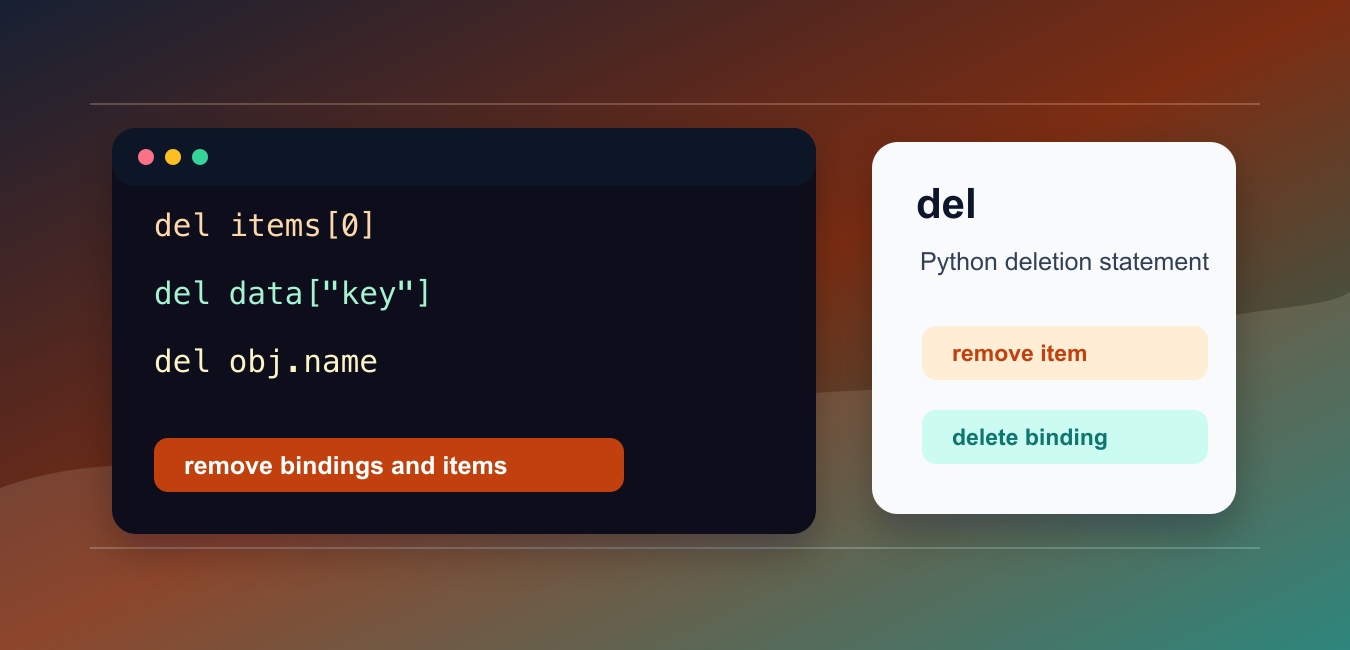
Quick answer: del removes a name binding, sequence item or slice, mapping key, or object attribute. It removes a reference; it is not a promise that the underlying object is destroyed immediately.
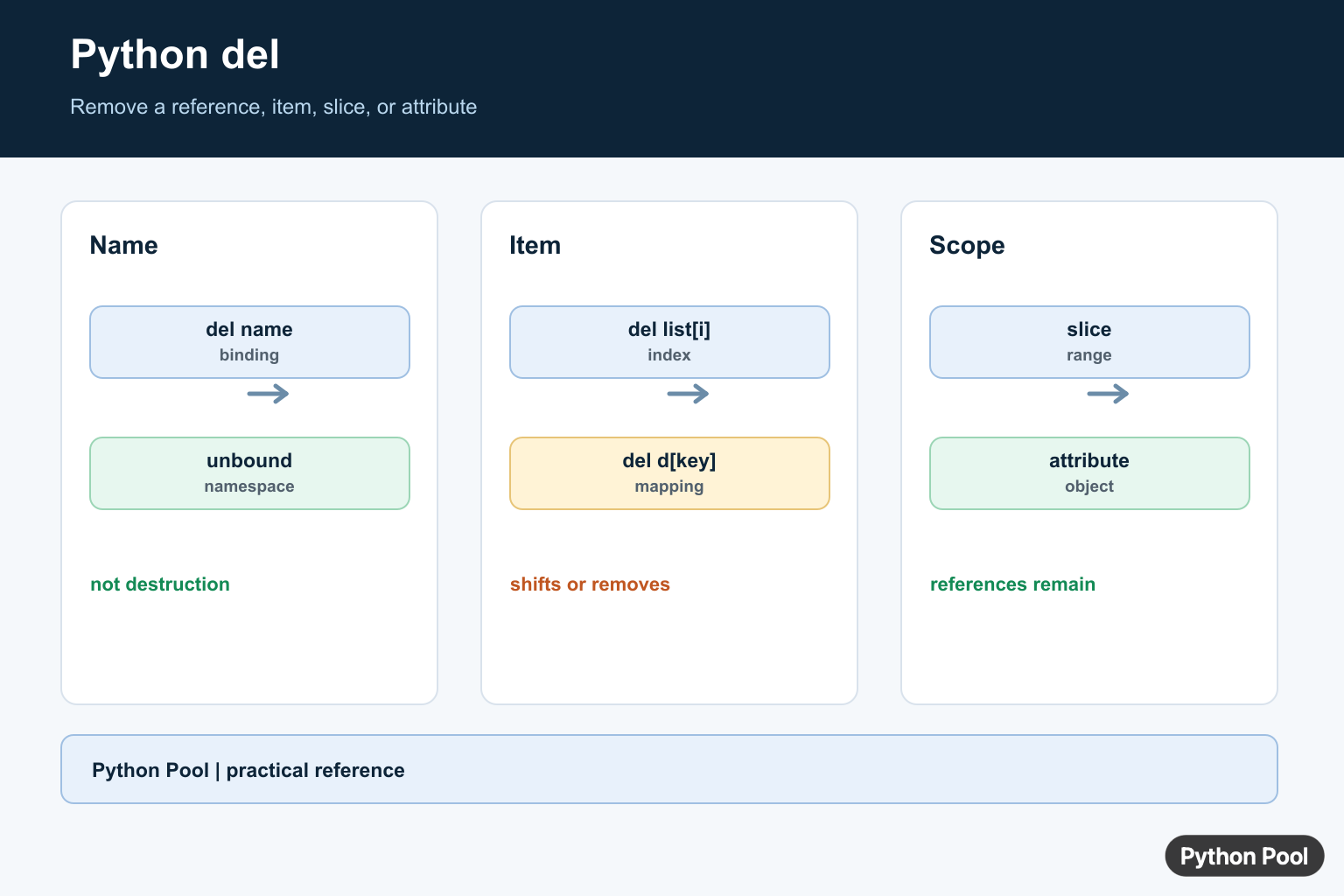
The Python del statement removes a name binding, list item, slice, dictionary key, or object attribute. It does not return a value; it changes the target or removes the binding.
The official Python language reference documents the del statement. The standard library documentation covers list objects and dictionary objects.
Use del when you want to remove something by position, slice, key, attribute, or name. Use methods such as pop() when you also need the removed value.
The examples below show the common forms and the cases where another approach may be clearer.
The important idea is that del acts on a target. For a list target, it changes the list. For a dictionary target, it removes a key. For a name target, it removes the binding from the current namespace.
Deletion is different from replacing a value. After del data["key"], the key no longer exists. After data["key"] = None, the key still exists and maps to None.
Delete A List Item By Index
Use del with a list index to remove one item.
items = ["red", "green", "blue"]

del items[1]

print(items)
This removes "green" and shifts later items left.
Use this when you know the position and do not need the removed item afterward.
If the index is out of range, Python raises IndexError. Check the list length first when the index comes from user input or an external source.
Delete A List Slice
del can remove several list items with a slice.
items = ["a", "b", "c", "d", "e"]

del items[1:4]

print(items)
This removes items at positions 1, 2, and 3.
Slices are useful for clearing a range while keeping the original list object alive.
This can matter when other code holds a reference to the same list object. The object stays the same, but its contents change.
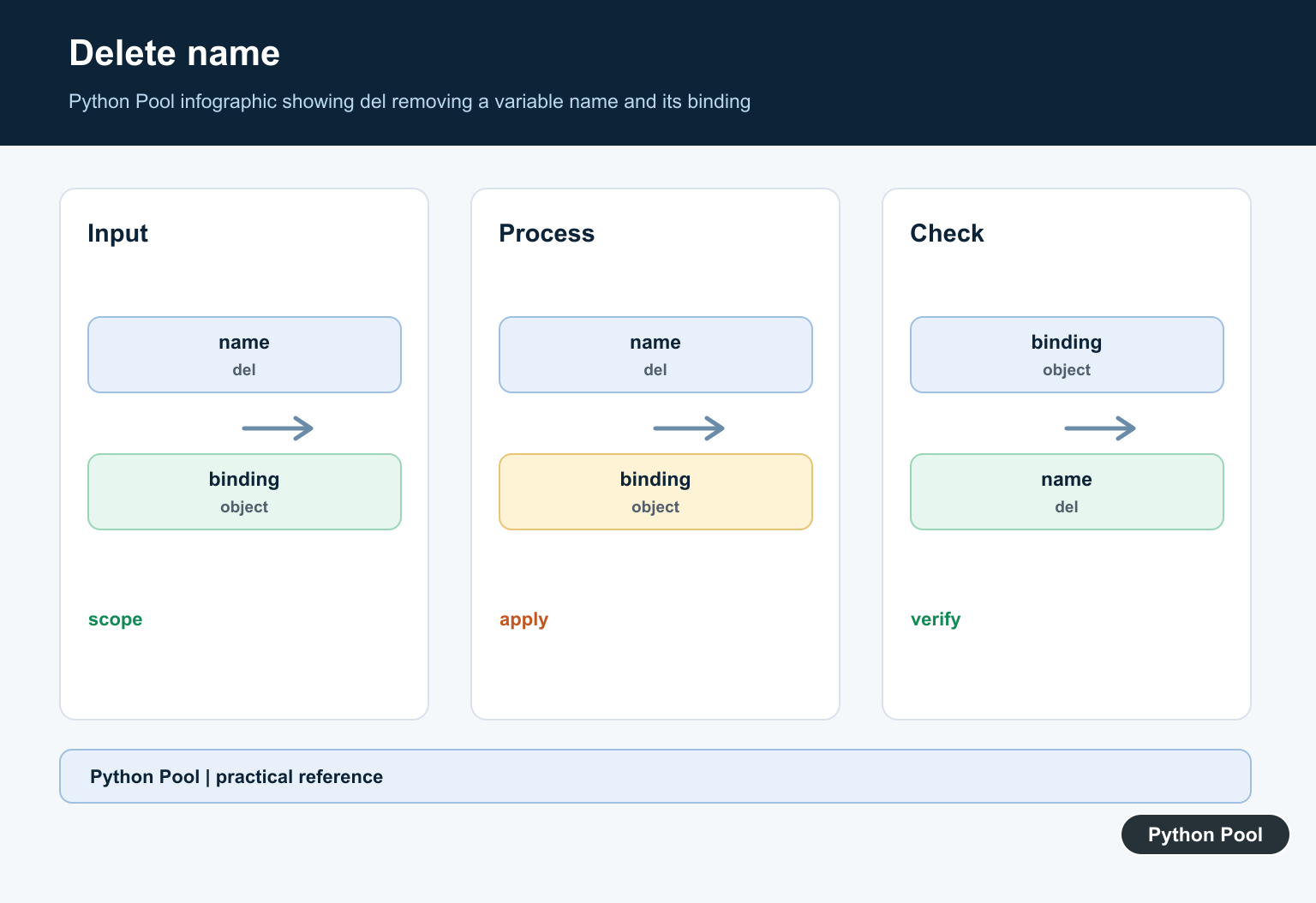
Delete A Dictionary Key
Use del with a key to remove a dictionary entry.
settings = {
    "theme": "dark",
    "page_size": 20,
}

del settings["theme"]

print(settings)
If the key is missing, Python raises KeyError.
Use dict.pop(key, default) when a missing key is allowed or when you need the removed value.
Use del when a missing key should be treated as a bug. The raised KeyError makes the problem visible.
Delete An Object Attribute
del can remove an attribute from an object when the object allows it.
class User:
    pass

user = User()
user.name = "Ava"

del user.name

print(hasattr(user, "name"))
After deletion, the attribute no longer exists on that object.
This is less common than setting a value to None. Use deletion only when absence and None have different meanings.
Some classes control attribute deletion with custom methods or slots. If deletion fails, check how the class is defined.
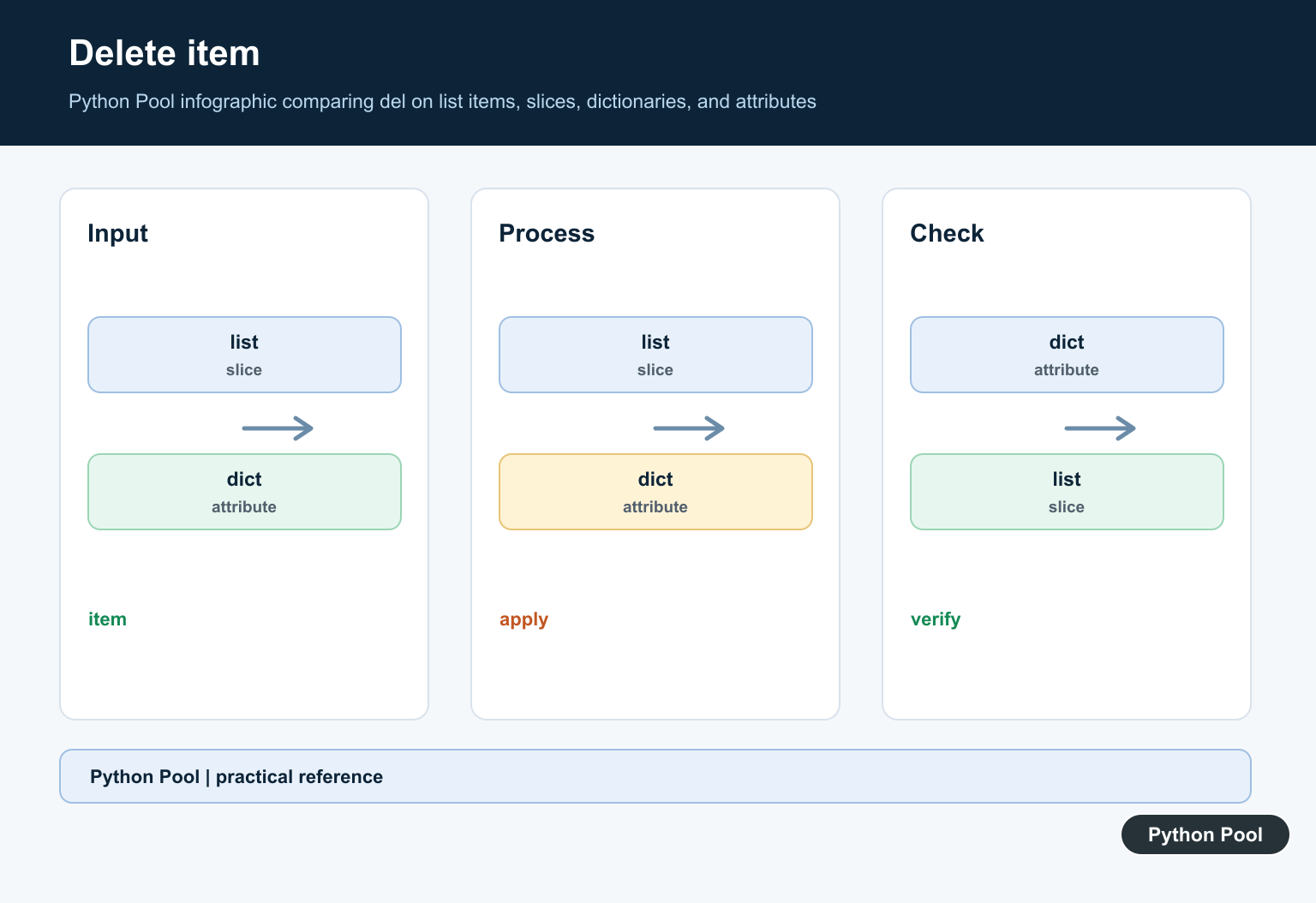
Delete A Name Binding
del can remove a local name binding.
message = "temporary"

print(message)

del message

try:
    print(message)
except NameError:
    print("name is gone")
After the deletion, reading the name raises NameError.
This is rarely needed in ordinary code. It is mostly useful for cleanup in long sessions, examples, or cases where a binding should no longer be accessible.
Deleting a name does not guarantee that the underlying object is immediately destroyed. Other references may still point to the same object.
Choose del Or pop
Use pop() when you need the removed item.
items = ["red", "green", "blue"]

removed = items.pop(1)

print(removed)
print(items)
pop() removes and returns the item, while del only removes it.
For dictionaries, pop() can also provide a default for missing keys. That makes it safer when absence is expected.
Choose based on intent: del means “remove this target,” while pop() means “remove and give me the item.”
Common del Mistakes
Do not use del when assigning None would better represent an empty value. Deletion means the target is gone; None means the target still exists but has no useful value.
Also avoid deleting from a list while looping over it by index unless the loop is carefully designed. Filtering into a new list is often clearer.
If you must delete several indexes, process them from highest to lowest so earlier deletions do not shift later positions before they are removed.
For cleanup code, prefer the clearest operation over the shortest one. If the removed value matters, use pop(). If the target should simply disappear, del is direct and readable.
That distinction keeps deletion intent obvious.
In short, use del to remove list items, slices, dictionary keys, object attributes, or name bindings. Use pop() when the removed value matters or when missing keys should be handled gracefully.
Delete Names And Items
Deleting a name removes that binding from the current namespace. Deleting a list item changes the list and shifts later indexes, while deleting a dictionary key removes the mapping entry. Choose pop when you need the removed value returned.
value = "temporary"
items = ["a", "b", "c"]
mapping = {"keep": 1, "remove": 2}

del value
del items[1]
del mapping["remove"]
print(items, mapping)
Delete Slices And Attributes
A slice target can remove a contiguous range in one operation. Attribute deletion calls the object’s deletion protocol and may be restricted by the class. It is a different operation from assigning None, because the attribute or item no longer exists after deletion.
numbers = [0, 1, 2, 3, 4]
del numbers[1:4]

class Session:
    def __init__(self):
        self.token = "temporary"

session = Session()
del session.token
print(numbers)
Understand References And Cleanup
If another variable still refers to an object, del one name does not make the object disappear. Python reclaims objects when they become unreachable according to its memory-management rules. Use context managers for files, locks, and other resources that need deterministic cleanup.
first = [1, 2, 3]
second = first
del first
print(second)

del second
Python’s del statement reference defines deletion targets, while the data model explains object and reference behavior.
For related cleanup operations, compare deleting files, removing virtual environments, and clearing references without confusing deletion with resource cleanup.
Frequently Asked Questions
What does del do in Python?
del removes a name binding, sequence item or slice, mapping key, or object attribute depending on the target expression.
Does del delete an object immediately?
Not necessarily. It removes a reference; the object is reclaimed only when no references remain and Python’s memory management can collect it.
How do I delete a dictionary key?
Use del mapping[key] when the key must exist, or mapping.pop(key, default) when a missing key should be handled without KeyError.
How do I delete several list items?
Use a slice such as del values[start:stop] for a contiguous range, or build a filtered list when the selection rule is more expressive.
