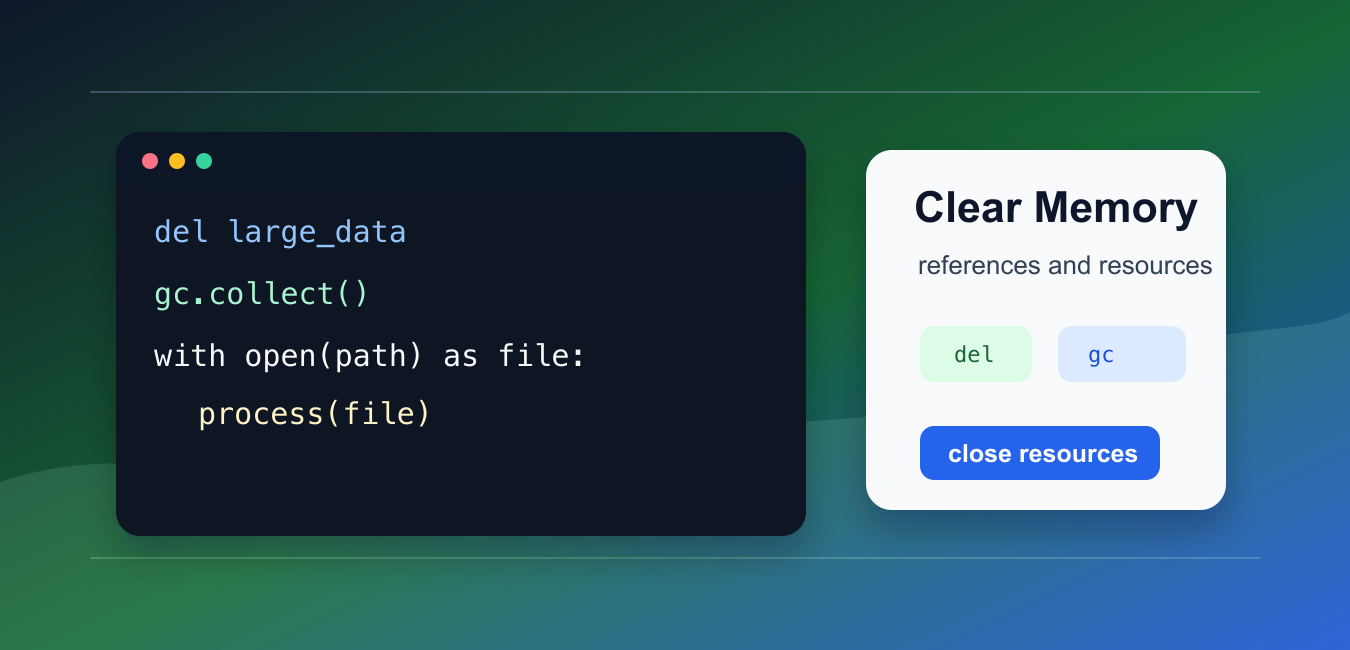
Quick answer: Python reclaims objects when no references remain, but del only removes one reference and gc.collect only handles eligible cycles. Clear a cache with its API, close resources, stream inputs, and reduce peak live data. Measure the process rather than assuming that a lower Python object count immediately lowers RSS.
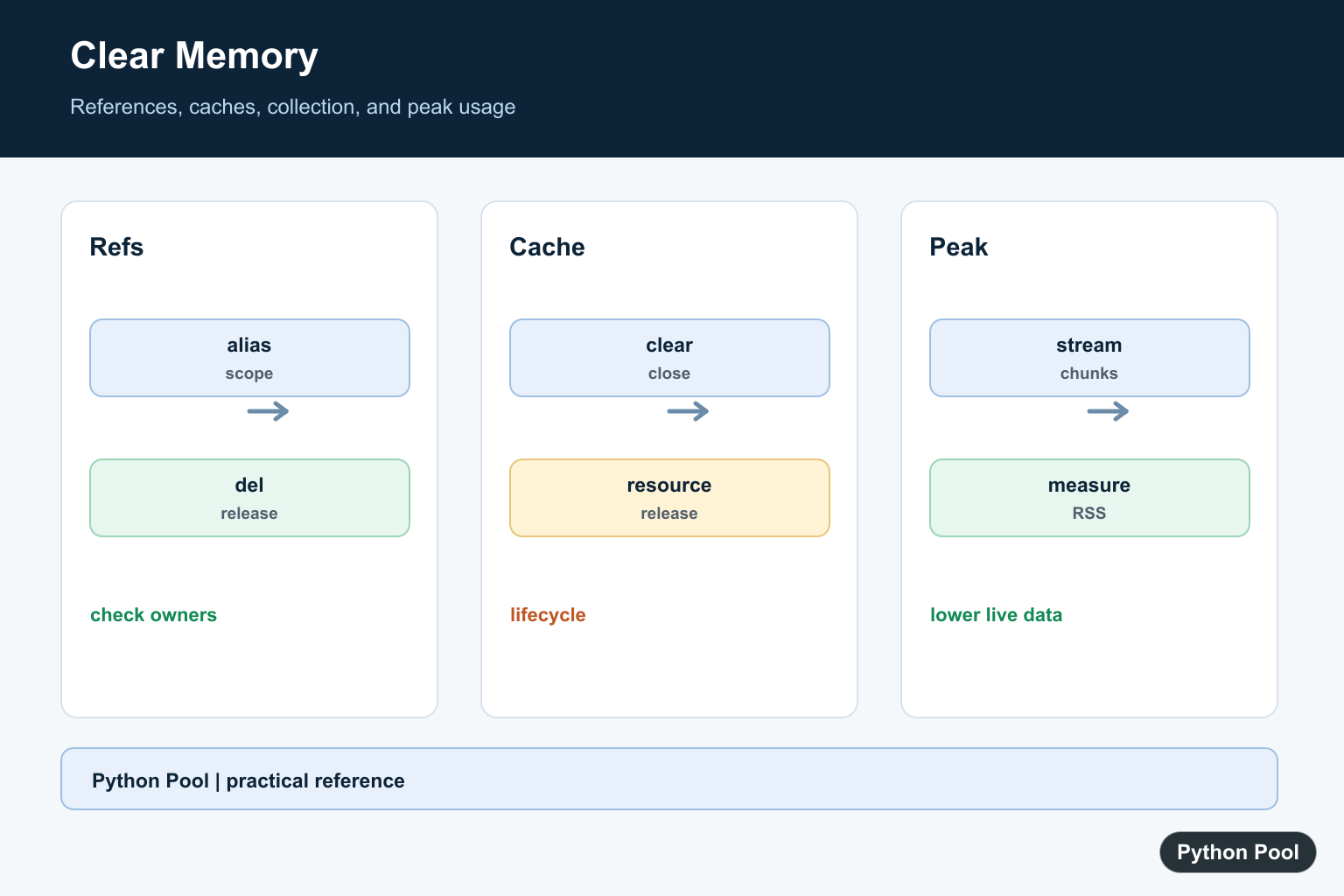
Python manages memory automatically, so you usually do not manually free memory the way you would in lower-level languages. You can still help Python release memory by removing references, closing resources, and avoiding unnecessary large objects.
The main references are Python’s gc module documentation, the tracemalloc documentation, and the del statement reference.
The most important point is that del removes a name binding. It does not guarantee that the operating system immediately shows lower memory use.
Focus on object lifetime first: create large objects only when needed, release references when they are no longer needed, and close files or connections promptly.
There is no reliable one-line command that makes every Python process immediately shrink in the operating-system monitor. The right approach depends on what is still referenced, what allocator behavior is involved, and whether external resources are open.
For long-running programs, memory health is mostly about steady design: avoid retaining old data, stream large inputs, and keep caches bounded.
Delete A Large Object Reference
Use del when a large object is no longer needed in the current scope.
large_data = [number * number for number in range(100_000)]
total = sum(large_data)

print(total)

del large_data
print("large list reference removed")
This allows Python to reclaim the list when no other references point to it.
If another object still references the same data, deleting one name will not free the data.
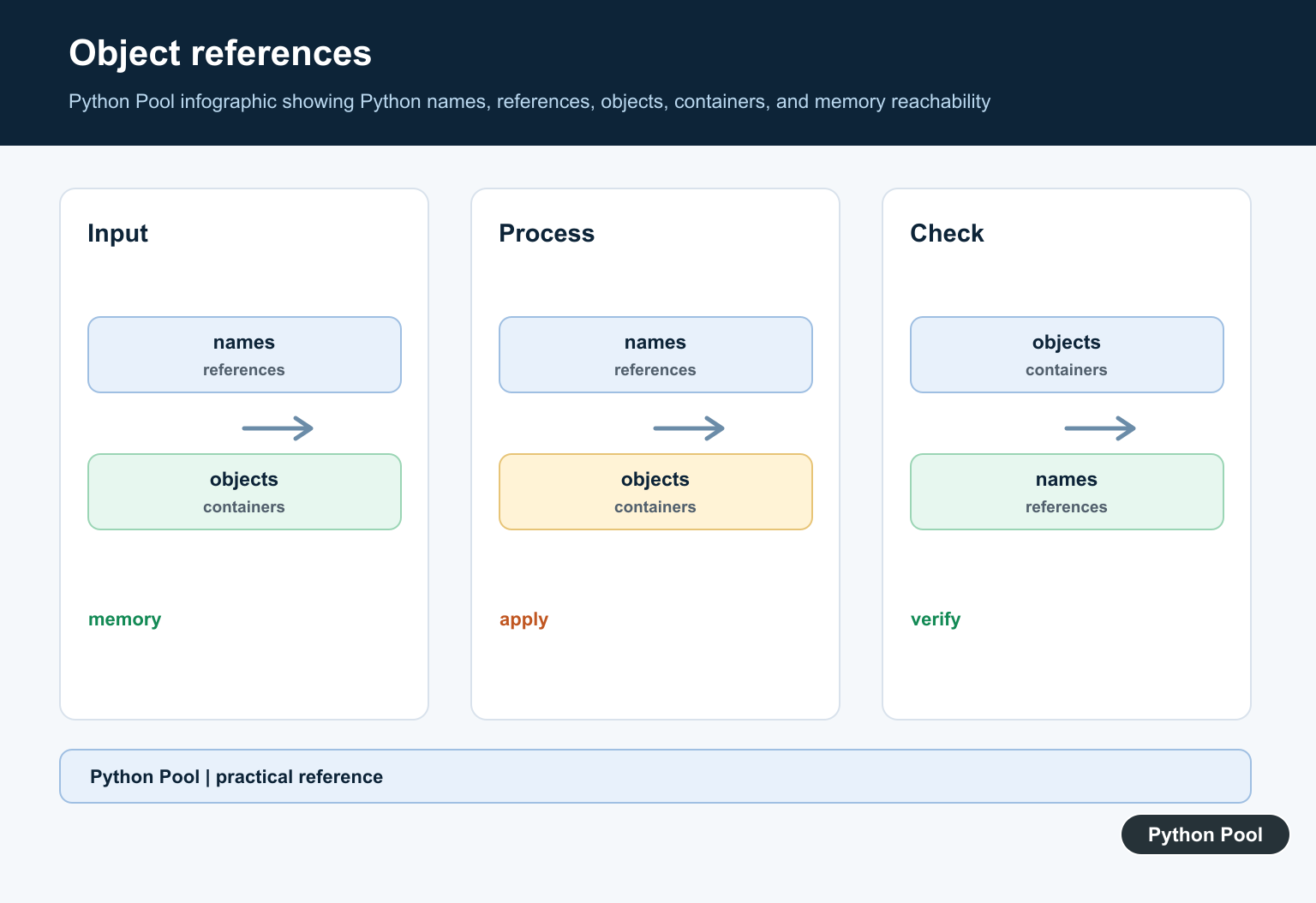
This is why memory cleanup should start with understanding ownership. If a list is stored in a global cache, deleting a local name will not remove the cached reference. Garbage collection starts with removing references; Python del Keyword Explained With Examples explains exactly what del removes from names, lists, dictionaries, and objects.
Use Smaller Scopes
Moving work into a function can shorten object lifetime because local names are released when the function returns.
def calculate_total():
    data = [number * 2 for number in range(100_000)]
    return sum(data)

result = calculate_total()
print(result)
The list exists only while the function runs.
This is often cleaner than manually deleting many names in a long script.
Smaller scopes also make code easier to review because each temporary object has a clear lifetime.
Collect Reference Cycles
Python’s garbage collector handles reference cycles. You can request a collection with gc.collect() after releasing large cyclic structures.
import gc

items = []
items.append(items)

del items
collected = gc.collect()

print(collected)
This is rarely needed in ordinary code, but it can help after deleting large cyclic graphs.
Do not call gc.collect() in tight loops without measurement. It can slow programs down.
Close Files And Resources
Memory pressure often comes from open files, buffers, sockets, images, or database connections. Close resources promptly.
path = "data.txt"

with open(path, "w", encoding="utf-8") as file_obj:
    file_obj.write("Python")

with open(path, "r", encoding="utf-8") as file_obj:
    text = file_obj.read()

print(text)
The with statement closes the file even if an error occurs inside the block.
This is safer than relying on cleanup at process exit.
The same principle applies to network connections, database cursors, image handles, and compressed files. Use context managers when the library provides them.
Process Data In Chunks
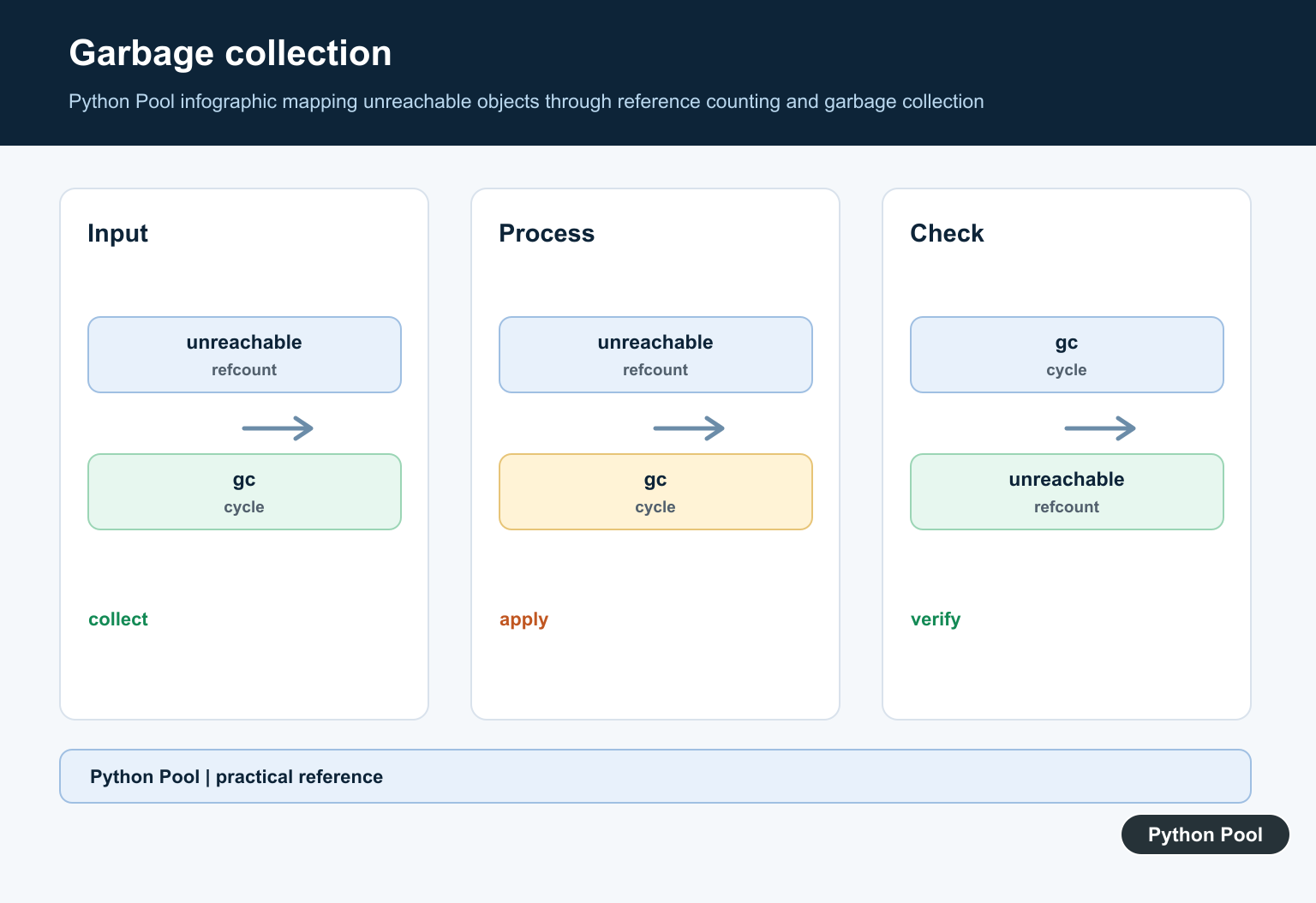
Avoid loading huge files into memory when you can process them one line or chunk at a time.
def count_lines(path):
    count = 0
    with open(path, "r", encoding="utf-8") as file_obj:
        for _line in file_obj:
            count += 1
    return count

print(count_lines("data.txt"))
Streaming keeps peak memory lower because the whole file is not stored at once.
This pattern is often more effective than trying to clear memory after a large load.
Chunking also makes failures easier to recover from because the program can save progress between chunks.
Measure With tracemalloc
Use tracemalloc to compare allocations before guessing where memory went.
import tracemalloc

tracemalloc.start()

data = [str(number) for number in range(10_000)]
current, peak = tracemalloc.get_traced_memory()

print(current)
print(peak)

del data
tracemalloc.stop()
Measurements help you decide whether a change actually reduced memory use.
The practical rule is to reduce references, use smaller scopes, close resources, stream large inputs, and measure before adding manual garbage collection.
If memory stays high after objects are released, remember that Python’s allocator may keep memory available for reuse inside the process instead of returning it to the operating system immediately. If the symptom is allocator corruption rather than ordinary retained Python objects, use the native-memory troubleshooting steps in Fix corrupted size vs. prev_size in Python.
Also watch for accidental retention in lists, dictionaries, closures, logs, and caches. A small reference kept in a global structure can keep a large object alive.
For services, add memory metrics and alerts instead of relying on manual cleanup calls. Measurement over time shows whether memory is stable, growing, or spiking only during expected work.
If memory grows after every request or task, look for retained references first. If memory spikes and then levels off, the process may simply be reusing allocated memory.
Measure before changing cleanup code.
Remove References At A Boundary
Leaving a function scope or deleting a local can make an object eligible for collection. Inspect aliases first because another reference keeps it alive.
def make_values():
    return [number for number in range(1000)]

values = make_values()
print(len(values))
del values
Clear Caches Deliberately
Caches often own the largest references in a long-running process. Use the cache’s clear or close operation and make invalidation part of the lifecycle instead of deleting internal fields.
cache = {"expensive": [1, 2, 3]}
cache.clear()
print(cache)
Collect Cycles Only When Needed
The garbage collector can reclaim cyclic objects, but forcing collection after every small operation can hurt performance. Measure first and collect at a deliberate batch boundary if necessary.
import gc

collected = gc.collect()
print("unreachable objects collected:", collected)
Lower Peak Memory
The most reliable fix is often architectural: process bounded chunks, avoid duplicate copies, use generators or compact arrays, and release external resources with context managers.
def batches(values, size):
    for start in range(0, len(values), size):
        yield values[start:start + size]

for batch in batches(list(range(10)), 3):
    print(sum(batch))
Python’s gc and tracemalloc documentation explain collection and allocation measurement. Related references include MemoryError diagnosis, persistence, and resource operations.
For related resource management, compare MemoryError diagnosis, persistence, and file operations when controlling memory.
Frequently Asked Questions
How do I clear a variable from memory?
Remove references with del or by leaving a scope, but remember that other references can keep the object alive.
Does gc.collect free all memory?
It collects eligible cyclic garbage, but it cannot reclaim live objects and the allocator may retain memory for reuse.
How do I release a cache?
Use the cache’s clear or close API and confirm that no caller still holds references to cached objects.
How can I reduce memory more reliably?
Stream inputs, process bounded batches, avoid duplicate copies, and measure peak usage with representative data.
