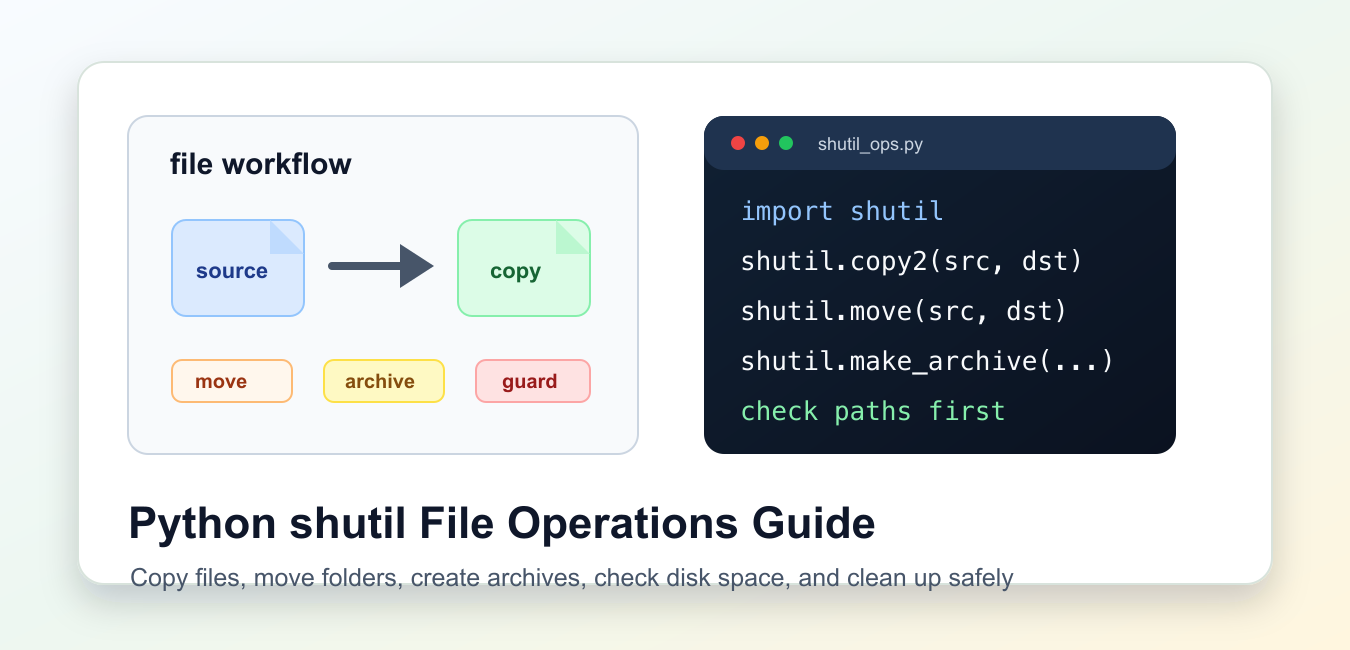
Quick answer: Python’s shutil module provides high-level file operations such as copyfile, copy, copy2, copytree, move, rmtree, and archive helpers. Make source and destination paths explicit, decide what should happen when a destination exists, preserve metadata only when needed, and treat rmtree as a destructive operation that requires path validation and an explicit user decision.
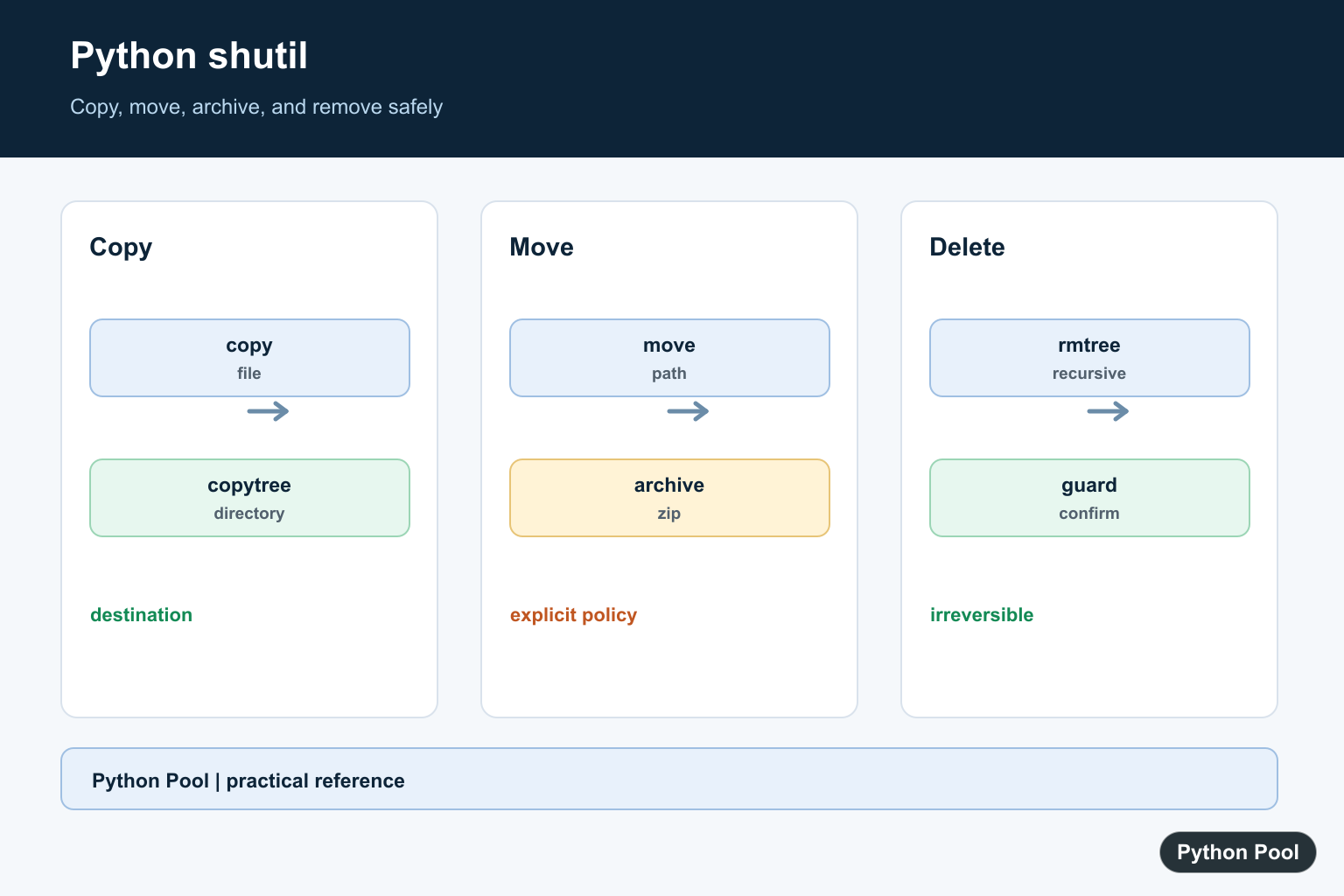
shutil is the standard-library module for practical file operations that are bigger than a single open() call. It copies files, copies directory trees, moves paths, creates archives, unpacks archives, checks disk usage, finds commands on the system path, and removes directory trees when cleanup is truly intended.
The main reference is the official Python shutil documentation. Related Python documentation covers pathlib and tempfile.
Use shutil when your code is working with real paths and needs predictable behavior across operating systems. Use pathlib.Path to build those paths, because readable path joins and parent-folder checks make file scripts easier to review. For examples, tests, and experiments, use tempfile.TemporaryDirectory so the code creates its own workspace and leaves no project files behind.
The most common choice is between file-level helpers and tree-level helpers. copyfile(), copy(), and copy2() work on files. copytree() works on a folder and its contents. move() can move files or folders. rmtree() removes a whole folder tree, so it needs stronger path checks than a normal copy.
Decide overwrite behavior before writing the call. Some helpers replace an existing destination file. Folder copies can fail when the destination exists unless you opt into merging. Good scripts make that policy visible instead of leaving it hidden in defaults.
Also remember that metadata support depends on the platform and file system. copy2() tries to preserve more metadata than copy(), but it is still best-effort. If permissions, ownership, timestamps, or symlinks matter to your workflow, test those details on the same kind of machine where the script will run.
Copy One File With Metadata
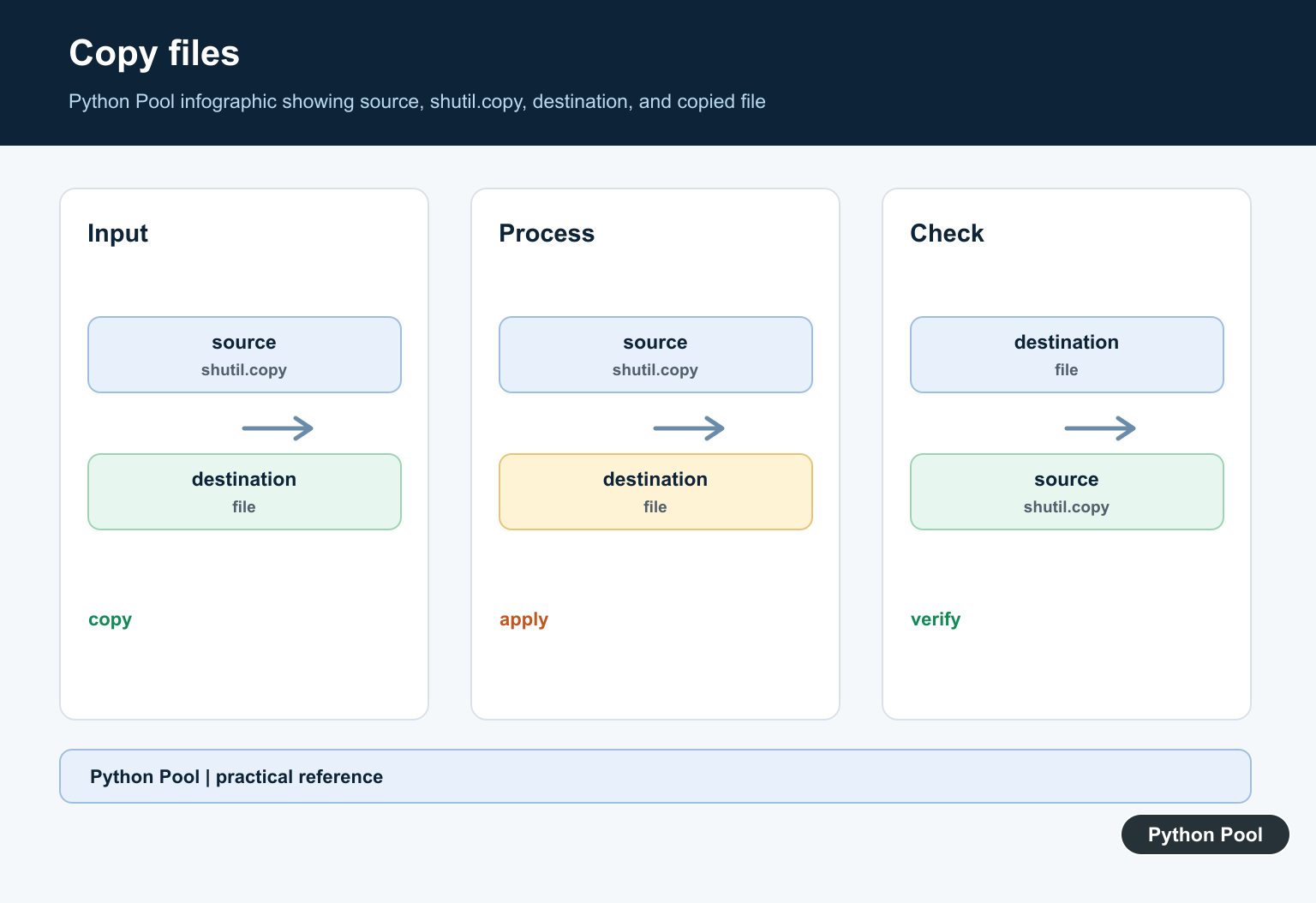
shutil.copy2() copies file contents and tries to preserve metadata such as modification time. The example creates a temporary source file first, then copies it into a separate backup folder.
from pathlib import Path
from tempfile import TemporaryDirectory
import shutil

with TemporaryDirectory() as workspace:
    root = Path(workspace)
    source = root / "reports" / "summary.txt"
    target = root / "backup" / "summary.txt"

    source.parent.mkdir()
    source.write_text("quarterly notes\n", encoding="utf-8")
    target.parent.mkdir()

    copied_path = shutil.copy2(source, target)

    print(Path(copied_path).read_text(encoding="utf-8").strip())
    print(target.exists())
The returned path points to the copied file. That makes it easy to log the result or pass it to the next step. If you only need content and permission bits, copy() is also available. If you want a strict file-to-file operation, use copyfile().
Copy A Directory Tree
copytree() copies a folder, its subfolders, and its files. This is useful for templates, generated reports, build artifacts, and test fixtures.
from pathlib import Path
from tempfile import TemporaryDirectory
import shutil

with TemporaryDirectory() as workspace:
    root = Path(workspace)
    source_dir = root / "template"
    target_dir = root / "project-copy"

    (source_dir / "docs").mkdir(parents=True)
    (source_dir / "docs" / "readme.txt").write_text("start here\n", encoding="utf-8")
    (source_dir / "config.txt").write_text("mode=test\n", encoding="utf-8")

    shutil.copytree(source_dir, target_dir)

    print((target_dir / "docs" / "readme.txt").exists())
    print((target_dir / "config.txt").read_text(encoding="utf-8").strip())
By default, copytree() expects the destination folder not to exist yet. Newer Python versions also support dirs_exist_ok=True when you intentionally want to copy into an existing destination. Use that option only when merging is really the policy you want.
Move A File Or Folder
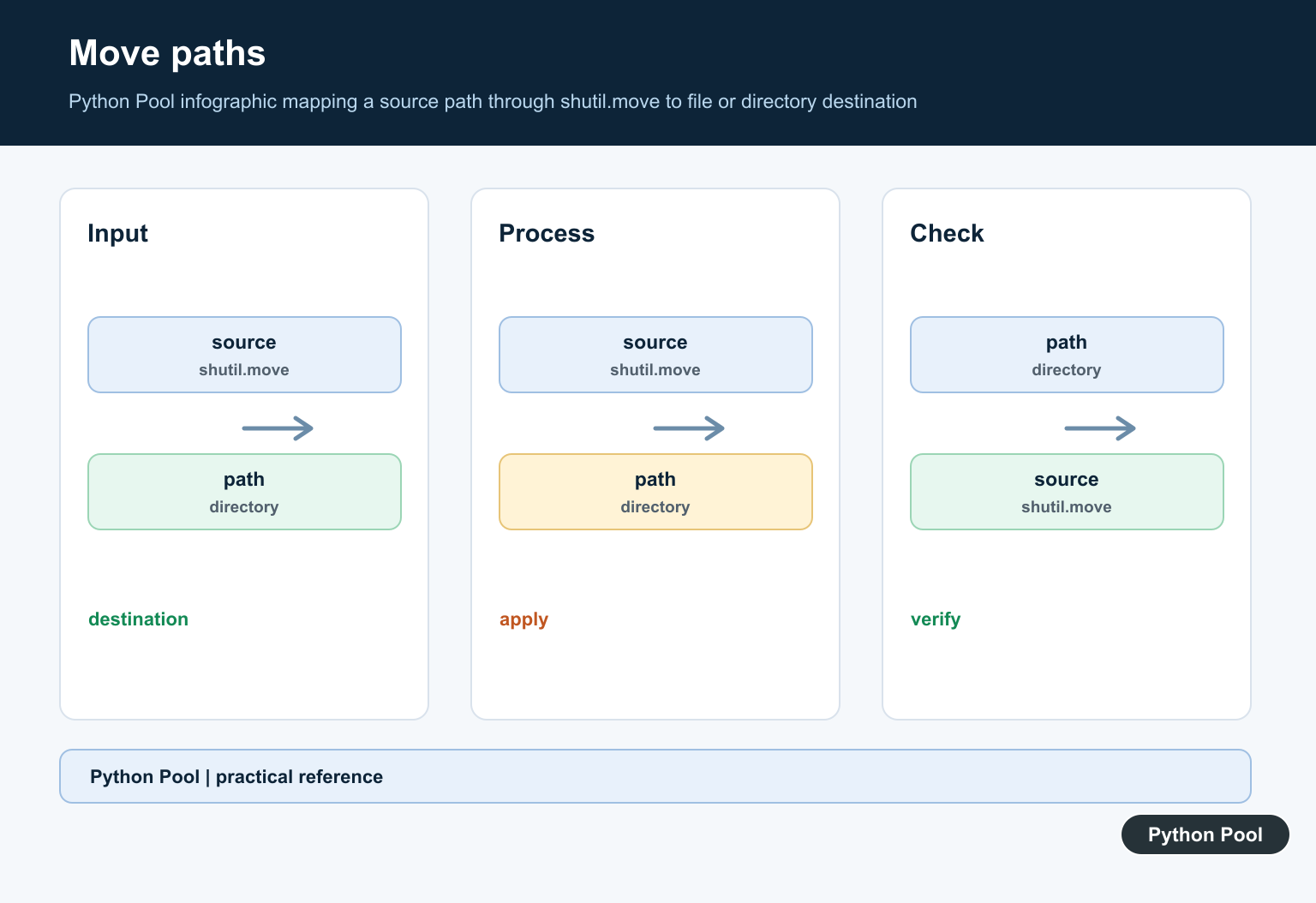
shutil.move() moves a path to a new location. It can rename within the same file system, and it can also copy then remove when a cross-device move needs that fallback.
from pathlib import Path
from tempfile import TemporaryDirectory
import shutil

with TemporaryDirectory() as workspace:
    root = Path(workspace)
    incoming = root / "incoming"
    archive = root / "archive"

    incoming.mkdir()
    archive.mkdir()
    (incoming / "data.txt").write_text("ready\n", encoding="utf-8")

    new_location = shutil.move(str(incoming / "data.txt"), str(archive / "data.txt"))

    print(Path(new_location).exists())
    print((archive / "data.txt").read_text(encoding="utf-8").strip())
Pass strings when interacting with older APIs, but keep Path objects around for path construction and checks. Before moving important files, decide whether an existing destination should be replaced, skipped, or treated as an error.
Create And Unpack An Archive
make_archive() creates archive files such as zip archives from a folder. unpack_archive() extracts an archive into a target folder.
from pathlib import Path
from tempfile import TemporaryDirectory
import shutil

with TemporaryDirectory() as workspace:
    root = Path(workspace)
    source_dir = root / "site"
    output_dir = root / "unpacked"

    source_dir.mkdir()
    (source_dir / "index.txt").write_text("home page\n", encoding="utf-8")

    archive_path = shutil.make_archive(str(root / "site-backup"), "zip", root_dir=source_dir)
    shutil.unpack_archive(archive_path, output_dir)

    print(Path(archive_path).name)
    print((output_dir / "index.txt").read_text(encoding="utf-8").strip())
Archive helpers are convenient for backups, export bundles, deployment artifacts, and tests. They do not replace input validation. Only unpack archives from sources you trust, and choose the extraction folder deliberately.
Check Disk Space And Commands
disk_usage() reports total, used, and free bytes for a path. which() searches the command path for an executable name. Both are useful before a script starts a file-heavy job.
from pathlib import Path
from tempfile import TemporaryDirectory
import shutil

with TemporaryDirectory() as workspace:
    root = Path(workspace)
    total, used, free = shutil.disk_usage(root)
    python_path = shutil.which("python3")

    print(total >= used)
    print(free > 0)
    print(python_path is not None)
Use disk_usage() before creating large archives or copying big folders. Use which() when your script depends on an external command and should fail early with a clear message if the command is missing.
Remove A Temporary Tree Safely
shutil.rmtree() removes a directory tree. Keep it behind path checks, especially when the target path is built from user input, job config, or command-line arguments.
from pathlib import Path
from tempfile import TemporaryDirectory
import shutil

with TemporaryDirectory() as workspace:
    base = Path(workspace).resolve()
    target = (base / "generated" / "cache").resolve()

    target.mkdir(parents=True)
    (target / "item.txt").write_text("temporary\n", encoding="utf-8")

    if base not in target.parents:
        raise ValueError(f"Refusing to remove outside workspace: {target}")
    if not target.is_dir():
        raise NotADirectoryError(target)

    shutil.rmtree(target)
    print(target.exists())
The guard keeps removal inside the temporary workspace. In production code, use the same idea with a known project root or application-managed work directory. Do not accept an arbitrary absolute path and pass it straight into rmtree().
The practical rule is simple: use pathlib to build paths, tempfile for scratch work, copy2() when metadata should be preserved, copytree() for full folders, move() for relocation, archive helpers for portable bundles, and rmtree() only after clear path checks.
Copy One File
copyfile copies contents, while copy also attempts to preserve permission bits and copy2 attempts to preserve additional metadata. Choose the smallest operation that matches the requirement and check whether overwriting is acceptable.
from pathlib import Path
import shutil

source = Path("input.txt")
destination = Path("backup/input.txt")
destination.parent.mkdir(parents=True, exist_ok=True)
shutil.copy2(source, destination)
print(destination)
Copy Or Move A Directory
copytree creates a directory tree and move relocates a file or directory. Validate that the source exists, make the destination policy explicit, and do not assume a move across filesystems has identical atomic behavior.
from pathlib import Path
import shutil

source = Path("reports")
destination = Path("archive/reports")
if source.is_dir() and not destination.exists():
    shutil.copytree(source, destination)
print(destination.exists())
Delete With A Guard
rmtree recursively removes a directory and cannot be undone by Python. Resolve the path, reject an empty or unexpected root, and require a separate confirmation in tools that accept user input.
from pathlib import Path
import shutil

root = Path("temporary-output").resolve()
allowed_root = Path.cwd().resolve()
if root != allowed_root and allowed_root in root.parents and root.name == "temporary-output":
    print("would remove", root)
    # shutil.rmtree(root)
Create An Archive
make_archive can package a directory into a zip or another supported archive format. Keep the base name and root directory separate so the generated filename is predictable.
from pathlib import Path
import shutil

output = Path("artifacts/pythonpool-backup")
archive = shutil.make_archive(str(output), "zip", root_dir="reports")
print(archive)
Python’s official shutil documentation covers copying, moving, recursive deletion, metadata behavior, and archives. Related references include copying files, rmtree, and file sizes.
For related filesystem operations, compare copying files, rmtree, and file sizes before changing a directory tree.
Frequently Asked Questions
What is Python shutil used for?
shutil provides high-level operations for copying, moving, deleting directory trees, and creating or extracting archives.
What is the difference between copy and copy2?
Both copy file contents, while copy2 also attempts to preserve additional metadata such as timestamps.
How do I copy a directory?
Use copytree with a destination and decide whether an existing destination should be merged or rejected.
Is shutil.rmtree safe?
It recursively deletes a directory tree, so validate the path and require an explicit destructive action before calling it.
