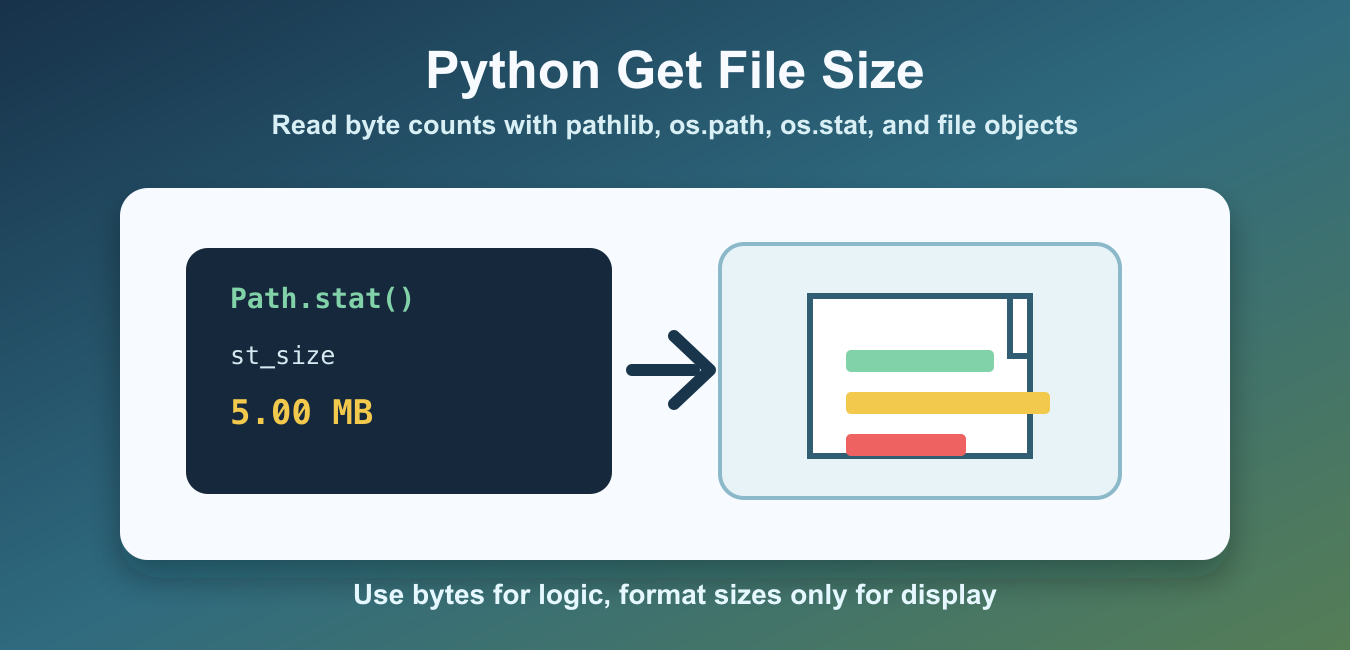
Quick answer: For one filesystem entry, Path(path).stat().st_size and os.path.getsize(path) return a byte count. pathlib is usually the clearest choice in modern code; os.stat gives fuller metadata. A directory’s own stat size is not the total of its contents, so walk regular files when the question is the size of a directory tree.
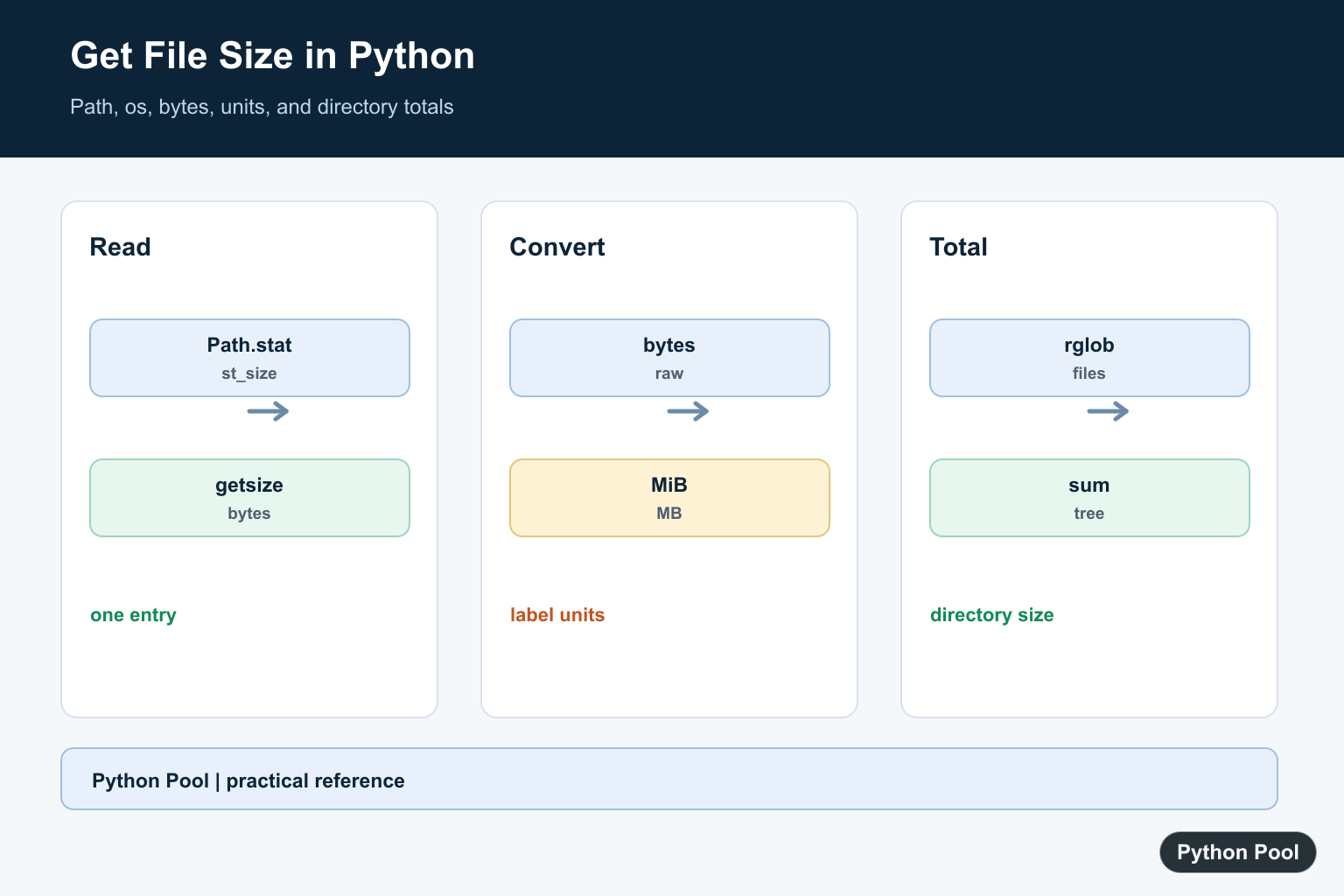
Python can read file size in several reliable ways. The best choice depends on the code style you use and whether you already have a path, an open file object, or a need for extra file metadata.
For modern code, pathlib.Path.stat() is usually the clearest option. For older code or quick scripts, os.path.getsize() is short and direct. When you need more than size, os.stat() returns a full stat result that includes size, timestamps, permissions, and other platform details.
These methods report the size of a single filesystem entry in bytes. That is different from counting all files inside a directory, measuring how much space a compressed archive will use after extraction, or estimating how much memory a library will need after parsing a file. Keep those cases separate so the result is not misunderstood.
The official Path.stat documentation, os.path.getsize documentation, and os.stat documentation describe the underlying APIs. If your script must check paths before reading them, see the Python file exists guide.
Get File Size With pathlib
pathlib gives you an object-oriented path API. Call stat() on a Path object and read st_size to get the file size in bytes.
from pathlib import Path

path = Path("reports/summary.csv")
size_bytes = path.stat().st_size

print(size_bytes)
This approach is readable and works well when the rest of your script already uses Path objects. The returned size is always a byte count, not kilobytes or megabytes.
If you pass a directory path, stat() returns metadata for the directory entry itself, not the combined size of everything below it. To total a directory tree, walk through files with Path.rglob() and add each regular file size separately.
Get File Size With os.path.getsize
os.path.getsize() is the shortest direct method. Pass a file path and it returns the size in bytes.
import os

size_bytes = os.path.getsize("reports/summary.csv")

print(size_bytes)
This is useful in compact scripts, quick checks, and codebases that already use os.path. If the file does not exist, Python raises OSError or a more specific subclass such as FileNotFoundError.
Because getsize() returns only the byte count, it keeps intent obvious. Use it when you do not need modification time, ownership, permissions, or other stat fields.
Get File Size With os.stat
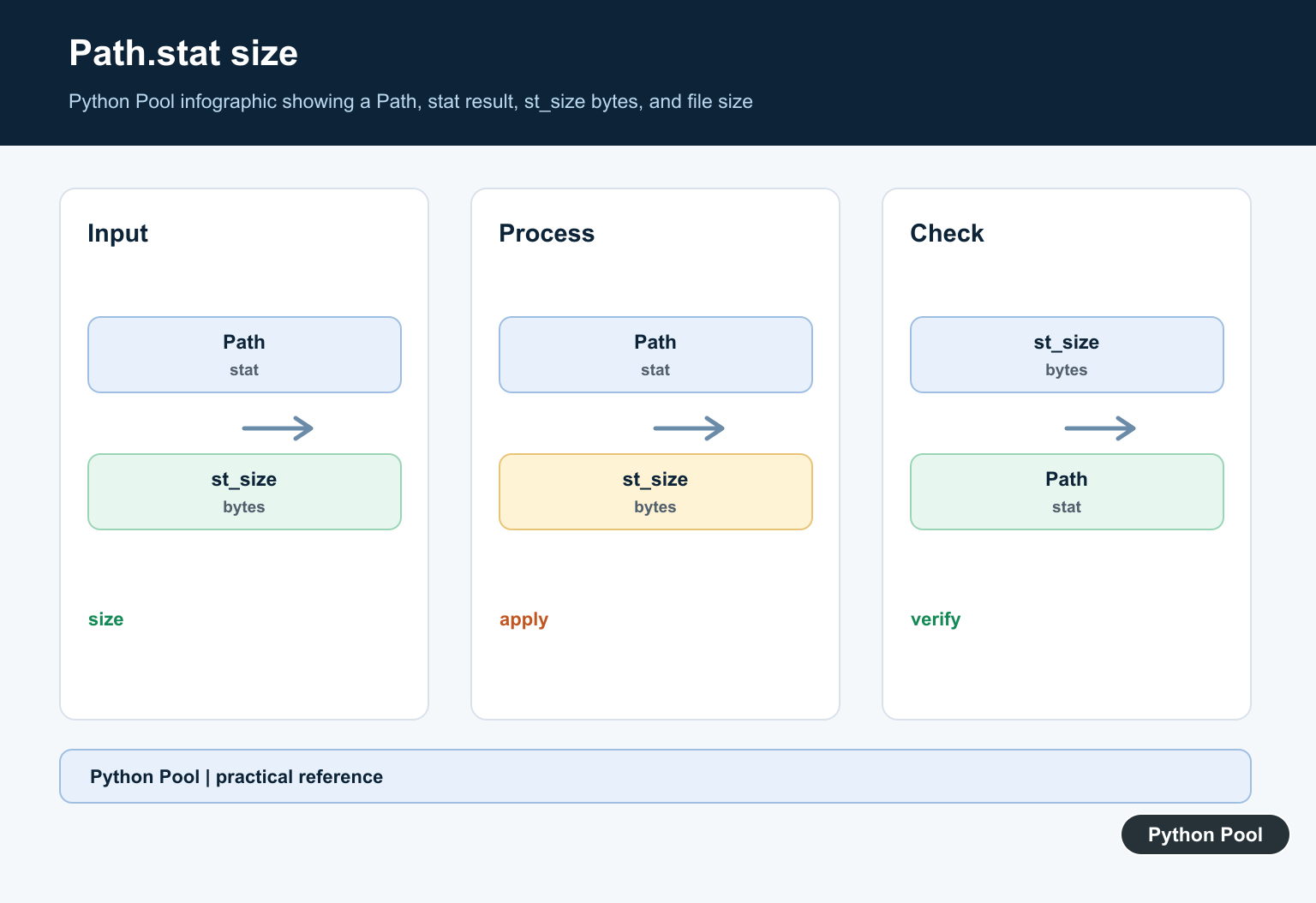
Use os.stat() when you want file size plus additional metadata. The size is stored in st_size.
import os

info = os.stat("reports/summary.csv")

print(info.st_size)
print(info.st_mtime)
The st_mtime value stores the last modification time as a timestamp. You can ignore it when you only need size, but it is helpful in caching, cleanup jobs, and file monitoring scripts.
Format Bytes As KB Or MB
APIs return bytes because bytes are exact. For display, convert the byte count into a human-friendly unit.
def format_size(size_bytes):
    units = ["B", "KB", "MB", "GB", "TB"]
    size = float(size_bytes)

    for unit in units:
        if size < 1024 or unit == units[-1]:
            return f"{size:.2f} {unit}"
        size /= 1024


print(format_size(1536))
print(format_size(5_242_880))
This keeps storage calculations accurate while still producing output that people can read quickly. Keep the original byte count when the value will be used by another program.
For display, decide whether your product uses binary units based on 1024 or decimal units based on 1000. The example above uses 1024, which is common in programming tools. The important part is to be consistent in logs, reports, and user-facing messages.
Get Size From An Open File Object
If a file is already open, you can seek to the end and call tell(). This is useful when code receives a file object rather than a path.
with open("reports/summary.csv", "rb") as file:
    current_position = file.tell()
    file.seek(0, 2)
    size_bytes = file.tell()
    file.seek(current_position)

print(size_bytes)
The call file.seek(0, 2) moves to the end of the file. The final seek() restores the previous position so later reads can continue from where they were.
Handle Missing Files Safely
Production code should handle paths that are missing, directories passed by mistake, and permission problems. A small helper can return a byte count for valid files and None when the path cannot be used.
from pathlib import Path

def get_file_size(path_text):
    path = Path(path_text)
    try:
        if not path.is_file():
            return None
        return path.stat().st_size
    except OSError:
        return None


print(get_file_size("reports/summary.csv"))
This helper avoids crashing a larger workflow when a file is missing or blocked by permissions. If the missing file should stop the program, raise the exception instead of returning None.
Which Method Should You Use?
Use Path.stat().st_size for modern path-heavy code. Use os.path.getsize() when you want a direct byte count from a path string. Use os.stat() when size is only one part of the metadata you need. Use seek() and tell() when a file object is already open and passing a path around would make the code less clear.
All of these methods report the size of the file as stored by the operating system. They do not tell you how much memory a parser will use after reading the file, and they do not inspect compressed contents. For upload limits, cache rules, cleanup jobs, and file validation, the byte count is usually the right value to start with.
Use pathlib For One File
Path.stat().st_size fits code that already uses pathlib and returns bytes. It follows symlinks by default, so choose stat or lstat deliberately when links are part of the data model.
from pathlib import Path

path = Path("reports/summary.csv")
try:
    size_bytes = path.stat().st_size
except FileNotFoundError:
    size_bytes = None
print(size_bytes)
Convert Bytes With A Named Unit
Bytes are the filesystem measurement. Convert to decimal MB or binary MiB explicitly and label the result so users do not mistake the two conventions.
from pathlib import Path

size_bytes = Path("reports/summary.csv").stat().st_size
size_mib = size_bytes / (1024 ** 2)
size_mb = size_bytes / 1_000_000
print(f"{size_mib:.2f} MiB")
print(f"{size_mb:.2f} MB")
Total A Directory Tree
A directory entry’s own size is not a recursive total. Walk files with rglob, include only regular files, and decide how symlinks and permission errors should be handled for the application.
from pathlib import Path

root = Path("reports")
total = sum(
    path.stat().st_size
    for path in root.rglob("*")
    if path.is_file()
)
print(total)
Choose os.path Or os.stat When Appropriate
os.path.getsize is concise for a path-only script, while os.stat returns size, timestamps, and permissions in one result. The important point is to keep file size separate from compressed size, memory usage after parsing, and disk usage of a tree.
import os

path = "reports/summary.csv"
print(os.path.getsize(path))
metadata = os.stat(path)
print(metadata.st_size, metadata.st_mtime)
Python documents Path.stat(), os.path.getsize(), and os.stat() for filesystem metadata. Related references include streaming files, file truncation, and memory versus file size.
For related file-handling tasks, compare line-by-line reading, truncation, and memory errors before scanning a large directory tree.
Frequently Asked Questions
How do I get a file size in Python?
Use Path(path).stat().st_size or os.path.getsize(path) to get the entry size in bytes.
Does directory stat give the total directory size?
No. It reports metadata for the directory entry; walk its files and add regular-file sizes for a tree total.
How do I convert bytes to megabytes?
Divide by 1024**2 for MiB or by 1_000_000 for decimal MB, and label the chosen unit.
How do I handle a missing file?
Catch FileNotFoundError or check the path according to the race-safe behavior your workflow requires.
