
Quick answer: Python uses different truncation tools for different data: file.truncate() changes an open file’s length, os.truncate() works from a path, math.trunc() removes a number’s fractional part toward zero, and slicing keeps a shorter string or list. Check whether the operation mutates existing data before using it in production.
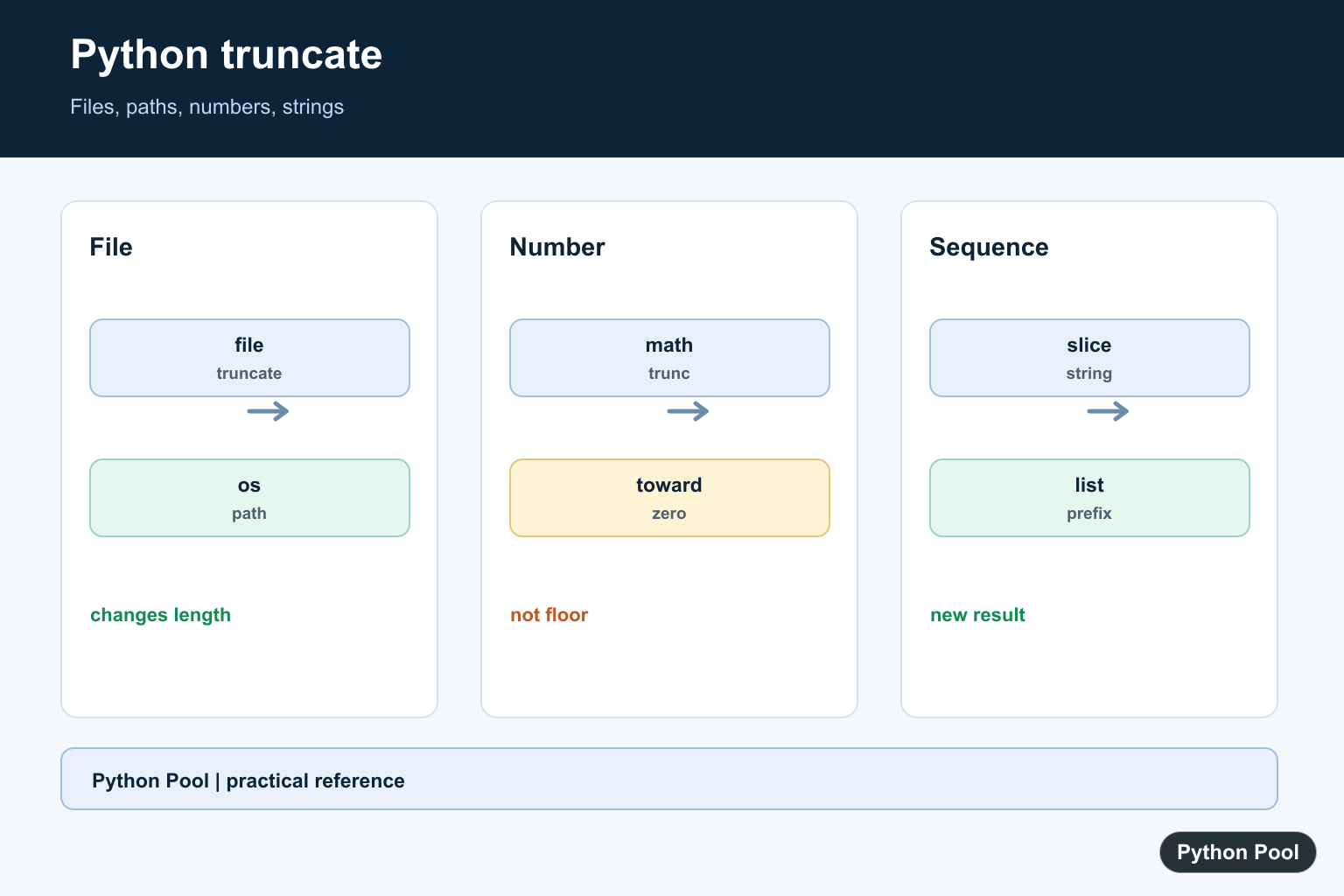
Python truncation means cutting data down to a shorter size. For files, truncate() changes the file length. For numbers, math.trunc() removes the fractional part. For strings and lists, slicing is the usual way to keep only part of the value.
The important detail is that each kind of data has its own truncation tool. File objects have file.truncate(), the os module has os.truncate() for paths, numbers use math.trunc(), and strings use slice syntax. Mixing these up leads to confusing code and sometimes data loss.
Use file.truncate() to Resize an Open File
The truncate() method on a file object resizes that file. Pass the target size in characters for a text file or bytes for a binary file. The example below writes ten characters and then keeps only the first five.
from pathlib import Path

path = Path("notes.txt")
path.write_text("abcdefghij", encoding="utf-8")

with path.open("r+", encoding="utf-8") as file:
    file.truncate(5)

print(path.read_text(encoding="utf-8"))
The file now contains abcde. Truncation is destructive, so use it only when you are sure the removed data is no longer needed. If the file may not exist yet, see PythonPool’s guide to checking whether a file exists in Python.
Truncate at the Current File Position
If you call truncate() without a size, Python uses the current file position. Move the cursor with seek() first when you want to cut the file at a specific point.
from pathlib import Path

path = Path("notes.txt")
path.write_text("abcdefghij", encoding="utf-8")

with path.open("r+", encoding="utf-8") as file:
    file.seek(3)
    file.truncate()

print(path.read_text(encoding="utf-8"))
This keeps the first three characters. The relationship between seek() and truncate() matters when you are updating logs, fixed-width files, or temporary files in place. It also makes the code’s intent explicit: first choose the cut point, then resize the file at that point.
Truncate Binary Files Carefully
For binary files, the size is measured in bytes. That is useful for binary formats, cached data, and generated files, but it can corrupt a file if you cut through the middle of a structured record.
from pathlib import Path

path = Path("data.bin")
path.write_bytes(b"abcdef")

with path.open("r+b") as file:
    file.truncate(4)

print(path.read_bytes())
If you are intentionally writing bytes, PythonPool’s write bytes to a file guide covers binary mode and byte strings in more detail. For text files with non-ASCII characters, remember that character count and byte count may not be the same under UTF-8.
Use os.truncate() When You Have a Path
os.truncate() resizes a file by path, so you do not need to keep a file object open. It is a direct tool for scripts that already know the target path and size.
import os
from pathlib import Path

path = Path("notes.txt")
path.write_text("abcdefghij", encoding="utf-8")

os.truncate(path, 2)

print(path.read_text(encoding="utf-8"))
This leaves only the first two characters. If you need to create the file before resizing it, see Python touch file for pathlib-based creation patterns. Prefer pathlib for path construction and os.truncate() for the actual resize operation when path-level truncation is the clearest fit.
Use math.trunc() for Numbers
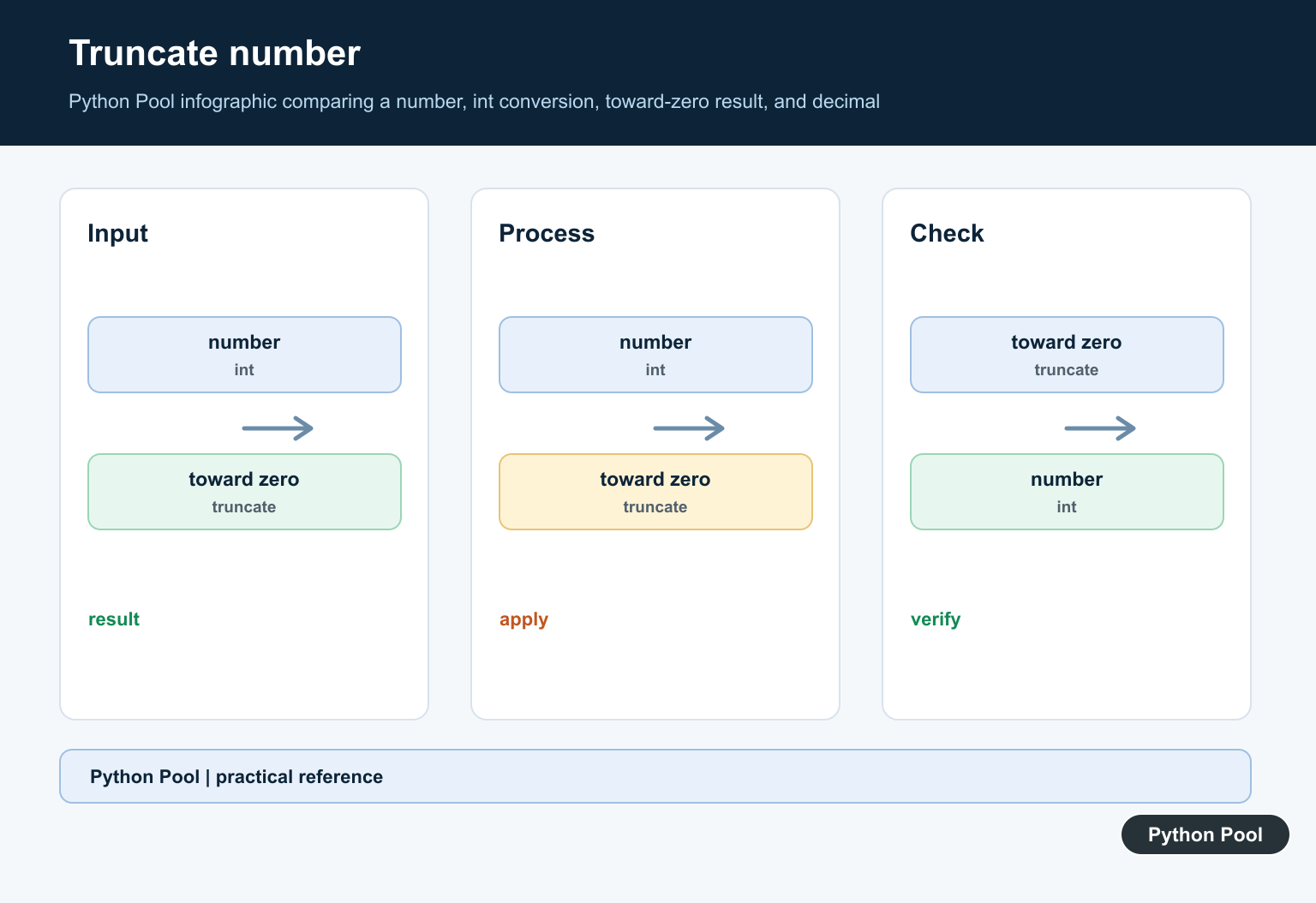
Numeric truncation is different from rounding. math.trunc() removes the decimal part and moves the number toward zero.
import math

print(math.trunc(3.9))
print(math.trunc(-3.9))
The results are 3 and -3. Use rounding functions when you need nearest-value behavior, and use math.trunc() when you specifically want to discard the fractional part. This distinction matters for financial calculations, display formatting, and any logic where negative numbers are possible.
Use Slicing to Truncate Strings
Strings do not have a truncate() method. Use slicing to keep a prefix of a string or sequence. This creates a new string and leaves the original unchanged.
text = "PythonPool"

short_text = text[:6]

print(short_text)
print(text)
This prints Python and then the original value. If you are cleaning text before slicing, PythonPool’s Python lowercase guide covers related string cleanup patterns. Slicing is also the right approach for lists and tuples when you need a shortened copy instead of changing a file on disk.
Checklist
- Use
file.truncate(size)when you already have an open file object. - Use
file.seek(position)beforefile.truncate()when cutting at the cursor. - Use
os.truncate(path, size)when you want to resize by path. - Use
math.trunc(number)for numbers and slicing for strings.
Before truncating files in production, make a backup or write to a temporary file first. Truncation removes data immediately, and the lost part is not recoverable from the file object after the operation. When in doubt, write a new file, verify it, and then replace the original.
Also check whether you need truncation at all. Sometimes a safer workflow is to create a fresh output file from known input rather than editing an existing file in place.
References
- Python documentation: IOBase.truncate()
- Python documentation: os.truncate()
- Python documentation: math.trunc()
Truncate An Open File Deliberately
file.truncate(size) changes the file length and requires the file to be opened with appropriate permissions. Flush or close the file according to the workflow, and test a copy before modifying important data.
from tempfile import TemporaryFile

with TemporaryFile(mode="w+") as handle:
    handle.write("abcdef")
    handle.flush()
    handle.truncate(3)
    handle.seek(0)
    print(handle.read())
Use os.truncate For A Path
os.truncate works with a path or file descriptor when a path-level operation is more convenient. It still changes the underlying file, so validate the path and permissions before calling it.
import os
from pathlib import Path
from tempfile import TemporaryDirectory

with TemporaryDirectory() as folder:
    path = Path(folder) / "data.txt"
    path.write_text("abcdef", encoding="utf-8")
    os.truncate(path, 3)
    print(path.read_text(encoding="utf-8"))
Truncate Numbers Toward Zero
math.trunc removes the fractional part toward zero, which differs from floor for negative values. Use round when the business rule is rounding rather than truncation.
import math

for value in [3.9, -3.9]:
    print(value, math.trunc(value), math.floor(value))
Slice Strings And Lists
Sequences are not resized by a truncate method. Use a slice to create a shorter result, and remember that strings and list slices have different mutability and copy implications.
text = "Python Pool"
values = [1, 2, 3, 4]

print(text[:6])
print(values[:2])
Use the official file truncate reference, os.truncate(), and math.trunc(). Related guides include string trim methods and rounding down versus truncation.
For related size and rounding rules, compare string trim methods, rounding down, and string length before choosing a file, number, or sequence operation.
Frequently Asked Questions
What does file.truncate() do?
It changes the length of an open file, removing data beyond the requested size or extending it with null bytes when the new size is larger.
What is math.trunc() used for?
math.trunc() removes the fractional part of a real number by moving toward zero and returns an integer-like result.
How do I truncate a Python string?
Use slicing such as text[:limit] to keep the desired prefix; strings are immutable, so slicing returns a new string.
What is the difference between file.truncate() and os.truncate()?
file.truncate() works through an open file object, while os.truncate() changes the size of a path and requires the appropriate file permissions.

How to truncate pdf/xlsx/docx files using it? I just want same file operation for pdf/xlsx/docx as you did for txt file, please help..
You can read the docx and pdf by using modules like docx and PyPDF2. Read and extract the text, then save it as a text file, and then perform the truncate method on your text file.
Regards,
Pratik
But I want .docx file and that should open in word.
I tried to truncate docx file but I am unable to open it in word and able to open it in notepad++, that is the issue I am facing
Hi,
Yes, first extract the text from docx and then truncate it. Then save the text back to docx file by using the following code –
from docx import Documentdocument = Document()
document.add_heading('This is the heading', level=1)
document.add_paragraph('text')
document.save('docx_file.docx')
Make sure you install the docx module first.
Regards,
Pratik
The reason I am using truncate is want fix size of .docx file. It doesn’t matter what data is present in that file.
But the issue I am facing is I am able create and truncate it successfully but unable to open it in word (notepad and word pad open it properly).
Thanks
Jayashree
Although, I’m not sure what might be happening in your case. The most probably guess is that you are destroying the docx format while truncating it. Since docx file has a predefined format, the truncate function won’t work on it directly without converting it to text.
Regards,
Pratik