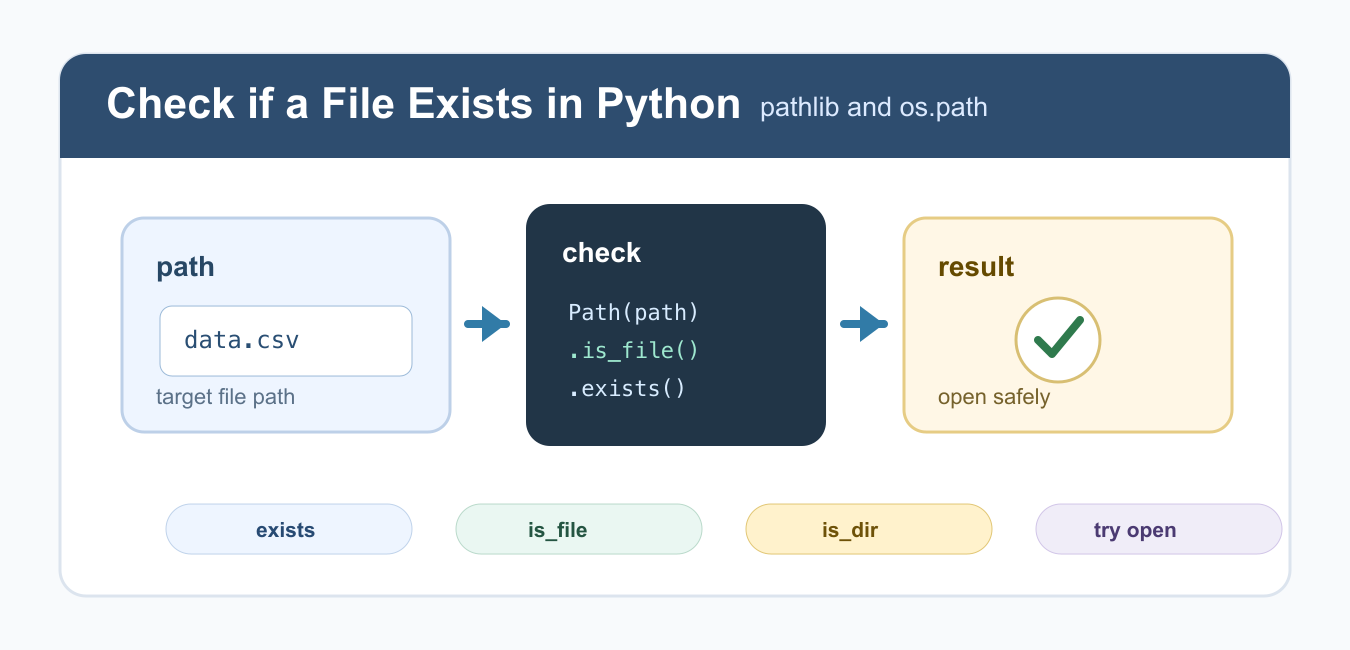
Quick answer: Use pathlib.Path for readable file checks: Path(path).exists() accepts any existing entry, while Path(path).is_file() requires a regular file. For an operation that must happen, prefer opening the path and handling the relevant exception because a prior check can race.
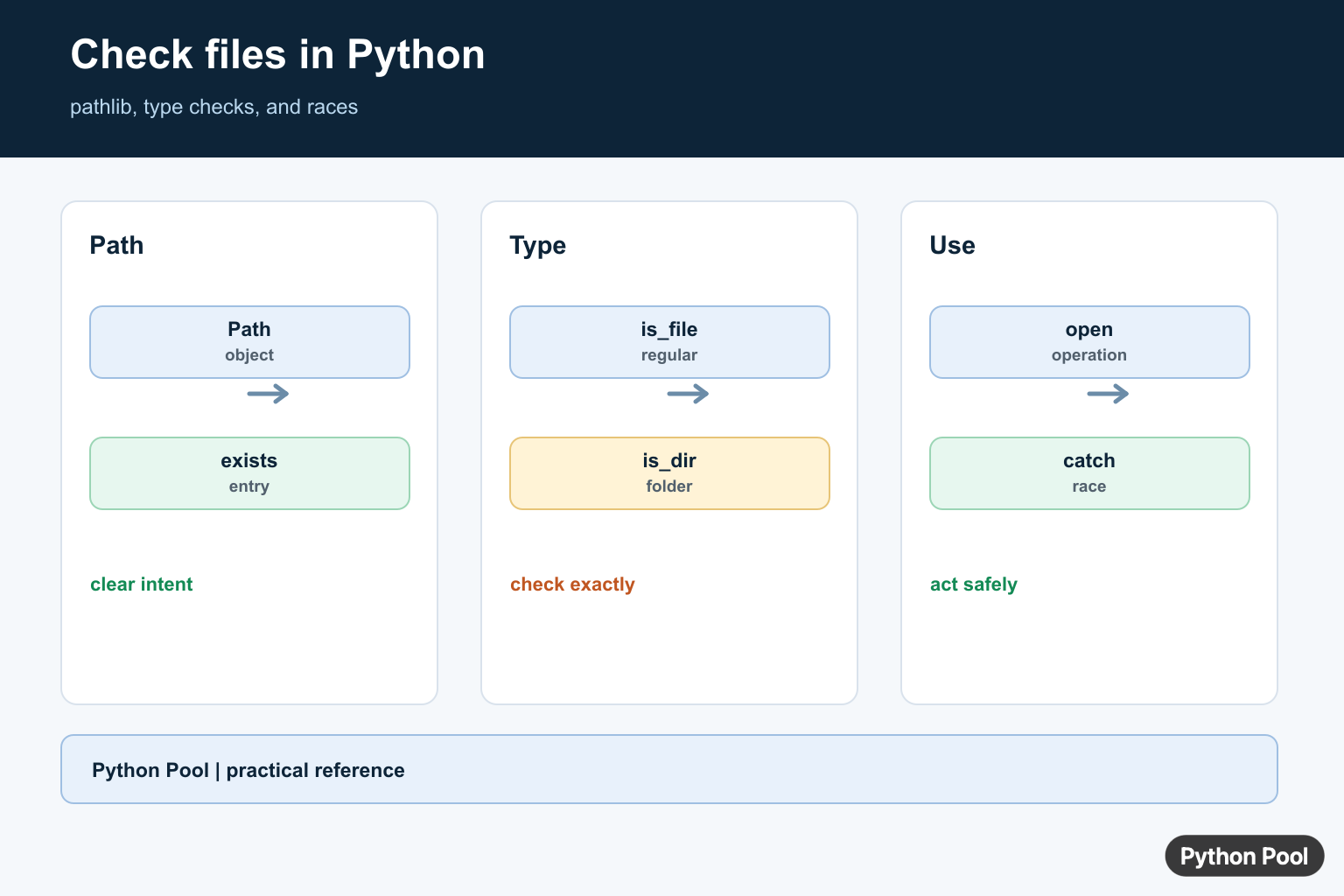
The best modern way to check if a file exists in Python is Path(path).is_file() from pathlib. It returns True only when the path exists and is a regular file. Use Path.exists() when you want to know whether any filesystem object exists, including a file, directory, or symlink target.
For new code, prefer pathlib because it gives you readable path objects and methods such as exists(), is_file(), and is_dir(). The older os.path functions still work and are useful in legacy code. The official pathlib Path.exists documentation and os.path.exists documentation cover both styles.
The main decision is whether you need any path or specifically a file. That distinction matters because opening a directory as a file raises an error. Make the check match the operation you plan to perform next.
Check if a Path Is a File with pathlib
Use is_file() when your code specifically needs a file, not a directory. This avoids treating a folder as if it can be opened like a regular file.
from pathlib import Path

path = Path("data.csv")

if path.is_file():
    print("File exists")
else:
    print("File is missing or not a regular file")
This is usually the right check before reading a known file path. It is clearer than exists() when directories should not count as a success. See the official Path.is_file documentation for the exact behavior.
Check if Any Path Exists
Use exists() when a directory, file, or other path type should count as present. This is common before creating a directory tree or checking whether a configured path is available.
from pathlib import Path

path = Path("reports")

if path.exists():
    print("Path exists")
else:
    print("Path does not exist")
If you need to know what kind of path exists, follow up with is_file() or is_dir(). A plain existence check can be too broad for file-reading code. It can also hide a configuration problem if a directory exists where a file was expected.
Check if a Path Is a Directory
Use is_dir() when the path should be a folder. This is different from checking whether a file exists, and it is the right guard before listing directory contents.
from pathlib import Path

folder = Path("reports")

if folder.is_dir():
    print("Directory exists")
else:
    print("Directory is missing")
The official Path.is_dir documentation explains the directory check. If you plan to list files inside a folder, the Python os.listdir guide covers related directory listing patterns.
Use os.path.exists in Older Code
Legacy projects often use os.path.exists() and os.path.isfile(). They are still valid, especially when a codebase already uses string paths everywhere.
import os

path = "data.csv"

if os.path.isfile(path):
    print("File exists")
else:
    print("File is missing")
For new code, pathlib is usually more ergonomic. For older code, consistency can matter more than switching every path operation at once. If you migrate to pathlib, do it around a clear boundary such as a function or module instead of mixing styles on every line.
Use try/except When You Will Open the File
Checking first is not always enough. A file can be deleted or moved between the check and the open operation. If the next step is opening the file, handle FileNotFoundError around the open call.
from pathlib import Path

path = Path("data.csv")

try:
    text = path.read_text(encoding="utf-8")
except FileNotFoundError:
    print("File was not found")
else:
    print(text[:50])
This pattern is safer for production code because it handles the actual operation that can fail. The official FileNotFoundError documentation covers the exception raised for missing files. You may also need to handle PermissionError if the file exists but cannot be read.
Check Before Getting File Size
Once you know a path is a file, you can safely read metadata such as file size. With pathlib, use stat().
from pathlib import Path

path = Path("data.csv")

if path.is_file():
    size = path.stat().st_size
    print(size)
else:
    print("No file size available")
For more file metadata examples, see the Python get file size guide. If your path comes from user input or stdin, validate it before using it; the read input from stdin guide covers that related workflow.
Best Practice
Use Path(path).is_file() when you specifically need a file. Use Path(path).exists() when any path type is acceptable. Use Path(path).is_dir() for directories. If you will immediately open the file, use try/except FileNotFoundError around the file operation. If you are checking runtime state rather than files, the check if variable exists guide covers a separate Python problem.
Keep paths as Path objects as long as possible and convert to strings only when a third-party API requires it. That keeps path operations readable and reduces small bugs caused by manual string concatenation. For symlinks and shared folders, remember that existence can change between checks, so exception handling around the real file operation is still the final safety net.
Use pathlib
Path objects make filesystem intent visible and compose well with joins and reads. Choose exists(), is_file(), or is_dir() according to whether a directory should count as a valid result.
from pathlib import Path

path = Path("report.csv")
print(path.exists())
print(path.is_file())
print(path.is_dir())
Use os.path When Needed
os.path.exists() remains common in older code and accepts path-like values. Pair it with isfile() or isdir() when type matters, and keep the path normalization policy separate from the existence check.
import os

path = "report.csv"
if os.path.isfile(path):
    print("regular file")
elif os.path.isdir(path):
    print("directory")
else:
    print("missing")
Avoid Check-Then-Use Races
A file can be removed or replaced between exists() and open(). If the real goal is to read, write, or create the file, perform that operation and catch FileNotFoundError, FileExistsError, PermissionError, or IsADirectoryError as appropriate.
from pathlib import Path

try:
    text = Path("report.csv").read_text(encoding="utf-8")
except FileNotFoundError:
    text = ""
print(text)
Check A Directory Of Files
For batch work, combine Path.iterdir() or glob() with is_file() so directories and unexpected entries do not enter the file-processing path. Do not follow links or recurse unless that behavior is intentional.
from pathlib import Path

root = Path("input")
files = [path for path in root.iterdir() if path.is_file()]
for path in files:
    print(path.name)
The official pathlib documentation defines exists(), is_file(), is_dir(), and path operations. Treat a check as information, not a guarantee that a later filesystem operation will succeed.
For related filesystem workflows, compare current-directory discovery, iterating through a directory, and copying files when a simple existence check becomes a batch operation.
Frequently Asked Questions
How do I check if a file exists in Python?
Use Path(path).exists() for a path check, or Path(path).is_file() when directories should not count.
What is the difference between exists() and is_file()?
exists() accepts any existing filesystem entry, while is_file() requires the path to identify a regular file.
Can os.path.exists() check directories?
Yes. os.path.exists() returns true for files and directories; use os.path.isfile() or os.path.isdir() for a specific type.
Is an existence check safe before opening a file?
It can race with another process, so for a required operation open the file and handle FileNotFoundError or other expected exceptions.
