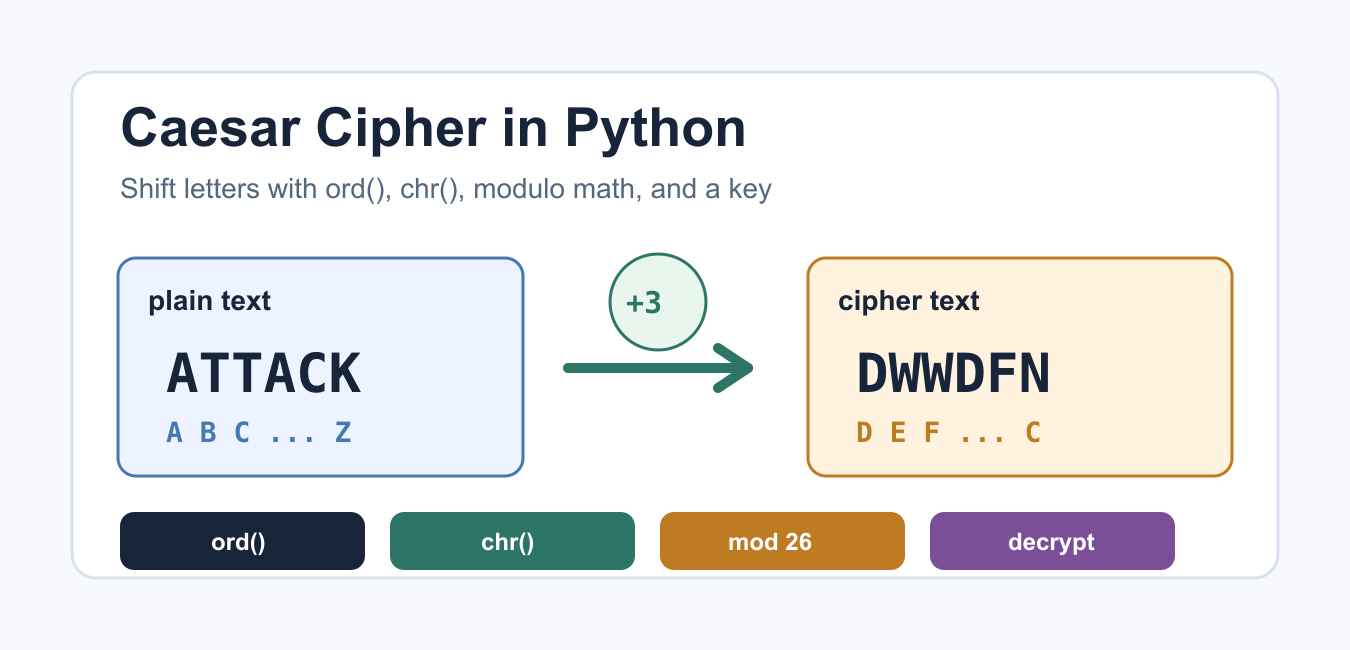
Quick answer: A Caesar cipher shifts each alphabetic character by a fixed key and wraps with modulo arithmetic. It is a useful Python exercise for ord, chr, strings, and loops, but its tiny key space makes it unsuitable for protecting real secrets.
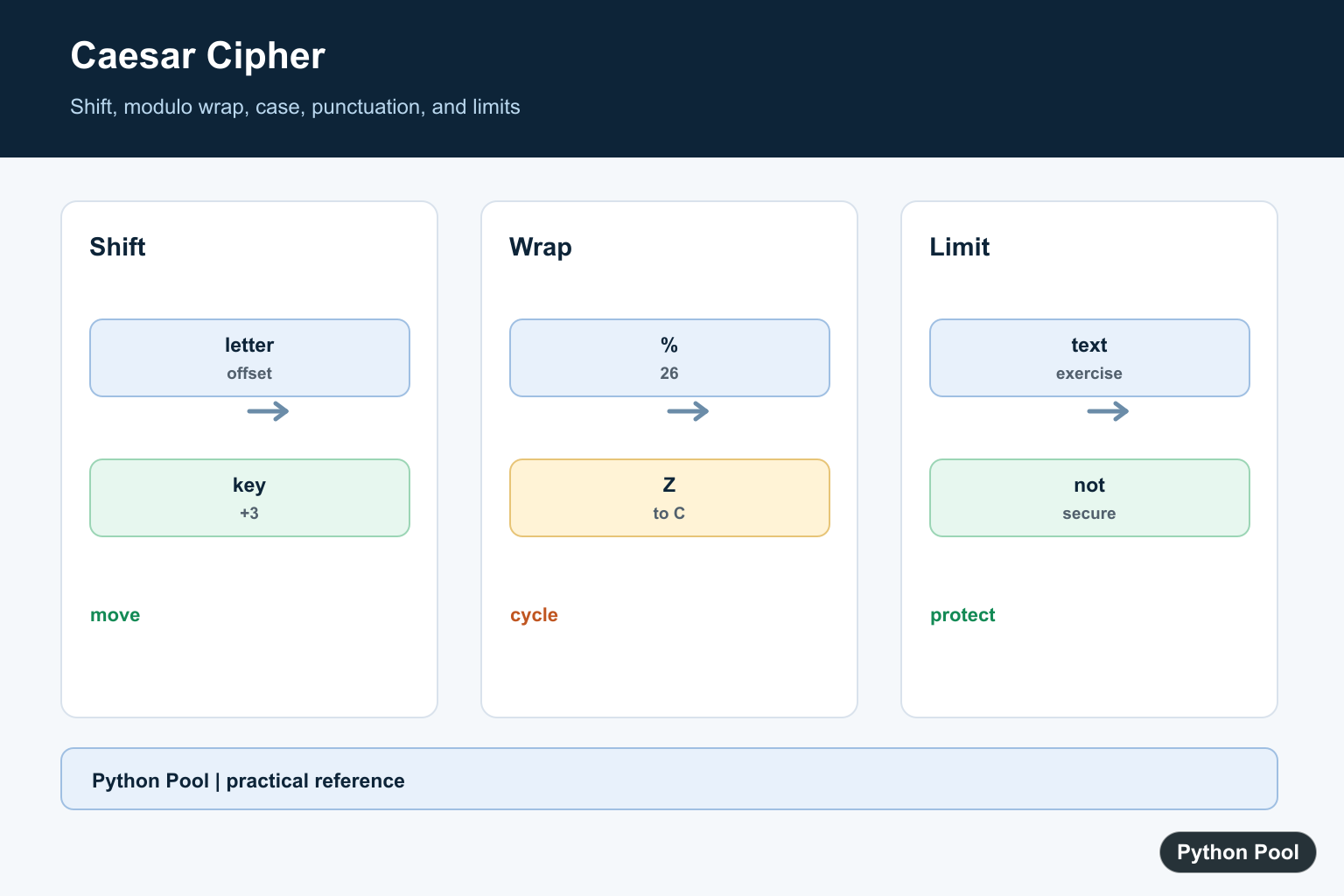
A Caesar cipher is a simple substitution cipher that shifts each letter by a fixed key. With a key of 3, A becomes D, B becomes E, and the alphabet wraps around so Z becomes C. It is not secure for real protection, but it is a useful Python exercise because it combines strings, loops, Unicode code points, modulo arithmetic, and small functions.
The core Python tools are ord() and chr(). ord() gives the integer code point for a character, and chr() converts a code point back to a character. For alphabet constants, Python also provides string.ascii_lowercase and related values in the string module.
Shift one uppercase letter
Start with one uppercase letter. Subtract the code point for A to get a zero-based position from 0 to 25. Add the shift, wrap it with % 26, then add the A code point back.
def shift_upper_letter(letter, shift):
    start = ord("A")
    offset = ord(letter) - start
    wrapped = (offset + shift) % 26
    return chr(start + wrapped)

print(shift_upper_letter("A", 3))
print(shift_upper_letter("Z", 3))
The modulo step is what makes the cipher wrap instead of running past Z. A shift of 3 moves X, Y, and Z to A, B, and C. For a refresher on alphabets in Python, see the Python alphabet guide.
Encrypt an uppercase message
A practical encrypt function loops over the message, shifts letters, and leaves spaces or punctuation alone. The example below normalizes input to uppercase so the first version stays easy to read.
def caesar_encrypt_upper(text, shift):
    result = []
    for char in text.upper():
        if "A" <= char <= "Z":
            start = ord("A")
            offset = ord(char) - start
            result.append(chr(start + (offset + shift) % 26))
        else:
            result.append(char)
    return "".join(result)

message = "ATTACK AT DAWN"
print(caesar_encrypt_upper(message, 3))
This is the basic Caesar cipher in Python: choose a key, visit each character, shift only letters, and join the result. If string casing is part of your cleanup step, the Python uppercase guide explains upper() and related methods.
Preserve uppercase and lowercase
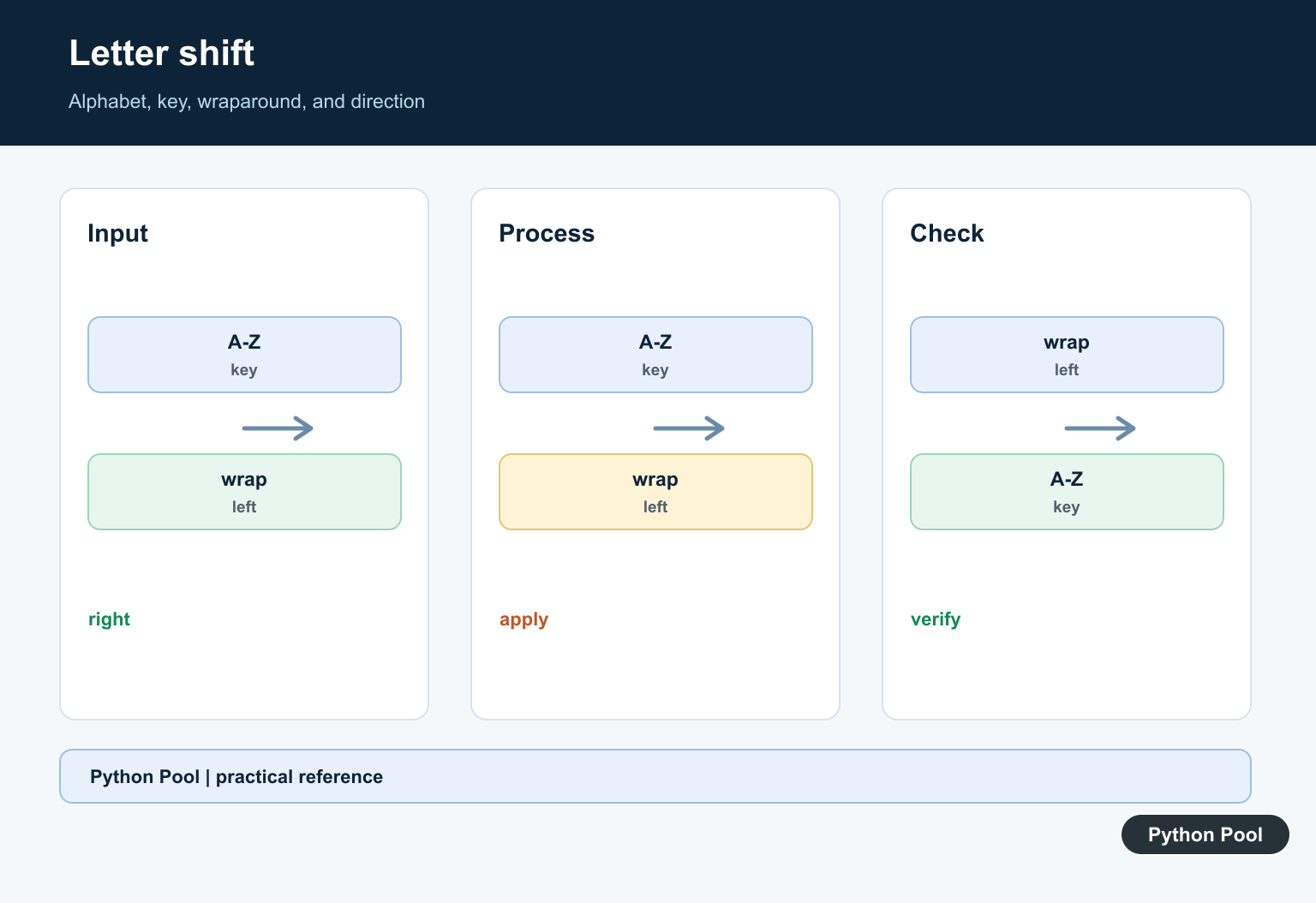
Many messages mix cases. The helper below chooses the correct alphabet start for each letter and returns non-letter characters unchanged. That means commas, spaces, numbers, and symbols stay readable.
def shift_char(char, shift):
    if "a" <= char <= "z":
        start = ord("a")
    elif "A" <= char <= "Z":
        start = ord("A")
    else:
        return char

    offset = ord(char) - start
    return chr(start + (offset + shift) % 26)

def caesar_encrypt(text, shift):
    return "".join(shift_char(char, shift) for char in text)

print(caesar_encrypt("Python Pool!", 5))
This version is easier to reuse because the character-shifting rule lives in one place. For more detail on the reverse conversion, read the Python ord() guide and the Python chr() guide.
Decrypt by reversing the shift
Decryption uses the same function with the negative shift. If encryption moved each letter forward by 3, decryption moves each letter backward by 3.
def caesar_shift(text, shift):
    def move(char):
        if "a" <= char <= "z":
            start = ord("a")
        elif "A" <= char <= "Z":
            start = ord("A")
        else:
            return char
        return chr(start + (ord(char) - start + shift) % 26)

    return "".join(move(char) for char in text)

def caesar_decrypt(text, shift):
    return caesar_shift(text, -shift)

cipher_text = caesar_shift("Defend the hill", 7)
print(cipher_text)
print(caesar_decrypt(cipher_text, 7))
Keeping encrypt and decrypt as small wrappers prevents two different algorithms from drifting apart. If a message decrypts incorrectly, first check the shift key, the alphabet range, and whether input text was normalized before encryption.
Try every shift
The Caesar cipher has only 26 possible shifts for English letters. That is why it is fine for learning but weak for secrecy. A short brute-force helper can print every possible plaintext candidate.
def caesar_shift(text, shift):
    output = []
    for char in text:
        if "A" <= char <= "Z":
            start = ord("A")
            output.append(chr(start + (ord(char) - start + shift) % 26))
        elif "a" <= char <= "z":
            start = ord("a")
            output.append(chr(start + (ord(char) - start + shift) % 26))
        else:
            output.append(char)
    return "".join(output)

def try_all_shifts(cipher_text):
    for shift in range(26):
        print(f"{shift:2}: {caesar_shift(cipher_text, -shift)}")

try_all_shifts("Dwwdfn dw gdzq")
If one of the printed lines is readable, that shift is the likely key. This small search space is the main reason a Caesar cipher should not be used for passwords, tokens, private user data, or anything that needs modern cryptography.
Use str.translate for a compact version
For a compact implementation, build a translation table. The string module provides the alphabet, slicing creates the shifted alphabet, and str.maketrans() maps every source character to its shifted partner.
import string

def caesar_translate(text, shift):
    alphabet = string.ascii_lowercase
    shift = shift % 26
    shifted = alphabet[shift:] + alphabet[:shift]
    source = alphabet + alphabet.upper()
    target = shifted + shifted.upper()
    table = str.maketrans(source, target)
    return text.translate(table)

print(caesar_translate("Meet at Gate 5", 4))
print(caesar_translate("Qiix ex Kexi 5", -4))
This version is clean when your alphabet is exactly English A to Z. If you need accented characters, emoji, or language-specific rules, a Caesar cipher stops being the right model quickly. For ordinary beginner practice, keep the alphabet explicit and test a few edge cases: empty strings, punctuation, lowercase text, uppercase text, and shifts larger than 26.
Common mistakes
The most common mistakes are forgetting to wrap with modulo, shifting punctuation, mixing uppercase and lowercase ranges, and decrypting with the same shift direction used for encryption. Another frequent bug is treating a string like a list of nested data; if you run into indexing confusion, the string indices must be integers guide explains the underlying error.
A good test set includes ABC, XYZ, abc, xyz, a sentence with spaces, punctuation, and a large shift such as 29. That catches wraparound, case handling, skipped punctuation, and large-key behavior. Do not skip the negative shift test, because decryption is the same operation in the opposite direction.
Use a Caesar cipher to practice Python string handling, not to protect real data. For learning, it is perfect: the algorithm is small, the output is visible immediately, and every line reinforces core Python concepts such as loops, helper functions, code points, and modular arithmetic.
Normalize The Shift
Reduce the key modulo 26 so large positive or negative shifts behave predictably. Applying the inverse shift decrypts text that was encrypted with the same key.
Shift Uppercase And Lowercase
Convert a letter to a zero-based alphabet offset, add the key, wrap with % 26, and add the correct A or a code point back. Keep the cases separate so output preserves the input style.
Preserve Nonletters
Spaces, digits, punctuation, and symbols normally pass through unchanged. This keeps a message readable and avoids treating characters outside the selected alphabet as if they belonged to it.
Test The Round Trip
Test alphabet boundaries, mixed case, punctuation, a zero key, negative keys, and an empty string. Encrypting and then decrypting should recover the original text for every supported input.
State The Security Limit
A Caesar cipher is not modern encryption. Do not use it for passwords, personal data, keys, or confidential messages; use a reviewed cryptographic protocol and library for real protection.
Python’s ord, chr, and string constants support the exercise. Related references include modulo arithmetic, character and byte data, and round-trip tests.
For related character operations, compare modulo-based arithmetic, character and byte data, and round-trip tests when implementing a cipher exercise.
Frequently Asked Questions
What is a Caesar cipher?
It is a substitution cipher that shifts each alphabetic character by a fixed key and wraps at the end of the alphabet.
How do I decrypt a Caesar cipher?
Apply the inverse shift, usually by subtracting the same key or adding the alphabet length minus the key.
Should punctuation be shifted?
Usually no. Preserve spaces, digits, and punctuation unless the application explicitly defines a different alphabet.
Is a Caesar cipher secure?
No. Its tiny key space and predictable structure make it unsuitable for real confidentiality.

Thank you for this comprehensive and understandable walk-through.