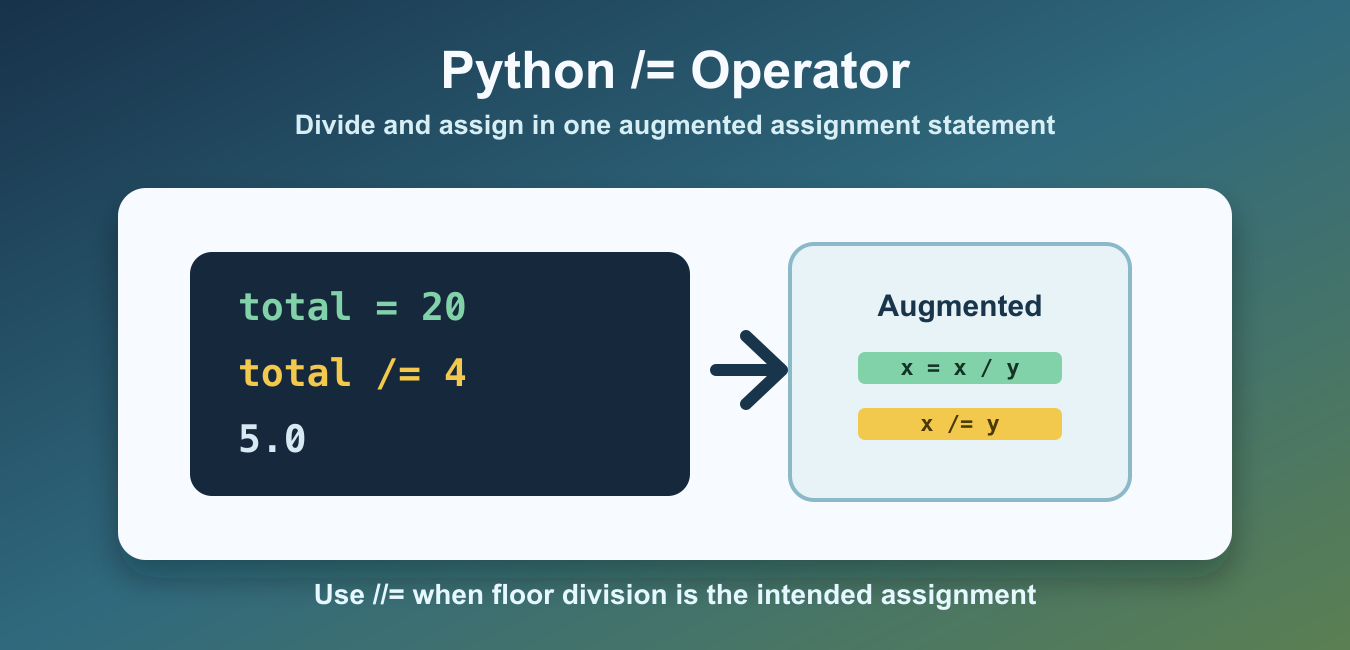
Quick answer: The /= statement divides a target and stores the result back into that target. It follows Python’s true-division rules, so integer inputs commonly become a float. Use / when the original value must remain unchanged and //= when floor division is the intended operation.
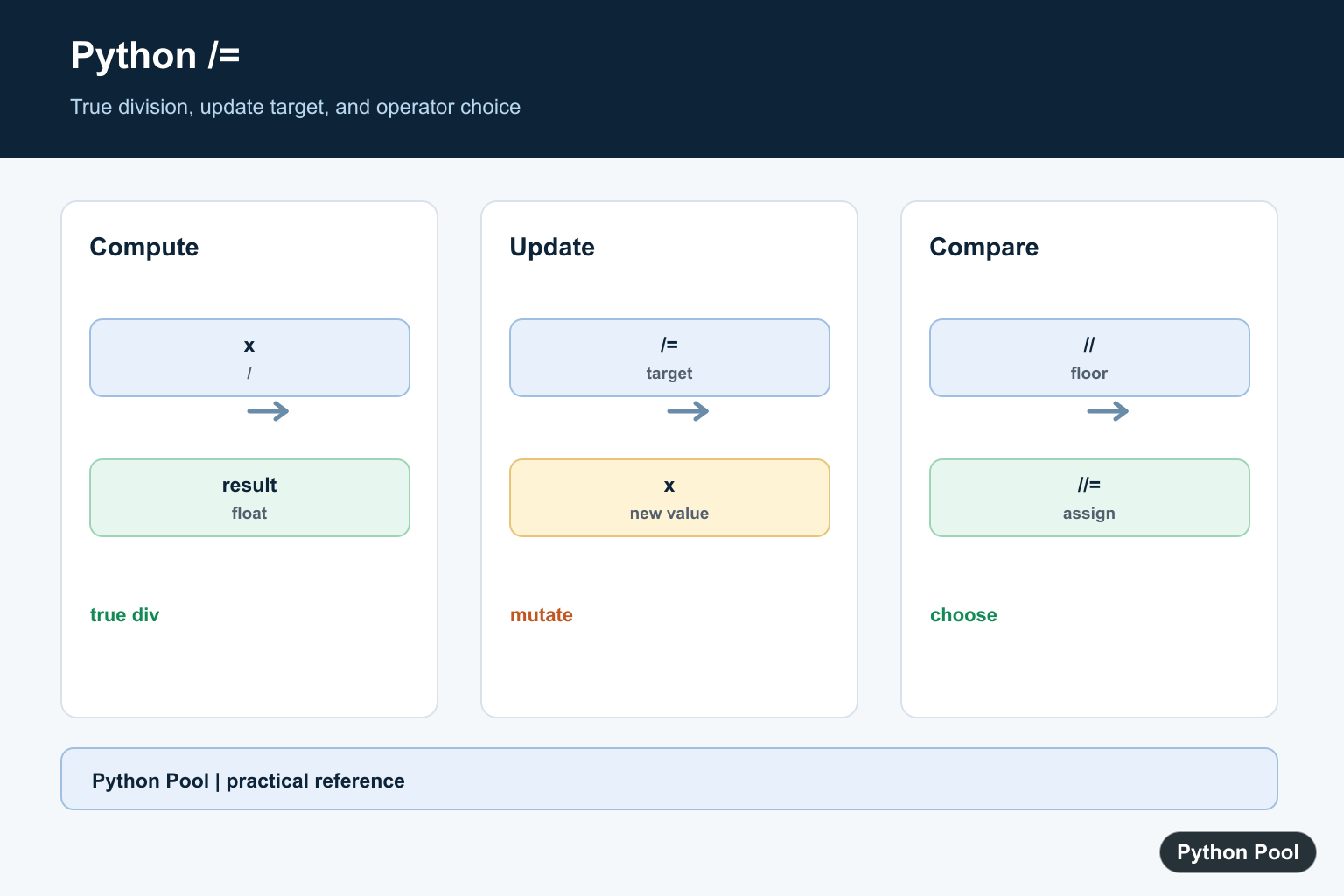
Python’s /= operator is an augmented assignment operator. It divides the left-hand value by the right-hand value and stores the result back on the left side.
The expression x /= 2 is similar to x = x / 2. It is shorter, and it makes the intent clear when an existing numeric name should be updated by division.
This operator is useful in loops, counters, normalization steps, and calculations where the updated value replaces the old one. If later code still needs the original value, save it separately before using /=.
The official Python augmented assignment documentation explains the statement form. For array-style division, see the NumPy divide guide.
Basic /= Example
Use /= when a value should be divided and updated in one step.
total = 20
total /= 4

print(total)
print(type(total).__name__)
The result is 5.0. In Python 3, normal division with / produces a float, even when the result is mathematically whole.
That float result is often the main surprise. The operator does not preserve an integer type just because both inputs started as integers. It follows normal division rules.
Compare /= With /
The / operator returns a result. The /= operator updates the left-hand target.
price = 99
discounted = price / 3

print(price)
print(discounted)
In this example, price stays unchanged because plain division stores the result in a separate name. Use /= only when updating the original target is intended.
That difference matters in longer functions. Plain division is safer when the old value remains meaningful. Augmented assignment is clearer when the old value should be replaced immediately.
Use /= With Floats
/= works naturally with floats and keeps the result as a floating-point number.
ratio = 1.0
ratio /= 3
ratio /= 5

print(ratio)
Floating-point results can contain small representation details. That is normal for binary floating-point arithmetic.
If exact decimal rounding matters, format the value for display or use the decimal module for money-like calculations. The /= operator itself does not add special rounding behavior.
Use //= For Floor Division
If you want floor division and assignment, use //= instead of /=.
count = 11
count //= 2

print(count)
print(type(count).__name__)
//= discards the fractional part for positive integers. Use it when integer-style grouping or chunking is the goal.
For negative values, floor division rounds toward negative infinity. If that distinction matters, test both positive and negative inputs before choosing //=.
Handle Division By Zero
/= raises ZeroDivisionError if the right-hand value is zero.
total = 10
divisor = 0

try:
    total /= divisor
except ZeroDivisionError:
    print("cannot divide by zero")
Validate user input and calculated divisors before using /= in production code.
A zero divisor can come from an empty count, a failed lookup, or a configuration value. Guarding the divisor near the calculation makes the failure easier to understand.
Use /= With Object Attributes
The left-hand target can be an attribute or item, not only a simple name.
class Account:
    def __init__(self, balance):
        self.balance = balance


account = Account(100)
account.balance /= 4

print(account.balance)
This updates the attribute in place through assignment syntax. The same idea works with list items and dictionary values when they contain compatible numeric data.
For item targets, Python reads the current value, performs division, then writes the new result back to that location. This is concise, but it still changes program state.
Use /= With List And Dictionary Items
The left-hand target can also be a list item or dictionary entry. This is useful when updating stored numeric fields.
For example, scores[0] /= 2 updates the first list item, and totals["east"] /= 4 updates a dictionary entry. The same division rules still apply, so the stored result may become a float.
Keep these updates local and obvious. If the target expression is long or repeated, assign the container or key to a clearer name first so the division step remains easy to audit.
Common Mistakes
The first mistake is expecting an integer result from /=. Normal division creates a float in Python 3. Use //= when floor division is required.
The second mistake is updating a value too early. Since /= changes the left-hand target, keep the original value elsewhere if later code still needs it.
The third mistake is ignoring zero. If the right-hand value can come from user input, a file, or another calculation, check it before dividing.
Use /= for concise division-and-update logic, / when you want a separate result, and //= when the updated result should use floor division.
In code reviews, read /= as “divide this existing target by the right-hand value.” That phrasing makes the mutation clear and helps catch cases where a separate result would be safer.
Read The Augmented Assignment
x /= y is equivalent in intent to x = x / y, with Python’s augmented-assignment evaluation rules. It is useful when the updated value is the state the next operation should see.
Expect True Division
In Python 3, / produces a float even when two integers divide evenly. /= follows the same rule, so inspect the resulting type before passing it to code that requires an integer.
Compare The Related Operators
Use / for a non-mutating division result, // for floor division, and //= for floor division plus assignment. Do not substitute //= merely to avoid a float because negative values make floor behavior different from truncation.
Protect The Original
Save a separate name before /= when later logic needs the pre-division value. This small decision makes calculations and audit output easier to understand.
Test Numeric Edge Cases
Cover zero divisors, negative operands, integers, floats, Decimal or custom numeric types, and the expected target type. Augmented assignment can also interact with mutable or overloaded objects, so test the actual operand type.
The Python augmented-assignment reference defines the statement semantics. Related references include NumPy division, floor and integer division, and numeric tests.
For related division behavior, compare NumPy division, floor division, and numeric tests when updating values.
Frequently Asked Questions
What does /= mean in Python?
x /= y is augmented assignment that divides x by y and stores the result back in x.
Does /= return an integer?
Usually not with ordinary division: Python 3 true division produces a float even when the mathematical result is whole.
What is the difference between /= and /?
/ computes and returns a division result without updating the left-hand variable, while /= updates its target.
How is /= different from //=?
//= performs floor division and assignment, so it follows floor-division rules rather than true division.
