
Quick answer: np.divide performs element-wise division with broadcasting. Make denominator-zero behavior, output dtype, warning policy, and masked positions explicit so infinities, NaNs, integer truncation, or broadcasted shapes do not silently change the result.
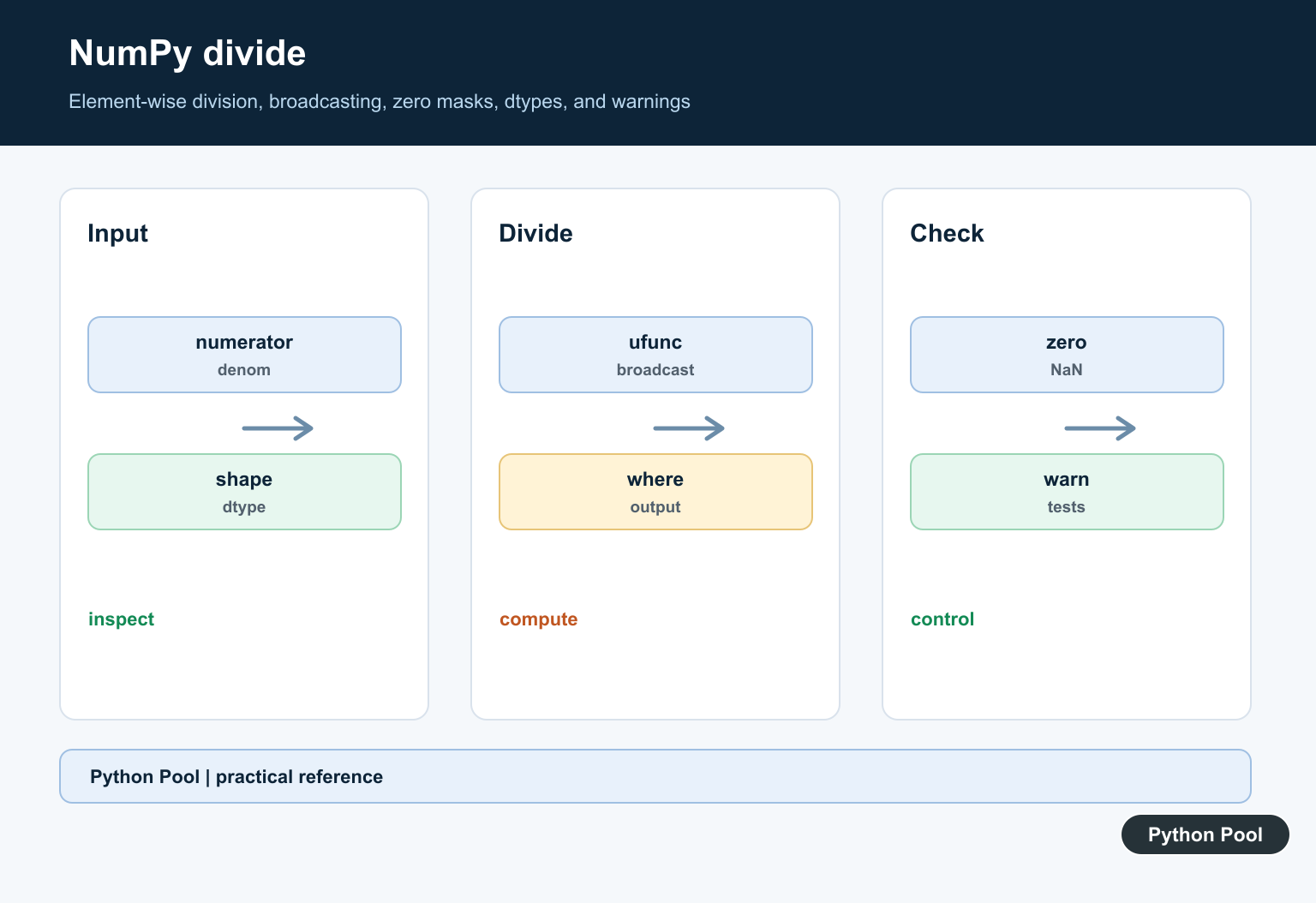
NumPy divide() performs element-wise division. The official numpy.divide documentation defines it as equivalent to x1 / x2 with array broadcasting, and it notes that np.true_divide() is an alias for the same operation. In everyday code, x / y is often the clearest expression. Use np.divide() when you want explicit ufunc behavior such as out, where, dtype handling, or a named operation in a generic array pipeline.
Basic element-wise division
When two arrays have the same shape, NumPy divides values at matching positions. The first input is the dividend and the second input is the divisor. The output usually contains floating-point values, even when the inputs are integers.
import numpy as np

left = np.array([10, 20, 30])
right = np.array([2, 5, 10])
print(np.divide(left, right))
Operand order matters. np.divide(left, right) is not the same as np.divide(right, left). If the result looks inverted, check the input order first.
Dividing by a scalar
A scalar divisor broadcasts across the whole array. This is useful for percentages, normalization, unit conversion, and scaling a column by a known constant.
import numpy as np

values = np.array([100, 200, 300])
print(np.divide(values, 100))
The operator form values / 100 gives the same result. The function form becomes helpful when you also need out or where.
Broadcasting array shapes
Inputs do not need identical shapes if NumPy can broadcast them to a shared output shape. A common pattern is dividing every row of a two-dimensional array by one row of divisors.
import numpy as np

matrix = np.array([[10, 20, 30], [40, 50, 60]])
divisors = np.array([10, 5, 2])
print(np.divide(matrix, divisors))
If broadcasting fails, inspect both input shapes. The refreshed guides for NumPy add, NumPy subtract, and NumPy multiply use the same shape rules.
Handling divide by zero
Division by zero is the main edge case. For floating-point arrays, NumPy may produce inf or nan values and emit a runtime warning. If zero divisors are possible and you want a controlled output, combine where with an initialized out array.
import numpy as np

values = np.array([10.0, 20.0, 30.0])
divisors = np.array([2.0, 0.0, 5.0])
result = np.zeros_like(values)
np.divide(values, divisors, out=result, where=divisors != 0)
print(result)
In this pattern, positions with a zero divisor keep the initialized value from result. Choose that initial value intentionally, such as zero, np.nan, or a sentinel value that your downstream code understands.
Using out for ratios
The out parameter stores division results in an existing array. This can reduce temporary allocations and make the destination clear in a data-processing pipeline.
import numpy as np

current = np.array([12.0, 15.0, 18.0])
baseline = np.array([10.0, 10.0, 12.0])
ratio = np.empty_like(current)
np.divide(current, baseline, out=ratio)
print(ratio)
Use out when memory or API design matters. For short scripts, returning a new array is usually simpler.
divide vs floor_divide
np.divide() performs true division. If you want integer-style floor division, use np.floor_divide() or the // operator. These are different operations and can produce different results from the same inputs.
import numpy as np

left = np.array([5, 7, 9])
right = np.array([2, 2, 2])
print(np.divide(left, right))
print(np.floor_divide(left, right))
Dtype behavior and practical checks
Expect true division to produce floating-point results in many cases. If your next step expects integers, convert intentionally after checking whether rounding is appropriate. If you plan to average ratios or normalized values, the NumPy mean guide covers mean calculations after array operations.
Warning control and missing values
For exploratory work, seeing inf values can be useful because it tells you exactly where a divisor was zero. For production code, decide how those positions should be represented before running the calculation. A mask with where is usually clearer than suppressing warnings globally, because the mask documents which values are safe to divide. If you need missing values, initialize out with np.nan and divide only where the divisor is valid.
Choosing the right division operation
Use np.divide() for ratios, percentages, rates, normalized values, and any calculation where fractions matter. Use np.floor_divide() only when the desired answer is the floored quotient. Use np.remainder() or np.mod() when you need the leftover part after division instead of the quotient. Naming the operation clearly helps future readers understand the math.
When to use numpy.divide
Use x / y for simple readable division. Use np.divide() when the named ufunc makes the operation clearer or when you need out, where, dtype, or generic ufunc handling. The function is especially useful in data-cleaning code where zero divisors, masks, and controlled output values matter.
Debugging checklist
When np.divide() returns unexpected values, check operand order, divisor zeros, shapes, dtype, and any mask passed through where. If only part of the output changed, inspect the initialized out array. If the numbers are truncated, confirm that you did not use floor division by accident. These checks solve most beginner problems with NumPy division. Check tiny examples first before applying the operation to a full dataset. Document the chosen fallback value.
Check The Shapes
Broadcasting can make different shapes divide successfully. Confirm that the broadcast result represents the intended mathematical pairing before relying on it.
Choose An Output Dtype
Fractional division usually requires a floating dtype. Inspect integer, float, complex, and mixed inputs and choose an output type that can represent the contract.
Handle Zero Denominators
Use a where mask and output array, precondition the denominator, or explicitly handle zeros after the operation. Define whether the result should be zero, missing, infinity, or an error.
Manage Warnings
NumPy may emit divide-by-zero or invalid-value warnings according to the configured error policy. Avoid blanket suppression; capture or test the warning when it is part of expected behavior.
Keep Masked Positions Clear
When using where, initialize the output for positions that are not evaluated. An uninitialized output can look valid while containing arbitrary memory values.
Test Numerical Boundaries
Test scalar and array inputs, broadcasting, zeros, negative zeros, NaN, infinity, integer and float dtypes, where masks, output arrays, and tolerance-based comparisons.
Use the official NumPy divide documentation. Related Python Pool references include NumPy arrays and tests.
For related numerical operations, compare NumPy array broadcasting, zero-case tests, and mask mappings before dividing arrays.
Frequently Asked Questions
What does NumPy divide do?
np.divide divides corresponding elements of two arrays or values and follows NumPy broadcasting rules.
How do I handle division by zero?
Use a where mask, precondition the denominator, or define an explicit output and warning policy rather than relying on accidental infinities or NaNs.
Why does integer division behave unexpectedly?
The output dtype and operation determine how values are represented; choose a floating dtype when fractional results are required and test the boundary cases.
How do I avoid evaluating invalid divisions?
Provide an output array and where condition or otherwise filter denominators before the ufunc, then validate masked positions explicitly.
