Quick answer: numpy.multiply returns the elementwise product of two array-like inputs and applies NumPy broadcasting. Inspect shapes and dtypes before relying on the result, and do not confuse an elementwise product with matrix multiplication.
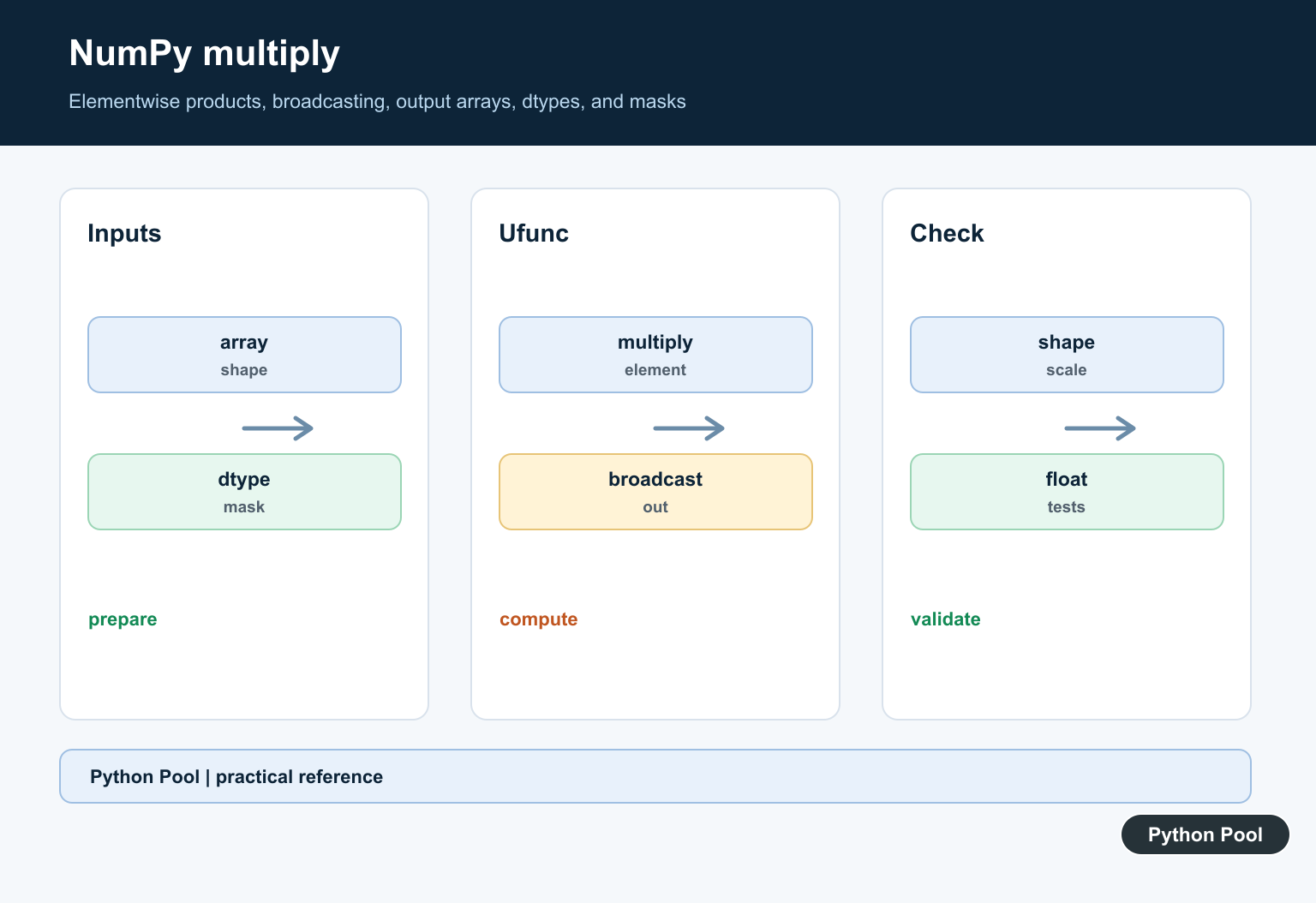
NumPy multiply() performs element-wise multiplication. The official numpy.multiply documentation defines it as a ufunc equivalent to x1 * x2 with broadcasting. In many scripts, the * operator is the clearest way to multiply arrays. Use np.multiply() when you want the explicit ufunc call or keyword arguments such as out, where, dtype, and casting.
Basic element-wise multiplication
When two arrays have the same shape, NumPy multiplies values at matching positions. The output shape matches the inputs. This is array math, not repetition of a Python list. NumPy multiply is element-wise; Python prod(): Multiply Iterable Values With math.prod() reduces an iterable to one product with math.prod() and an optional start value.
import numpy as np

left = np.array([2, 4, 6])
right = np.array([10, 20, 30])
print(np.multiply(left, right))
That distinction is important. Python list multiplication repeats a list, while NumPy array multiplication multiplies numeric elements. Convert to arrays only when you want numeric vectorized behavior.
Multiplying by a scalar
A scalar broadcasts across an array. This is useful for unit conversion, tax factors, discount factors, weights, and other cases where every value should be scaled by the same amount.
import numpy as np

prices = np.array([10.0, 12.5, 20.0])
tax_factor = 1.08
print(np.multiply(prices, tax_factor))
The expression prices * tax_factor gives the same result. The function form is helpful when you want to be explicit about ufunc options or when the operation is selected dynamically in a larger pipeline.
Broadcasting with arrays
Inputs can have different shapes if they broadcast to a common shape. A common pattern is multiplying each column of a two-dimensional array by a row of weights.
import numpy as np

matrix = np.array([[1, 2, 3], [4, 5, 6]])
weights = np.array([10, 20, 30])
print(np.multiply(matrix, weights))
If broadcasting fails, inspect array.shape for both inputs. The related refreshed guides for NumPy add, NumPy subtract, and NumPy divide use the same broadcasting model.
Using out for an existing array
The out argument stores the product in an array you provide. This can reduce temporary allocations and makes the output destination explicit. The output array must be compatible with the broadcasted result shape and dtype.
import numpy as np

values = np.array([1.5, 2.0, 2.5])
factors = np.array([2.0, 3.0, 4.0])
output = np.empty_like(values)
np.multiply(values, factors, out=output)
print(output)
Use out when memory or API design matters. For one-off calculations, returning a new array is usually clearer.
Using where for conditional products
The where argument applies multiplication only where a condition is true. Where the condition is false, the existing values in out are retained. Passing an initialized result array prevents skipped positions from containing unexpected values.
import numpy as np

values = np.array([2, 4, 6, 8])
factors = np.array([10, 10, 10, 10])
mask = values >= 6
result = values.copy()
np.multiply(values, factors, out=result, where=mask)
print(result)
This is useful when you want to scale only selected values, such as multiplying high-priority rows by a factor while leaving the rest unchanged.
Element-wise product vs matrix product
np.multiply() is not matrix multiplication. For matrices, it multiplies matching positions. Use the @ operator or np.matmul() when you need a matrix product.
import numpy as np

a = np.array([[1, 2], [3, 4]])
b = np.array([[10, 20], [30, 40]])
print(np.multiply(a, b))
print(a @ b)
This distinction is one of the most important parts of the article. A spreadsheet-style element-wise product and a linear algebra matrix product can both involve two rectangular arrays, but they answer different questions. If you are scaling each value by a matching value, use np.multiply or *. If you are composing vectors and matrices, use matrix multiplication.
Dtype behavior and practical use
The result dtype follows NumPy casting rules. Multiplying integers can keep an integer dtype; multiplying by a floating-point value usually returns floating-point values. Be careful when writing decimal results into an integer output array. If you plan to average or summarize products, the NumPy mean guide covers mean calculations after array operations. Always check the output dtype when exact numeric storage matters.
Common mistakes
Do not use np.multiply() to repeat strings or lists; that is Python sequence behavior, not numeric array behavior. Do not assume multiplication changes shape. Element-wise multiplication preserves the broadcasted shape, while matrix multiplication can produce a different shape. Also watch for overflow in small integer dtypes when multiplying large values repeatedly.
Debugging checklist
If a product is too large, check whether a scalar was broadcast farther than intended. If a matrix result looks wrong, confirm whether you wanted element-wise multiplication or matrix multiplication. If only part of the array changed, inspect the where mask and the initial values in out. These checks usually find the mistake faster than rewriting the expression.
When to use numpy.multiply
Use x * y for simple readable array multiplication. Use np.multiply() when you need ufunc controls, a named operation for generic code, or examples that clearly show broadcasting, masks, and output arrays. Check shapes first, then dtype, then any where mask. Those checks solve most beginner errors with NumPy multiplication.
Understand The Ufunc
multiply is a universal function that applies a product to corresponding elements. It can accept scalars and arrays, supports standard ufunc controls, and returns an array-shaped result.
Read Broadcasting From The Right
NumPy compares dimensions from the trailing axes. Dimensions are compatible when they match or one is one, so reshape intentionally and inspect the result shape before using it in a larger computation.
Separate Elementwise And Matrix Products
A * B and numpy.multiply(A, B) are elementwise for arrays. Matrix multiplication has different algebra and shape rules, so select the operation that matches the mathematical contract.
Control Dtypes And Overflow
Integer multiplication can overflow the chosen integer dtype, while floating-point results can lose precision or become non-finite. Choose dtypes deliberately and validate values when range matters.
Use Masks And Output Arrays
A where mask can limit where the ufunc operates, and out can reuse an array when the dtype and shape are correct. Reuse can improve memory behavior but requires careful initialization and alias tests.
Test Shape Contracts
Test scalars, vectors, matrices, broadcastable and incompatible shapes, negative values, integer overflow boundaries, NaN, masks, and output arrays. Assert shape, dtype, and values.
The official NumPy multiply documentation defines elementwise and broadcasting behavior. Related Python Pool references include NumPy arrays and tests.
For related numerical workflows, compare NumPy array shapes, broadcasting tests, and sequence inputs before multiplying arrays.
Frequently Asked Questions
What does numpy.multiply do?
It returns the elementwise product of two array-like inputs, following NumPy broadcasting rules.
Is numpy.multiply the same as matrix multiplication?
No. It performs elementwise multiplication; use the appropriate matrix multiplication operation for linear algebra products.
Why do my NumPy arrays have an unexpected shape?
Broadcasting may align dimensions from the trailing axes, so inspect shapes and reshape intentionally before multiplying.
Can numpy.multiply write into an output array?
Yes, the ufunc supports an out argument and related controls, but the output dtype and overlap behavior should be tested for the workflow.
