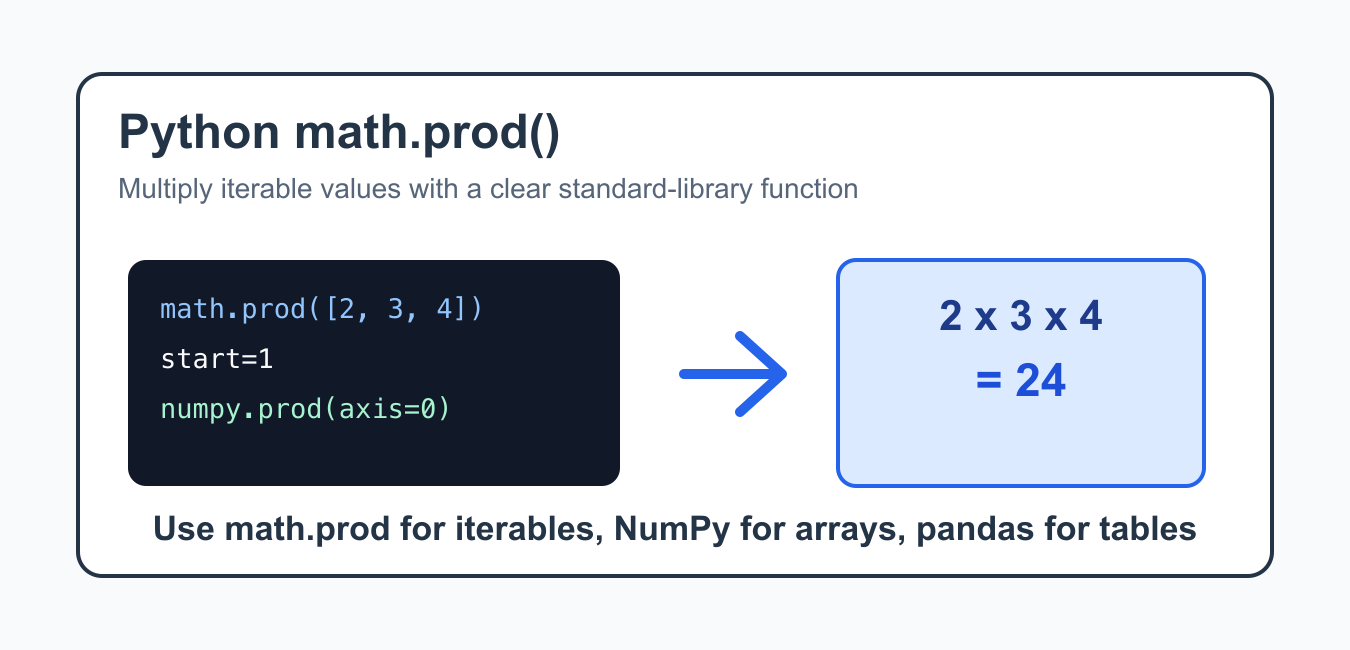
Quick answer: Use math.prod for a clear product across an iterable. It returns the multiplicative identity 1 for an empty iterable by default and accepts a start value; use NumPy’s prod for array reductions with axis and dtype policies.
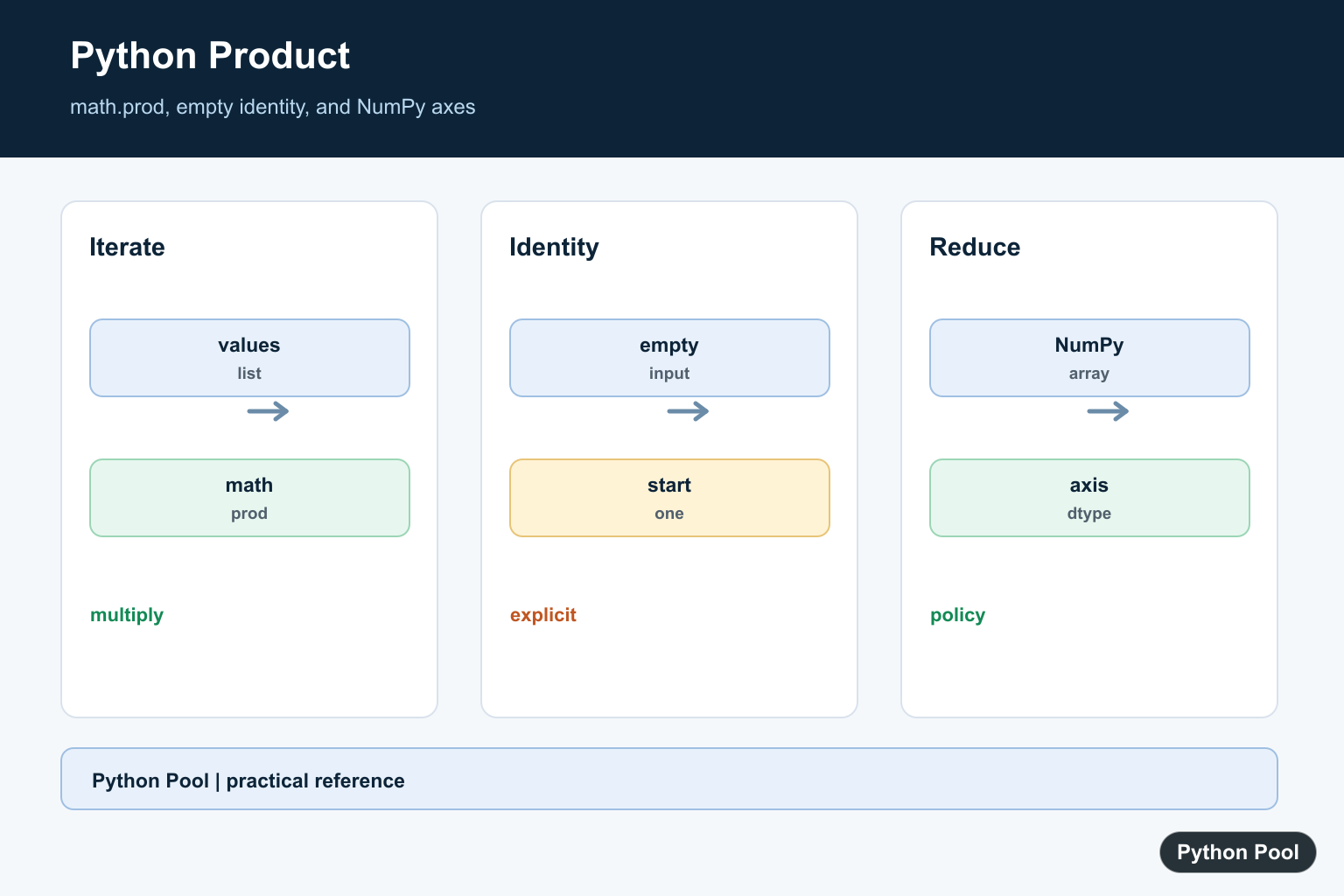
Python prod() usually means math.prod(), the standard-library function for multiplying all values in an iterable. It was added so product calculations can be written directly, without a manual loop or functools.reduce().
prod() is not a built-in function. Import it from the math module and call it as math.prod(iterable, *, start=1). The start argument is multiplied into the result and also controls what happens for an empty iterable.
Use math.prod() when multiplication is the actual operation you want. It is common in geometry, combinatorics, scaling factors, dimensional sizes, and small numeric calculations. It should not be used as a replacement for sum(), because addition and multiplication answer different questions.
The official references are the Python math.prod documentation, Python built-in functions documentation, NumPy prod documentation, pandas Series.prod documentation, and pandas DataFrame.prod documentation. For related Python functions, see Python min(), Python max(), and Python abs().
Use math.prod()
For a list or tuple of numbers, math.prod() returns the product of every item.
import math

numbers = [2, 3, 4]
sizes = (5, 6)

print(math.prod(numbers))
print(math.prod(sizes))

result = 1
for number in numbers:
    result *= number

print(result)
The manual loop and math.prod(numbers) produce the same value for this input. The function version is shorter and makes the intent obvious.
This clarity matters in longer code. A loop can mix validation, logging, and multiplication, which makes the product calculation harder to spot. When the values are already prepared, math.prod() lets the line say exactly what is being computed.
Use The start Argument
The start argument is multiplied before the iterable values. If the iterable is empty, math.prod() returns start. With the default, an empty iterable returns 1.
import math

print(math.prod([2, 3], start=10))
print(math.prod([], start=10))
print(math.prod([]))
This behavior is useful for product calculations because 1 is the multiplicative identity. It also means an empty input does not automatically raise an error.
If your application should reject empty input, check that condition before calling math.prod(). The function’s default behavior is mathematically consistent, but business rules may require an explicit error message when no values were supplied.
Use A Generator Expression
You can pass any iterable. A generator expression is useful when the product should include only values matching a condition.
import math

values = [-2, 3, 4, 0, 5]
positive_product = math.prod(
    value for value in values if value > 0
)

print(positive_product)
This avoids building a separate filtered list. Keep the condition simple so the expression stays readable.
Generator expressions are also helpful when values come from another iterator. The product is calculated as the iterator is consumed, so you do not need a temporary list unless later code also needs the filtered values.
Multiply Paired Values
math.prod() also works with values created from two iterables. In Python 3.10 and newer, zip(..., strict=True) raises an error if the input lengths differ.
import math

prices = [10, 20, 30]
quantities = [2, 1, 4]

total_factor = math.prod(
    price * quantity
    for price, quantity in zip(prices, quantities, strict=True)
)

print(total_factor)
This pattern is useful for compact calculations, but it should only be used when multiplying every paired value together is truly the intended formula.
For many price and quantity tasks, you probably want a sum of line totals instead of one product of all line totals. Review the formula before choosing math.prod(), especially when financial or reporting code is involved.
Compare With numpy.prod()
Use NumPy when you need products across arrays, axes, or numeric data already stored in an array.
import numpy as np

array = np.array([
    [2, 3, 4],
    [5, 6, 7],
])

print(np.prod(array))
print(np.prod(array, axis=0))
print(np.prod(array, axis=1))
numpy.prod() supports array-specific options such as axes, dtype handling, and keeping dimensions. It is different from math.prod(), which is a simple standard-library iterable function.
When data is already in a NumPy array, staying in NumPy is usually clearer and faster. Axis support lets you multiply down columns, across rows, or across the whole array without writing nested Python loops.
Compare With pandas prod()
pandas provides prod() methods for Series and DataFrame objects. These methods understand labels, axes, and missing data options.
import pandas as pd

series = pd.Series([2, 3, 4])
frame = pd.DataFrame({
    "a": [2, 3],
    "b": [4, 5],
})

print(series.prod())
print(frame.prod(axis=0, min_count=1))
print(frame.prod(axis=1, min_count=1))
Use pandas methods when your data is already in a Series or DataFrame. Use math.prod() for ordinary Python iterables.
The min_count option is important when missing data is possible. It lets you require at least a certain number of valid values before pandas returns a product, which can prevent misleading results from mostly empty data.
Common Mistakes
Do not call prod(values) without importing it from somewhere. In standard Python, use math.prod(values) after import math, or import it explicitly with from math import prod.
Also avoid using product calculations where addition is intended. Multiplication grows quickly and can turn a small data mistake into a very large result. For totals, check whether you need sum(), math.prod(), NumPy, or pandas.
Another common mistake is mixing numeric and non-numeric values. math.prod() expects values that can be multiplied together. Clean or convert input before the calculation, and keep error handling near the data boundary where the bad value can be explained clearly.
The reliable pattern is to use math.prod() for simple iterable multiplication, set start when the identity value should be explicit, and switch to NumPy or pandas when you need array or table behavior.
Use math.prod
math.prod communicates multiplication directly and works with iterable numeric values. It avoids writing a manual accumulator for the common case and makes the operation’s intent clear to readers.
Define The Empty Product
The default result for an empty iterable is one, the multiplicative identity. Supply start when a domain-specific initial value is required and document why, especially if an empty input should instead be rejected.
Reduce NumPy Arrays
np.prod accepts axis, dtype, and keepdims options for numerical arrays. Check integer overflow and the output shape when reducing large or multidimensional data, and preserve the numeric type required downstream.
Use reduce For Custom Operations
functools.reduce is appropriate when the operation is not ordinary multiplication or when an explicit initializer and function are part of the contract. math.prod is usually clearer for products and communicates the identity behavior.
Validate Numeric Meaning
A product can overflow, underflow, or amplify a small measurement error quickly. Choose a numeric type and tolerance policy before interpreting results, and test empty, singleton, negative, and fractional inputs.
Python’s math.prod() and reduce() references define product and accumulation behavior. Related references include factorization, NumPy reductions, and axis semantics.
For related reduction and arithmetic, compare factorization, NumPy reductions, and axis semantics when multiplying values.
Frequently Asked Questions
How do I multiply all values in a Python list?
Use math.prod for a clear product across an iterable, or functools.reduce when a custom operation is required.
What is the product of an empty iterable?
math.prod returns 1 by default, the multiplicative identity, unless a different start value is supplied.
How do I multiply NumPy array values?
Use np.prod and pass axis when the reduction should happen by row, column, or another dimension.
Can math.prod multiply decimals or fractions?
Yes, it works with multiplicative numeric types, but preserve the type and precision policy needed by the application.
