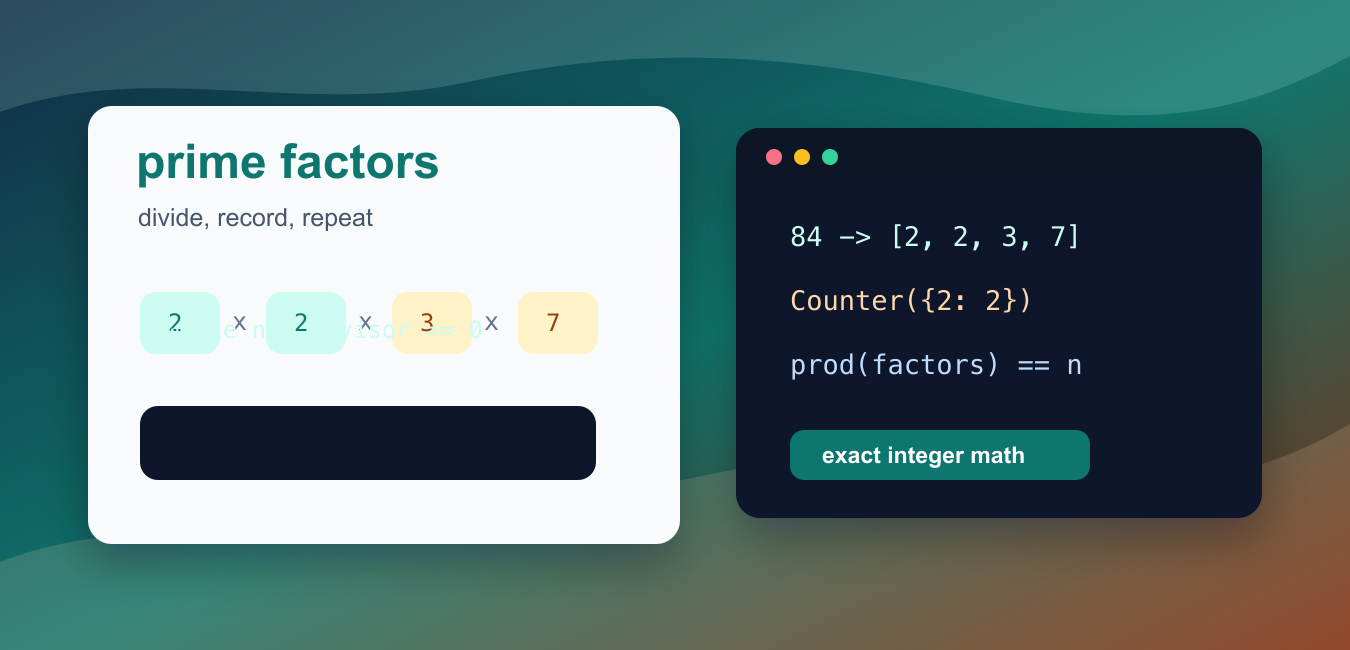
Quick answer: Prime factorization expresses an integer greater than one as a product of prime factors. Trial division can stop at the square root of the remaining value; after repeated division, any leftover value greater than one is itself prime.
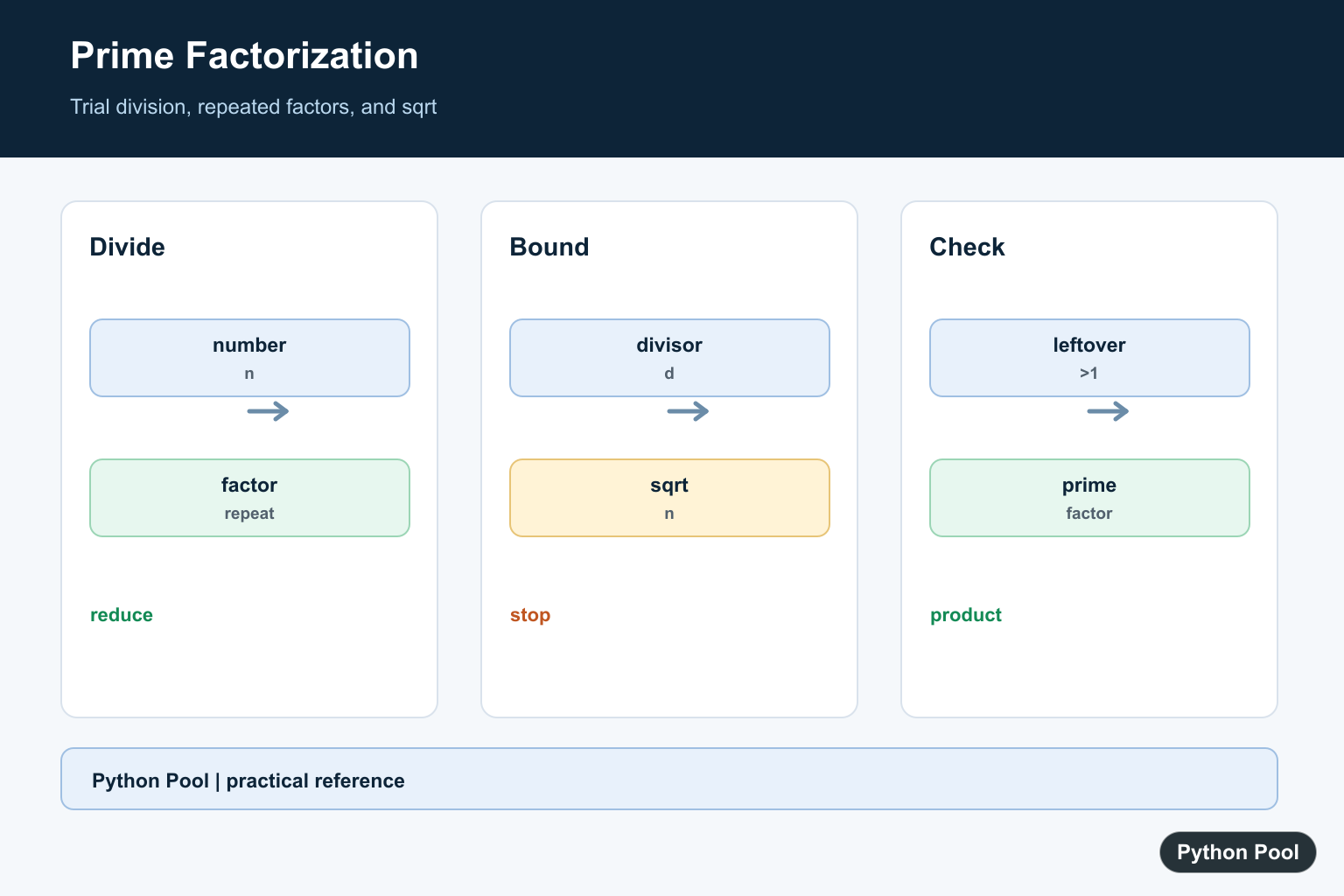
Prime factorization breaks an integer into prime numbers whose product recreates the original value. In Python, a straightforward trial-division loop is often enough for learning, data cleanup, interview exercises, and utility scripts that handle ordinary-sized integers.
The key idea is to test small divisors first. When a divisor divides the number evenly, record that divisor and divide the number by it. Keep going until the remaining value is no longer divisible by that divisor, then move to the next possible divisor. When the remaining value is greater than 1 at the end, that value is itself prime and belongs in the factor list.
The official Python documentation for math.isqrt(), integer division and modulo, and collections.Counter covers the building blocks used below.
For negative numbers, decide whether you want to preserve the sign. A common convention is to add -1 as the first factor, then factorize the absolute value. For 0 and 1, prime factorization is not meaningful in the same way because they do not decompose into prime factors. A reusable function should handle those cases explicitly.
Trial division is clear and reliable for moderate inputs, but it is not a cryptographic factoring algorithm. If you need to factor extremely large integers, especially values chosen to resist factoring, use a specialist number-theory library and understand the performance limits.
The examples below keep the logic small enough to audit. They also avoid floating-point square roots, because integer arithmetic is exact and avoids rounding mistakes near large values.
Find Prime Factors With Trial Division
This direct version repeatedly divides a number by the current divisor and stores each factor it finds.
number = 84
factors = []
divisor = 2

while divisor * divisor <= number:
    while number % divisor == 0:
        factors.append(divisor)
        number //= divisor
    divisor += 1

if number > 1:
    factors.append(number)

print(factors)
The result is [2, 2, 3, 7]. Multiplying those values gives 84 again.
The outer loop only needs to continue while divisor * divisor is less than or equal to the remaining number. If no small divisor is found, the leftover value must be prime.
Wrap The Logic In A Function
A function makes the factorization reusable and easier to test. This version handles values less than 2 by returning an empty list.
def prime_factors(number):
    if number < 2:
        return []

    factors = []
    divisor = 2

    while divisor * divisor <= number:
        while number % divisor == 0:
            factors.append(divisor)
            number //= divisor
        divisor += 1

    if number > 1:
        factors.append(number)

    return factors

print(prime_factors(90))
print(prime_factors(97))
For 90, the function returns [2, 3, 3, 5]. For 97, it returns [97] because 97 is already prime.
Returning a list keeps repeated factors visible. That is useful when the caller needs the exact multiplicity of each prime factor.
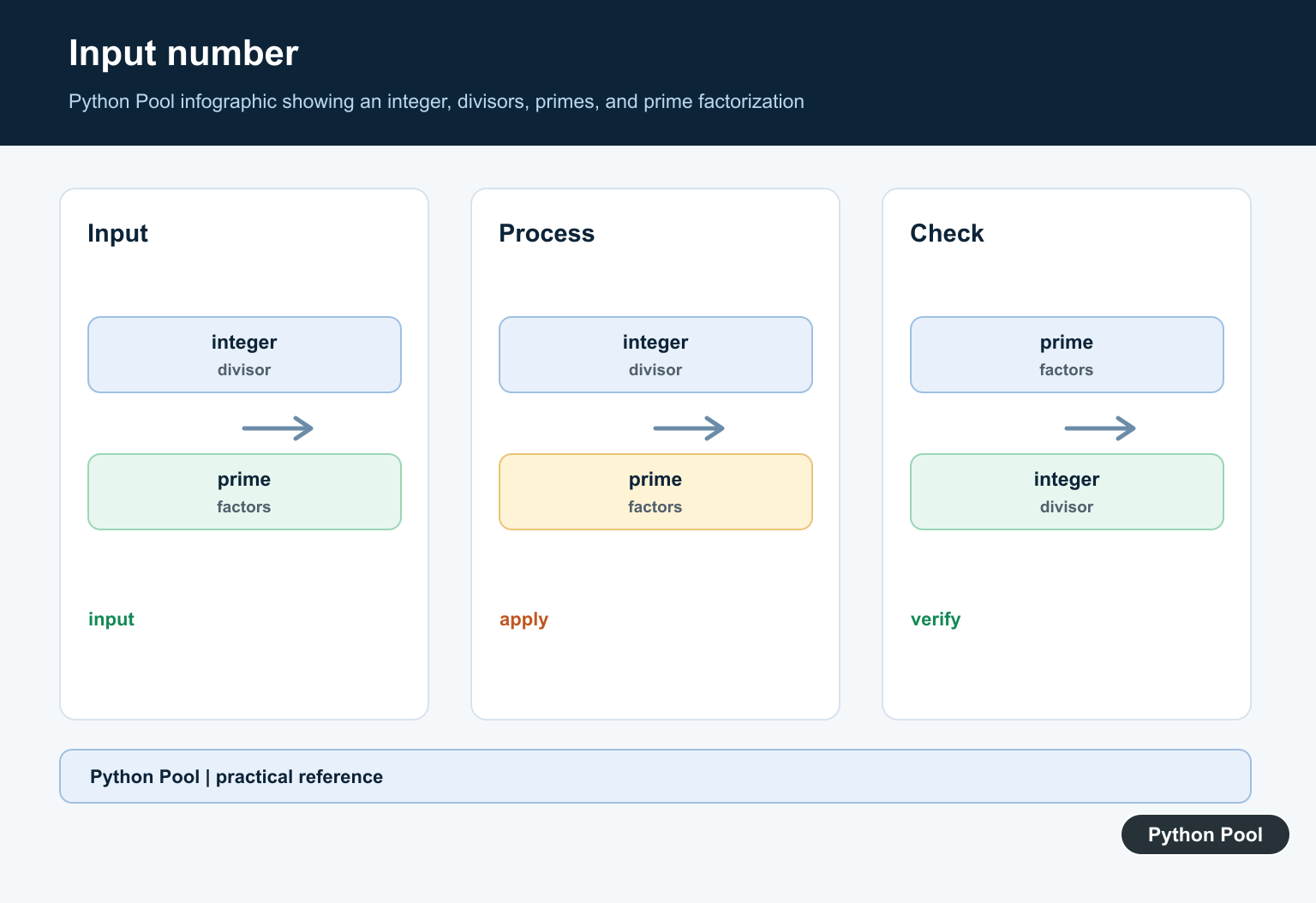
Count Repeated Prime Factors
Sometimes the compact form is better. collections.Counter turns a factor list into counts.
from collections import Counter

def prime_factors(number):
    factors = []
    divisor = 2

    while number >= 2 and divisor * divisor <= number:
        while number % divisor == 0:
            factors.append(divisor)
            number //= divisor
        divisor += 1

    if number > 1:
        factors.append(number)

    return factors

counts = Counter(prime_factors(360))
print(dict(counts))
The output shows the exponent-style structure of the number. For 360, the compact form is {2: 3, 3: 2, 5: 1}, meaning 2^3 * 3^2 * 5.
Counts are useful for formatting explanations, comparing factorizations, and calculating derived values such as divisor counts.
Handle Negative Numbers
If preserving sign matters, factor the absolute value and add -1 first for negative input.
def signed_prime_factors(number):
    if number == 0:
        raise ValueError("0 does not have a prime factorization")
    if number == 1:
        return []

    factors = []
    if number < 0:
        factors.append(-1)
        number = abs(number)

    divisor = 2
    while divisor * divisor <= number:
        while number % divisor == 0:
            factors.append(divisor)
            number //= divisor
        divisor += 1

    if number > 1:
        factors.append(number)

    return factors

print(signed_prime_factors(-45))
This returns [-1, 3, 3, 5]. The product of those factors is still the original number.
Raising an exception for 0 is usually clearer than pretending it has a normal prime factorization. If your application receives user input, catch that exception and show a specific message.
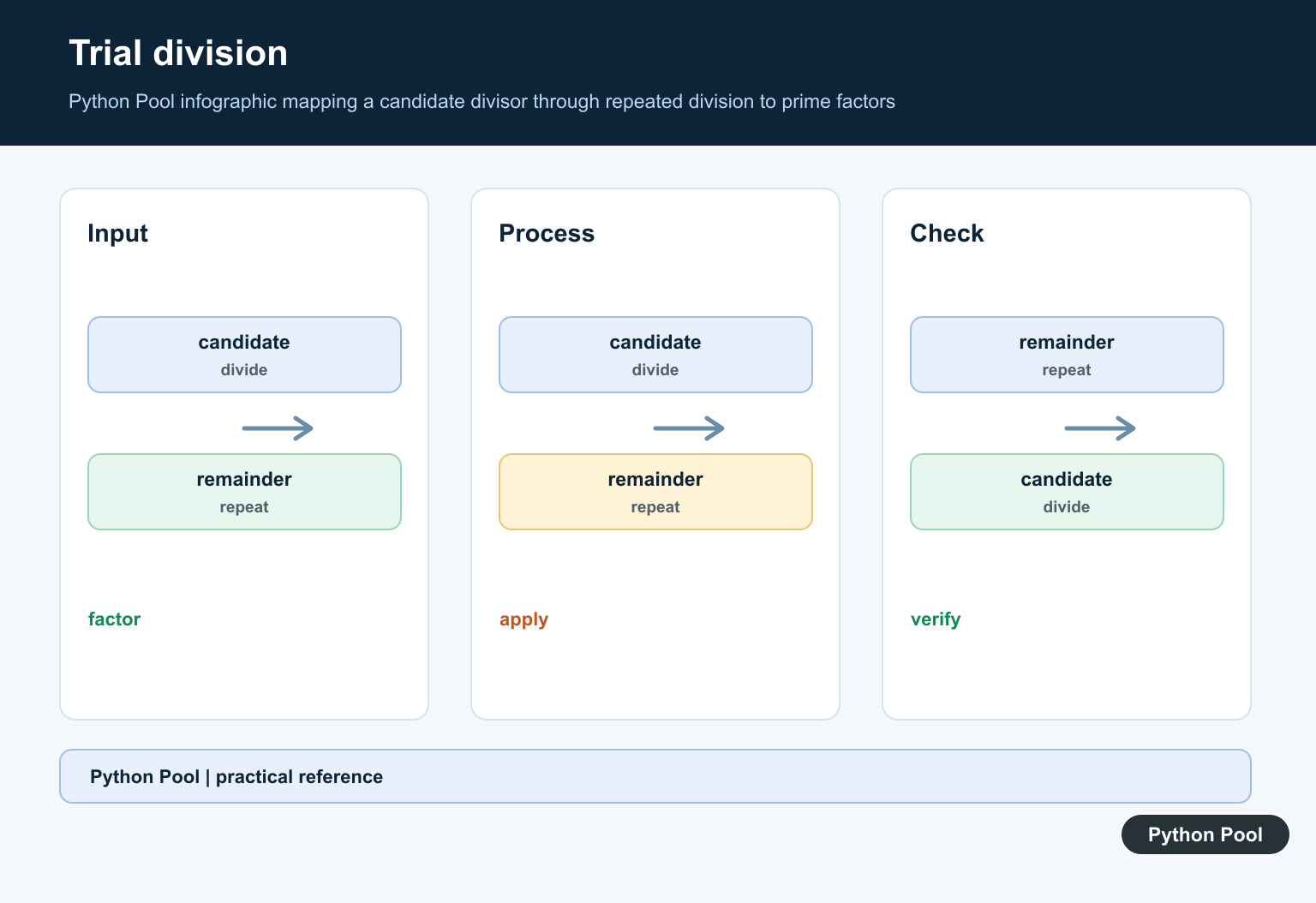
Verify A Factorization
A small product check can confirm that a factor list rebuilds the starting number.
from math import prod

def prime_factors(number):
    original = number
    factors = []
    divisor = 2

    while divisor * divisor <= number:
        while number % divisor == 0:
            factors.append(divisor)
            number //= divisor
        divisor += 1

    if number > 1:
        factors.append(number)

    return factors, prod(factors) == original

factors, valid = prime_factors(2310)
print(factors)
print(valid)
Validation is helpful in tests and examples because it catches accidental early returns, missing repeated factors, and incorrect loop limits.
For production code, test edge cases such as 1, 2, a prime number, a square of a prime, a large composite number, and a negative number if your function supports signs.
Factor Several Numbers
Once the function is isolated, use it inside comprehensions or reports without repeating the algorithm.
def prime_factors(number):
    factors = []
    divisor = 2

    while number >= 2 and divisor * divisor <= number:
        while number % divisor == 0:
            factors.append(divisor)
            number //= divisor
        divisor += 1

    if number > 1:
        factors.append(number)

    return factors

numbers = [18, 25, 64, 101]
report = {number: prime_factors(number) for number in numbers}

print(report)
This pattern is useful for tables, worksheets, validation scripts, and small command-line tools. Keep the factorization function separate from display code so it can be reused by tests, notebooks, or web handlers.
In short, start with trial division, divide repeatedly when a factor is found, stop when the divisor squared is larger than the remaining value, and append the final leftover value if it is greater than 1. That gives a clear and dependable prime factorization function for everyday Python work.
Divide Repeated Factors
When a divisor works, divide repeatedly before moving on. This leaves a smaller remaining value and records multiplicity correctly. For example, a factor of two should be removed as many times as it divides the current remainder.
Stop At The Square Root
If the remaining number were composite, one of its factors would be no larger than its square root. Once no such divisor remains, the leftover is prime. Use an integer boundary and avoid floating-point rounding when numbers are large.
Define Edge Cases
One has no prime factors. Decide how to represent zero, one, and negative input rather than allowing a loop to imply an accidental result. A negative number can be handled by separating its sign from the factorization of its absolute value.
Validate The Product
A useful test multiplies the returned factors and compares the result with the absolute input. This catches missing repeated factors and incorrect leftover handling. Also test prime inputs, perfect squares, and values with several distinct factors.
Choose The Right Scale
Trial division is clear and suitable for moderate integers, but very large or repeated workloads need a more specialized factorization strategy. State the expected input range before optimizing so a simple correct algorithm is not mistaken for a universal one.
The square-root trial-division method is a standard number-theory approach; Python’s math.isqrt() can express an integer square-root boundary. Related references include products, bounded search, and validation tests.
For related arithmetic workflows, compare products, bounded search, and validation tests when factoring integers.
Frequently Asked Questions
What is prime factorization?
It expresses an integer greater than one as a product of prime numbers, including repeated factors when they occur.
Why stop trial division at the square root?
If a remaining composite number had both factors larger than its square root, their product would exceed the original number.
How should factorization handle 1?
One has no prime factors, so return an empty result or a documented special case rather than returning 1 as a factor.
Can the algorithm handle negative numbers?
Separate the sign from the absolute value and document whether the result includes -1 or only positive prime factors.

the third method does not work for the number 100
No, it works perfectly fine. The output for number 100 comes as 2 and 5. Since 22*52 == 100, the output correct.
Hello,
I already understood the result of the program.
I thought that for the number 100 the output was:
2
2
5
5
The program displays the prime factors but only once, not the number that is repeated in the factorial decomposition.
Yes, you can do this by using a small loop inside the
if(c==2)statement –k = nwhile(k%i==0):
k/=i
print(i)
For 100, the output will become 2 2 5 5.
Regards,
Pratik
n=100
i = 1
while (i <= n):
c = 0
if (n % i == 0):
j = 1
while (j <= i):
if (i % j == 0):
c = c + 1
j = j + 1
if (c == 2):
k = n
while (k % i == 0):
k /= i
print(i)
i = i + 1
it stil doesnt work for me
It should work correctly, are you placing the indentations correctly? Also, what error are you facing? Is it related to Syntax Error or Wrong Output?
Is there a way to make a function that take a list of integers and returns a dictionary associating every number with its prime factors.? e.g {18: {2, 3}, 15: {3, 5}}
thanks
Yes, there is. Following code will help you to take a list of integers and return a dictionary with its prime factors –
def prime_factors_list(lst):
  output = {}
  for n in lst:
    factors = []
    for i in range(2,n + 1):
      if n % i == 0:
        count = 1
        for j in range(2,(i//2 + 1)):
          if(i % j == 0):
            count = 0
            break
        if(count == 1):
          factors.append(i)
      output[n]=list(set(factors))
  return output


print(prime_factors_list([18,15, 210, 3, 4, 10]))
Output –
{18: [2, 3], 15: [3, 5], 210: [2, 3, 5, 7], 3: [3], 4: [2], 10: [2, 5]}Regards,
Pratik
you are the best
there seem to be a problem with that code tho
the output is
{5: [2, 5], 7: [3, 7], 3: [3, 3]}
Yes, the code was not checking for existing factors earlier. I’ve edited the code in the comment. Let me know if you need any more help.
Regards,
Pratik
Thank you, Pratik
strange,still has the same problem of the first(old) code
Sorry, I overlooked the ‘3’ as a factor part. I’ve updated the code again.
Regards,
Pratik
The result for first method for n=100000000000000001 (16 zeros) is wrong!
The result was 11, 67, 283, 18899, 4
4 is not a prime factor and 11*67*283*18899*4=100000000000000012 which not equal to n
I have no idea from where does that 4.0 output comes from. Even the prime factors for this number are wrong. I recommend you use other methods while I debug the issue and fix it.
I found the problem. The main problem arises when we divide 100000000000000001 with 11. Here the output should be an odd number but instead, the result is –
This error is then further extended where we get 4 as a factor. I’ll get to the main reason behind this error and get back to you.
I found the error reason and solved it. If you use n=n//i instead of n=n/i in line 15, the problem will be solved and correct prime factors will comes out.
Yes, correct. The division is resulting in incorrect results but the remainder or floor division seems to be working. I found this similar question in Stackoverflow. One of my friends suggested using gmpy2 to handle large numbers in Python. Check it out and let me know if it’s of any use!
I think this is a python bug. The correct result by windows calculator is shown in attached picture. But why the result is correct by floor division!? (//)
The second method does not work for the numbers 4, 8, 16 …
For me, it’s working correctly, can you check it again?
Regards,
Pratik