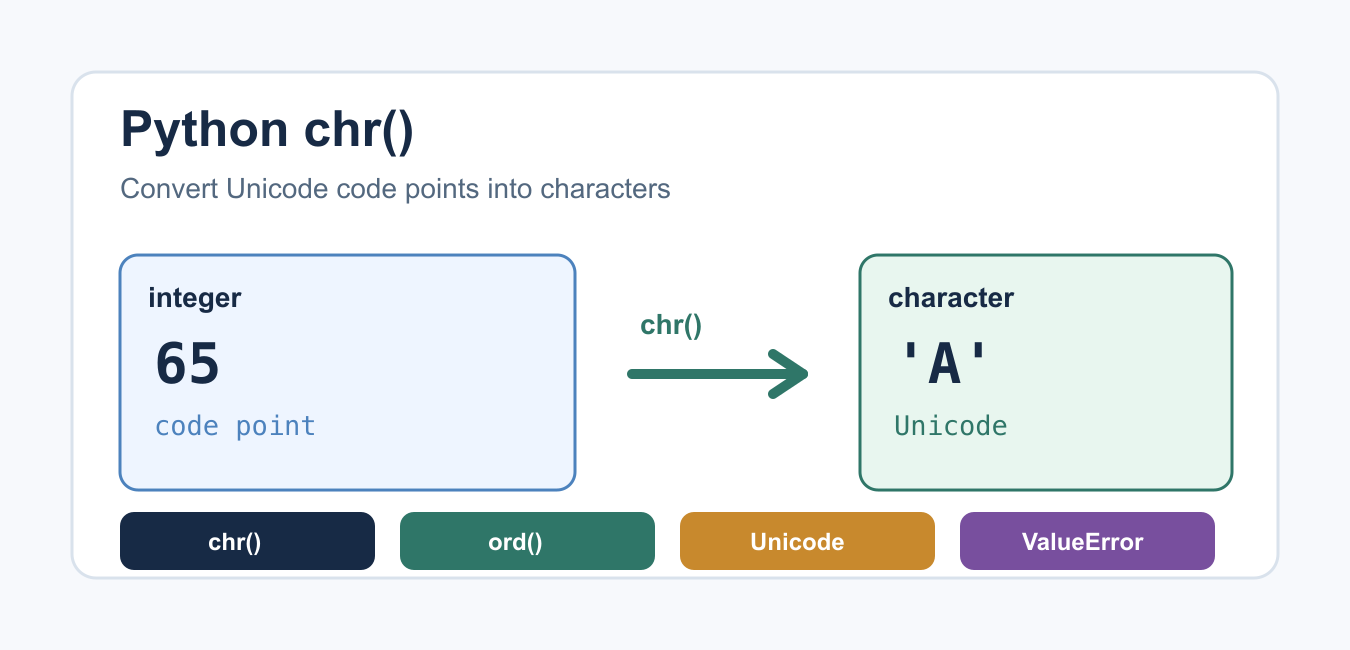
Quick answer: Python chr() converts a valid Unicode code point to a one-character string. Pair it with ord() for a round trip, validate integer input, and remember that a code point is not always the same thing as a user-perceived grapheme.
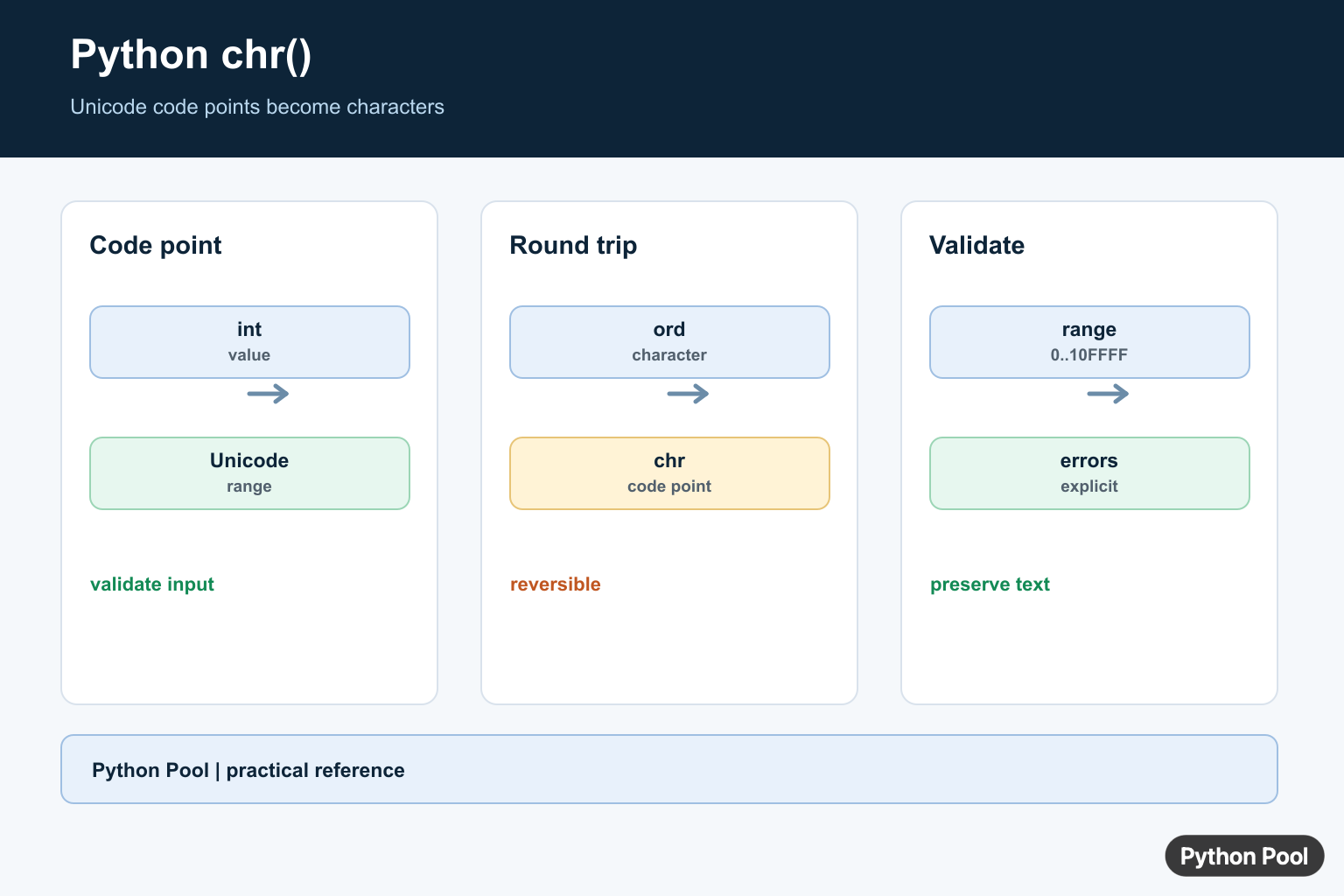
chr() converts an integer Unicode code point into the character for that code point. For example, chr(65) returns 'A'. Use it when you have numeric character codes and need readable text. Use ord() for the reverse operation: converting a one-character string back to its integer code point.
Quick Example
The official chr() documentation defines the function as returning the string representing a character whose Unicode code point is the given integer. That means it is not limited to old ASCII values.
print(chr(65))
print(chr(97))
print(chr(9731))
The first two examples produce Latin letters. The third produces a Unicode character outside the basic ASCII range. Python 3 strings are Unicode strings, so chr() works with many writing systems and symbols.
chr() Syntax and Valid Range
The syntax is chr(number). The integer must be in the valid Unicode code point range, from 0 through 0x10FFFF. If the value is outside that range, Python raises ValueError.
print(chr(0x41))
print(chr(0x1F600))

# ValueError: chr() arg not in range(0x110000)
# print(chr(0x110000))
Hexadecimal notation is common when working with Unicode code points. 0x41 is the same value as decimal 65, and 0x1F600 is a much larger Unicode value.
chr() and ord()
ord() performs the opposite conversion. It accepts a string of one character and returns that character’s Unicode code point.
letter = "A"
code_point = ord(letter)
back_to_letter = chr(code_point)

print(code_point)
print(back_to_letter)
This pair is useful when you need to shift characters, inspect text, or build a list of letters programmatically. For alphabet generation, see Python alphabet.
Generate Letters With chr()
You can combine range() and chr() to generate character sequences. The uppercase English alphabet starts at code point 65, and lowercase starts at 97.
uppercase = [chr(code) for code in range(65, 91)]
lowercase = [chr(code) for code in range(97, 123)]

print(uppercase)
print(lowercase)
For normal text cleanup, methods like lower() and casefold() are usually better than manual code-point math. See Python lowercase for those string methods.
Handle Invalid Values Safely
If a value may be outside the valid range, validate it before calling chr() or catch ValueError. This is common when reading numbers from a file, form, or user input.
def safe_chr(value):
    try:
        return chr(value)
    except ValueError:
        return None

print(safe_chr(65))
print(safe_chr(0x110000))
If the number comes from text input, convert it with int() first and handle conversion errors separately. Our Python user input guide covers input patterns.
Unicode, ASCII, and Bytes
ASCII is only the first small part of Unicode. The Python Unicode HOWTO explains how Python represents text and how encoding differs from characters. chr() returns a string character, not encoded bytes.
character = chr(8364)
encoded = character.encode("utf-8")

print(character)
print(encoded)
Use encoding methods when you need bytes for files, network protocols, or storage. Use chr() when you need the character itself.
Build Text From Code Points
When you have a list of code points, convert each value with chr() and join the result. This is cleaner than concatenating in a loop.
codes = [80, 121, 116, 104, 111, 110]
text = "".join(chr(code) for code in codes)

print(text)
For more string operations after building text, see remove characters from a string and count words in a string.
Validate Code Points Before Converting
A code point should be an integer, not a string, float, or bytes object. If your data source may contain mixed values, check the type and range before calling chr(). This makes error handling clearer than catching every possible exception later.
For user interfaces, return a friendly validation message when the number is outside the allowed Unicode range. For internal tools, raising a clear exception may be better because it points directly to bad input data. Clear validation also makes tests easier.
Common Mistakes
The most common mistake is thinking chr() is only for ASCII. It supports Unicode code points, so the valid range is much larger. Another mistake is confusing characters with encoded bytes. A character such as '€' is text; its UTF-8 representation is a sequence of bytes.
Also remember that ord() accepts exactly one character. Passing a longer string to ord() is a separate error. If you need code points for a full string, iterate over the characters and call ord() on each one.
When Should You Use chr()?
| Need | Use |
|---|---|
| Integer code point to character | chr(number) |
| Character to integer code point | ord(character) |
| Generate alphabet ranges | chr() with range() |
| Text case conversion | lower(), upper(), or casefold() |
| Bytes conversion | encode() and decode() |
If you are inspecting numeric representations, the guide on Python int to binary is a useful companion.
Summary
chr() converts a valid Unicode code point into a one-character string. It pairs naturally with ord(), supports far more than ASCII, and raises ValueError when the integer is outside Python’s valid Unicode range.
Convert A Code Point
chr() accepts an integer in the Unicode range and returns the corresponding character. Hex notation is convenient for code points, while the returned value remains an ordinary Python string.
for value in [65, 0x20ac, 0x1f600]:
    print(value, chr(value))
Round Trip With ord()
ord() is the inverse for a string containing exactly one character. A round trip is useful when inspecting data, but a visible glyph can be affected by font support and terminal encoding.
characters = ["A", "€", "🙂"]
for character in characters:
    code_point = ord(character)
    print(character, code_point, hex(code_point), chr(code_point))
Validate User Input
Do not pass arbitrary user input directly to chr(). Convert it to an integer, reject values outside 0 through 0x10FFFF, and decide whether whitespace or control characters are acceptable for the application.
def character_from_code_point(value):
    code_point = int(value)
    if not 0 <= code_point <= 0x10FFFF:
        raise ValueError("code point outside Unicode range")
    return chr(code_point)

print(character_from_code_point(97))
Understand Errors And Text
A float, a non-numeric string, or a value outside the Unicode range should not be silently rounded. Keep the original code point when you need reproducible logs, and encode the resulting string only at the output boundary.
def safe_chr(value):
    try:
        return chr(int(value))
    except (TypeError, ValueError, OverflowError) as error:
        raise ValueError("expected a valid Unicode code point") from error

print(safe_chr(9731))
Python’s official chr() documentation defines the Unicode range and the errors raised for invalid values. Use ord() when converting in the other direction.
For related character conversions, compare ord(), alphabet generation, and uppercase transformations when the code point is part of a larger text workflow.
Frequently Asked Questions
What does chr() do in Python?
chr() returns the Unicode character represented by an integer code point.
What is the difference between chr() and ord()?
chr() converts an integer to a one-character string, while ord() converts a one-character string to its integer code point.
What range of values does chr() accept?
It accepts integers from 0 through 0x10FFFF; values outside that Unicode range raise ValueError.
Why does chr() raise TypeError?
The argument must be an integer or an object accepted as an integer; strings and floating-point values need explicit validation or conversion first.
