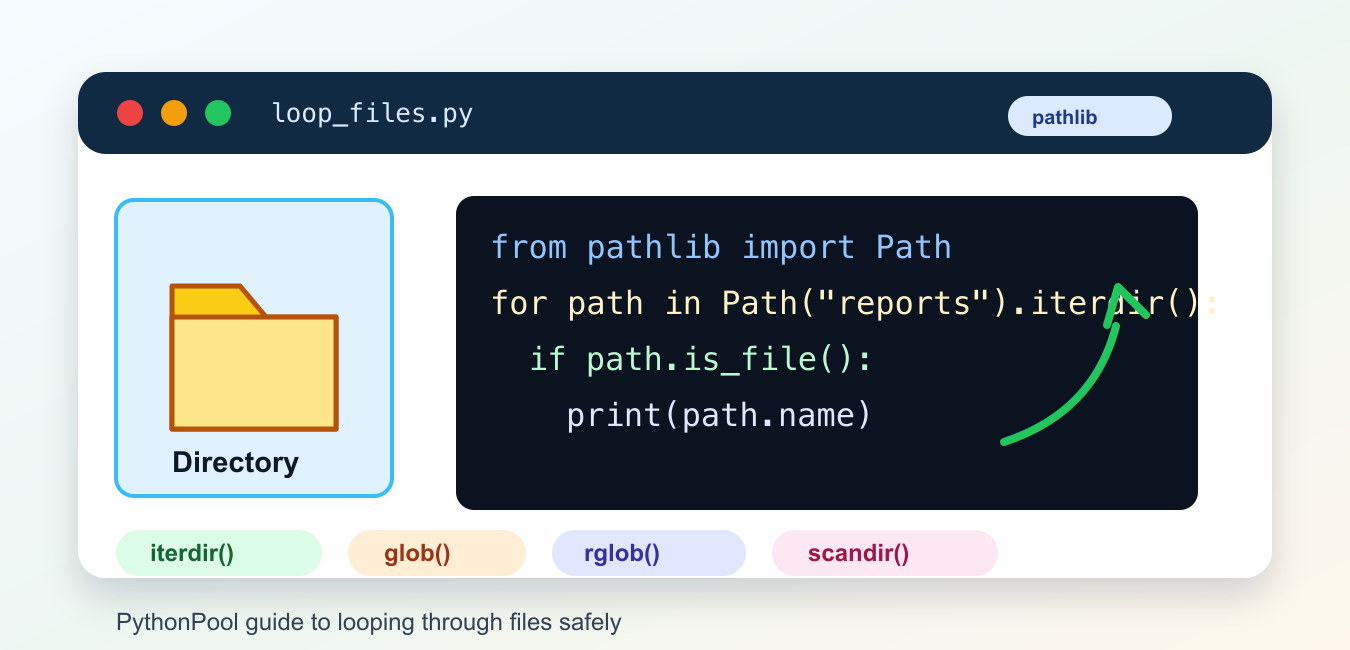
Python can loop through files in a directory with pathlib.Path.iterdir(), recursive rglob(), or lower-level directory functions. The safest pattern is to represent paths with Path, filter entries with is_file(), and decide how symbolic links and inaccessible entries should be handled. A directory entry is not automatically a regular file.
Quick answer
Use Path(directory).iterdir() for immediate children. Use Path(directory).rglob("*.py") for recursive pattern matching. Check entry.is_file() before reading content, and catch expected permission or disappearance errors in code that runs while a directory is changing. Keep traversal separate from file processing so the policy is easy to test.
The official pathlib documentation covers directory iteration and globbing. Path methods are clearer than string concatenation and make the code portable across operating systems.
Loop through immediate children
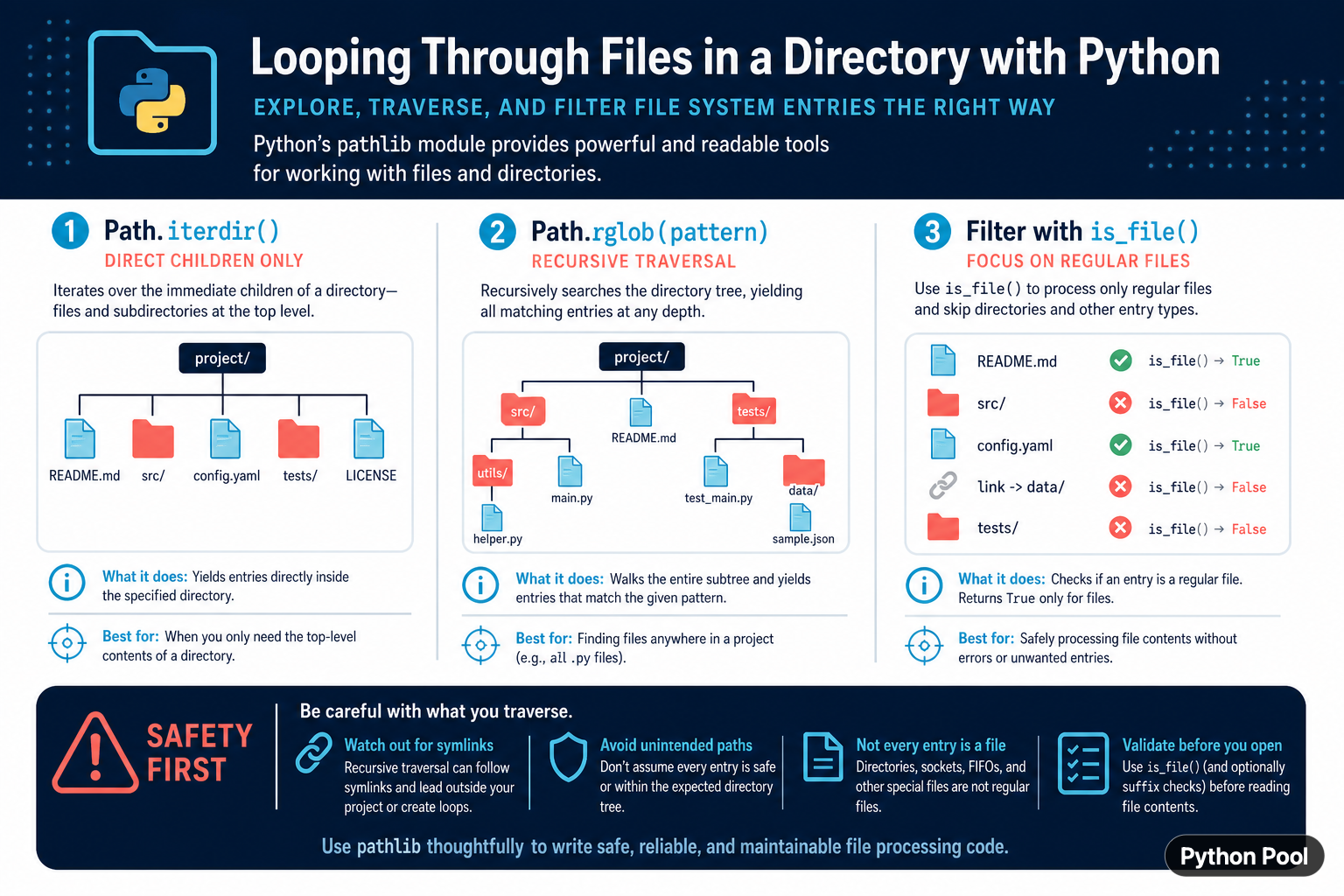
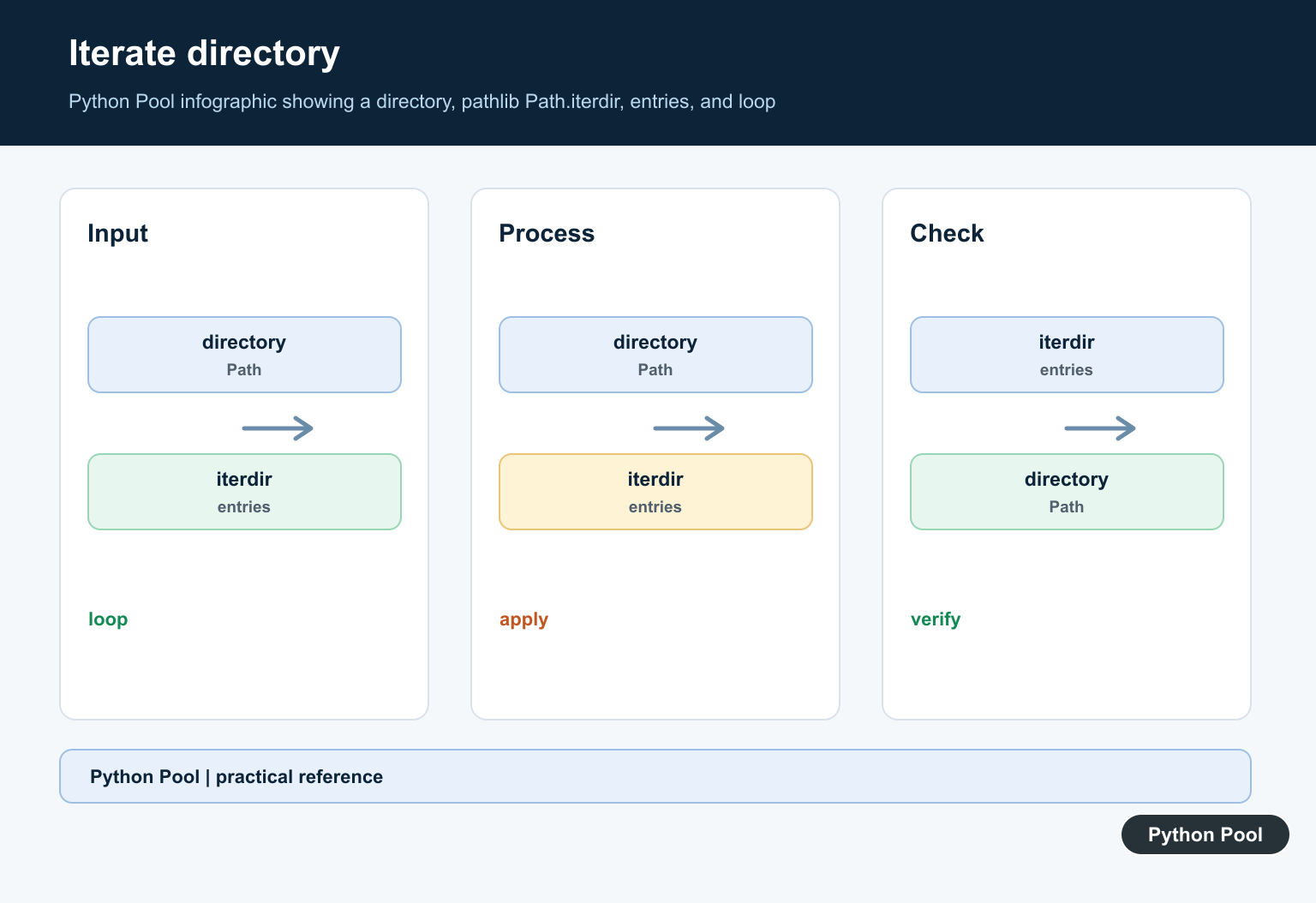
iterdir() yields the files and directories directly inside a path. It does not recursively walk subdirectories. The result order is not guaranteed, so sort it when a stable report is required.
from pathlib import Path

root = Path("project")
for entry in sorted(root.iterdir()):
    print(entry.name)
Sorting paths makes display and tests reproducible, but it adds a materialization step. For a large directory where order does not matter, process the iterator directly.
Filter regular files
Use is_file() before opening an entry. Directories, sockets, FIFOs, and other filesystem objects should not be passed to a text reader as if they were ordinary files.
from pathlib import Path

root = Path("project")
for entry in root.iterdir():
    if entry.is_file() and entry.suffix == ".py":
        print(entry)
Filesystem state can change between checking and opening. Handle FileNotFoundError and PermissionError when a concurrent process or user permission can affect the directory.
Search recursively with rglob
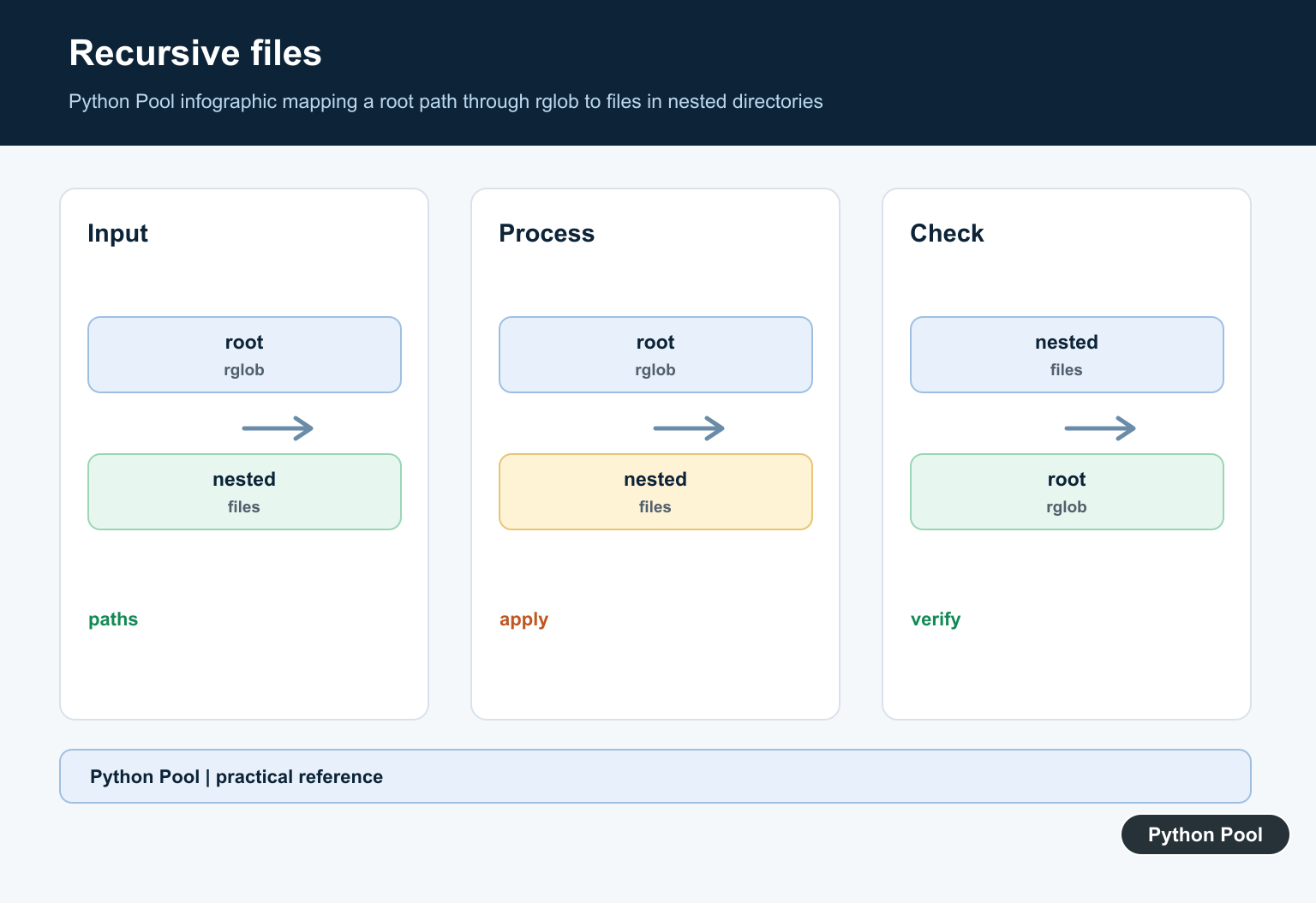
rglob() walks a directory tree and yields entries matching a pattern at any depth. It is convenient for project scans, but recursive traversal can visit many files and should be bounded by a sensible root.
from pathlib import Path

root = Path("project")
python_files = [
    path for path in root.rglob("*.py")
    if path.is_file()
]

for path in sorted(python_files):
    print(path)
Do not run a recursive scan from an unrestricted filesystem root. Exclude build directories, virtual environments, caches, and generated output when they are irrelevant to the task.
Read files while traversing
Keep the traversal and read policy explicit. Choose an encoding, catch the errors the application can recover from, and report the path that failed without exposing private data in a public response.
from pathlib import Path

def read_python_files(root):
    for path in Path(root).rglob("*.py"):
        if not path.is_file():
            continue
        try:
            yield path, path.read_text(encoding="utf-8")
        except (FileNotFoundError, PermissionError, UnicodeDecodeError):
            continue

for path, text in read_python_files("project"):
    print(path, len(text))
Skipping errors may be correct for an inventory tool, but it can be wrong for a build or compliance check. Return an error record or fail fast when missing files must be visible to the caller.
Handle symlinks deliberately
Recursive traversal can encounter symbolic links. A link may point outside the intended project or create a loop in tools that follow links. Decide whether links are included and keep the traversal within an approved root when reading sensitive files.
from pathlib import Path

root = Path("project").resolve()
for path in root.rglob("*"):
    if path.is_file() and not path.is_symlink():
        print(path.relative_to(root))
Resolving and comparing paths can raise errors for broken links or inaccessible targets. Treat the filesystem as mutable and validate a path immediately before a sensitive operation.
Use os.scandir for lower-level scans
os.scandir() can be useful when a performance-sensitive tool needs directory-entry metadata. It returns DirEntry objects whose checks may avoid extra system calls. Use pathlib for readability unless profiling shows that a lower-level scan matters.
import os

with os.scandir("project") as entries:
    for entry in entries:
        if entry.is_file():
            print(entry.name)
Do not mix path representations casually. Convert to Path at an application boundary or keep DirEntry handling local to the performance-sensitive function.
Common mistakes
- Using
iterdir()and expecting recursive results. - Opening every directory entry without
is_file(). - Scanning an unrestricted root with
rglob(). - Following symlinks without a boundary or loop policy.
- Assuming a file still exists after checking it.
The pragmatic workflow is to choose direct or recursive traversal, apply filters before processing, define ordering and symlink policy, and handle mutable filesystem errors. That makes directory loops predictable, portable, and safer for real projects.
Keep traversal bounded and observable
Directory scans can become expensive when they include dependency trees, caches, or generated artifacts. Add explicit exclusions and, for user-supplied roots, validate that the path is inside the area the tool is allowed to inspect. A bounded scan is easier to reason about and less likely to expose unrelated data.
For batch tools, report how many entries were visited, processed, skipped, and failed. This makes a successful exit meaningful even when a mutable directory changes during the scan. Logging only the final count can hide permission or decoding failures.
Use a context manager for open files and avoid keeping many file handles alive while traversing. Process one entry at a time unless the application explicitly needs a collection of file contents.
Never assume a filename is safe to display or pass to another command without context. Keep path handling inside the filesystem API, avoid shell interpolation, and validate user-controlled roots before traversal.
For repeatable inventories, normalize paths relative to the approved root and sort them before producing output. This gives stable reports while keeping the traversal itself independent of filesystem enumeration order.
Keep file processing idempotent when a scan may be retried. A directory can change during traversal, so a safe tool should tolerate an entry disappearing and avoid duplicating external side effects without a record of what was already processed.
Keep filesystem paths as Path objects until an external API specifically requires a string representation.
For filesystem loops, compare copying a file with checking whether a path exists. Read python copy file and python check if file exists for the related workflow.
Frequently Asked Questions
Frequently Asked Questions
How do I loop through files in a directory in Python?
Use Path(directory).iterdir() for immediate children and check entry.is_file() before processing.
How do I loop through files recursively?
Use Path(directory).rglob(‘*.py’) or another pattern to walk matching entries at any depth.
Why check is_file() before opening?
A directory entry can be a directory, socket, FIFO, symlink, or other object rather than a regular file.
How should I handle symlinks during traversal?
Define whether links are allowed, keep recursion within an approved root, and avoid assuming links point to safe regular files.
