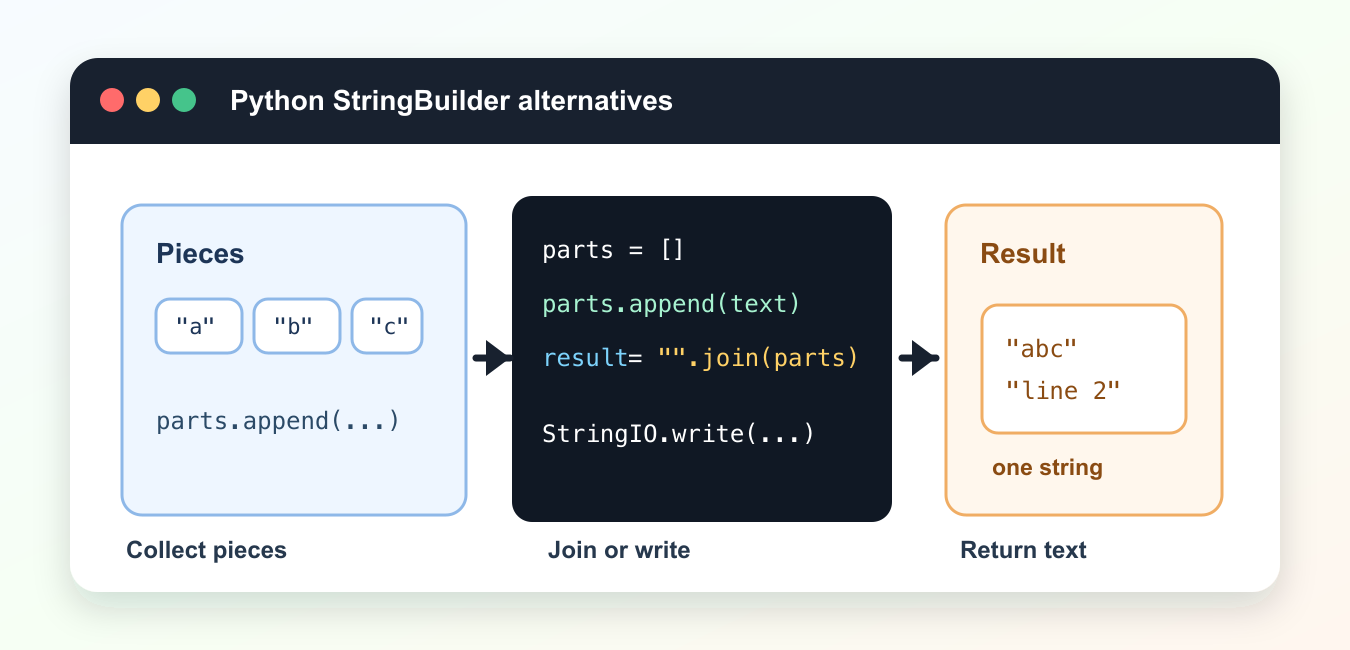
Quick answer: Python does not have a Java-style built-in StringBuilder because strings are immutable and the best construction method depends on the output shape. Collect many pieces and join them once, use io.StringIO for file-like incremental writes, use f-strings for a small number of values, and measure unusual hot paths instead of optimizing by habit.
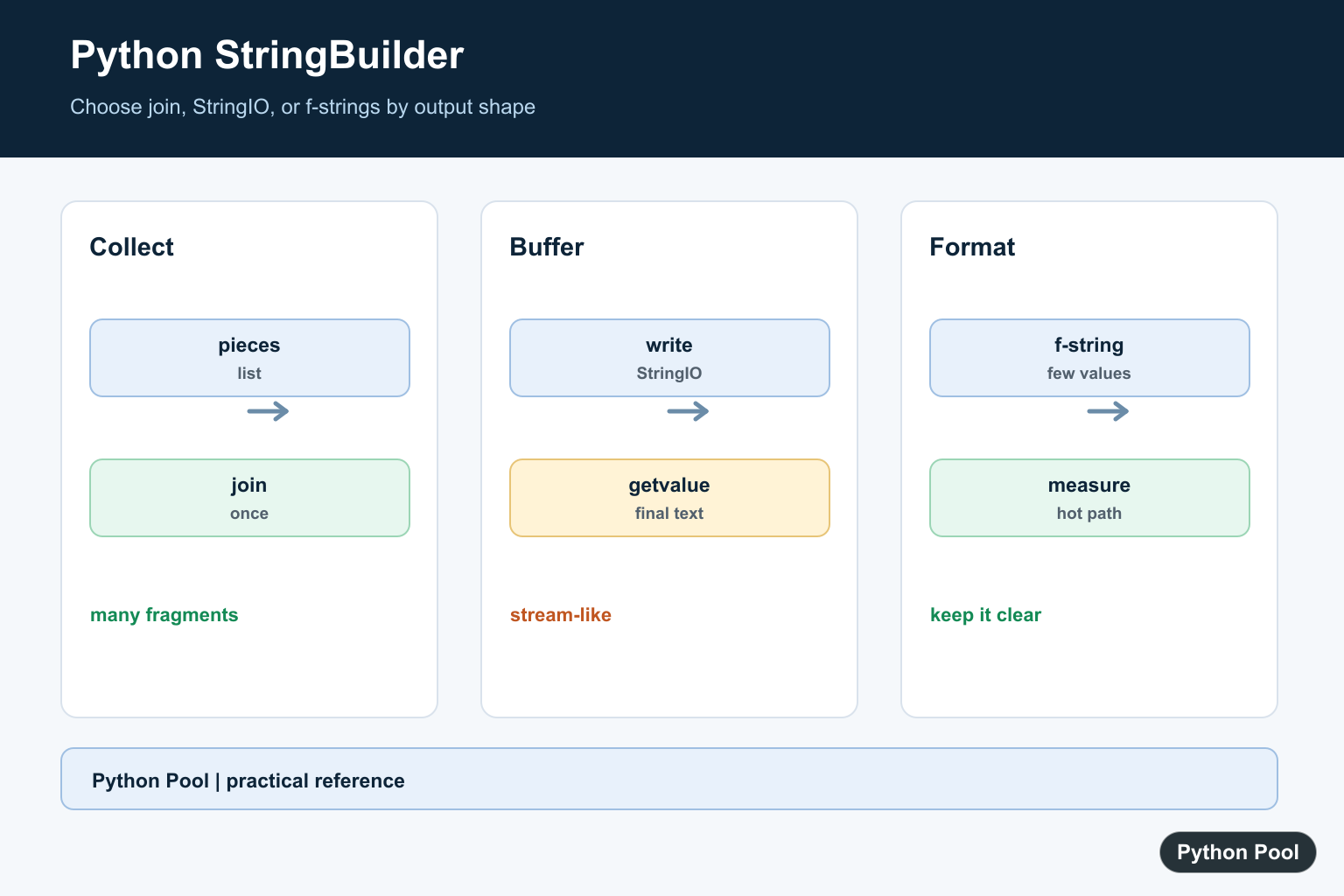
Python does not need a Java-style StringBuilder for most work. Strings are immutable, but Python gives you several practical ways to build text efficiently. Use str.join() for many pieces, simple concatenation for a few pieces, and io.StringIO when code needs a file-like text buffer.
The best choice depends on the shape of the data. If you already have many strings, collect them in a list and join once. If you are writing lines step by step, StringIO can be convenient. If you only combine two or three short strings, plain + or an f-string is readable and fast enough.
Keep string-building code boring. Build pieces, join them at the end, and avoid repeated complex concatenation inside large loops. For another file-output workflow, see the Python text to PDF guide.
The reason this matters is that each new string is a separate object. For a few short pieces, that cost is not worth worrying about. For thousands of pieces in a loop, collecting text first and joining once is usually cleaner and more efficient. It also makes the code easier to test because the final string is created in one obvious step.
Use join For Many Pieces
The common Python replacement for a StringBuilder is a list plus join(). Append pieces as you go, then create the final string once.
parts = []

parts.append("Hello")
parts.append(", ")
parts.append("Python")
parts.append("!")

message = "".join(parts)

print(message)
This pattern avoids creating a new string after every append. It is a good default for loops that collect text fragments.
Use meaningful piece names when the builder logic grows. For example, keep headers, body lines, and footers in separate lists if that makes the report easier to inspect before joining.
Join Lines With A Separator
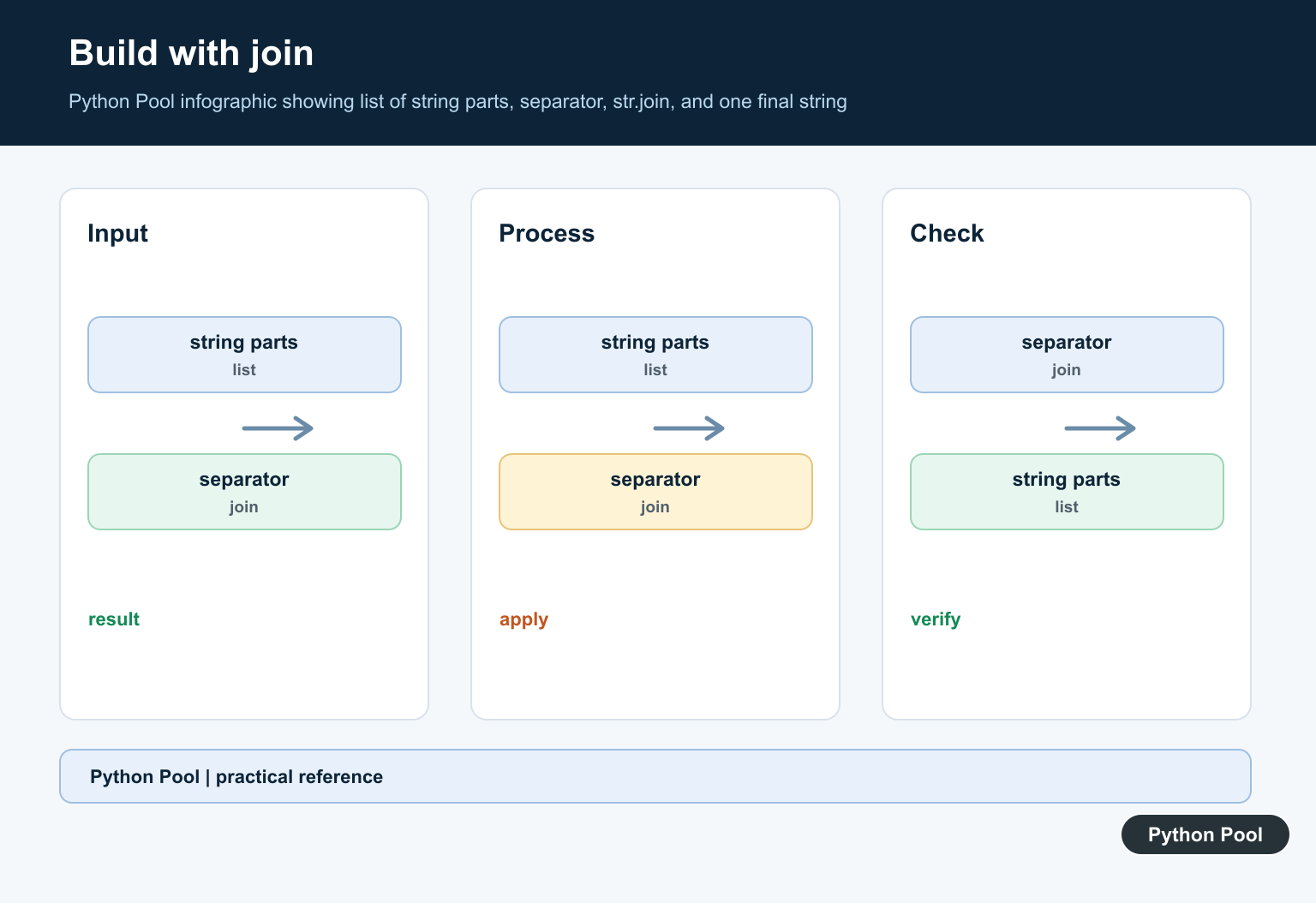
join() can also insert separators such as commas, spaces, or newline characters.
lines = [
    "Name: Ada",
    "Language: Python",
    "Status: Active",
]

text = "\n".join(lines)

print(text)
Store the separator on the string before .join(). That is why newline joining is written as "\n".join(lines).
This same pattern works for comma-separated text, paths, simple logs, and generated configuration files. The separator controls how the pieces are connected, while the list controls the order.
Convert Non-String Values
join() expects strings. Convert numbers or other values before joining them.
scores = [91, 98, 85]

score_text = ", ".join(str(score) for score in scores)

print(score_text)
A generator expression keeps the conversion close to the join operation without building a second list.
If conversion rules become more complex, move them into a helper function. That keeps the join expression readable and makes it clear which values become text.
Use StringIO For A Text Buffer
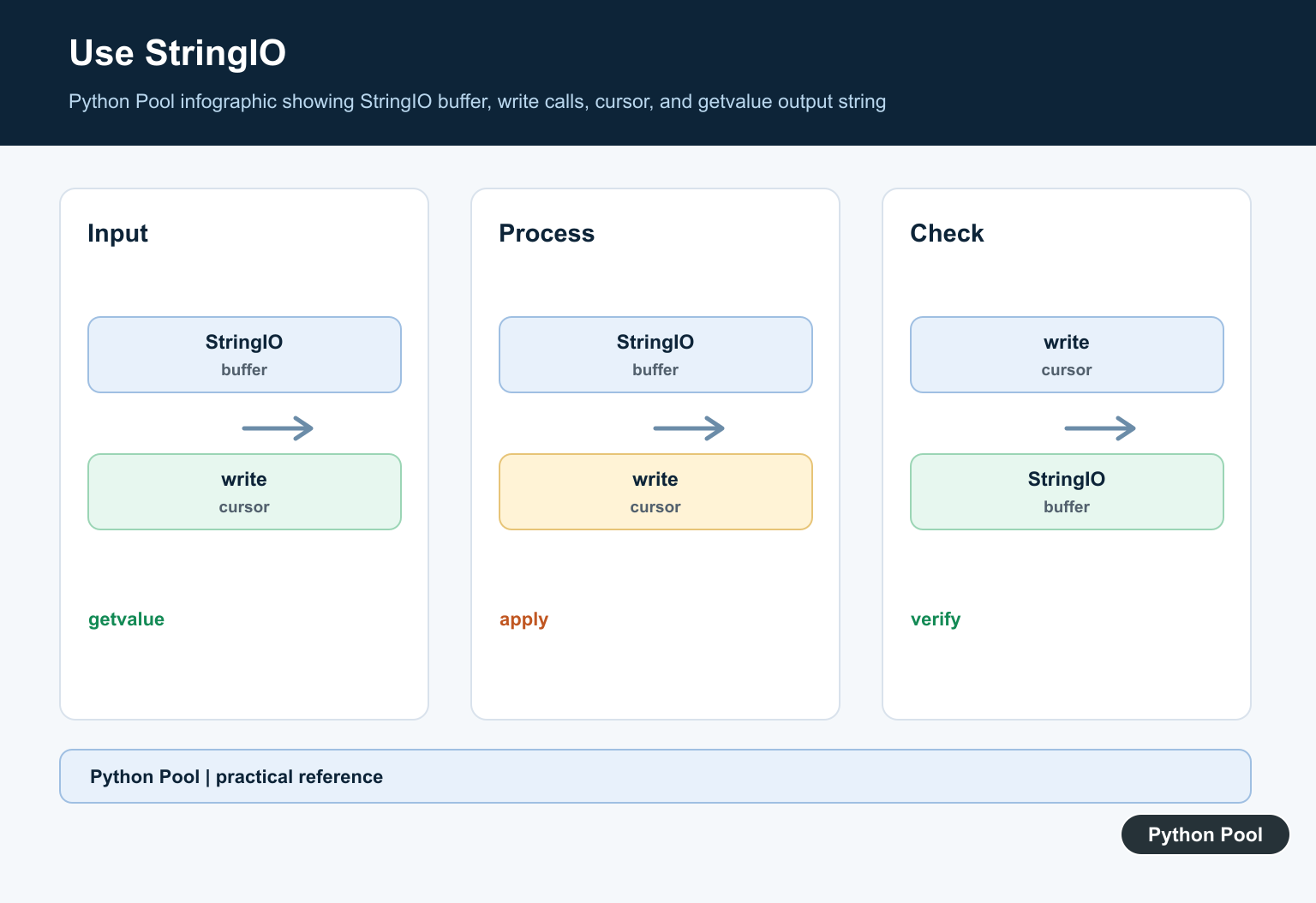
StringIO is useful when code is naturally written as repeated write() calls.
from io import StringIO

buffer = StringIO()

buffer.write("Report\n")
buffer.write("------\n")
buffer.write("Rows: 3\n")

text = buffer.getvalue()

print(text)
This style is helpful when an API expects a file-like object or when a report is easier to write one line at a time.
StringIO can also be useful in tests. Instead of writing to a real file, pass a text buffer and inspect getvalue(). That keeps tests fast and avoids cleanup work.
Use F-Strings For Small Text
For short strings, an f-string is usually the clearest option. There is no need for a builder pattern when only a few values are involved.
name = "Ada"
score = 98

message = f"{name} scored {score} points."

print(message)
F-strings are readable because the expression and final text appear together. Use them for labels, messages, and short templates.
Do not replace every f-string with a list and join(). The builder-style pattern is for many pieces or repeated writes. For short messages, f-strings are the Pythonic choice.
Build A Simple Report
For report-style output, collect complete lines and join them with newline characters at the end.
def build_report(rows):
    lines = ["Item | Quantity", "---------------"]
    for item, quantity in rows:
        lines.append(f"{item} | {quantity}")
    return "\n".join(lines)

data = [("Keyboard", 3), ("Mouse", 5)]

print(build_report(data))
This keeps formatting logic compact and testable. The function returns a string, so callers can print it, save it, send it to another function, or include it in a larger document.
Returning the final string is usually better than printing inside the builder function. It gives callers control over where the text goes and makes the function easier to reuse.
The practical rule is simple: use f-strings for small text, list plus join() for many pieces, and StringIO when a file-like buffer makes the code cleaner. Python does not need a separate built-in StringBuilder because these patterns cover the common cases directly.
When performance is uncertain, measure the real workload instead of guessing. The clearest code is usually the best starting point, and optimization should follow evidence from the actual loop, report, or file-generation task.
Collect Pieces And Join Once
For a loop that creates many fragments, append each fragment to a list and join after the loop. join() also makes the separator and empty-input behavior visible, which is easier to review than repeated concatenation spread across branches.
rows = [("Ada", 95), ("Grace", 91)]
lines = []
for name, score in rows:
    lines.append(f"{name}: {score}")

report = "\n".join(lines)
print(report)
Use StringIO As A Text Buffer
io.StringIO is useful when an API expects write() calls, such as a renderer, exporter, or serializer. It keeps the code close to file-writing code and lets you retrieve one final string with getvalue().
from io import StringIO

output = StringIO()
output.write("Report\n")
for number in range(3):
    output.write(f"item {number}\n")

print(output.getvalue())
output.close()
Keep F-Strings For Small Formatting
An f-string is usually the clearest choice when a message has a few values and no large accumulation loop. Format values at the point where the message is needed, and keep the data separate when the output may later become JSON, CSV, or HTML.
name = "Ada"
count = 3
message = f"{name} has {count} tasks"
print(message)

record = {"name": name, "count": count}
print(record)
Avoid Accidental Quadratic Work
Repeated immutable-string growth can become expensive when a loop creates a large result, especially when intermediate values are copied repeatedly. The right choice depends on Python’s implementation and the workload, so benchmark a representative input before claiming a performance win.
def with_join(parts):
    return "".join(parts)

def with_concat(parts):
    result = ""
    for part in parts:
        result += part
    return result

parts = ["python"] * 100
print(with_join(parts) == with_concat(parts))
Python’s official str.join() reference covers sequence joining, and the io.StringIO documentation describes an in-memory text stream. The f-string reference explains formatted string literals. Related guides include append strings and multiline strings.
For related text construction, compare appending strings, multiline strings, and string length before choosing a collection, buffer, or formatted literal.
Frequently Asked Questions
Does Python have a StringBuilder class?
Python has no built-in Java-style StringBuilder; use str.join(), io.StringIO, list append, or f-strings based on the shape of the work.
What is the most efficient way to join many strings?
Collect strings in a list and call separator.join(parts) once, especially when the number of fragments grows in a loop.
When should I use io.StringIO?
Use StringIO when code writes text incrementally through a file-like interface and you want to retrieve the accumulated value at the end.
Is repeated string concatenation always bad?
Concatenation is clear for a few pieces, but repeated immutable-string growth in a loop can create unnecessary work; choose a collection or buffer for many fragments.
