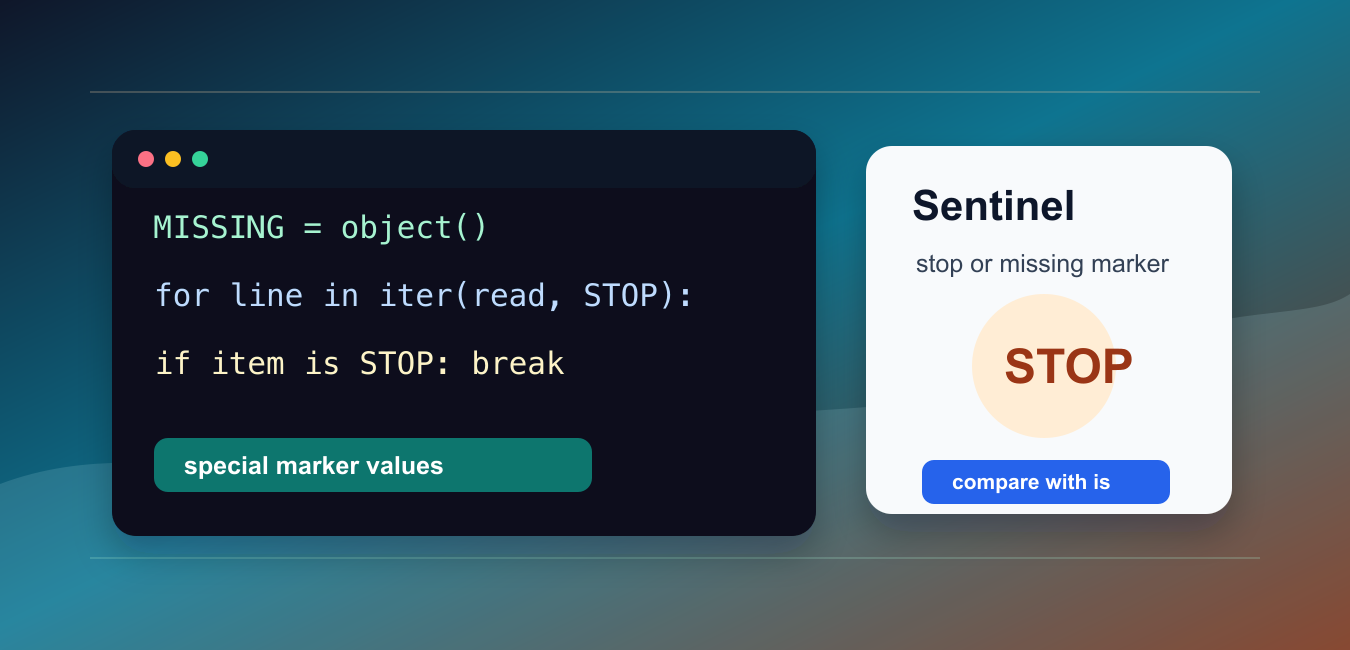
Quick answer: A sentinel is a unique object representing absence or an omitted value. Use identity checks with is so an API can distinguish a missing argument from explicit None, zero, an empty string, or False, and define the sentinel once at module scope.
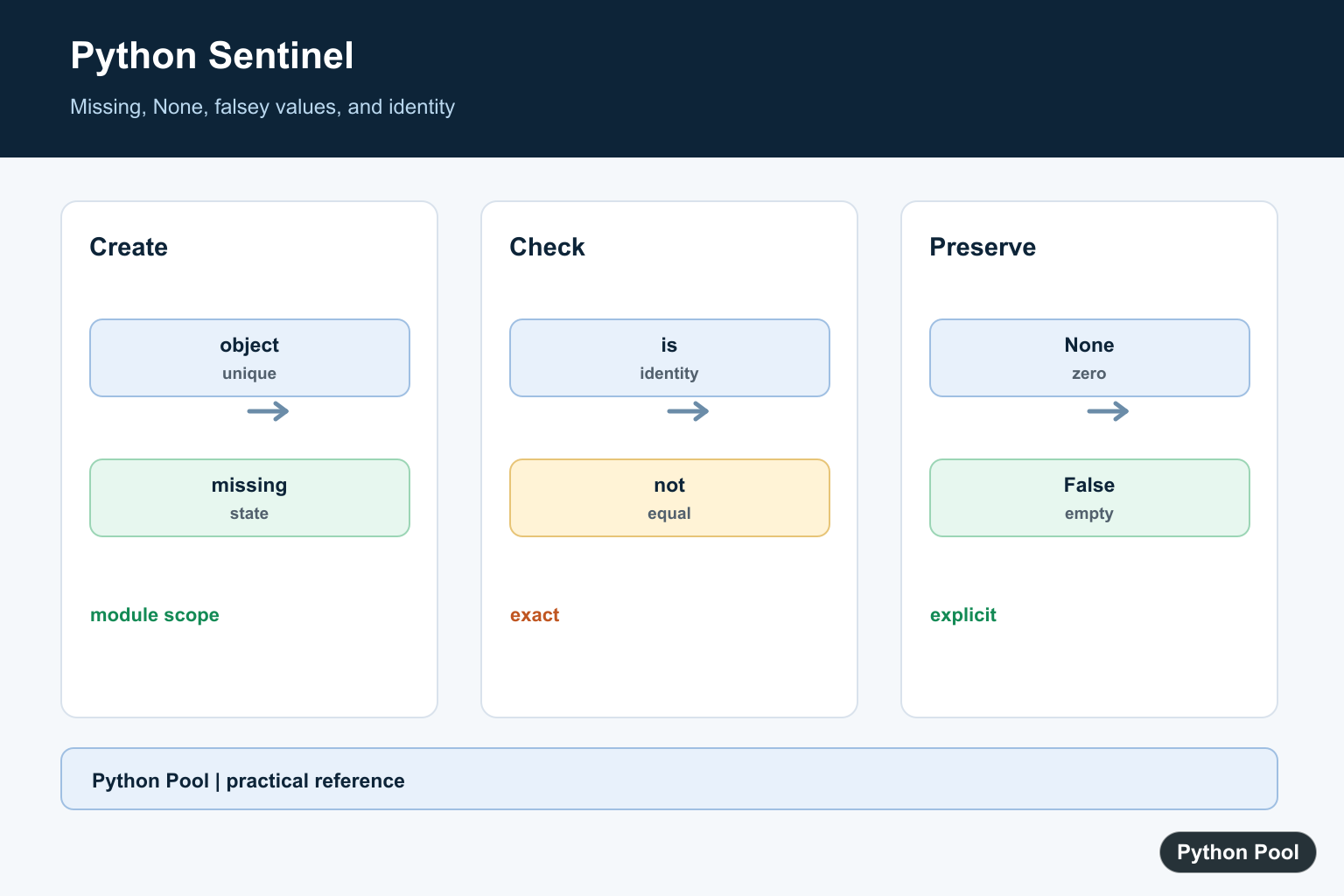
A sentinel value is a special marker that means something outside the normal data range. Python code often uses sentinels to stop loops, mark missing input, or separate “not provided” from None.
The main references are Python’s iter() documentation, the None documentation, and dataclasses.MISSING.
The key idea is that the sentinel must be easy to recognize and hard to confuse with real data. Sometimes a string such as "quit" is enough. For missing values, a unique object is safer.
Use is for identity checks when the sentinel is a unique object. Use == only when the sentinel is intentionally a normal comparable value such as a specific string.
The sentinel should also be documented near the code that checks it. A future reader should know whether the marker means “stop now”, “not supplied”, “end of stream”, or “no more work”.
Good sentinel design prevents accidental overlap with real data. If 0, an empty string, or None can be valid, choose a unique object instead of reusing those values.
Stop A Loop With A Marker
A simple sentinel can tell a loop when to stop reading input.
STOP = "quit"
names = ["Ada", "Grace", "quit", "Linus"]

for name in names:
    if name == STOP:
        break
    print(name)
This works because "quit" is not meant to be processed as a normal name in this example.
String sentinels are useful for command prompts and small scripts, but they are risky when the same string could be valid input.
For user-facing input, make the stop command explicit in prompts and documentation. If users may need to enter the same text as data, choose a different command channel or a unique internal marker.
Use object() For Missing Data
Use a unique object when None is a valid value.
MISSING = object()

def read_setting(settings, key, default=MISSING):
    result = settings.get(key, MISSING)
    if result is MISSING:
        return default
    return result

settings = {"theme": None}
print(read_setting(settings, "theme"))
print(read_setting(settings, "language", "en"))
This keeps “missing key” separate from “key exists and its value is None“.
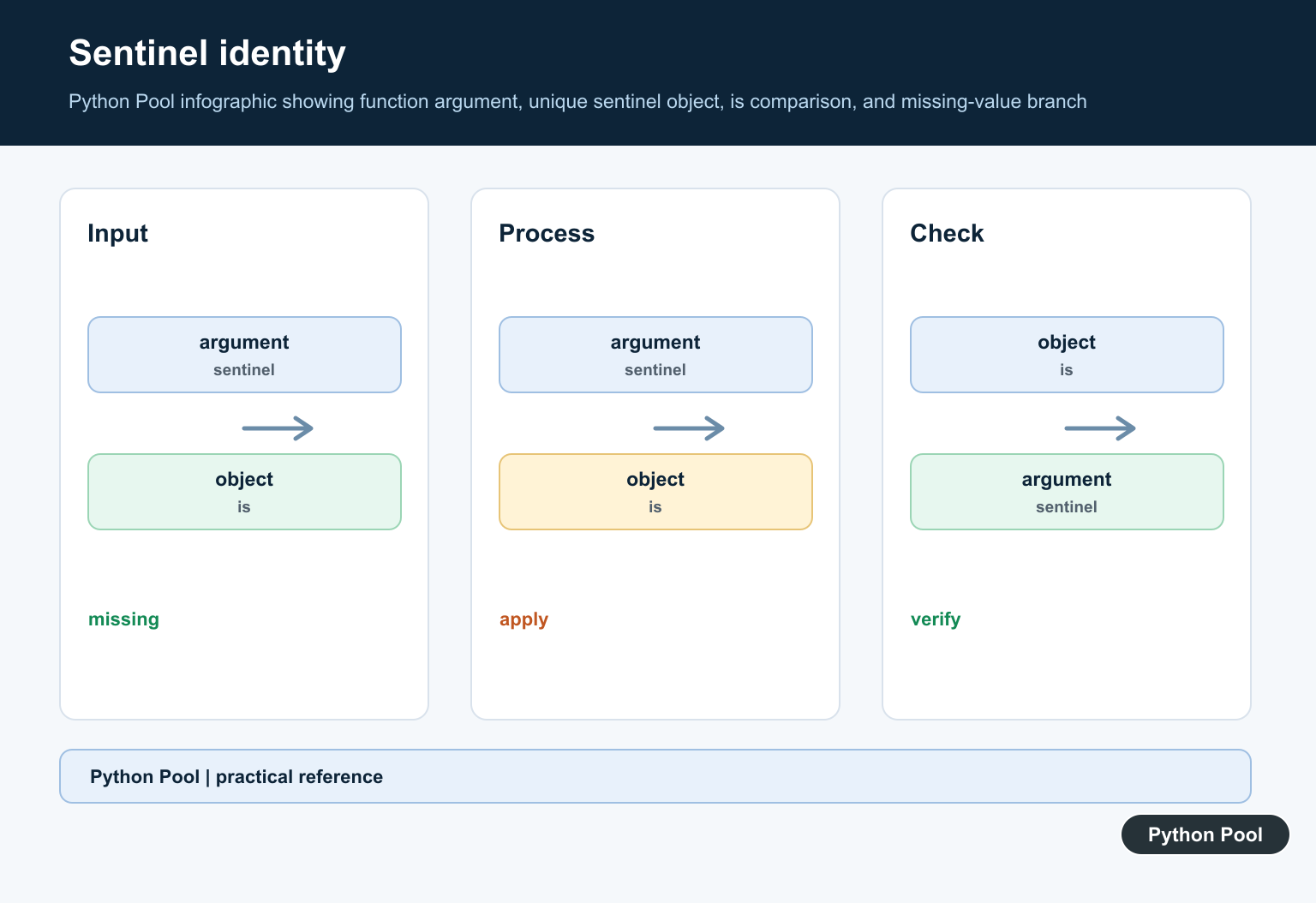
A new object is unique, so identity comparison with is is reliable inside the same process.
Use uppercase names such as MISSING or UNSET for module-level sentinel objects. That makes the marker stand out as a special constant.
Use iter(callable, sentinel)
The two-argument form of iter() repeatedly calls a function until it returns the sentinel.
from io import StringIO

stream = StringIO("alpha\nbeta\nSTOP\nignored\n")

for line in iter(stream.readline, "STOP\n"):
    print(line.strip())
This pattern is useful when reading chunks, lines, or records until a specific stop value appears.
The callable is invoked each time through the loop. When its return value equals the sentinel, iteration ends without yielding that final marker.
This form is compact, but it is best when the stop value is clear and the callable has no surprising side effects. If the loop needs several stop rules, a normal while loop may be easier to read.
Send A Stop Signal Through A Queue
A sentinel object can signal that no more work remains.
from collections import deque

STOP = object()
queue = deque(["task-1", "task-2", STOP])

while queue:
    item = queue.popleft()
    if item is STOP:
        break
    print(item)
This pattern is common in producer-consumer code. The stop marker travels through the same channel as work items, but it has a distinct identity.
Use a dedicated object when ordinary values could overlap with a string or number marker.
When several workers read from the same queue, each worker usually needs its own stop marker or a coordinated shutdown rule. One marker only stops one consumer.

Separate Omitted From None
Function defaults often need to distinguish “not passed” from an explicit None.
UNSET = object()

def update_title(title=UNSET):
    if title is UNSET:
        return "leave title unchanged"
    if title is None:
        return "clear title"
    return f"set title to {title}"

print(update_title())
print(update_title(None))
print(update_title("Report"))
This avoids guessing what None means. The caller can omit the argument, pass None, or pass a real title, and each case stays distinct.
That distinction is especially useful in APIs, configuration updates, and patch-style functions.
It also keeps function signatures honest. Callers can intentionally clear a value with None without being confused with callers that did not pass anything.
Compare Sentinel Objects With is
When the sentinel is a unique object, compare by identity.
MISSING = object()

data = {"name": None}
name = data.get("name", MISSING)
email = data.get("email", MISSING)

print(name is MISSING)
print(email is MISSING)
The first check is false because the key exists with a value of None. The second check is true because the key is missing.
The practical rule is: use clear string sentinels for simple stop commands, use unique object sentinels for missing data, compare unique sentinels with is, and document what the marker means.
Do not serialize a plain object() sentinel and expect identity to survive across processes. For cross-process protocols, send an explicit command value and translate it back into a local sentinel at the boundary.

Define A Private Sentinel
object() creates a unique identity that callers cannot accidentally reproduce. A descriptive module-level name makes the optional-argument contract readable.
_MISSING = object()

def read(value=_MISSING):
    if value is _MISSING:
        return "not supplied"
    return value

print(read(), read(None), read(0))
Use is, Not Equality
Identity is the sentinel contract. Equality can be overloaded by user-defined objects and can incorrectly classify a value as missing.
MISSING = object()
value = MISSING
if value is MISSING:
    print("absent")
Preserve Falsey Values
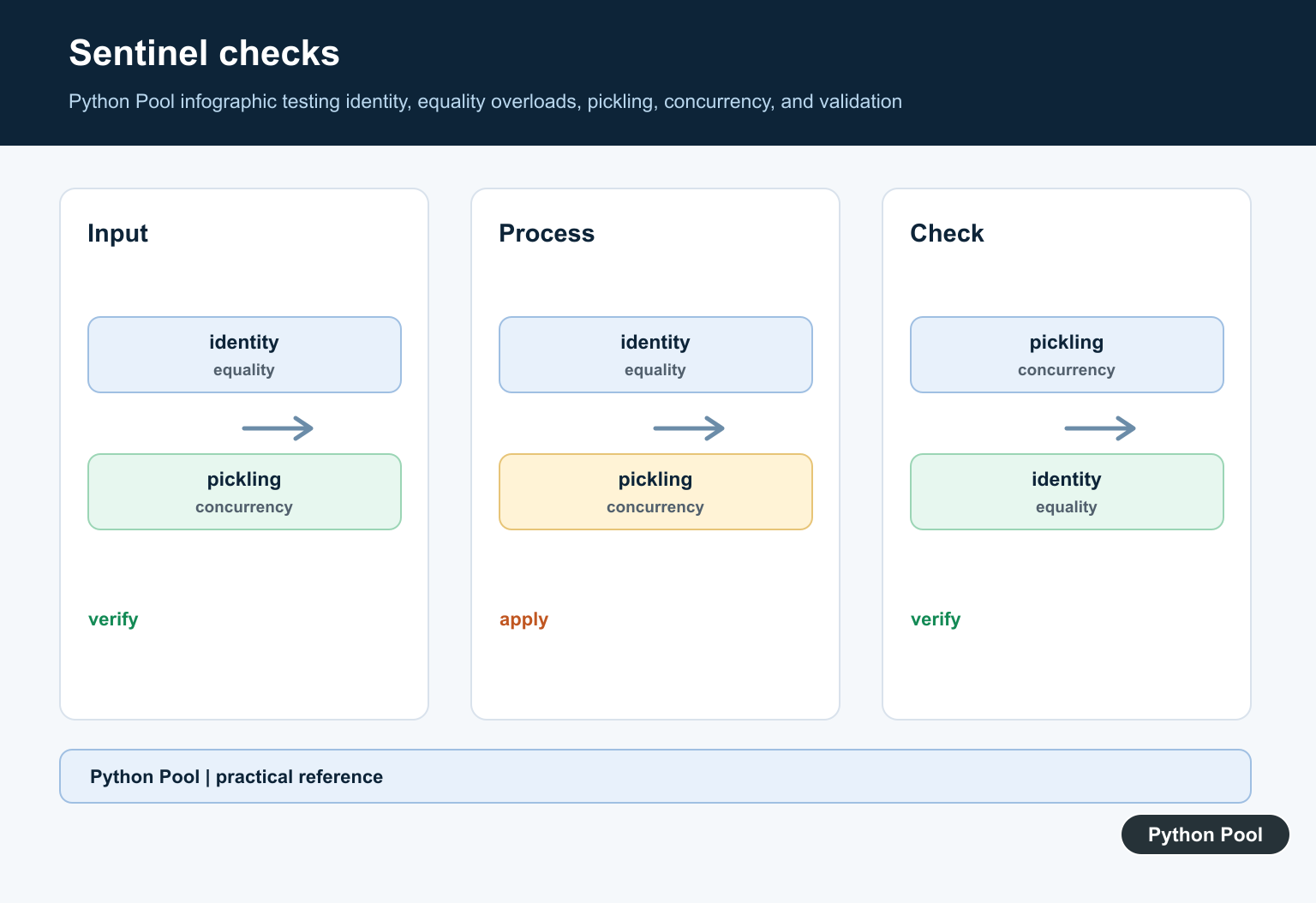
Do not use if not value when zero, False, an empty collection, or an empty string are valid explicit inputs. Test the sentinel first and validate the value separately.
MISSING = object()

def choose(value=MISSING):
    if value is MISSING:
        return "default"
    return value

for value in [None, 0, False, ""]:
    print(choose(value))
Document The API Boundary
A sentinel is most useful when omitted input and explicit input have different meanings. Keep it private unless callers must intentionally pass it, and test both paths.
MISSING = object()

def setting(value=MISSING):
    if value is MISSING:
        return {"source": "default"}
    return {"source": "provided", "value": value}

print(setting(), setting(None))
Python’s object() reference explains unique objects. Related references include missing attributes, None handling, and testing API contracts.
For related optional-value contracts, compare missing attributes, None handling, and API tests when distinguishing absence.
Frequently Asked Questions
What is a sentinel value in Python?
It is a unique object used to represent a state such as missing or not supplied when ordinary values are valid inputs.
Why use object() as a sentinel?
Each object instance has unique identity, so it cannot be confused with None or another equal value.
Should I compare a sentinel with ==?
Use is because identity is the contract and equality can be overloaded by user-defined objects.
Can a sentinel be used as a default argument?
Yes. Define it once at module scope and document the distinction between omitted input and explicit values.
