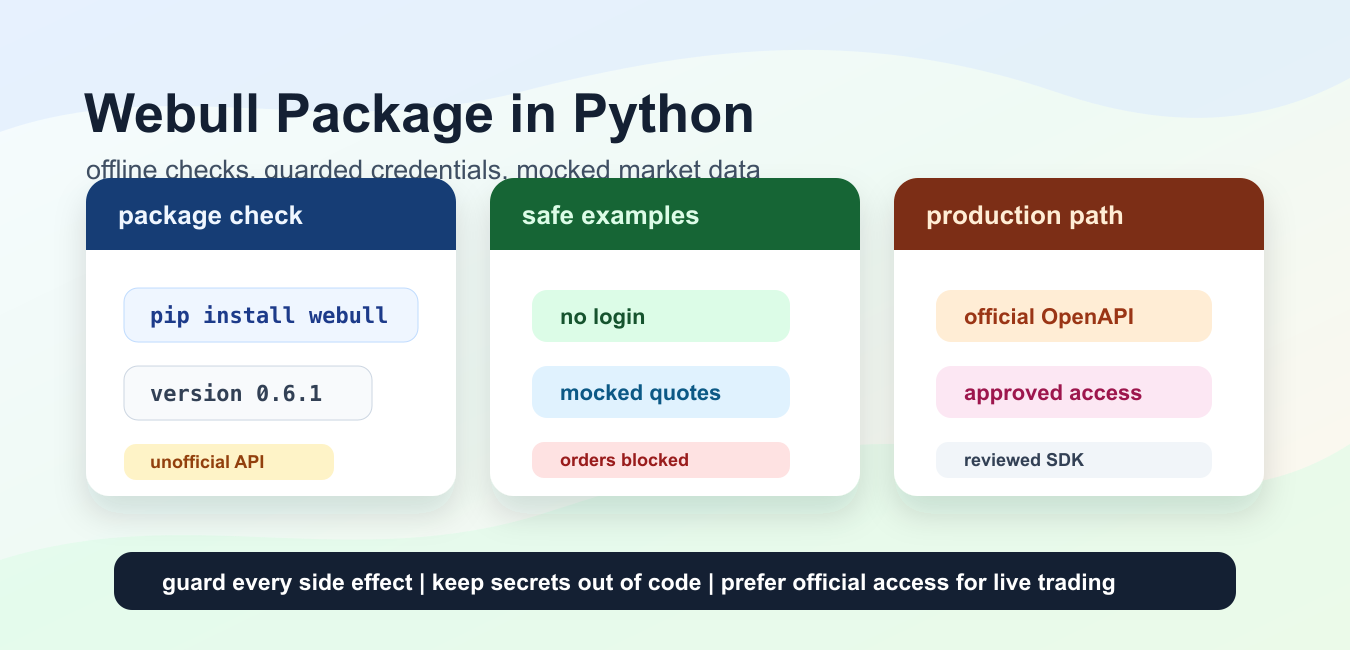
Quick answer: The webull Python package is a third-party integration surface, so treat it as an external dependency rather than as a trusted brokerage API. Review its current source and license, isolate credentials, mock responses first, and require explicit controls before any account or order operation.
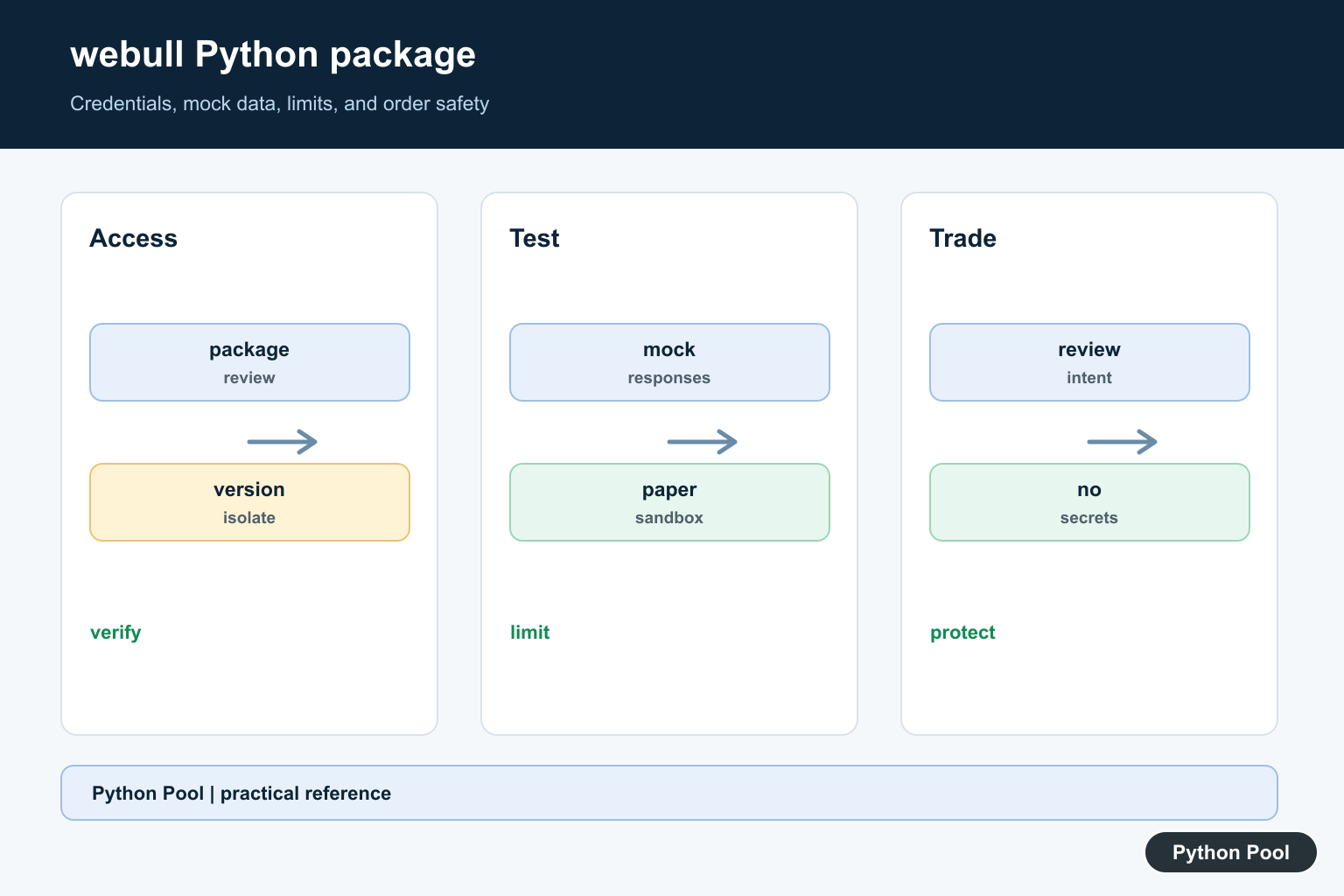
The webull package on PyPI is an unofficial Python interface for Webull. That detail matters more than the install command. Brokerage APIs can change without notice, account flows can add new checks, and code that worked in a notebook can fail when an endpoint, token flow, or response field changes.
As checked against the current webull PyPI page, the package version is 0.6.1, the summary says it is an unofficial interface, and the package metadata lists Python >=3.6. The linked GitHub repository also describes the project as unofficial and warns that Webull may update APIs or endpoints at any time.
That package is different from the official Webull OpenAPI documentation. Webull’s official developer docs describe approved API access for trading, market data, and account workflows, and the SDK page lists an official Python SDK named webull-openapi-python-sdk. The official getting started guide also explains that API access requires approval before credentials are used.
Use the unofficial package only when that risk is acceptable for your project. For durable production systems, compliance-sensitive work, or anything that can place real trades, start from official Webull documentation, approved credentials, reviewable logging, and a rollback plan. The examples below are intentionally offline-safe: they do not log in, do not place orders, do not fetch live quotes, and do not require secrets.
Install And Inspect The Package
Install the package in a virtual environment with python -m pip install webull. Before writing brokerage logic, confirm which interpreter sees the package and which version is installed. The check below uses local package metadata only, so it works without network access.
from importlib.metadata import PackageNotFoundError, version

package_name = "webull"

try:
    installed_version = version(package_name)
except PackageNotFoundError:
    installed_version = None

print({
    "package": package_name,
    "installed": installed_version is not None,
    "version": installed_version or "not installed",
    "network_used": False,
})
Record the installed version with any experiment notes. If a login or quote call fails later, package version, Python version, and the date of the test are the first facts to compare.
Because the latest PyPI release is not a formal compatibility promise from Webull, pin dependencies for repeatable tests. A casual pip install --upgrade should not be part of a workflow that can touch accounts, orders, or balances.
Keep Credentials Out Of Code
Never paste a brokerage password, MFA token, or account identifier into a tutorial file. Load sensitive values at runtime, keep live trading disabled by default, and print only safe status fields while debugging.
import os
from dataclasses import dataclass

@dataclass(frozen=True)
class WebullSettings:
    username: str
    password_set: bool
    trading_enabled: bool = False

def load_settings(env=os.environ):
    return WebullSettings(
        username=env.get("WEBULL_USERNAME", ""),
        password_set=bool(env.get("WEBULL_PASSWORD")),
        trading_enabled=env.get("WEBULL_TRADING_ENABLED") == "yes",
    )

settings = load_settings({"WEBULL_USERNAME": "[email protected]"})
print(settings)
print("password ready:", settings.password_set)
This does not authenticate. It only demonstrates the shape of a settings loader. In real use, keep secrets in a password manager, a local secret store, or deployment configuration with access control. Avoid committing example values that look like real account data.
The default should be read-only behavior. If a project needs order submission, require a separate explicit switch and make the code easy to audit before that switch can be enabled.
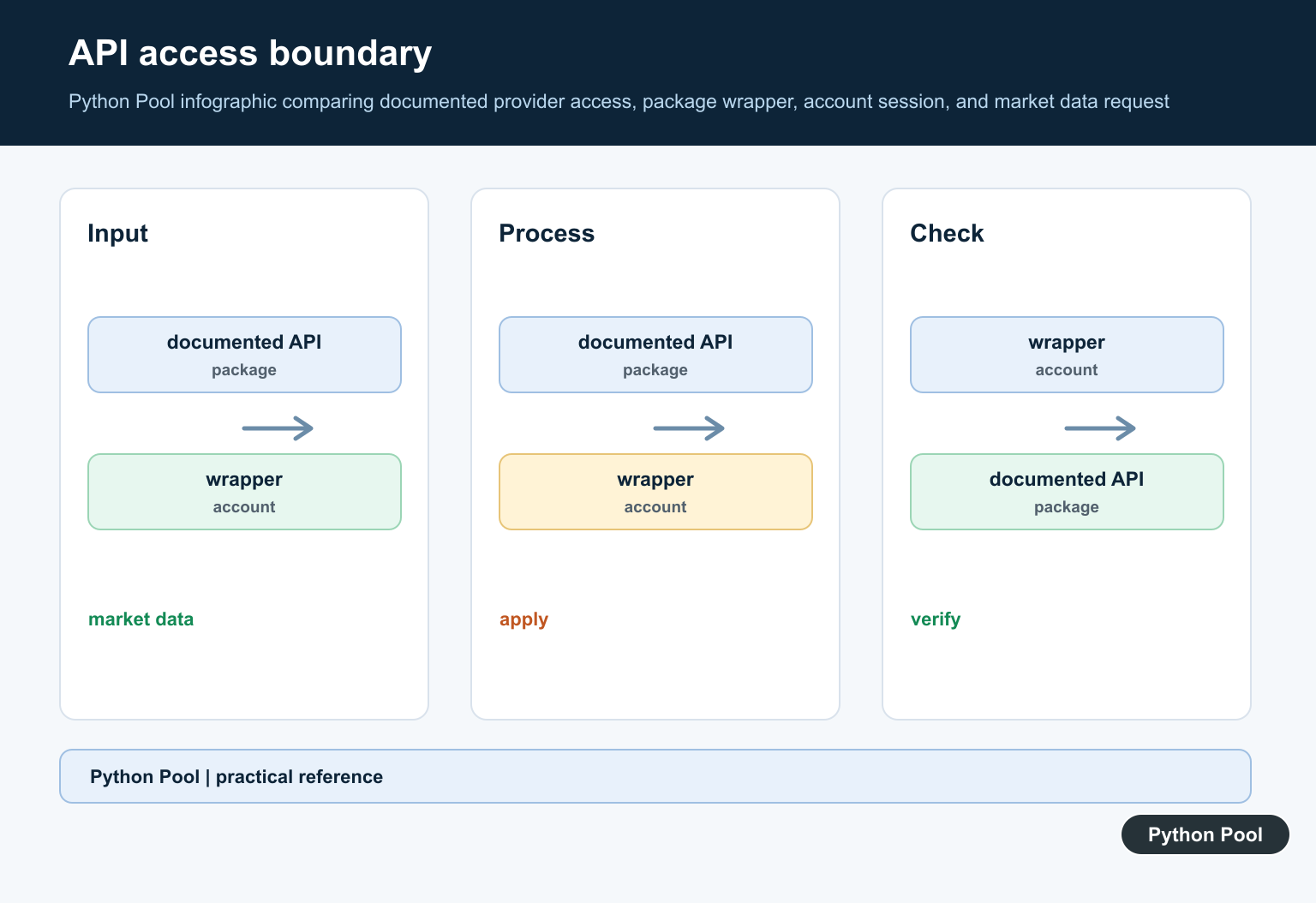
Create A Client Without Logging In
Importing a client and calling a login method are separate steps. Keep them separate in code too. The next snippet returns a fallback object when the package is absent and blocks login in the fallback path.
class OfflineWebullClient:
    def __init__(self):
        self.ready = False

    def login(self, *args, **kwargs):
        raise RuntimeError("login disabled in offline example")

def make_client():
    try:
        from webull import webull as WebullClient
    except Exception as error:
        return OfflineWebullClient(), f"offline fallback: {type(error).__name__}"
    return WebullClient(), "package imported; no login attempted"

client, status = make_client()
print(type(client).__name__)
print(status)
This pattern keeps examples runnable on machines that do not have the package installed. It also makes the safety boundary visible: constructing an object is acceptable for a local demo, while login and trading calls need a separate reviewed path.
If you do authenticate in a private project, do not store session files casually. Treat tokens and device identifiers as sensitive material, rotate them when needed, and review the package source before relying on any authentication helper.
Normalize A Cached Quote Payload
Unofficial wrappers often expose response shapes that can drift. Instead of spreading response keys through a notebook, normalize the fields you need into a small record that the rest of the code understands. This example uses a cached sample payload, not a live Webull request.
from decimal import Decimal

sample_quote = {
    "symbol": "AAPL",
    "lastPrice": "100.25",
    "timestamp": "2026-07-10T00:00:00Z",
}

def normalize_quote(payload):
    symbol = payload.get("symbol") or payload.get("ticker") or "UNKNOWN"
    price_text = payload.get("close") or payload.get("lastPrice") or "0"
    return {
        "symbol": symbol,
        "last_price": Decimal(str(price_text)),
        "timestamp": payload.get("timestamp"),
    }

quote = normalize_quote(sample_quote)
print(quote["symbol"], quote["last_price"])
The benefit is defensive design. If an upstream key changes, only the adapter needs to change. Your calculations, alerts, and logs can continue to use the normalized record.
Do not assume that a quote response is complete or current. Market data may be delayed, permissioned, unavailable for some symbols, or shaped differently by account type and API route.
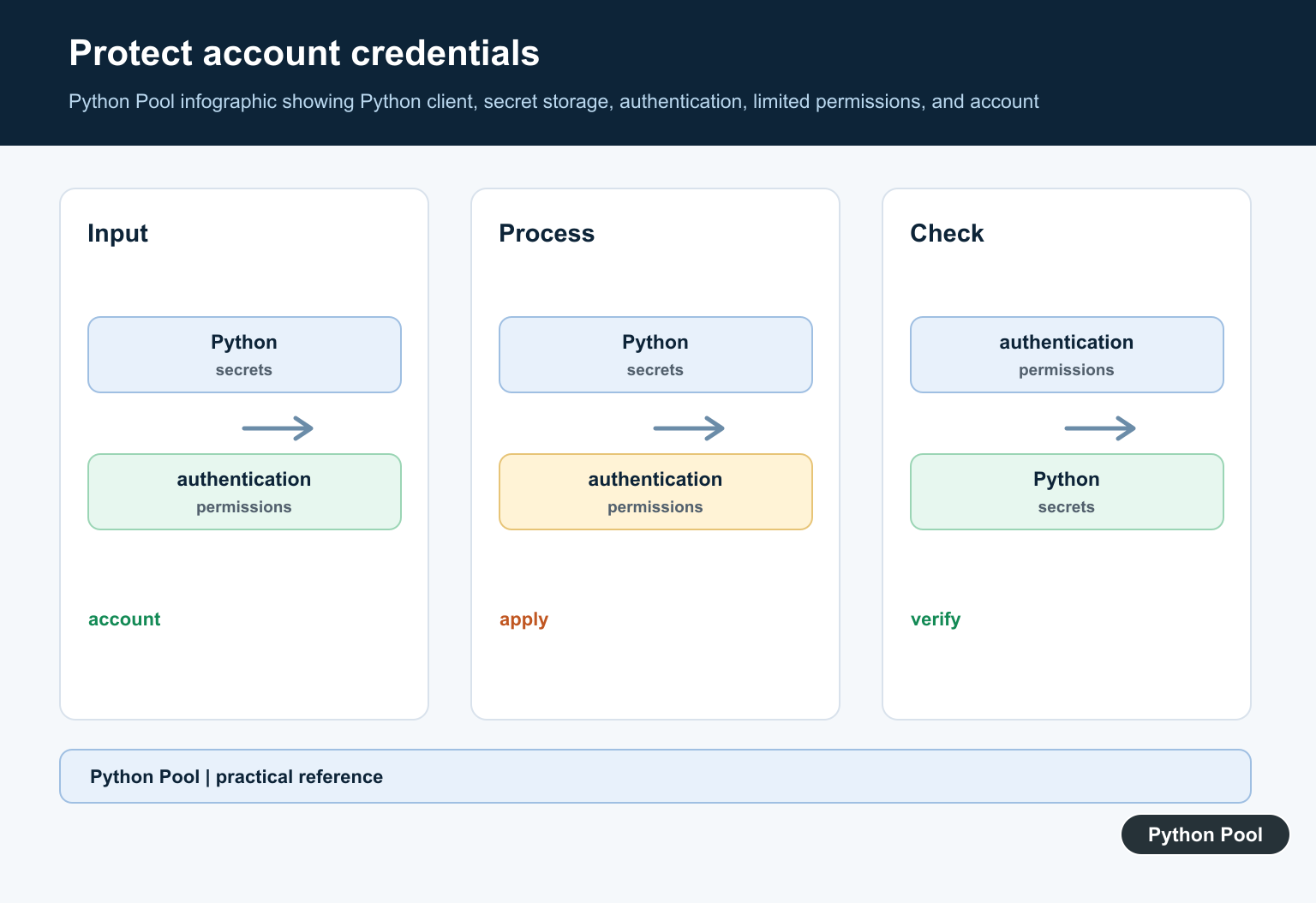
Build Order Intent Without Submitting
Order code deserves an extra barrier. A tutorial should show how to validate an order intent, not how to fire a live brokerage request from copied code. The function below prepares a local record and refuses live submission.
from decimal import Decimal

def build_order_intent(symbol, side, quantity, limit_price, allow_live=False):
    if allow_live:
        raise RuntimeError("live order submission is intentionally blocked")
    if side not in {"BUY", "SELL"}:
        raise ValueError("side must be BUY or SELL")

    qty = Decimal(str(quantity))
    price = Decimal(str(limit_price))
    if qty <= 0 or price <= 0:
        raise ValueError("quantity and limit_price must be positive")

    return {
        "symbol": symbol.upper(),
        "side": side,
        "quantity": str(qty),
        "limit_price": str(price),
        "submit": False,
    }

intent = build_order_intent("aapl", "BUY", "1", "100.00")
print(intent)
Real order submission needs much more: account selection, asset validation, market-hours rules, buying-power checks, order type support, error handling, idempotency, and a plan for partial fills or rejected orders. A single package method call is not a trading system.
When writing tests, use fake order intents and fixture responses. Keep live brokerage calls out of unit tests so CI runs cannot touch an account by mistake.
Wrap Risky Calls Behind A Gate
Whether you use the unofficial package or the official SDK, isolate network calls behind a small function that can be disabled. The wrapper should log failures without exposing secrets and should return a clear result to the caller.
import logging

logging.basicConfig(level=logging.INFO, format="%(levelname)s:%(message)s")

def run_market_read(enabled, action):
    if not enabled:
        logging.info("market read skipped")
        return {"ok": False, "reason": "disabled"}
    try:
        return {"ok": True, "data": action()}
    except Exception as error:
        logging.warning("market read failed: %s", type(error).__name__)
        return {"ok": False, "reason": type(error).__name__}

def cached_snapshot():
    return {"symbol": "AAPL", "last_price": "100.00"}

print(run_market_read(False, cached_snapshot))
print(run_market_read(True, cached_snapshot))
This is the safest habit to keep from the tutorial: make side effects explicit. Read-only market calls, account calls, and order calls should not share one unguarded helper. Each class of action needs its own permission check, logging, and failure path.
For learning, the webull package can show how an unofficial wrapper might organize authentication, quote lookup, account data, and order helpers. For anything long-lived, compare it with official Webull OpenAPI support and choose the path that gives you documented access, maintained SDK behavior, and a clear support model.
The practical rule is simple: keep tutorial code offline, keep credentials out of files, keep trading disabled by default, and treat every brokerage integration as a fragile external dependency until proven otherwise in a reviewed environment.
Identify The Package You Installed
Package names, forks, and API wrappers can change over time. Record the exact distribution, version, repository, and Python environment, then inspect its current documentation before copying an example. A successful import only proves that code was loaded; it does not prove that an endpoint is supported or safe.
Keep Credentials Outside The Codebase
Do not put usernames, passwords, tokens, cookies, or account identifiers in a notebook, source file, issue, log, or public repository. Load secrets through an appropriate environment or secret-management boundary, redact them from exception output, and rotate any credential that was exposed during testing.
Mock Data Before Network Calls
Build a small adapter that turns provider responses into your own validated data model. Test it with fixtures for prices, missing fields, rate-limit responses, authentication failures, and malformed payloads before connecting to a live account. This keeps business logic testable and limits provider-specific assumptions.
Separate Read And Trade Capabilities
Market-data retrieval and order submission have different risk profiles. Keep order-capable methods behind a separate permission boundary, require explicit user intent, validate symbols, quantities, price types, and account state, and make duplicate submission behavior clear. Never assume that a returned request object means an order was accepted.
Respect Limits And Operational Risk
Use documented rate limits, timeouts, retries with backoff, and idempotency where available. Log request identifiers and safe status information without secrets. Financial integrations need independent review, paper or sandbox testing where available, and should not be treated as investment advice.
Review the package’s current PyPI project metadata and its linked source repository before installation. Python’s venv documentation supports environment isolation. Related guidance includes safe operational logging and fixture testing.
For related integration hygiene, compare safe logging, fixture tests, and isolated environments before connecting an external account.
Frequently Asked Questions
What is the webull package in Python?
It is a third-party Python package used by some projects to interact with Webull-related data or API workflows; verify the package’s current source and support before relying on it.
Should I put Webull credentials in a Python script?
No. Keep credentials outside source control, use an appropriate secret store, and use test or paper environments where the service supports them.
Can the package place real orders?
Potentially, depending on the package and account capabilities. Treat order methods as high risk, require explicit confirmation, and never test them with unreviewed examples or real funds.
How should I test a brokerage integration?
Use mocked responses and isolated fixtures first, then a permitted paper or sandbox workflow with strict limits, logging that excludes secrets, and human review.
