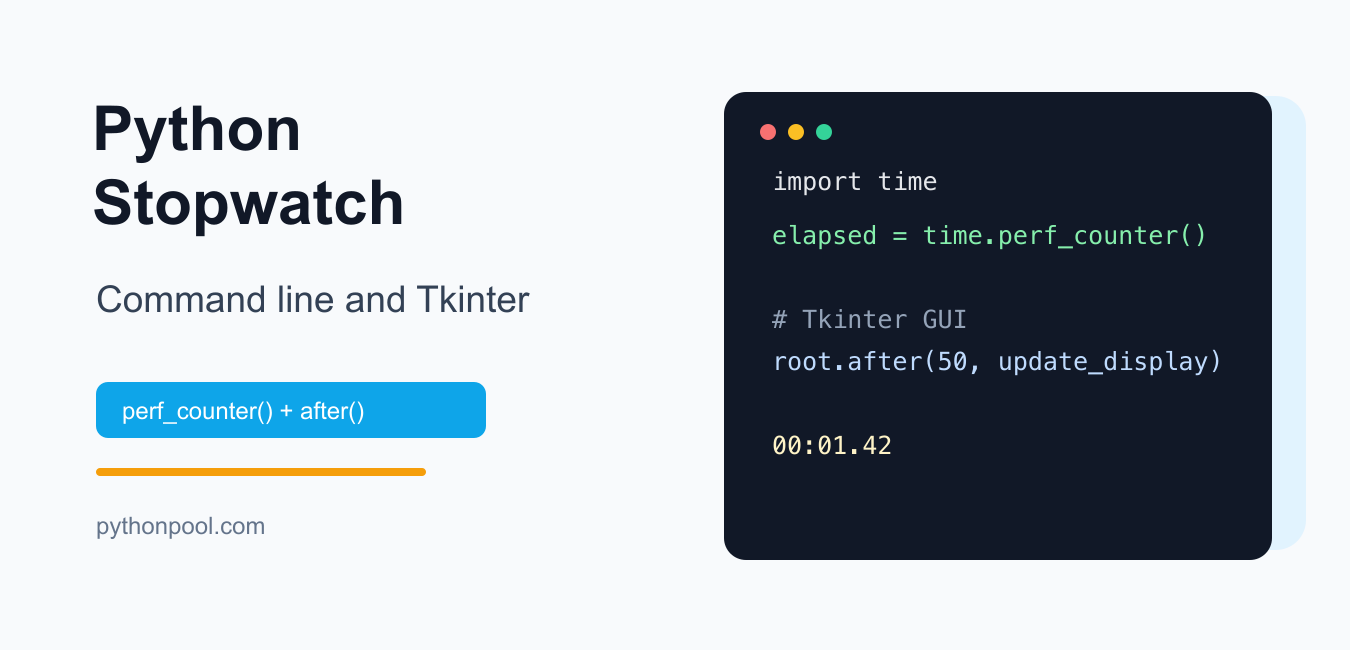
Quick answer: A Python stopwatch should measure elapsed time with time.perf_counter(), accumulate completed running intervals, and update a Tkinter display with after() rather than blocking the GUI thread. Keep start, stop, reset, and lap transitions explicit so the clock remains correct after pauses.
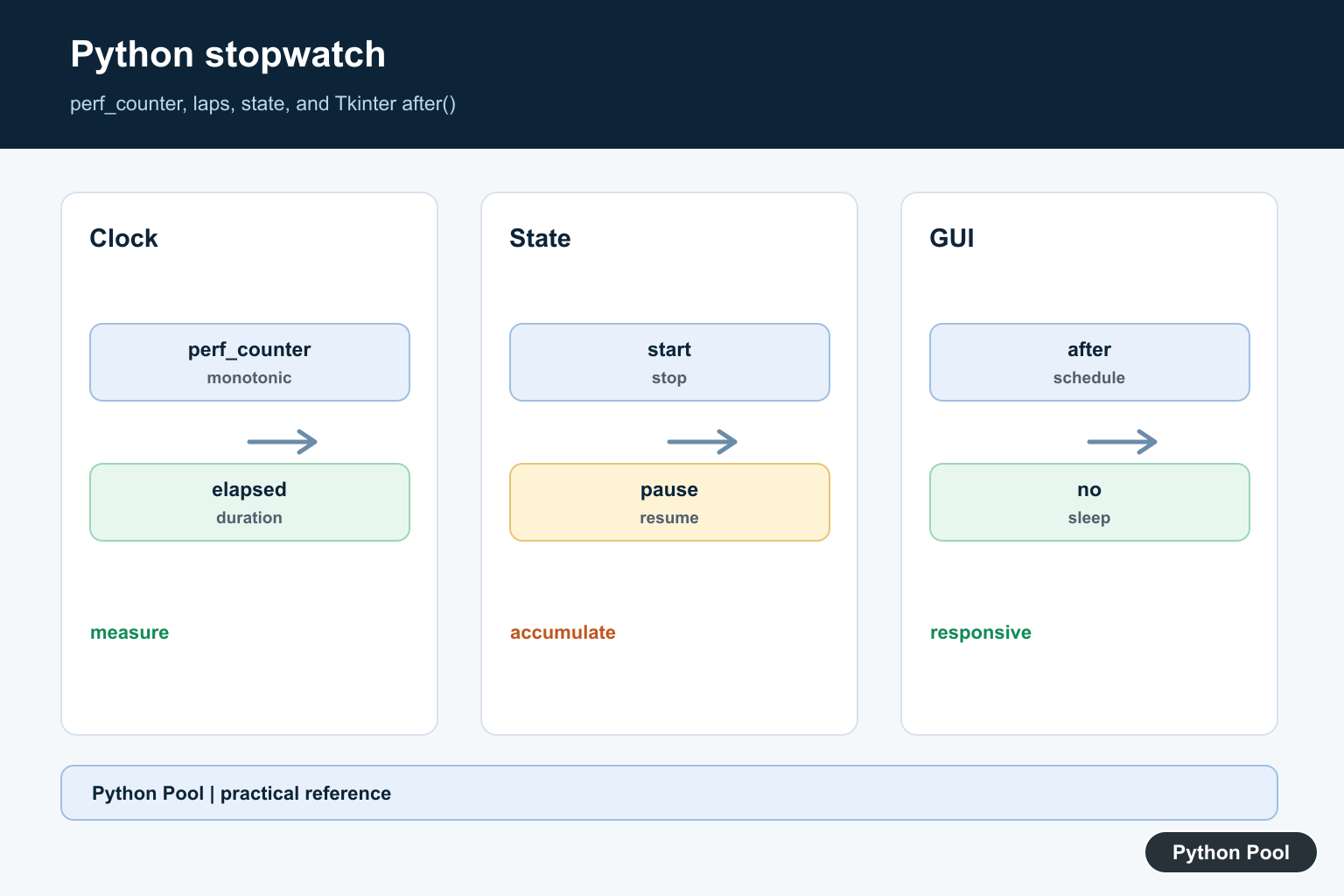
You can build a stopwatch in Python with the standard library. For elapsed-time measurement, use time.perf_counter(). It is designed for measuring short durations and avoids problems that can happen when the system clock changes.
This guide shows two versions: a command-line stopwatch and a simple Tkinter stopwatch GUI.
Command-line stopwatch
This version starts when the user presses Enter and stops with Ctrl+C.
from time import perf_counter

input("Press Enter to start the stopwatch...")
start = perf_counter()

try:
    while True:
        elapsed = perf_counter() - start
        print(f"Elapsed: {elapsed:0.2f} seconds", end="\r")
except KeyboardInterrupt:
    elapsed = perf_counter() - start
    print(f"\nFinal time: {elapsed:0.2f} seconds")
perf_counter() returns a clock value in fractional seconds. The absolute value is not meaningful by itself; subtract one reading from another to get elapsed time.
If you are new to terminal input, see Python user input. For the Ctrl+C behavior, see KeyboardInterrupt in Python.
Format elapsed time as minutes and seconds
For a stopwatch display, convert seconds into minutes, seconds, and hundredths.
def format_elapsed(seconds):
    minutes, seconds = divmod(seconds, 60)
    whole_seconds = int(seconds)
    hundredths = int((seconds - whole_seconds) * 100)
    return f"{int(minutes):02d}:{whole_seconds:02d}.{hundredths:02d}"

print(format_elapsed(75.42))01:15.42Stopwatch with lap times
A lap timer stores intermediate elapsed values without resetting the stopwatch.
from time import perf_counter

start = perf_counter()
laps = []

while True:
    command = input("Enter for lap, q to quit: ").strip().lower()

    if command == "q":
        break

    lap_time = perf_counter() - start
    laps.append(lap_time)
    print(f"Lap {len(laps)}: {lap_time:0.2f} seconds")

print("All laps:", [round(lap, 2) for lap in laps])
Tkinter stopwatch GUI
Tkinter is Python’s standard GUI toolkit. In a Tkinter app, avoid a blocking while True loop because it freezes the interface. Use root.after() to schedule repeated updates.
import tkinter as tk
from time import perf_counter

running = False
start_time = 0.0
elapsed_before_start = 0.0

def format_elapsed(seconds):
    minutes, seconds = divmod(seconds, 60)
    whole_seconds = int(seconds)
    hundredths = int((seconds - whole_seconds) * 100)
    return f"{int(minutes):02d}:{whole_seconds:02d}.{hundredths:02d}"

def update_display():
    if running:
        elapsed = elapsed_before_start + (perf_counter() - start_time)
        label.config(text=format_elapsed(elapsed))
    root.after(50, update_display)

def start():
    global running, start_time
    if not running:
        running = True
        start_time = perf_counter()

def stop():
    global running, elapsed_before_start
    if running:
        elapsed_before_start += perf_counter() - start_time
        running = False

def reset():
    global running, start_time, elapsed_before_start
    running = False
    start_time = 0.0
    elapsed_before_start = 0.0
    label.config(text="00:00.00")

root = tk.Tk()
root.title("Python Stopwatch")

label = tk.Label(root, text="00:00.00", font=("Arial", 36))
label.pack(padx=20, pady=20)

buttons = tk.Frame(root)
buttons.pack(pady=10)

tk.Button(buttons, text="Start", command=start).grid(row=0, column=0, padx=5)
tk.Button(buttons, text="Stop", command=stop).grid(row=0, column=1, padx=5)
tk.Button(buttons, text="Reset", command=reset).grid(row=0, column=2, padx=5)

update_display()
root.mainloop()
Run python -m tkinter in a terminal if you want to check whether Tkinter is installed correctly.
Why use perf_counter() instead of time.time()?
time.time() returns wall-clock time. It can be affected by system clock changes. time.perf_counter() is intended for measuring elapsed time and uses the highest available resolution timer for short durations.
For related timing patterns, see Python timer examples.
Common mistakes
- Using a busy
while Trueloop in Tkinter. It freezes the GUI. Useafter(). - Using
time.time()for elapsed timing. Preferperf_counter(). - Forgetting to store elapsed time before stopping. Keep accumulated elapsed time if the stopwatch can pause and resume.
- Mixing Python 2 and Python 3 Tkinter names. In Python 3, the module name is lowercase:
tkinter.
Official references
The Python documentation explains time.perf_counter(), time.perf_counter_ns(), and tkinter. The Tk command reference also documents the after() scheduling method used by Tkinter widgets.
Conclusion
Use time.perf_counter() for a Python stopwatch. For terminal scripts, subtract the start reading from the current reading. For a Tkinter stopwatch, schedule display updates with after() so the interface stays responsive.
Use A Monotonic Performance Clock
time.perf_counter() is designed for measuring short elapsed intervals and is not affected by ordinary wall-clock adjustments in the way time.time() can be. Store the start reading and subtract it from the current reading; do not compare formatted strings to calculate duration.
Model Start, Stop, And Reset
When running, keep a start reading and an accumulated duration. Stopping adds the current interval and clears the active start; resuming starts a new interval. Reset clears both accumulated duration and laps. Explicit state prevents double-counting when a button is clicked twice.
Record Laps As Durations
A lap can store the elapsed total at the moment it is recorded or the interval since the previous lap. Pick one meaning, document it in the display, and preserve the raw numeric value so formatting changes do not change the measured data.
Format Without Changing The Measurement
Keep elapsed time as a numeric value in seconds and format it only for display. Derive hours, minutes, seconds, and fractional digits with clear integer and remainder operations, then test rollover at 59.999 seconds and 59:59.999. This prevents a rounded label from feeding back into the state or making a paused stopwatch lose precision.
Inject The Clock For Deterministic Tests
Put the clock read behind a small function or object so production code can use perf_counter while tests supply a predictable sequence of readings. A fake clock lets a test advance time without waiting, verify pause boundaries exactly, and prove that a reset discards an old interval. It also keeps the GUI event scheduling separate from the measurement calculation.
Avoid Busy Loops And Drift
A command-line stopwatch can refresh at a modest interval, while a GUI should let its event loop schedule callbacks. The display interval is not the measurement interval: always calculate from clock readings instead of adding a fixed amount for each refresh. This avoids drift when the process is delayed by rendering, other callbacks, or operating-system scheduling.
Keep Tkinter Responsive
Tkinter’s event loop must continue processing redraws and input. Use after() to schedule a short update callback and cancel or ignore stale callbacks when the stopwatch is reset. Do not call time.sleep() in the GUI thread.
Test Timing Without Brittle Exact Values
Inject or wrap the clock when unit testing state transitions, then assert intervals and formatting with tolerances. Test start, repeated start, pause, resume, reset, laps, and window close behavior separately from the real-time display. Include a test for a callback that fires after reset, a second start click while already running, and a lap taken immediately after resume. The state machine should remain correct even when the user clicks faster than the display refresh interval.
The official time.perf_counter reference defines the performance clock. The Tkinter after reference explains scheduled callbacks. Related guidance includes duration conversion and state tests.
For related elapsed-time patterns, compare timer callbacks, benchmark timing, and duration conversion when separating measurement from display.
Frequently Asked Questions
Which Python clock should a stopwatch use?
Use time.perf_counter() for measuring short elapsed intervals because it is designed for high-resolution performance timing and is monotonic.
Why not use time.time() for a stopwatch?
Wall-clock time can be adjusted by synchronization or system changes, so it is not the best source for elapsed-duration measurement.
How do I update a Tkinter stopwatch?
Use the widget’s after() method to schedule the next display update and keep the main event loop responsive instead of calling sleep() in the GUI thread.
How should pause and resume work?
Accumulate completed intervals, store the current start time only while running, and make start, stop, reset, and lap transitions explicit and testable.
