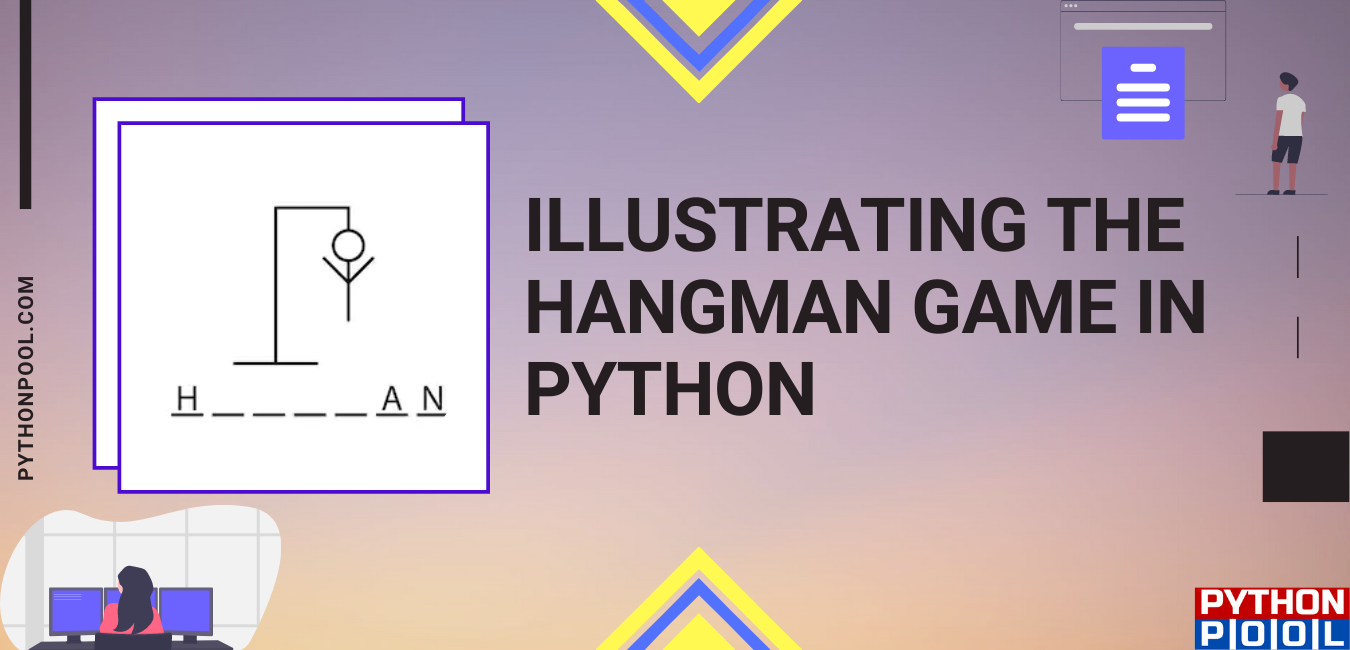
Quick answer: A reliable Python Hangman game keeps its state explicit: choose a secret word, normalize one-letter guesses, track correct and wrong letters, reveal the matching positions, and stop as soon as the word is complete or attempts are exhausted. Separate the state transitions from input and random selection so the game can be tested deterministically.
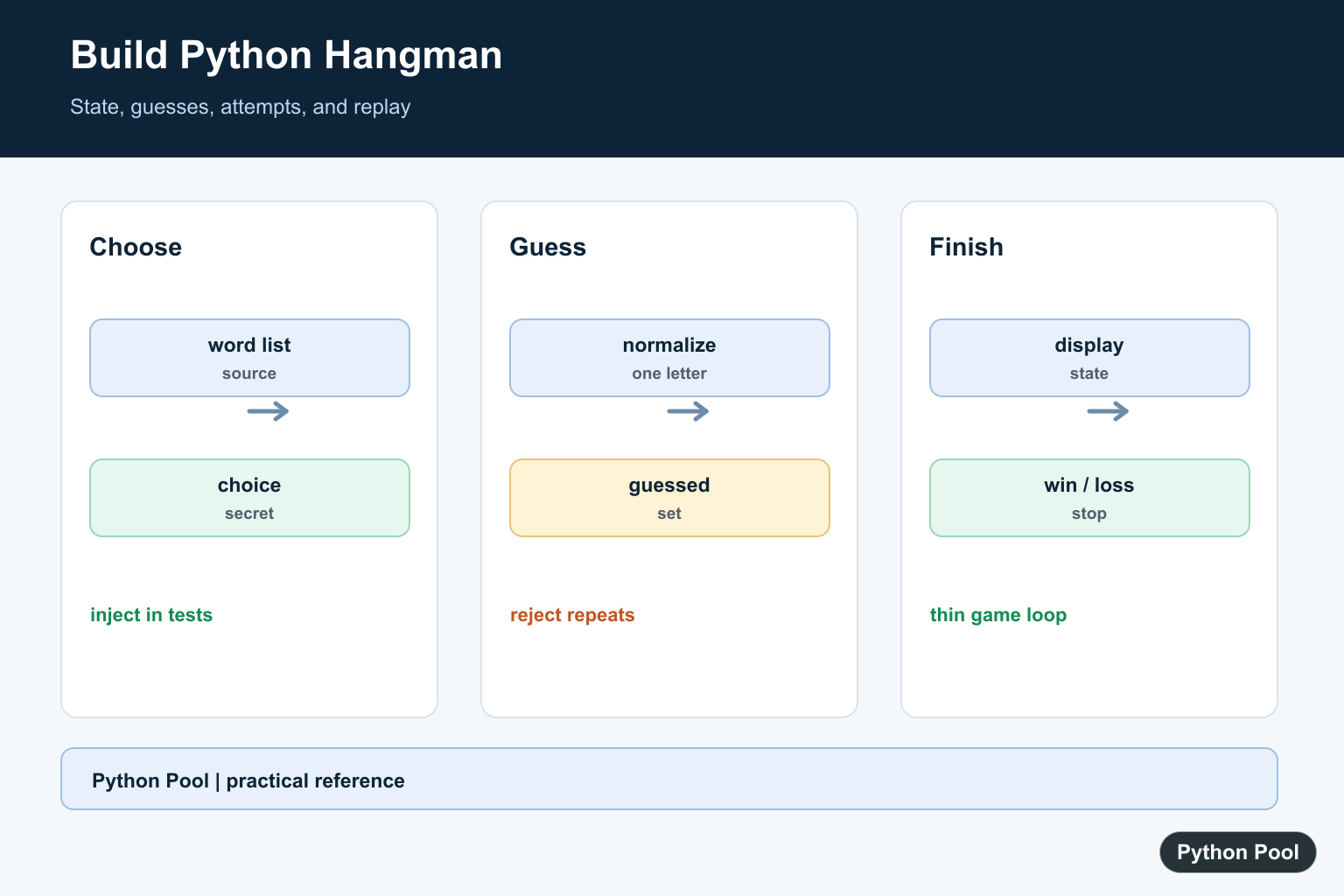
A Hangman game is a practical beginner project because it uses input validation, loops, strings, lists, sets, and conditional logic in one small program. In this tutorial, we will build a command-line Hangman game in Python that chooses a secret word, tracks correct and wrong guesses, and stops when the player wins or runs out of attempts.
The main improvement over a hard-coded demo is that the word is selected from a sequence with random.choice(), which the Python documentation defines for picking an item from a non-empty sequence. We will also normalize player input with str.lower() so uppercase and lowercase guesses behave the same way.
How the Hangman Logic Works
The game needs five pieces of state:
secret_word: the word the player is trying to guess.guessed_letters: a set of letters the player already tried.wrong_guesses: how many incorrect guesses have been made.max_wrong_guesses: the losing limit.- A loop that keeps asking for letters until the player wins or loses.
If you are new to the looping part, see Python Pool’s guide to for vs while loops in Python. For a refresher on user prompts, read Python user input.
Complete Python Hangman Code
Save this as hangman.py and run it with Python 3:
import random

WORDS = ("python", "variable", "function", "iterator", "package")


def show_progress(secret_word, guessed_letters):
    return " ".join(
        letter if letter in guessed_letters else "_"
        for letter in secret_word
    )


def play_hangman():
    secret_word = random.choice(WORDS)
    guessed_letters = set()
    wrong_guesses = 0
    max_wrong_guesses = 6

    print("Guess the word:", show_progress(secret_word, guessed_letters))

    while wrong_guesses < max_wrong_guesses:
        guess = input("Enter one letter: ").strip().lower()

        if len(guess) != 1 or not guess.isalpha():
            print("Please enter exactly one alphabet letter.")
            continue

        if guess in guessed_letters:
            print("You already tried that letter.")
            continue

        guessed_letters.add(guess)

        if guess in secret_word:
            print("Correct:", show_progress(secret_word, guessed_letters))

            if all(letter in guessed_letters for letter in secret_word):
                print(f"You won! The word was {secret_word}.")
                return
        else:
            wrong_guesses += 1
            remaining = max_wrong_guesses - wrong_guesses
            print(f"Wrong. {remaining} guesses left.")
            print(show_progress(secret_word, guessed_letters))

    print(f"You lost. The word was {secret_word}.")


if __name__ == "__main__":
    play_hangman()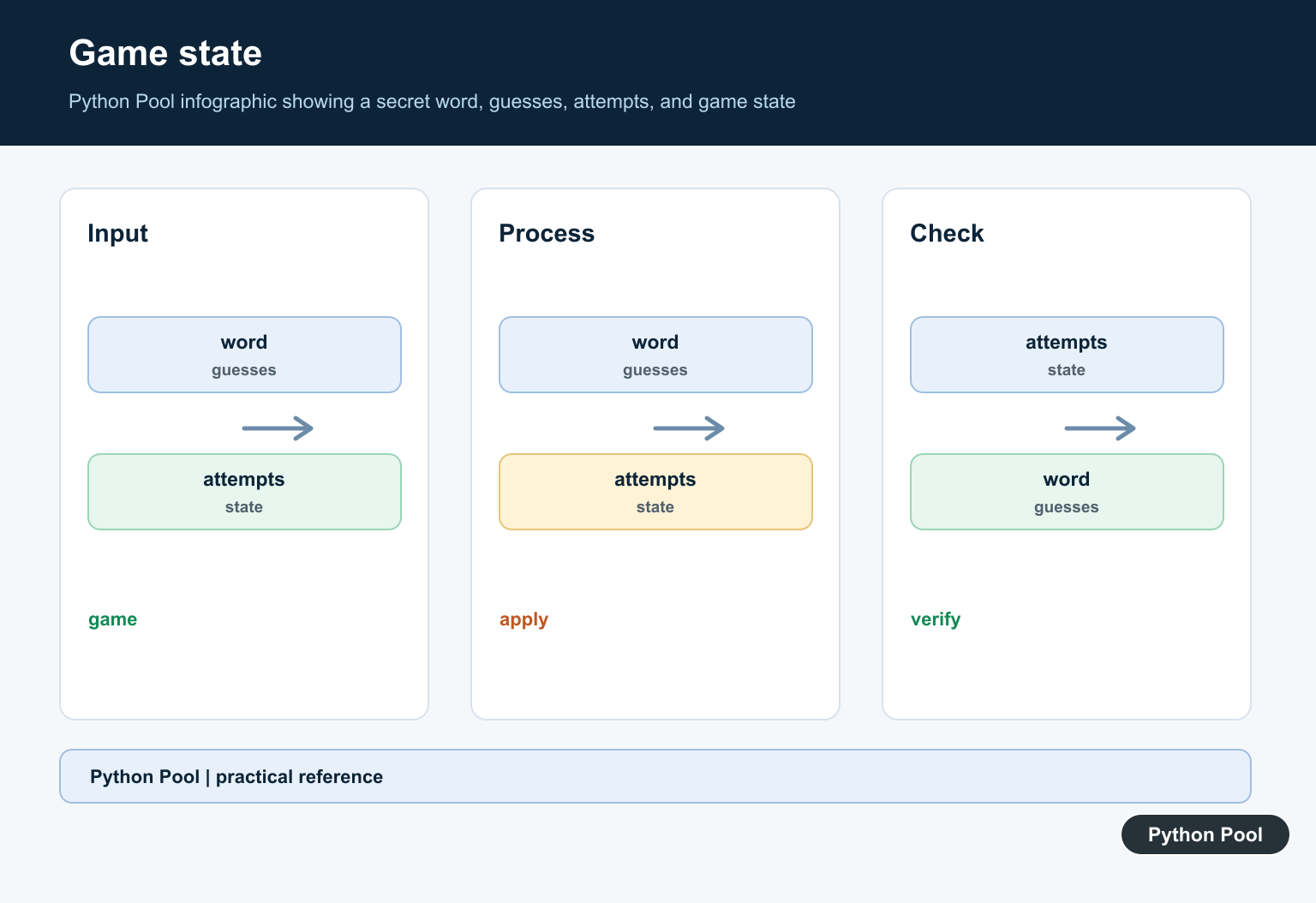
Code Explanation
WORDS stores the possible answers. A tuple is fine here because the game does not need to edit the word list while it runs. If you want to select from a changing list, read randomly select from a list in Python.
show_progress() builds the masked display. For every letter in the secret word, it shows the letter if the user guessed it and an underscore otherwise. The expression is joined with spaces so the output is easier to read.
input() reads the player’s next guess. The official input() documentation explains that it reads a line from standard input and returns it as a string. The code then uses strip() to remove extra spaces and lower() to make guesses case-insensitive. Python Pool also has a separate tutorial on converting strings to lowercase in Python.
A set is used for guessed_letters because membership checks such as guess in guessed_letters are direct and readable. That lets the game reject repeated guesses before changing the score.
Example Output
Guess the word: _ _ _ _ _ _
Enter one letter: p
Correct: p _ _ _ _ _
Enter one letter: z
Wrong. 5 guesses left.
p _ _ _ _ _
Enter one letter: y
Correct: p y _ _ _ _
The exact word and output will vary because random.choice() selects a word at runtime.
Common Improvements
- Add more words to
WORDSor load them from a text file. - Print an ASCII drawing after each wrong guess.
- Track wins and losses across multiple rounds.
- Use categories such as easy, medium, and hard words.
After this project, another small game to practice the same ideas is Rock Paper Scissors in Python. You can also strengthen the iteration concepts with Python list iteration.
Model The Game State
A small state object makes the rules visible. The secret word and guessed letters are data, while a method derives the displayed pattern. Do not mutate the secret word when revealing a guess.
from dataclasses import dataclass, field

@dataclass
class Game:
    word: str
    attempts: int = 6
    guessed: set[str] = field(default_factory=set)

    def display(self):
        return " ".join(letter if letter in self.guessed else "_" for letter in self.word)

    def won(self):
        return all(letter in self.guessed for letter in self.word)

print(Game("python").display())
Normalize And Validate One Letter
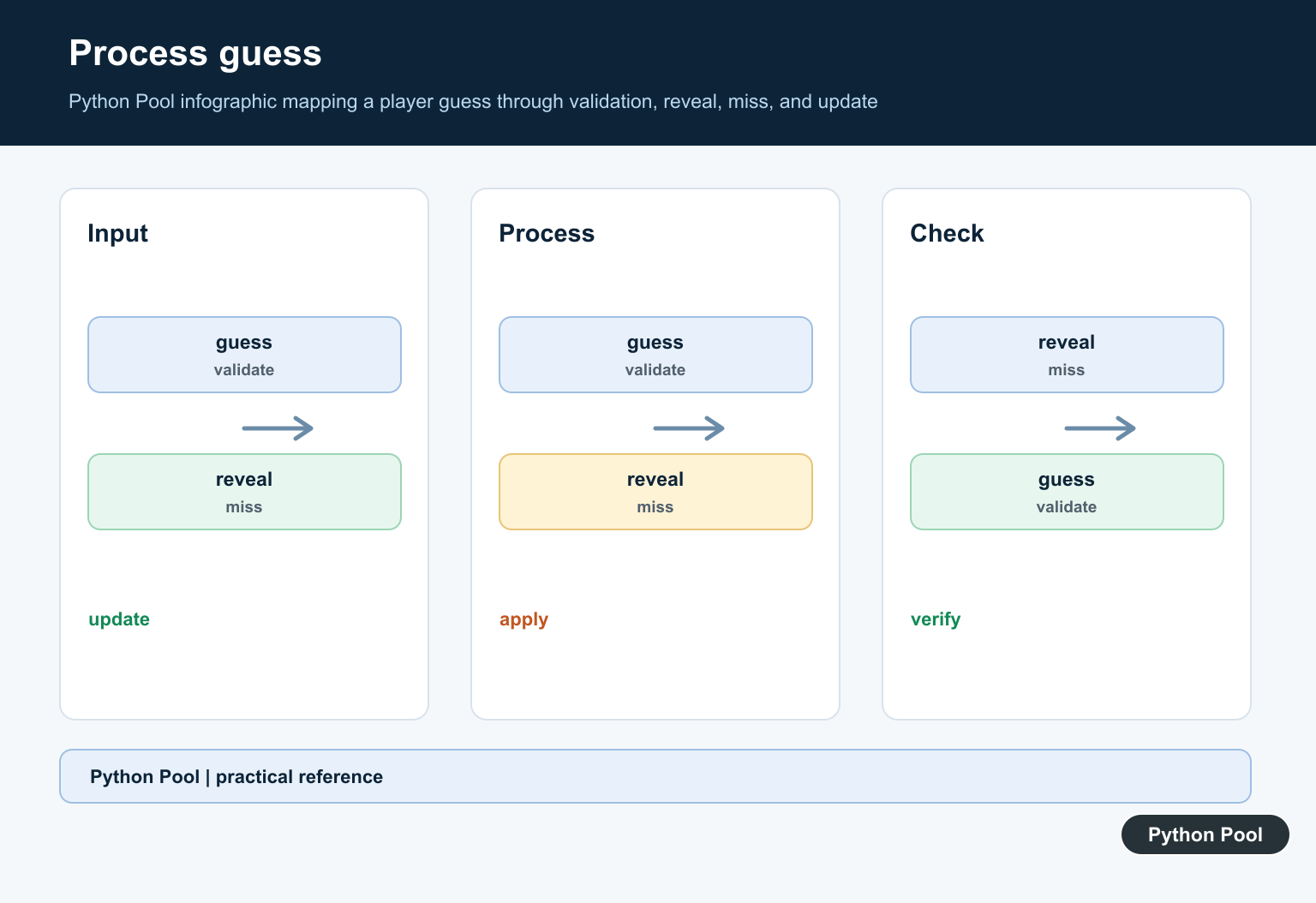
Accept surrounding whitespace and case differences, but require exactly one alphabetic character. Invalid or repeated guesses should produce feedback without consuming an attempt or changing the set of valid guesses.
def normalize_guess(raw, guessed):
    guess = raw.strip().lower()
    if len(guess) != 1 or not guess.isalpha():
        return None, "Enter one letter."
    if guess in guessed:
        return None, "You already tried that letter."
    return guess, None

print(normalize_guess(" P " , set()))
print(normalize_guess("pp", set()))
Inject Randomness And Input
random.choice() is fine for a real game, but tests should be able to provide a known word and a fixed sequence of guesses. Keeping selection outside the state machine makes win and loss paths repeatable.
import random

WORDS = ["python", "matplotlib", "notebook"]
secret = random.choice(WORDS)

test_game = Game("python")
for guess in ["p", "y", "t", "h", "o", "n"]:
    test_game.guessed.add(guess)
print(test_game.won())
Test Win, Loss, And Replay
Test the state transitions without patching terminal input. Cover a correct guess, an incorrect guess, a duplicate, invalid text, a completed word, exhausted attempts, and a fresh game for replay. These cases catch most beginner-game bugs.
def apply_guess(game, guess):
    if guess in game.guessed:
        return "duplicate"
    game.guessed.add(guess)
    if guess not in game.word:
        game.attempts -= 1
        return "wrong"
    return "correct"

case = Game("cat", attempts=2)
print(apply_guess(case, "x"), case.attempts)
print(apply_guess(case, "c"), case.display())
Keep The Terminal Loop Thin
The interactive loop should coordinate prompts and messages, not contain every rule. Call the state functions, print the current display, and stop after each transition when won() or attempts reaches zero. A thin loop is easier to replace with a web or test interface.
def play(game, guesses):
    for raw in guesses:
        guess, error = normalize_guess(raw, game.guessed)
        if error:
            print(error)
            continue
        result = apply_guess(game, guess)
        print(result, game.display(), game.attempts)
        if game.won() or game.attempts == 0:
            break

play(Game("code", attempts=3), ["c", "x", "o", "d", "e"])
Keep Display And Rules Separate
The display function should only translate state into text. Keeping rendering separate means a later interface can show the same state with HTML, a GUI, or a terminal prompt without duplicating win and loss logic. It also makes output assertions simple in tests.
def status(game):
    if game.won():
        return "won"
    if game.attempts <= 0:
        return "lost"
    return "playing"

state = Game("data", attempts=1)
print(state.display(), status(state))
Python’s official random.choice() reference covers selection from a non-empty sequence, and the dataclasses documentation explains explicit state containers. Related Python Pool references include random selection, input handling, and testing frameworks.
For related game inputs and verification, compare random selection, input handling, and Python testing frameworks when separating game state from the terminal loop.
Frequently Asked Questions
How do I make Hangman in Python?
Choose a secret word, track guessed letters and remaining attempts, reveal matching letters, reject invalid or repeated guesses, and stop on a win or loss.
How do I choose a random Hangman word?
Use random.choice() on a non-empty sequence of allowed words and keep the word list separate from the game-state logic.
How do I validate Hangman guesses?
Normalize the input, require one alphabetic character, reject repeated guesses, and give the player a clear message without changing the state.
How can I test a Hangman game?
Inject a deterministic word and input sequence, then test win, loss, repeated guesses, invalid input, and replay behavior without relying on random choice.
