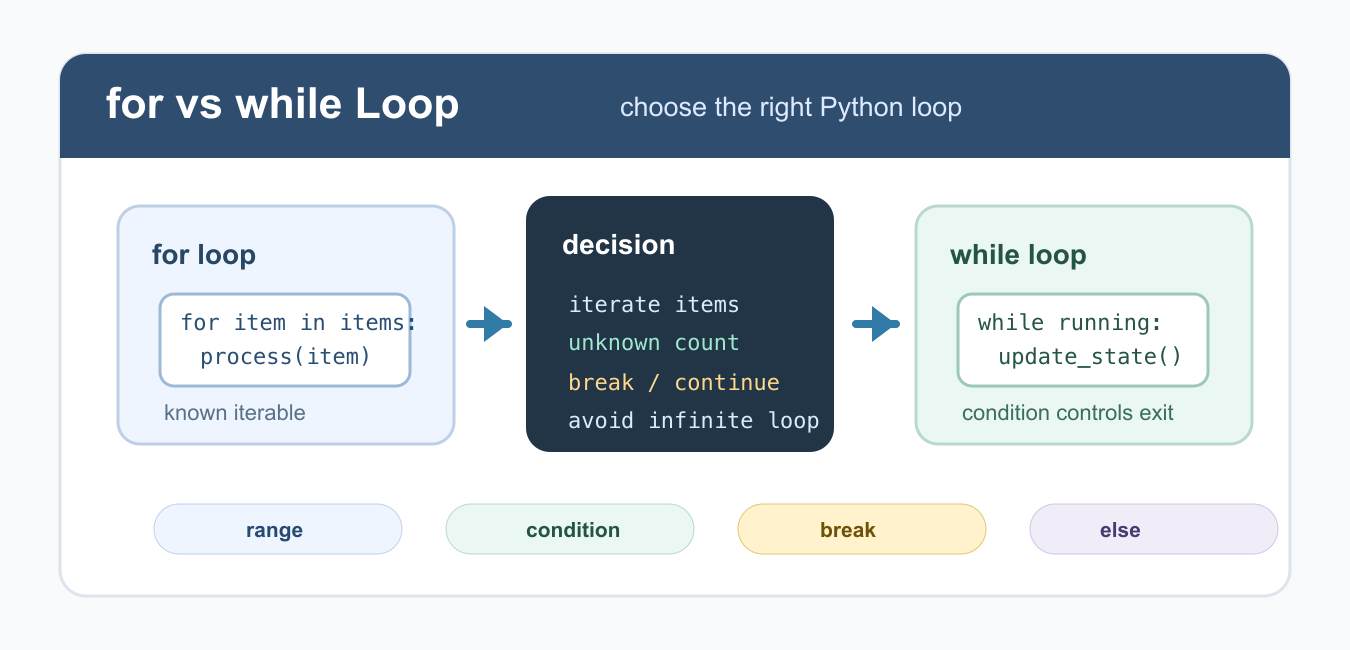
Quick answer: Use for when an iterable defines the work, and while when a changing condition defines when repetition ends. In both cases, make the exit policy visible and use break or continue only when they clarify control flow.
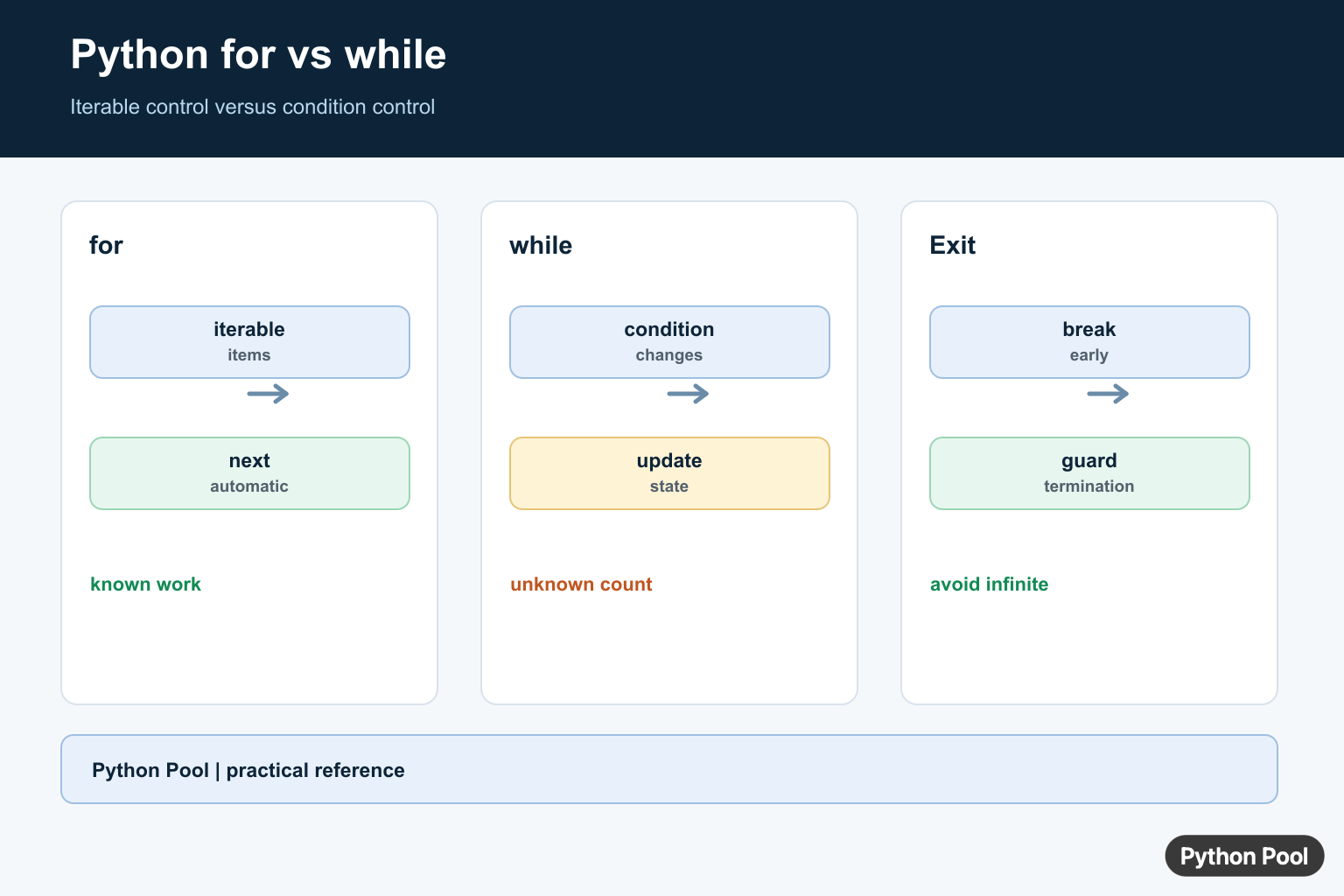
A for loop and a while loop both repeat code in Python, but they fit different jobs. Use a for loop when you already have an iterable, such as a list, string, range, dictionary, or file. Use a while loop when repetition depends on a condition that changes over time. For a compact exercise that combines a counted loop, modulo tests, and ordered conditions, work through FizzBuzz Python Solution Guide.
The practical difference is control. A for loop asks Python to get the next item until the iterable is exhausted. A while loop keeps checking a Boolean condition, so your code must update that condition or break out deliberately.
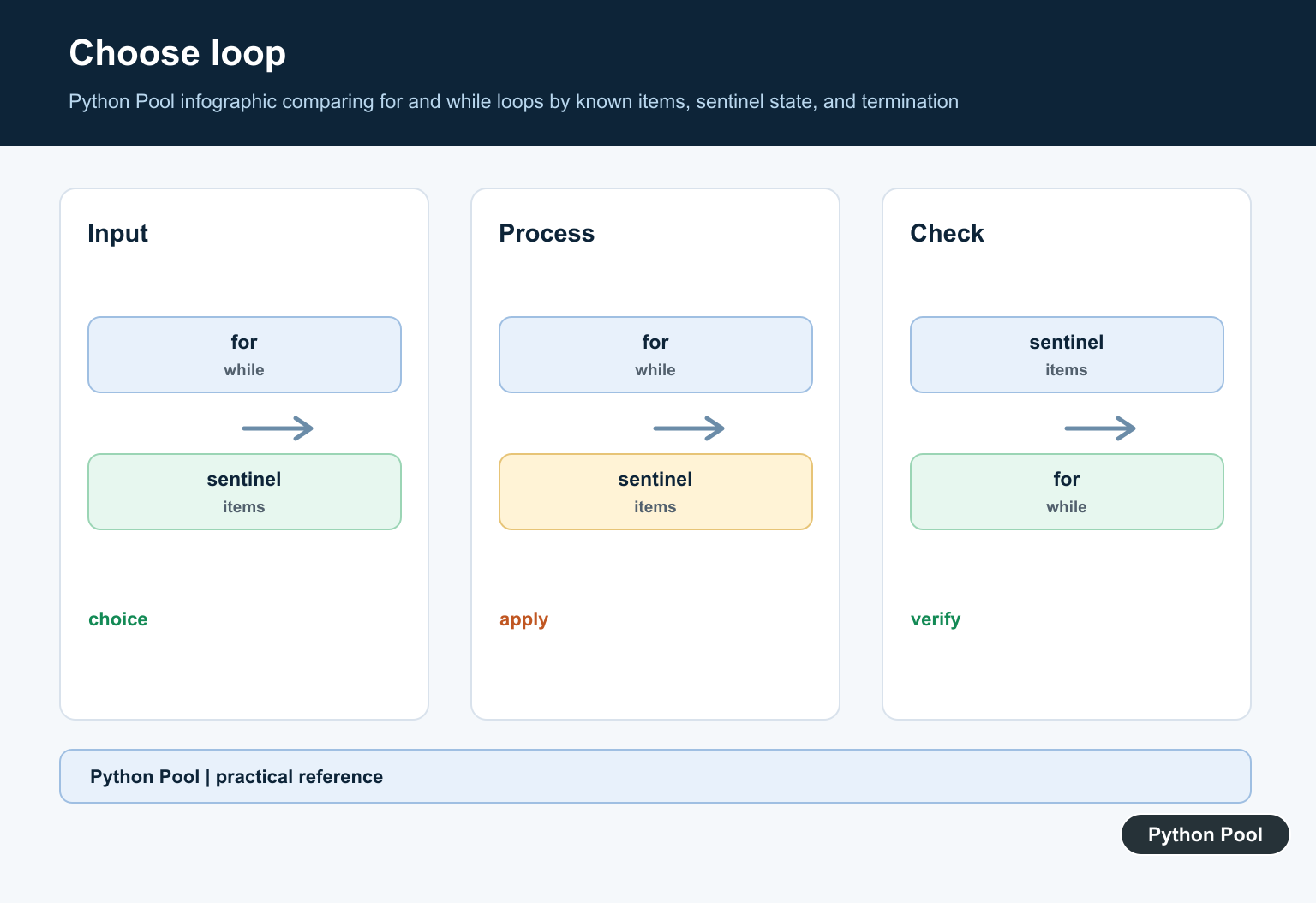
When both loops can solve the same problem, choose the one that states the stopping rule most clearly. If the stopping rule is “for every item,” use for. If the stopping rule is “until this condition changes,” use while. That single question prevents many messy loop designs. It also makes code reviews faster.
Use for When Iterating Over Items
A for loop is the clearest choice when the number of iterations comes from the data itself. You do not need to manage an index unless the index is part of the problem.
names = ["Ada", "Grace", "Guido"]

for name in names:
    print(name.upper())
This style is readable because the loop variable names the current item. It is the right default for processing lists, tuples, sets, dictionaries, strings, and ranges. For related list workflows, see Python reverse list and Python shuffle list.
Use range() for a Known Count
When you need to repeat code a fixed number of times, use range() with a for loop. This avoids manually updating a counter.
for attempt in range(1, 4):
    print(f"Attempt {attempt}")

print("Done")
range(1, 4) produces 1, 2, and 3. This is a common pattern for retries, numbered reports, simple countdowns, and test loops. It is also easier to review than a counter-based while loop because the count is visible in one expression.
Use while for Unknown Counts
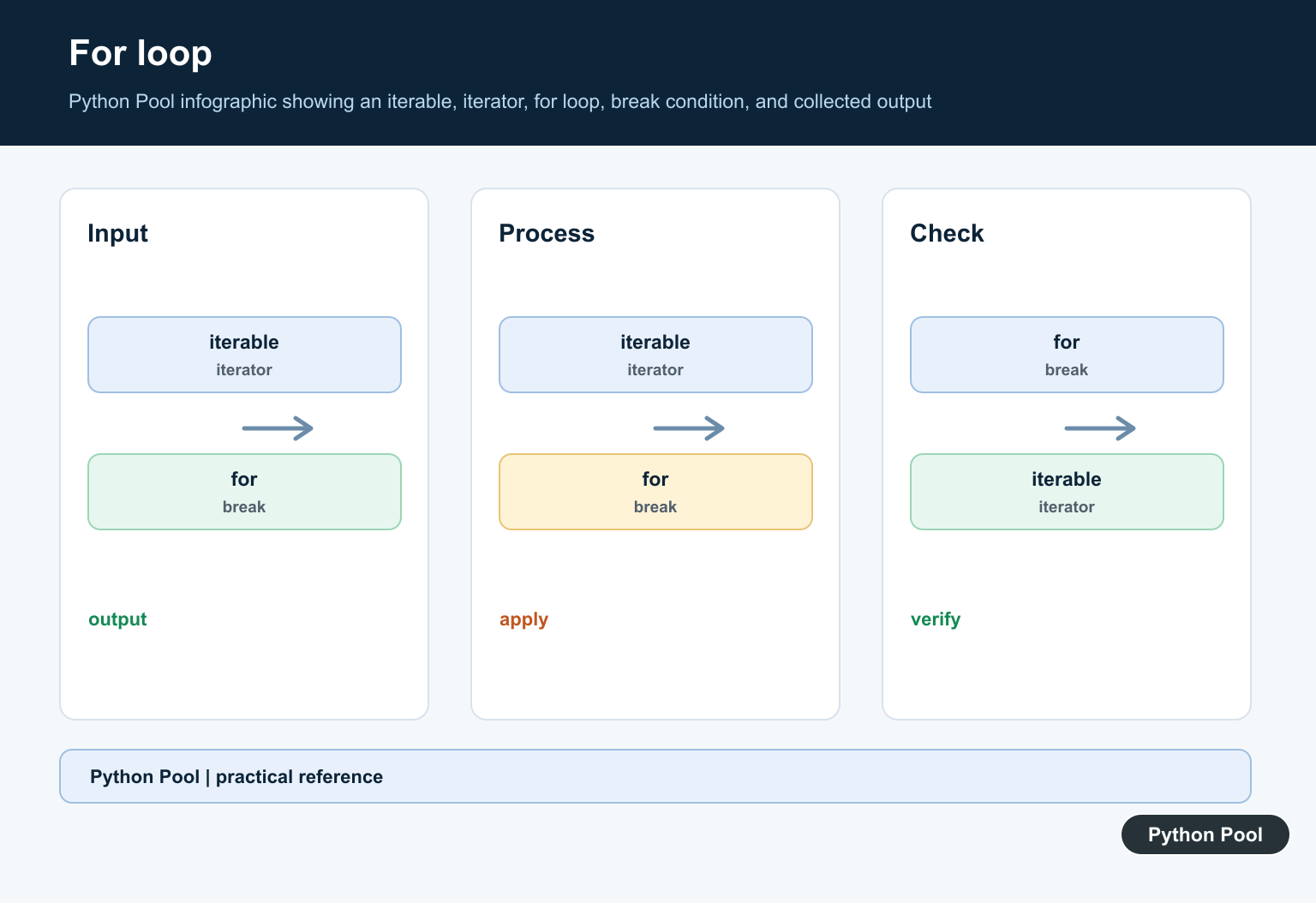
A while loop is better when you do not know in advance how many iterations are needed. The loop continues until its condition becomes false.
countdown = 3

while countdown > 0:
    print(countdown)
    countdown -= 1

print("Go")
The update line is essential. Without countdown -= 1, the condition would stay true and the loop would never end. This is the main risk of while loops. Keep the condition and the update close together when possible.
Use break and continue Carefully
Both loop types support break and continue. Use break to leave a loop early and continue to skip to the next iteration.
numbers = [3, 7, 10, 13, 20]

for number in numbers:
    if number % 2 != 0:
        continue
    if number > 12:
        break
    print(number)
Keep these statements close to the condition they depend on. If a loop has several nested break paths, consider moving the logic into a function so the exit rules are easier to test. A clear function return is often simpler than a deeply nested loop.
Loop else Works With Both
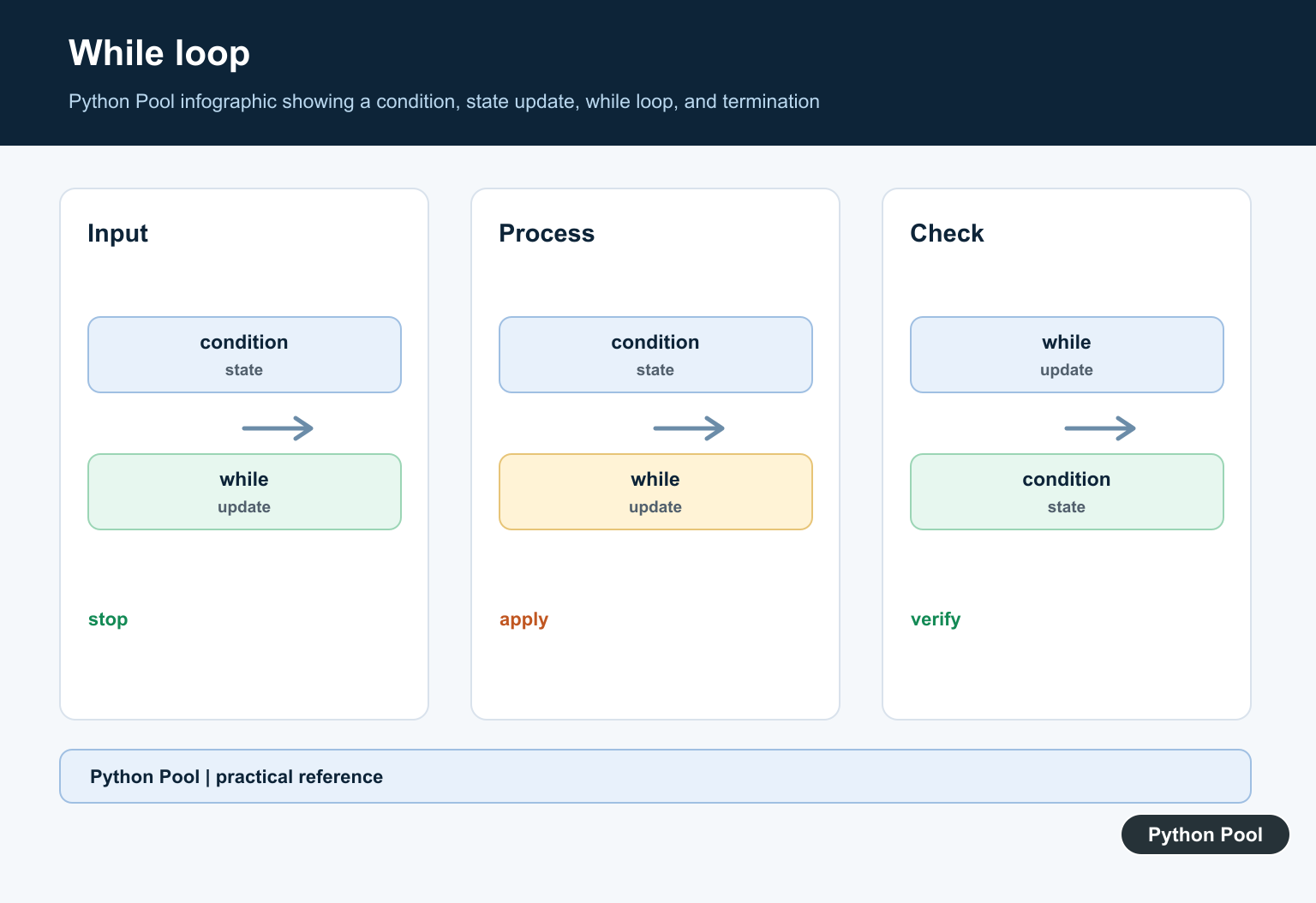
Python loops can have an else block. The else block runs only if the loop finishes without hitting break.
target = 8
numbers = [2, 4, 6]

for number in numbers:
    if number == target:
        print("Found")
        break
else:
    print("Not found")
This pattern is useful for searches. It avoids a separate flag variable, but use it only when your team is comfortable with loop else; otherwise a helper function may be clearer.
Convert while to for When Possible
If a while loop is only counting through list indexes, a for loop is usually cleaner. Compare the two versions below.
items = ["red", "green", "blue"]

index = 0
while index < len(items):
    print(items[index])
    index += 1

for item in items:
    print(item)
The for version removes the manual index and the risk of forgetting to increment it. If you need to remove items while looping, review Python list pop() first so mutation does not skip values unexpectedly.
Common Mistakes
The most common mistake with while is creating an infinite loop by forgetting to update the condition. The most common mistake with for is changing the list being iterated in a way that makes items move under the loop. Another mistake is using while True without a clear break condition.
As a rule, choose for when you are iterating over known data and choose while when a condition controls when to stop. If a loop body is still being sketched out, Python’s pass statement can be useful; see Python pass. If the iterable may be empty, add checks from checking if a list is empty. Review the loop by asking what changes on each iteration and what makes it stop.
References
- Python tutorial for statements
- Python reference for while statements
- Python reference for for statements
- Python break, continue, and loop else documentation
Use for For An Iterable
A for loop asks the iterable for its next item and stops when the iterator is exhausted. It avoids manual index management and works with lists, files, dictionaries, generators, and ranges.
names = ["Ada", "Grace", "Karan"]

for name in names:
    print(name)
Use while For A Changing Condition
A while loop is appropriate when the number of iterations is not known in advance. Update the state that controls the condition inside the loop, and add a maximum-attempt or timeout boundary when the condition depends on external systems.
attempt = 0

while attempt < 3:
    print("attempt", attempt)
    attempt += 1
Use break, continue, And loop else Deliberately
break stops the nearest loop, continue skips to its next iteration, and loop else runs only when the loop finishes without break. Keep the condition and the early-exit reason easy to see so later changes do not create an accidental infinite loop.
for value in range(10):
    if value == 5:
        break
    if value % 2 == 0:
        continue
    print(value)
else:
    print("completed")
Python’s for statement tutorial and while statement tutorial document iteration, conditions, break, continue, and loop else.
For related control-flow choices, compare break behavior, decreasing ranges, and progress iteration when making loop progress visible.
Frequently Asked Questions
What is the difference between for and while in Python?
A for loop iterates over an iterable, while a while loop repeats as long as its condition remains true.
When should I use a for loop?
Use for when you have items, ranges, or another iterable to process and do not need to manage an explicit counter or termination condition.
When should I use a while loop?
Use while when repetition depends on a condition that changes during the loop, such as reading until a sentinel or retrying a bounded operation.
How do I prevent an infinite while loop?
Update the state used by the condition, add a clear exit path, and use a maximum-attempt or timeout guard when external input is involved.
