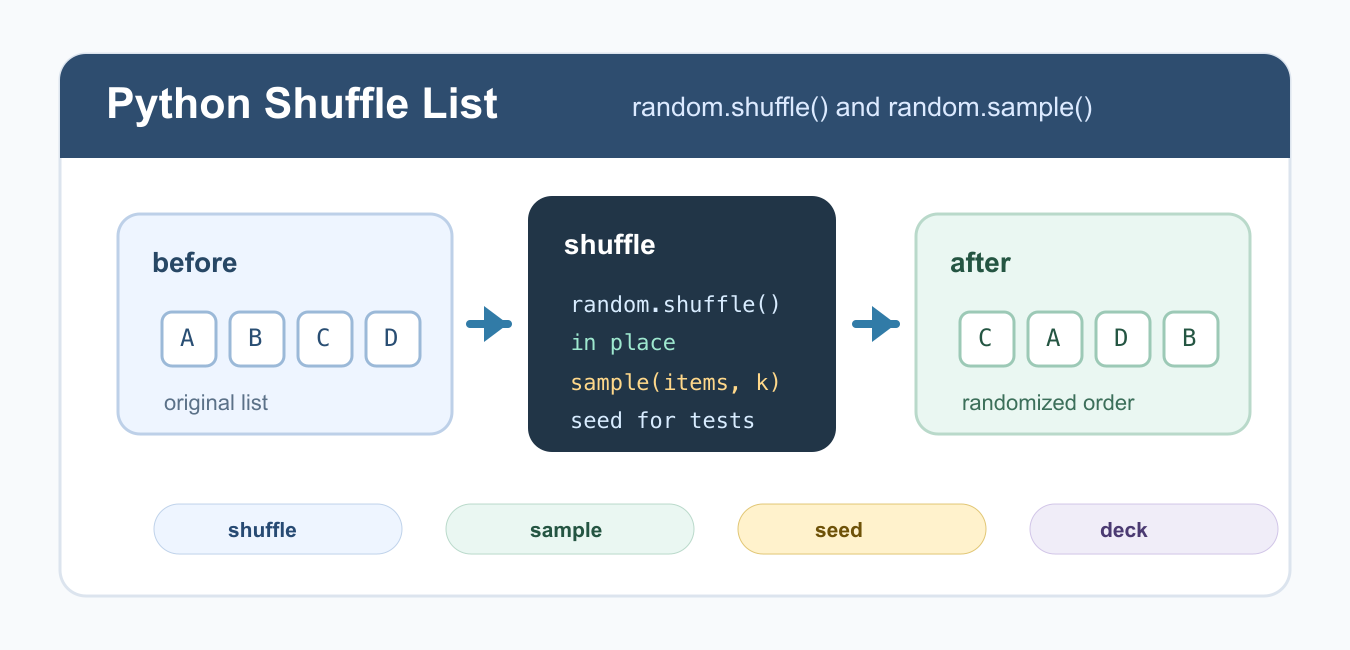
Quick answer: random.shuffle reorders a mutable sequence in place. Use random.sample with k=len(items) when the original must remain unchanged, and make the random state explicit when repeatability matters.
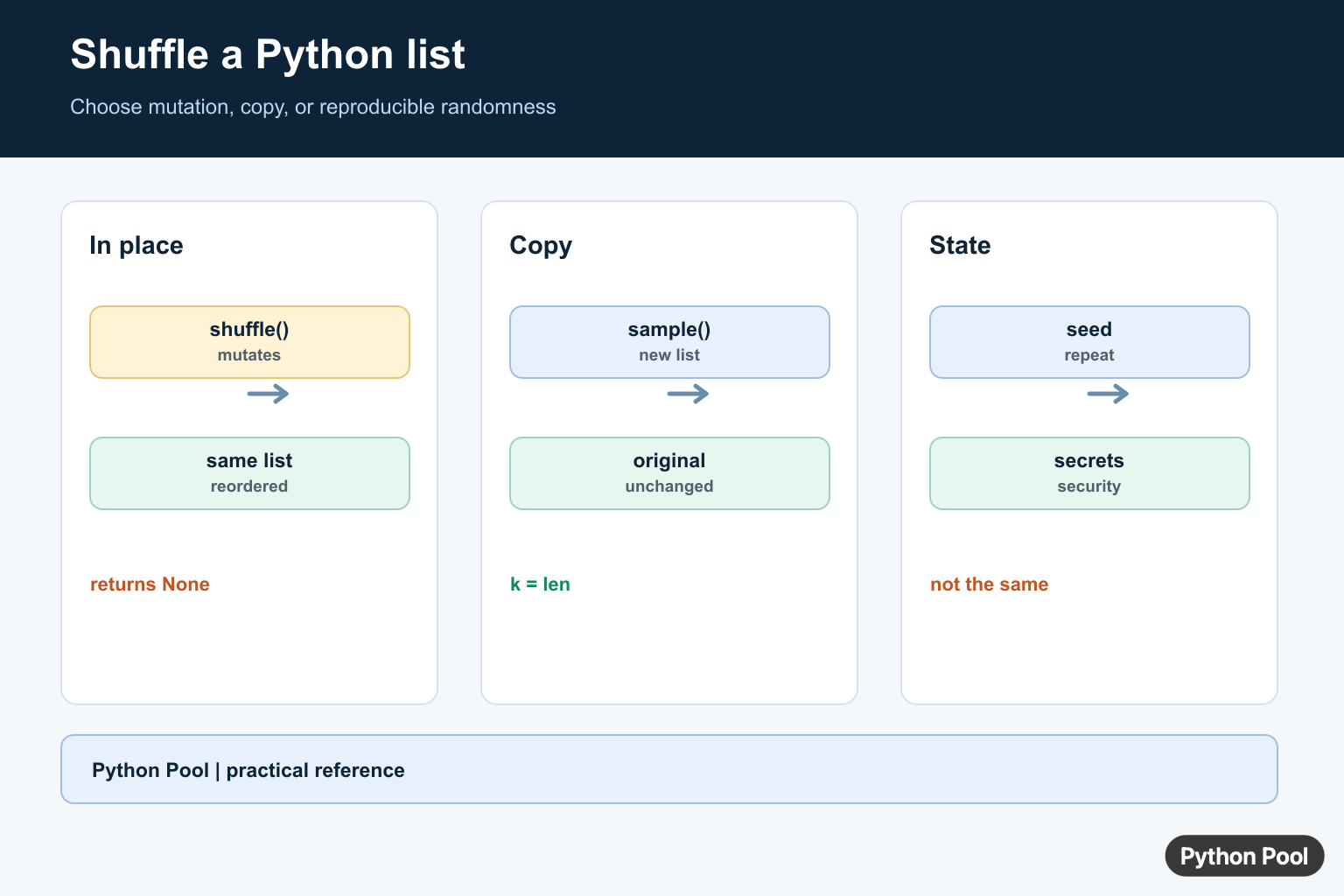
To shuffle a list in Python, use random.shuffle() when you want to rearrange the original list in place. If you need a shuffled copy and want to keep the original order, use random.sample(items, k=len(items)) instead.
Shuffling is useful for games, randomized practice questions, test data, simulations, and simple experiments. The important detail is mutation: shuffle() changes the list you pass to it and returns None. That behavior is different from many functions that return a new value.
Before shuffling, decide whether the current order is still meaningful. If the list is a deck, queue, or temporary candidate list, in-place mutation is usually fine. If the list came from another caller or will be reused for display, create a copy so the original order remains available. For fair randomization, shuffle the full list once, then draw from that shuffled order.
Shuffle a List In Place
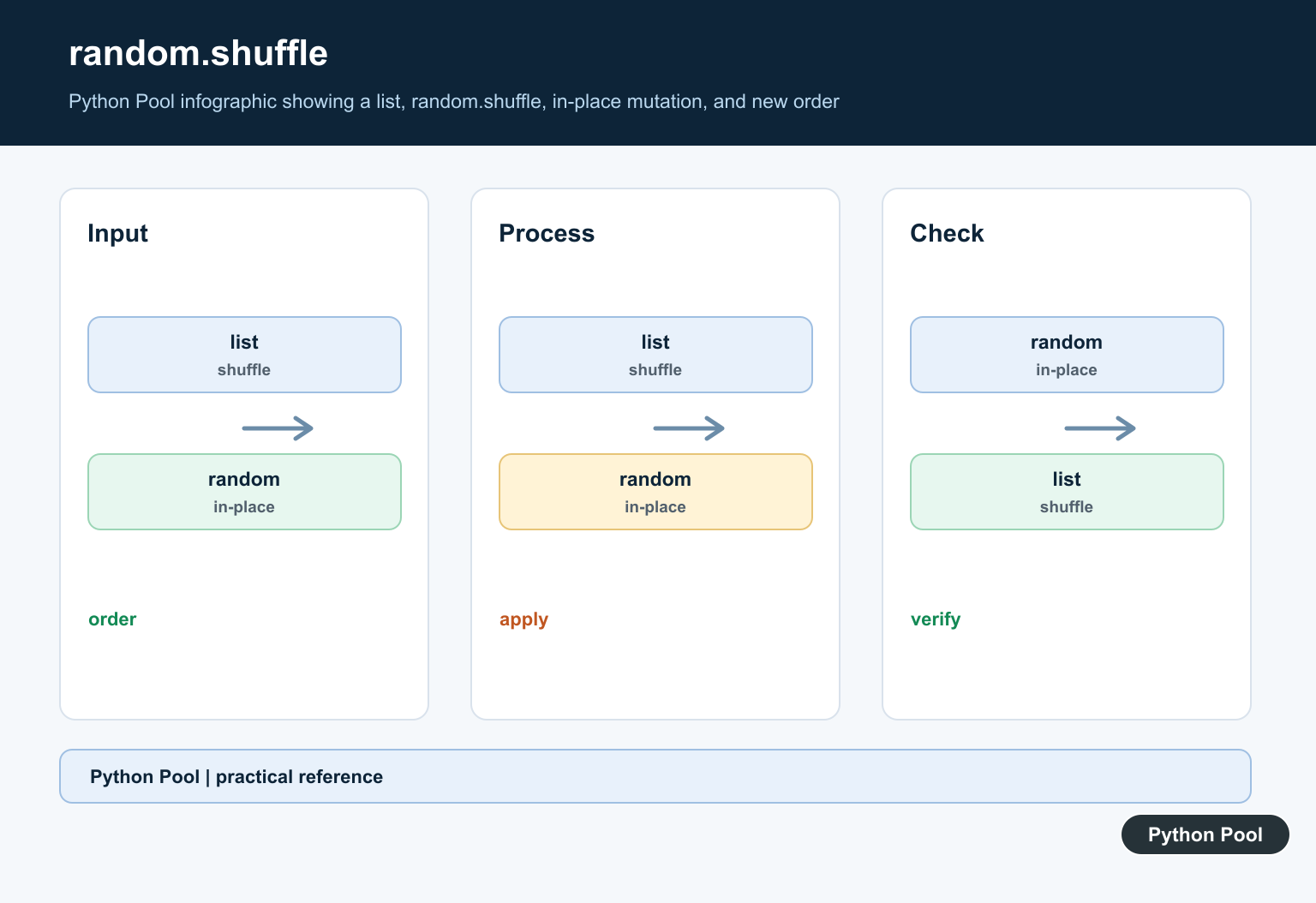
random.shuffle() modifies the list directly. Import the random module, call shuffle(), and then use the same list variable.
import random

cards = ["A", "B", "C", "D"]
random.shuffle(cards)

print(cards)
Do not write cards = random.shuffle(cards). The method returns None, so assigning the result will lose your list reference. This is similar to the in-place behavior explained in Python reverse list. If the output surprises you, print the list after shuffling rather than printing the return value.
Create a Shuffled Copy
Use random.sample() when the original list must stay unchanged. Passing k=len(items) returns all items in random order as a new list.
import random

names = ["Ada", "Grace", "Linus", "Guido"]
shuffled_names = random.sample(names, k=len(names))

print(shuffled_names)
print(names)
This is the safer choice inside functions when callers may reuse the original list. It does create a full copy, so use shuffle() when mutation is intended and memory matters. For small and medium lists, the clarity of a copied result is often worth the extra allocation.
Shuffle a Deck of Cards
A card deck is a natural example because order matters and a shuffled deck usually should replace the previous order. Build the deck, shuffle it, then pop cards from the end.
import random

suits = ["hearts", "diamonds", "clubs", "spades"]
ranks = ["A", "2", "3", "4", "5"]
deck = [f"{rank} of {suit}" for suit in suits for rank in ranks]

random.shuffle(deck)
hand = [deck.pop() for _ in range(5)]

print(hand)
Using pop() after shuffling is efficient because removing from the end of a list is straightforward. For more list removal patterns, see Python list pop(). In a real card game, keep the deck as the single source of truth so drawn cards are not duplicated.
Use seed() for Reproducible Tests
Random shuffling changes every run by design. For examples and tests, set a seed so the output is repeatable. Do not use a fixed seed in production when true variation is expected.
import random

numbers = [1, 2, 3, 4, 5]
random.seed(42)
random.shuffle(numbers)

print(numbers)
Seeding is useful for tutorials, unit tests, and debugging. It lets you reproduce the same shuffled order while keeping the code path realistic. Put the seed close to the test setup so production code is not accidentally forced into the same order every time.
Shuffle Only Part of a List
If only part of the list should be randomized, copy that slice, shuffle the slice, and then assign it back. This keeps the rest of the list in its original position.
import random

items = ["header", "q1", "q2", "q3", "footer"]
middle = items[1:-1]
random.shuffle(middle)
items[1:-1] = middle

print(items)
This pattern is useful when a first or last element must stay fixed. It also makes the mutation explicit, which is easier to review than clever index tricks. If you are randomizing quiz questions, keep answer keys tied to each item before shuffling.
Do Not Use random for Secrets
The random module is designed for simulations and general-purpose randomness, not for security-sensitive tokens. For passwords, reset links, or secrets, use the secrets module instead.
import secrets

choices = ["red", "green", "blue", "yellow"]
secure_choice = secrets.choice(choices)

print(secure_choice)
For ordinary list shuffling, random.shuffle() is the right tool. For cryptographic randomness, follow the secrets documentation.
Common Mistakes
The most common mistake is assigning the result of random.shuffle(). Another is shuffling a list that another part of the program still expects in sorted order. A third is using random for security-sensitive values.
Use shuffle() for in-place random order, sample() for a shuffled copy, and seed() only when reproducibility is useful. If a list might be empty before shuffling, add the checks from checking if a list is empty. If you need deterministic ordering instead, compare this with sorting a list of tuples.
References
- Python documentation for random.shuffle()
- Python documentation for random.sample()
- Python documentation for random.seed()
- Python secrets module documentation
Shuffle In Place
shuffle returns None because its result is the modified sequence. Keep the mutation visible and do not assign the return value as if it were a new list. Copy first when the original list is shared or must remain in source order.
import random

items = ["a", "b", "c", "d"]
random.shuffle(items)
print(items)
Return A Shuffled Copy
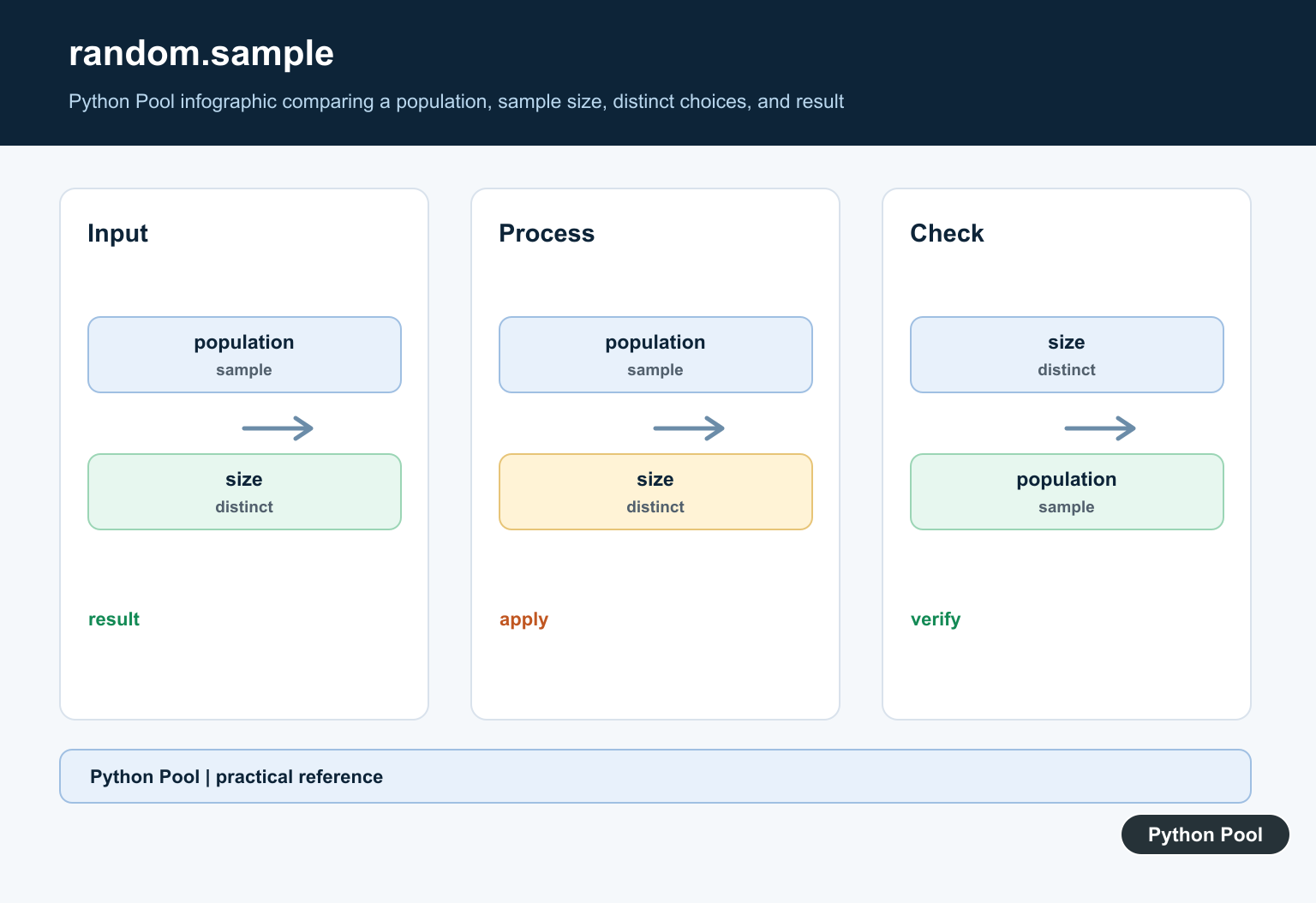
sample chooses k unique positions without replacement and returns a new list. With k equal to the population length, the result is a shuffled copy; with a smaller k, it is a sample rather than a full permutation.
import random

items = [1, 2, 3, 4]
shuffled = random.sample(items, k=len(items))
print(items)
print(shuffled)
Reproducibility Is Not Security
A seed makes a simulation or test repeatable, but it does not make the output unpredictable to an attacker. Use a dedicated Random instance to avoid changing global state, and use secrets for tokens, passwords, or security-sensitive choices.
import random

rng = random.Random(42)
print(rng.sample(range(10), k=5))
print(rng.sample(range(10), k=5))
See Python’s random module reference for mutation, sampling, seeding, and security boundaries.
For related random and ordering work, compare NumPy permutation, list iteration, and Python permutations.
Frequently Asked Questions
How do I shuffle a list in Python?
Call random.shuffle(items) to reorder a mutable sequence in place.
How do I shuffle without changing the original list?
Use random.sample(items, k=len(items)) to return a new shuffled list.
How do I make shuffling reproducible?
Set or inject a dedicated random.Random seed before generating the result.
Is random.shuffle secure for passwords or tokens?
No. The random module is for simulations and ordinary selection; use the secrets module for security-sensitive randomness.
