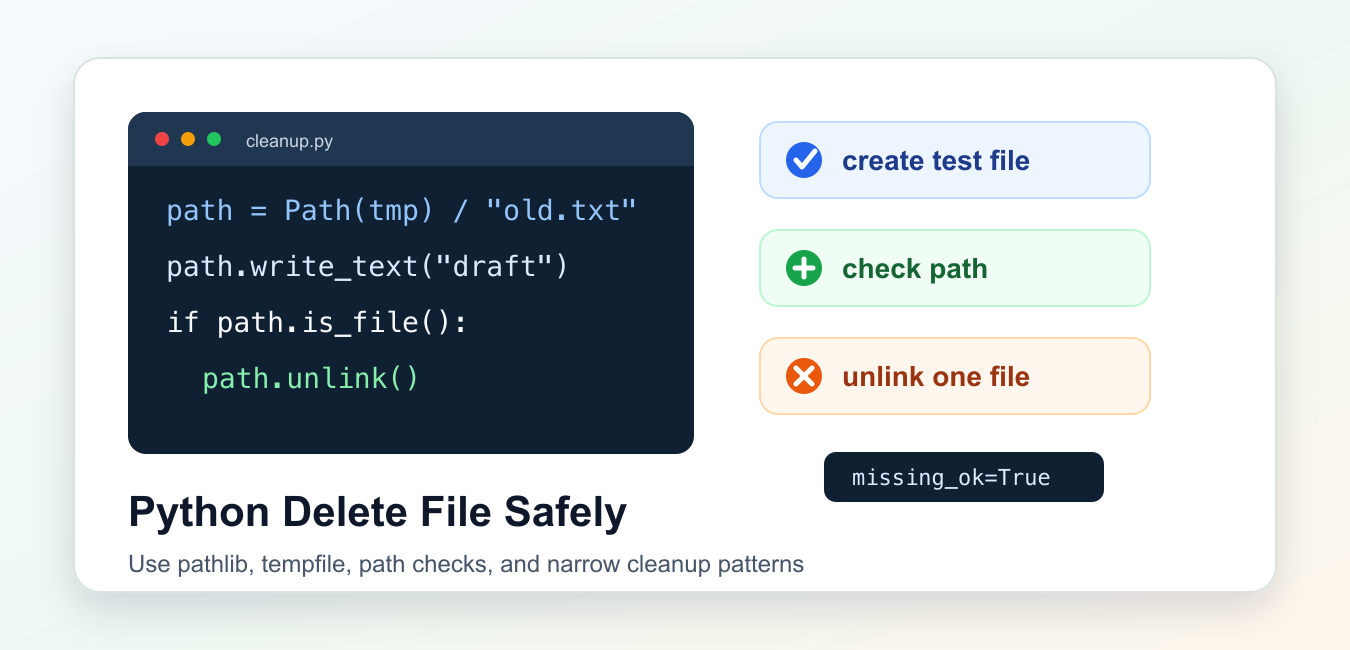
Quick answer: Use Path.unlink() or os.remove() to delete one file, and make the target explicit before removal. Resolve paths from input, keep them under an expected base directory, confirm the target type, close open handles, and choose a deliberate policy for missing files and permission errors.
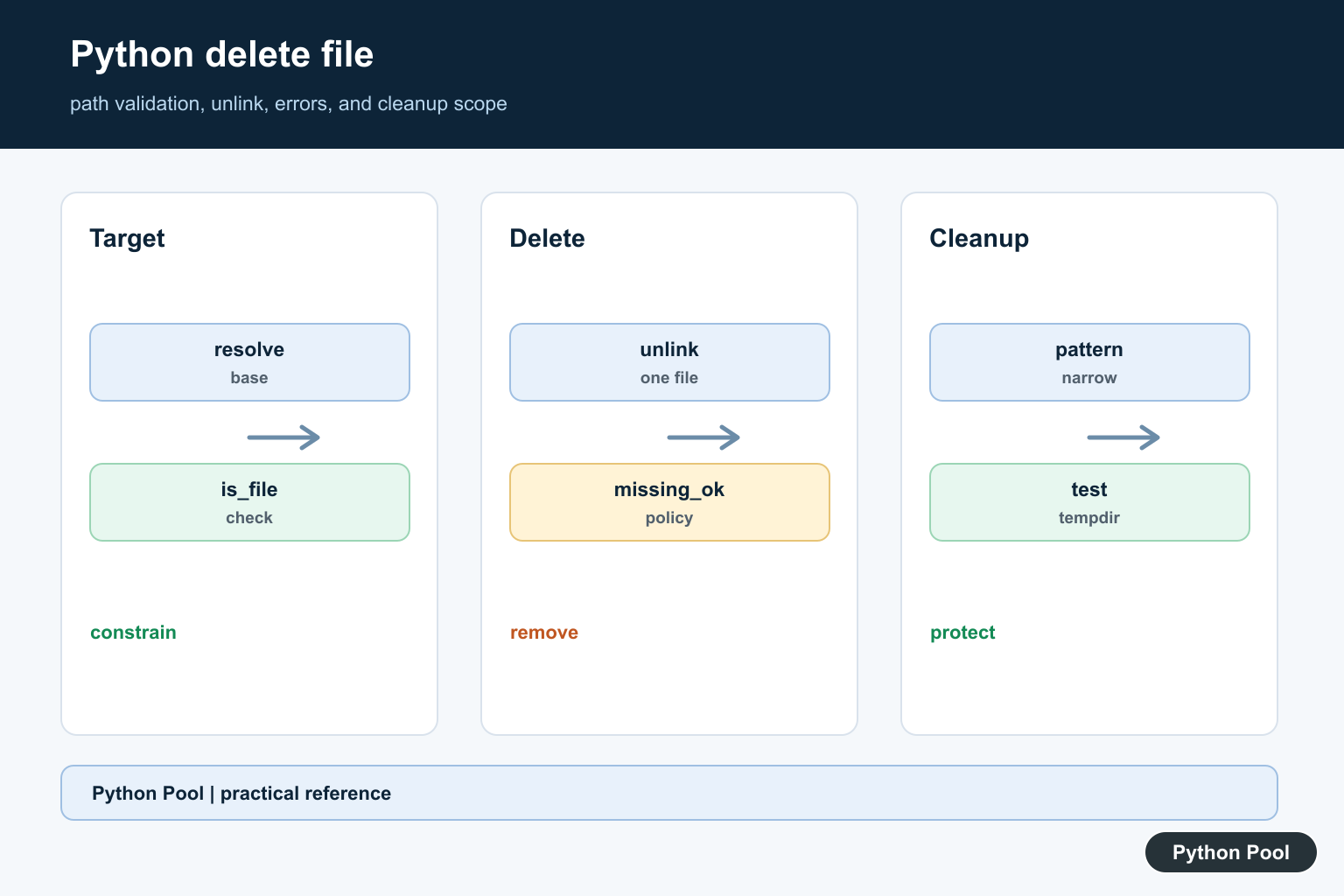
Deleting a file in Python usually means calling Path.unlink() from pathlib or os.remove() from the os module. Both remove one file path. They do not remove a whole directory tree.
The official Python documentation covers Path.unlink(), os.remove(), and tempfile.
The safest habit is to build a known path, confirm it is the file you meant to remove, then delete it. Avoid hard-coded absolute paths in examples and tests. Temporary folders make file deletion easy to practice without touching real project data.
Use Path.unlink() when you are already using pathlib. Use os.remove() when a project already uses older os path calls. Both approaches are valid, but modern code is often clearer with Path objects because path joining, existence checks, and deletion stay in one API.
Also keep the operation narrow. A file delete should target one file. If the target is a folder, choose Path.rmdir() for an empty folder or shutil.rmtree() for a full tree after stronger path checks.
Delete A File With pathlib
Path.unlink() removes the file represented by a Path object. This example creates a temporary file first, then removes only that file.
from pathlib import Path
import tempfile

with tempfile.TemporaryDirectory() as folder:
    path = Path(folder) / "old-report.txt"
    path.write_text("temporary report\n", encoding="utf-8")

    print(path.exists())
    path.unlink()
    print(path.exists())
The first print shows that the file exists before deletion. The second print shows that the same path no longer points to a file.
This pattern is useful in tests, examples, and cleanup jobs because the temporary folder is isolated. The code creates the file it later removes, so the example does not depend on a file already being present on your machine.
If the path points to a directory instead of a file, Path.unlink() raises an error. That is helpful because it prevents a file cleanup routine from silently removing the wrong kind of path.
Ignore A Missing File
When absence is expected, pass missing_ok=True to Path.unlink(). This avoids a FileNotFoundError for a file that has already been removed.
from pathlib import Path
import tempfile

with tempfile.TemporaryDirectory() as folder:
    path = Path(folder) / "cache.txt"
    path.write_text("cached data\n", encoding="utf-8")

    path.unlink(missing_ok=True)
    path.unlink(missing_ok=True)

    print(path.exists())
The second call does nothing because the file is already gone. This is a good fit for cache cleanup, test teardown, and repeated maintenance tasks where the final state matters more than whether this run removed the file.
Do not use missing_ok=True everywhere. If a file must exist before deletion, let the exception reveal a broken assumption. Suppressing expected absence is useful; hiding unexpected absence can make bugs harder to diagnose.
Check The Path Before Deleting
When a path comes from input, config, or another part of a program, resolve it and keep it under a known base directory before deletion.
from pathlib import Path
import tempfile

with tempfile.TemporaryDirectory() as folder:
    base = Path(folder).resolve()
    target = (base / "uploads" / "draft.txt").resolve()

    target.parent.mkdir()
    target.write_text("draft content\n", encoding="utf-8")

    if base not in target.parents:
        raise ValueError(f"Refusing path outside cleanup area: {target}")
    if not target.is_file():
        raise FileNotFoundError(target)

    target.unlink()
    print(target.exists())
The parent check keeps the deletion inside the temporary cleanup area. This matters when paths are assembled from user input, command-line arguments, job settings, or names read from a file.
Resolve paths before comparing them. A path that contains .. may look harmless before resolution but point somewhere else afterward.
For command-line tools, prefer a base directory plus a relative name instead of accepting any absolute path. That keeps the cleanup boundary small and easy to review.
Delete A File With os.remove
os.remove() and os.unlink() remove a file path. The names are equivalent for normal file deletion.
from pathlib import Path
import os
import tempfile

with tempfile.NamedTemporaryFile(delete=False) as handle:
    path = Path(handle.name)
    handle.write(b"remove me\n")

print(path.exists())
os.remove(path)
print(path.exists())
This example uses NamedTemporaryFile(delete=False) so the file remains available after the file handle closes. Then os.remove() deletes it.
Use this form when maintaining code that already uses os functions. Newer code can usually use Path.unlink() for the same job and keep path operations together.
On Windows, open file handles can block deletion in some situations. Close the file before deleting it, or use a context manager so Python closes it before the remove call runs.
Handle Deletion Errors
Deletion can fail because the file is missing, the path is a directory, permissions are insufficient, or another process is using the file. Catch only the errors your code can handle.
from pathlib import Path
import tempfile

with tempfile.TemporaryDirectory() as folder:
    missing = Path(folder) / "missing.txt"
    directory = Path(folder) / "not-a-file"
    directory.mkdir()

    try:
        missing.unlink()
    except FileNotFoundError:
        print("file was already absent")

    try:
        directory.unlink()
    except (IsADirectoryError, PermissionError):
        print("path is a directory")
Keeping separate handlers makes the result easier to understand. A missing file may be acceptable in cleanup code, while a directory path usually means the caller gave the wrong target.
Permission errors deserve a different response. You might log the path, stop the job, or ask the user to close another program. Do not turn every deletion failure into a silent pass.
Delete Matching Generated Files
For generated files, combine a narrow base directory with a narrow pattern. Create the files under that base, then delete only the names that match the cleanup rule.
from pathlib import Path
import tempfile

with tempfile.TemporaryDirectory() as folder:
    base = Path(folder)
    for name in ("run-1.tmp", "run-2.tmp", "keep.txt"):
        (base / name).write_text("generated\n", encoding="utf-8")

    for path in base.glob("*.tmp"):
        if path.is_file():
            path.unlink()

    remaining = sorted(path.name for path in base.iterdir())
    print(remaining)
The pattern removes only files ending in .tmp inside the temporary folder. The normal text file remains.
Be careful with broad patterns in important directories. A pattern such as * is rarely a good cleanup rule unless the directory exists only for generated output and is recreated by your program.
For recurring jobs, log the base directory, the pattern, and the number of files removed. That makes a cleanup task auditable without printing every path in a large folder.
Choose The Right Delete Tool
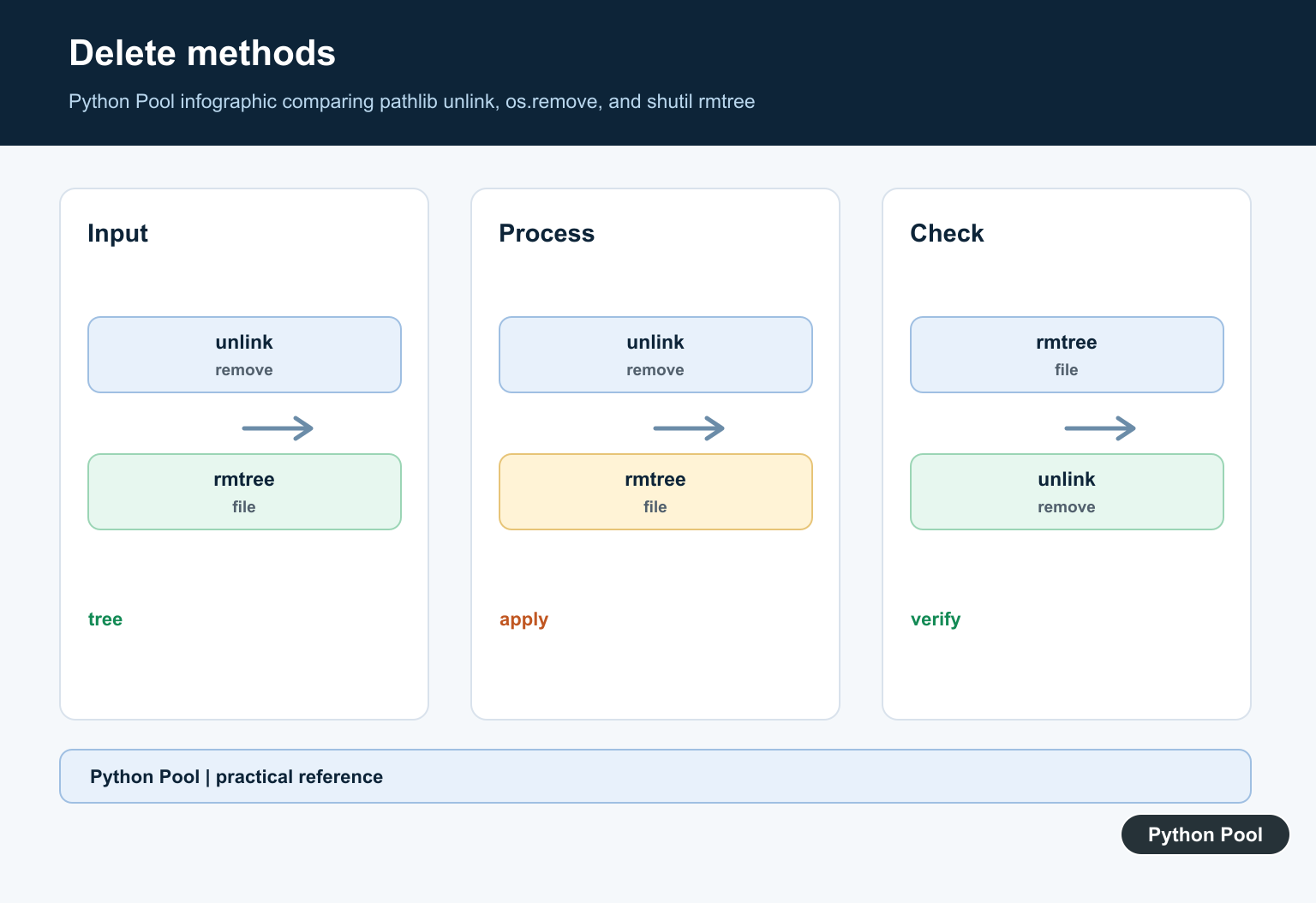
Use Path.unlink() or os.remove() for one file. Use Path.rmdir() for an empty directory. Use shutil.rmtree() only when you intentionally need to remove a directory and everything inside it.
The practical workflow is simple: create or identify the file, resolve the path when the target comes from input, confirm it is a file, keep it under an expected base directory, and delete it with the narrowest tool that matches the job.
That approach keeps examples safe and production cleanup code predictable. File deletion should be boring, explicit, and easy to review.
Prefer A Narrow Operation
Path.unlink() and os.remove() remove one file or link. They are not directory-tree operations, which is useful protection against a cleanup routine silently expanding its scope. Use rmdir or rmtree only when directory removal is intentional.
Constrain User-Supplied Paths
Resolve a target against a known base, check that the resolved path remains within that base, and avoid accepting arbitrary absolute paths when a relative name is sufficient. Path traversal should be rejected before any filesystem mutation.
Choose Missing-File Behavior
missing_ok=True is appropriate for idempotent cache cleanup and teardown. Let FileNotFoundError surface when the file’s existence is part of the contract, because suppressing it can hide a broken producer or wrong path.
Confirm The File Type
Check is_file when a directory would be dangerous, and handle symlinks according to the cleanup policy. A path that looks like a generated file can point elsewhere after resolution, so validation belongs immediately before deletion.
Close Handles And Handle Errors
Windows and other systems can refuse deletion while a file is open. Use context managers, catch only expected FileNotFoundError, IsADirectoryError, and PermissionError cases, and report the path and action when cleanup cannot proceed.
Use Narrow Generated-File Patterns
For batch cleanup, combine a dedicated output directory with an exact suffix or prefix and count what was removed. Avoid broad patterns in user or project directories, and test that protected files remain.
Test Cleanup In Temporary Directories
Create the file under tempfile.TemporaryDirectory, exercise existing, missing, directory, permission, traversal, and repeated-delete cases, and assert the final filesystem state rather than only whether an exception occurred.
The official Path.unlink reference, os.remove reference, and shutil.rmtree reference define the deletion operations. Related guidance includes existence checks and filesystem tests.
For related filesystem boundaries, compare existence checks, temporary paths, and copying behavior before writing a cleanup job.
Frequently Asked Questions
How do I delete a file in Python?
Use Path.unlink() from pathlib or os.remove() for one file, after checking that the resolved target is the intended file.
How do I ignore a missing file?
Call Path.unlink(missing_ok=True) when absence is expected, or catch FileNotFoundError when the caller needs a more explicit policy.
Does Path.unlink() delete directories?
No. Path.unlink() targets files or links; use Path.rmdir() for an empty directory or shutil.rmtree() only when intentionally removing a directory tree.
How can I make file deletion safer?
Keep the target under an expected base directory, resolve path traversal, check its type, close open handles, and use a narrow filename pattern for generated files.
