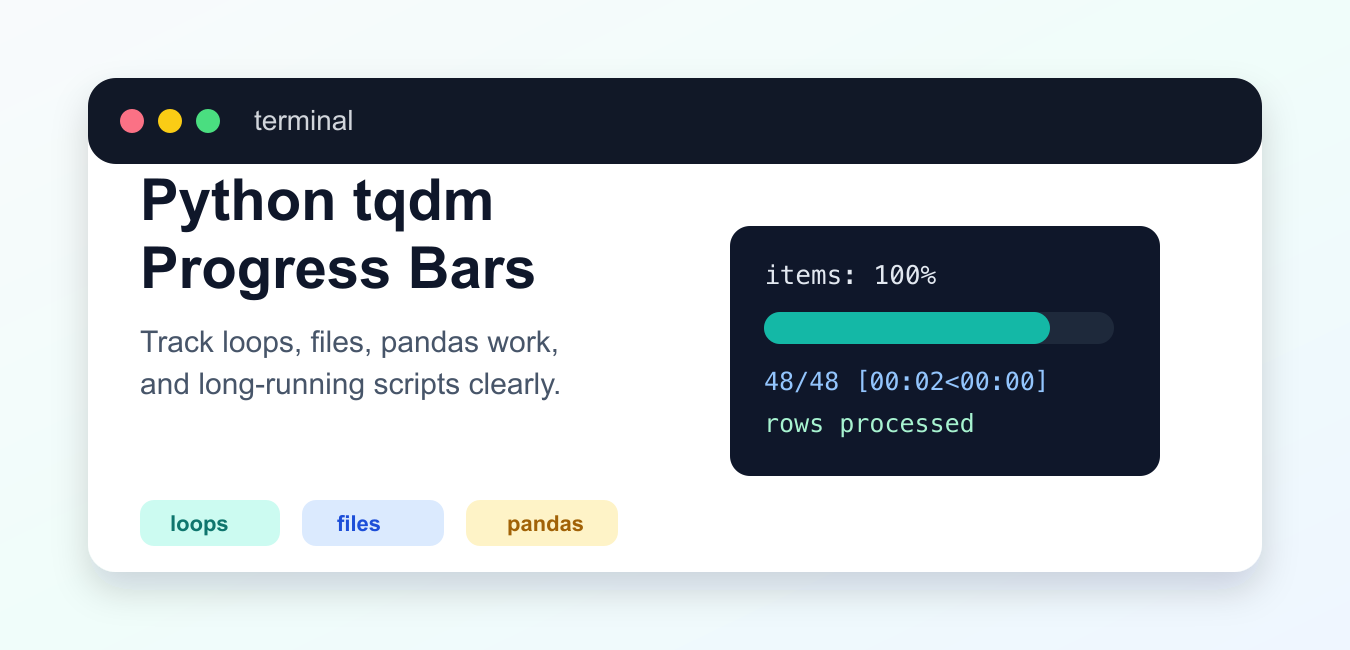
Quick answer: Wrap an iterable with tqdm() to display progress while the loop runs. Add a meaningful description and unit, disable the bar for non-interactive output, and send normal application logs through a compatible logging path.
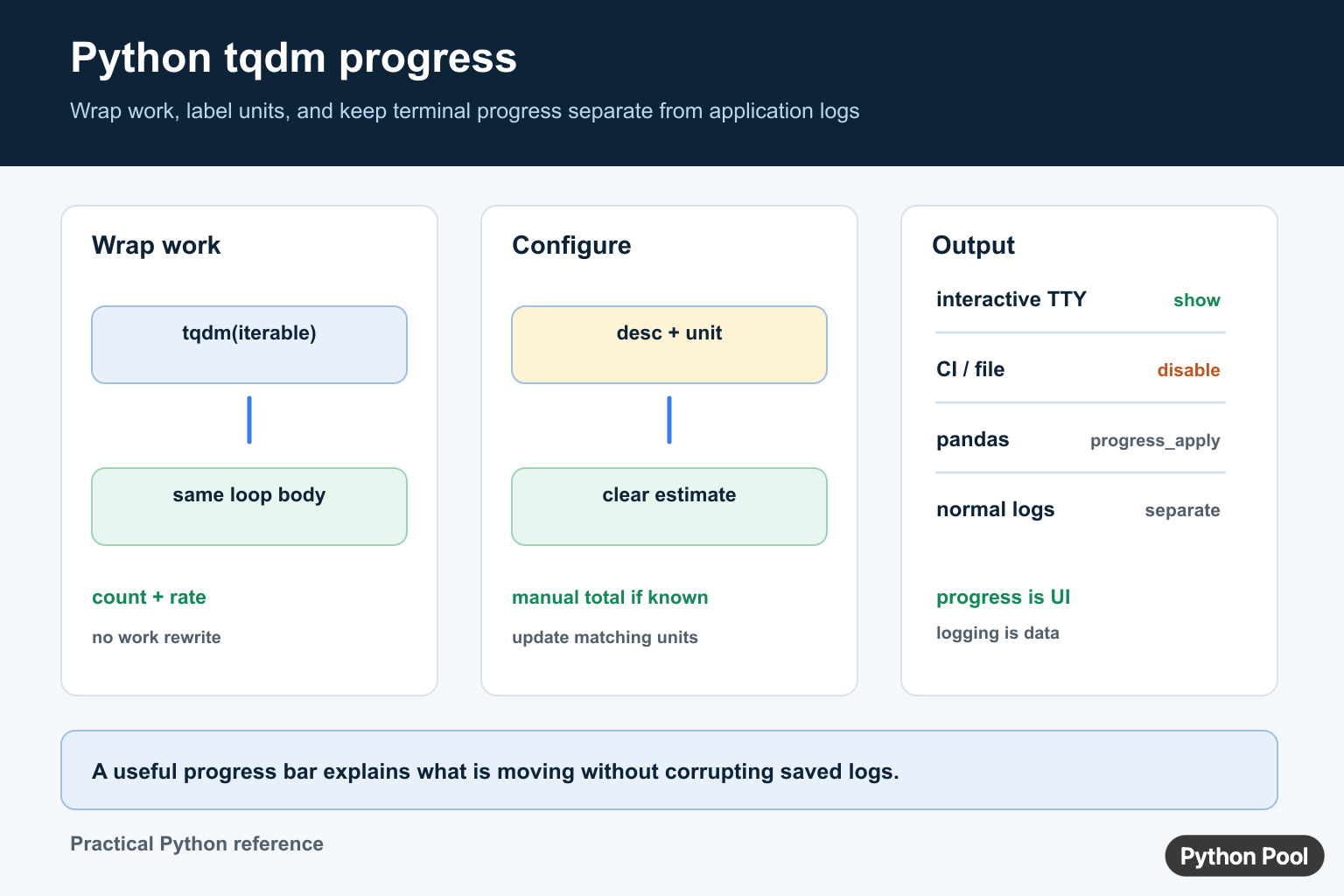
tqdm is a Python package that adds a progress bar around an iterable. It is useful for file processing, API results, model batches, database rows, and other work where the user needs feedback during a long operation. The official tqdm documentation describes the iterator wrapper and its options.
A progress bar is a user-interface element, not a replacement for logging. Keep the loop’s work and error handling explicit, then decide whether progress output belongs on the terminal, a notebook, or nowhere in a redirected job log.
Install And Wrap An Iterable
python -m pip install tqdm
from time import sleep
from tqdm import tqdm

for item in tqdm(range(10), desc="Processing"):
    sleep(0.05)
The wrapper yields the same items as the original iterable while tracking progress. It does not make the work itself faster. Choose the correct environment when installing so the interpreter running the script can import the package.
Add Labels And Units
from tqdm import tqdm

records = load_records()
for record in tqdm(records, desc="Importing records", unit="record"):
    import_record(record)
A short description tells the user what is moving. The unit makes the counter readable when the iterable is not simply a count of generic steps. Avoid putting sensitive data into descriptions or postfix text.
Handle Unknown-Length Iterables
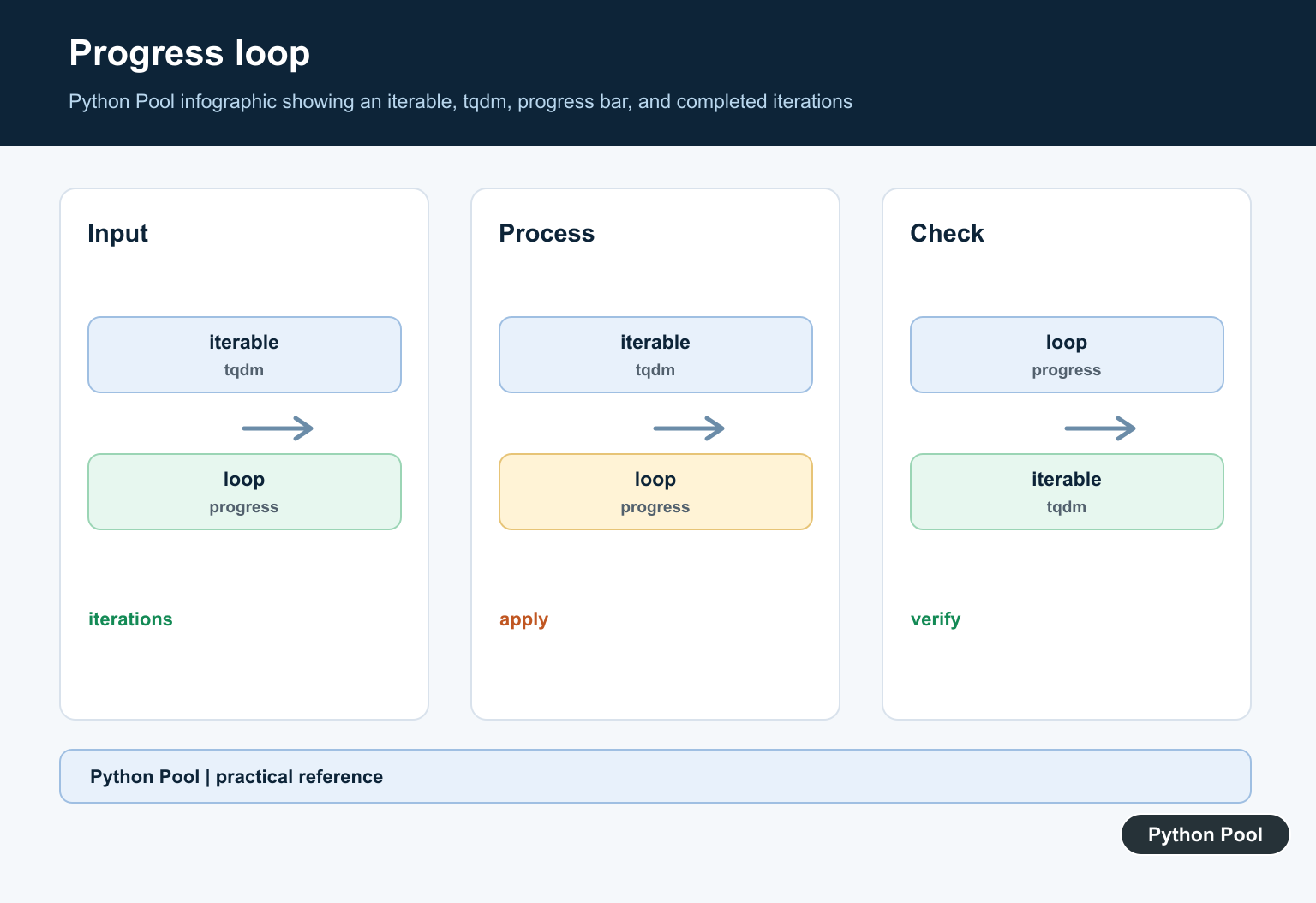
Generators and streams may not have a known total. tqdm can still show a count and rate, but it cannot calculate an accurate percentage or remaining time without a total.
def rows():
    for line in open("events.log", encoding="utf-8"):
        yield line

for line in tqdm(rows(), desc="Reading events", unit="line"):
    consume(line)
Use a context manager for the file in production so it closes even when processing raises an exception. For very large files, a known line count can be supplied only when computing that count is cheaper than the work it describes.
Update Progress Manually
Use a progress object when one completed operation represents several work units.
from tqdm import tqdm

with tqdm(total=100, desc="Uploading", unit="file") as progress:
    for batch in batches:
        upload_batch(batch)
        progress.update(len(batch))
The update amount must match the total’s unit. If the total is files, update by files; if it is bytes, update by bytes. Mixing units makes the estimate misleading.
Use tqdm With pandas
For pandas operations, the integration method must be enabled before calling the progress-aware operation.
from tqdm import tqdm
import pandas as pd

tqdm.pandas(desc="Normalizing")
frame["name"] = frame["name"].progress_apply(normalize_name)
Keep the function passed to progress_apply() deterministic and avoid doing unrelated I/O inside every row. For large data, vectorized pandas operations may be faster and easier to monitor at the batch level.
Disable Progress In CI
Terminal control sequences can make redirected logs noisy. Select the output policy from the environment.
import sys
from tqdm import tqdm

show_progress = sys.stderr.isatty()
for item in tqdm(items, desc="Working", disable=not show_progress):
    process(item)
Some notebooks have their own integration, while batch jobs may prefer a periodic log message. If a caller needs a quiet mode, expose it as a command-line option instead of forcing every user to edit the source.
Keep Logging Readable
Use tqdm’s compatible logging helpers or write logs outside the progress bar’s display area. Do not print dozens of normal log lines above a single bar without considering how the terminal will redraw.
For file and directory workflows, combine tqdm with Python directory iteration. For timing a small operation, see the Python timer guide instead of adding a full progress bar.
Use A Context Manager For Manual Progress
The context-manager form closes the progress display when work finishes or raises an exception.
from tqdm import tqdm

with tqdm(total=len(files), desc="Converting", unit="file") as bar:
    for path in files:
        convert(path)
        bar.update(1)
Update after the work succeeds if the bar represents completed work. Updating before a failing operation would overstate progress. When retries are possible, decide whether each attempt or each successfully completed item is the unit.
Use A Known Total Carefully
A progress percentage is only useful when the total is accurate. Do not pass a guessed total for a stream or a filtered query just to make a percentage appear. An honest count and rate are better than a precise-looking but misleading estimate.
For nested work, choose one bar for the main unit or use a clear position policy. Multiple bars can become difficult to read in narrow terminals and can make captured logs much larger.
Keep Errors Visible
Let exceptions retain their normal traceback while the progress display is cleaned up. Catch an exception only when the application can recover or add useful context. A progress bar should never hide which item failed.
from tqdm import tqdm
import sys

for path in tqdm(paths, desc="Parsing", unit="file"):
    try:
        parse(path)
    except ValueError as error:
        print(f"Could not parse {path}: {error}", file=sys.stderr)
        raise
For libraries, consider making progress optional instead of creating a bar automatically. A command-line entry point can enable it, while a library caller, test suite, or web worker can pass disable=True or supply its own reporting hook. This keeps presentation decisions outside the core computation.
Progress updates also have a cost. Very fast loops can spend more time refreshing the display than doing useful work, so allow tqdm to control its refresh rate or wrap a larger unit of work. The goal is timely feedback, not a redraw for every tiny operation.
Keep the progress description stable so a person can recognize the operation when several commands run in sequence.
Choose a bar only when progress answers a real user question: how much is done, how fast it is moving, or whether the command is still alive.
Frequently Asked Questions
What is tqdm used for in Python?
tqdm wraps an iterable and displays progress such as completed count, rate, elapsed time, and an estimate while the loop runs.
How do I add a label to a tqdm progress bar?
Pass desc for a short description and unit for the counted work, such as tqdm(records, desc=’Importing’, unit=’record’).
How do I show progress for pandas apply()?
Call tqdm.pandas(desc=’…’) and then use progress_apply() on the pandas Series or DataFrame operation.
Should tqdm be disabled in CI logs?
Usually disable it for non-interactive output so terminal control sequences do not make saved logs noisy; use a normal log message when automation needs progress.
