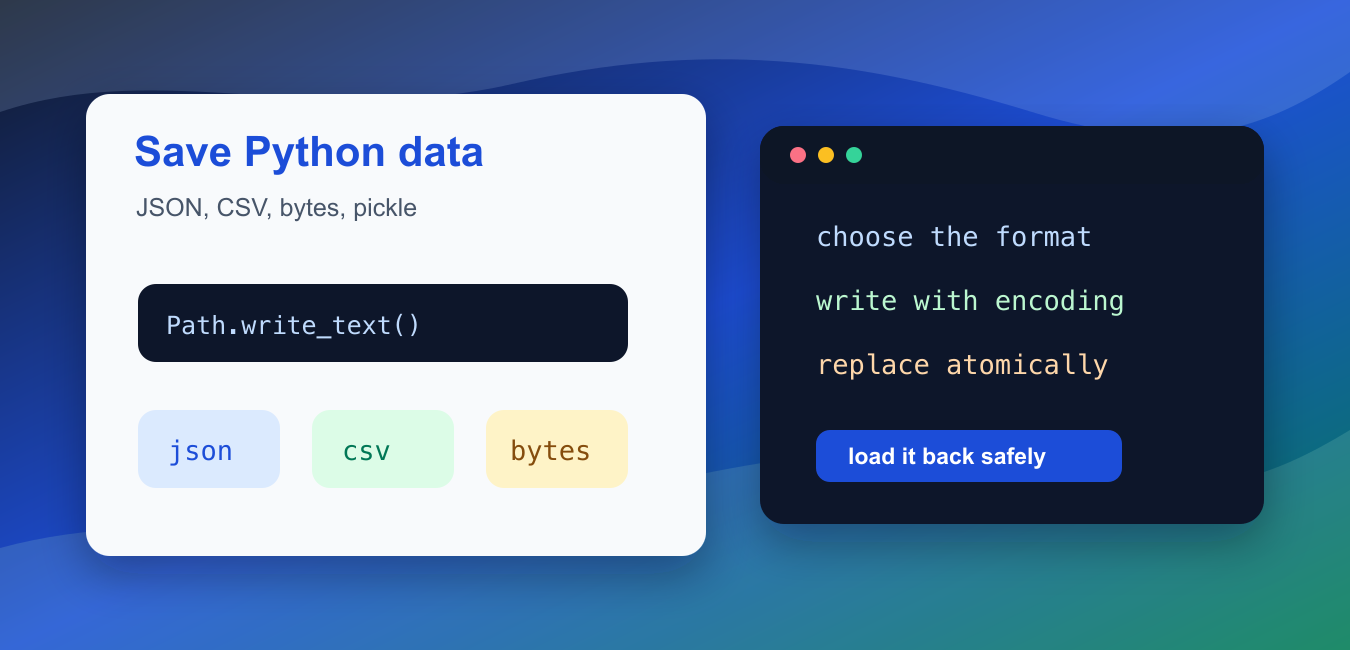
Quick answer: Choose a persistence format from the variable’s data types and who must read it. JSON is interoperable for simple dictionaries, lists, strings, numbers, booleans, and null; pickle can preserve many Python-specific objects but must only load trusted data; text is best when humans need to inspect it. For NumPy arrays, native array formats preserve shape and dtype.
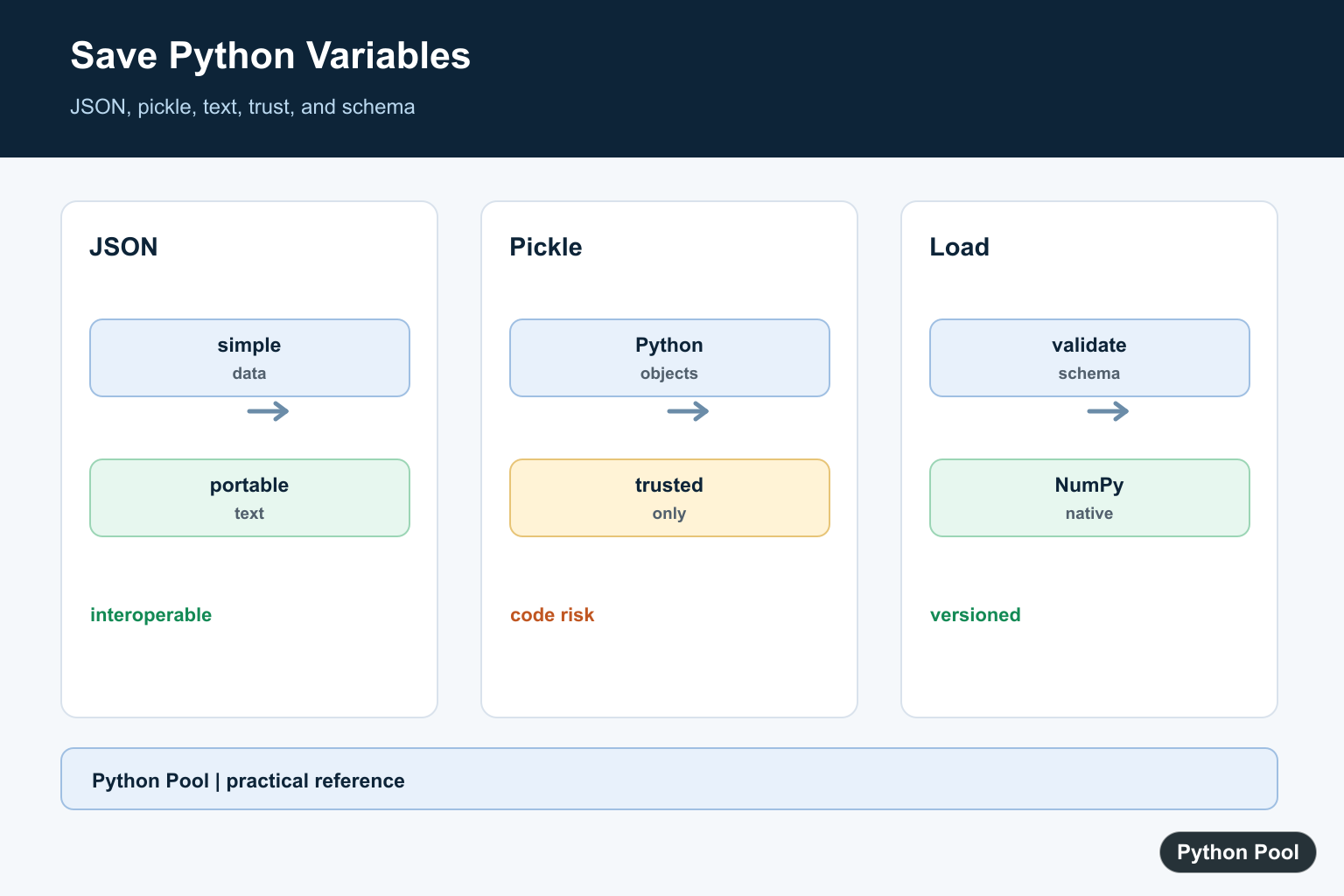
Saving Python values to a file means choosing a format first. Text is best for human-readable notes, JSON is best for simple structured data, CSV is best for rows, bytes are best for binary payloads, and pickle is only for trusted Python-only data. The file format should match how the data will be loaded later.
Do not start with a random extension. Ask three questions: should a person read it, should another program read it, and can the data be trusted when loaded back? Those answers decide whether to use .txt, .json, .csv, .bin, or a Python-specific pickle file.
The official references for this guide are json, pickle, pathlib, tempfile, and csv.
The examples below use temporary folders so they run without touching your project files. In your own code, replace the temporary path with a controlled application path and decide whether overwriting is allowed.
Also decide whether the file is part of an interface. If another tool reads it, keep the schema stable and document the encoding. If the file is only a cache, include a version number or rebuild path so old cache files do not break a newer program.
Save Structured Data As JSON
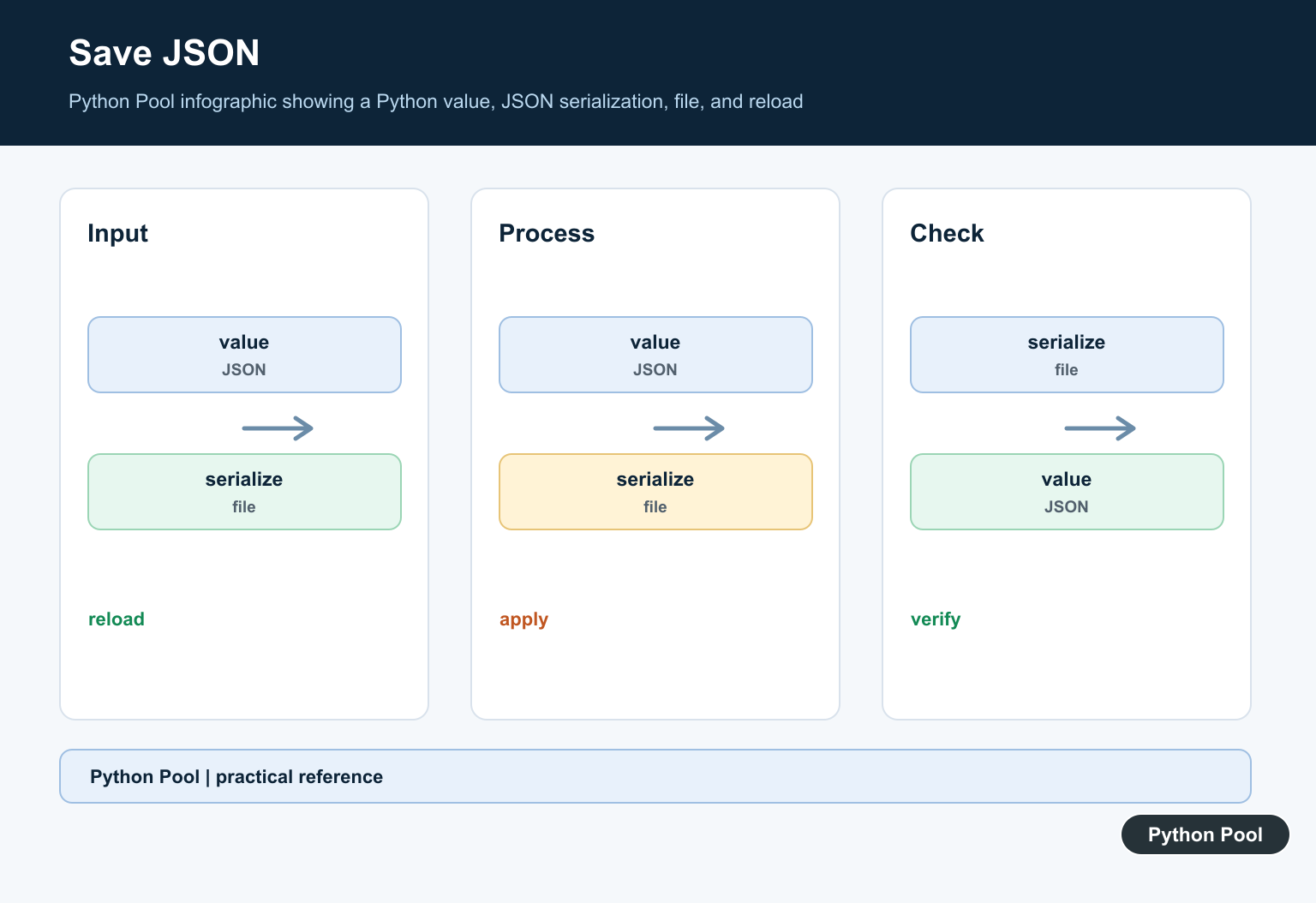
JSON is a good default for dictionaries, lists, strings, numbers, booleans, and null-like values. It is readable and works across many languages.
import json
from pathlib import Path
from tempfile import TemporaryDirectory

settings = {
    "theme": "dark",
    "page_size": 25,
    "features": ["search", "export"],
}

with TemporaryDirectory() as folder:
    path = Path(folder) / "settings.json"
    path.write_text(json.dumps(settings, indent=2), encoding="utf-8")
    loaded = json.loads(path.read_text(encoding="utf-8"))

print(loaded["theme"])
print(loaded["features"][1])
Use indent=2 for files that people may review. For compact machine-only output, omit indentation. JSON cannot store every Python object directly, so convert dates, paths, sets, and custom objects into plain data first.
JSON is usually safer than pickle for saved settings because loading JSON does not execute Python objects. It also makes diffs and code reviews much easier when configuration changes are committed intentionally.
Save A Plain Text Value
For one message, label, or report body, text is enough. Always choose an encoding explicitly so the file behaves the same across machines.
from pathlib import Path
from tempfile import TemporaryDirectory

message = "PythonPool report\nStatus: ready\n"

with TemporaryDirectory() as folder:
    path = Path(folder) / "report.txt"
    path.write_text(message, encoding="utf-8")
    text = path.read_text(encoding="utf-8")

print(text.splitlines()[0])
print(len(text.splitlines()))
Text files are easy to inspect and diff. They are not ideal for nested structured data because parsing rules become custom and fragile.
If a text file will be appended many times, open it with append mode and write complete lines. For generated reports, rewrite the full file so each run creates one predictable result.
Save And Load Bytes
Binary data should be written in binary mode. That includes encoded payloads, compressed data, images, model weights, and any content where byte-for-byte preservation matters.
from pathlib import Path
from tempfile import TemporaryDirectory

payload = bytes([80, 89, 80, 79, 79, 76])

with TemporaryDirectory() as folder:
    path = Path(folder) / "payload.bin"
    path.write_bytes(payload)
    restored = path.read_bytes()

print(restored)
print(restored == payload)
Do not decode binary data to text unless the format actually is text. If you need to put bytes inside JSON, encode them with base64 and document that choice.
Binary mode also avoids newline conversion on platforms that treat line endings differently. That matters when exact byte values are part of a hash, archive, or external file format.
Use Pickle Only For Trusted Data
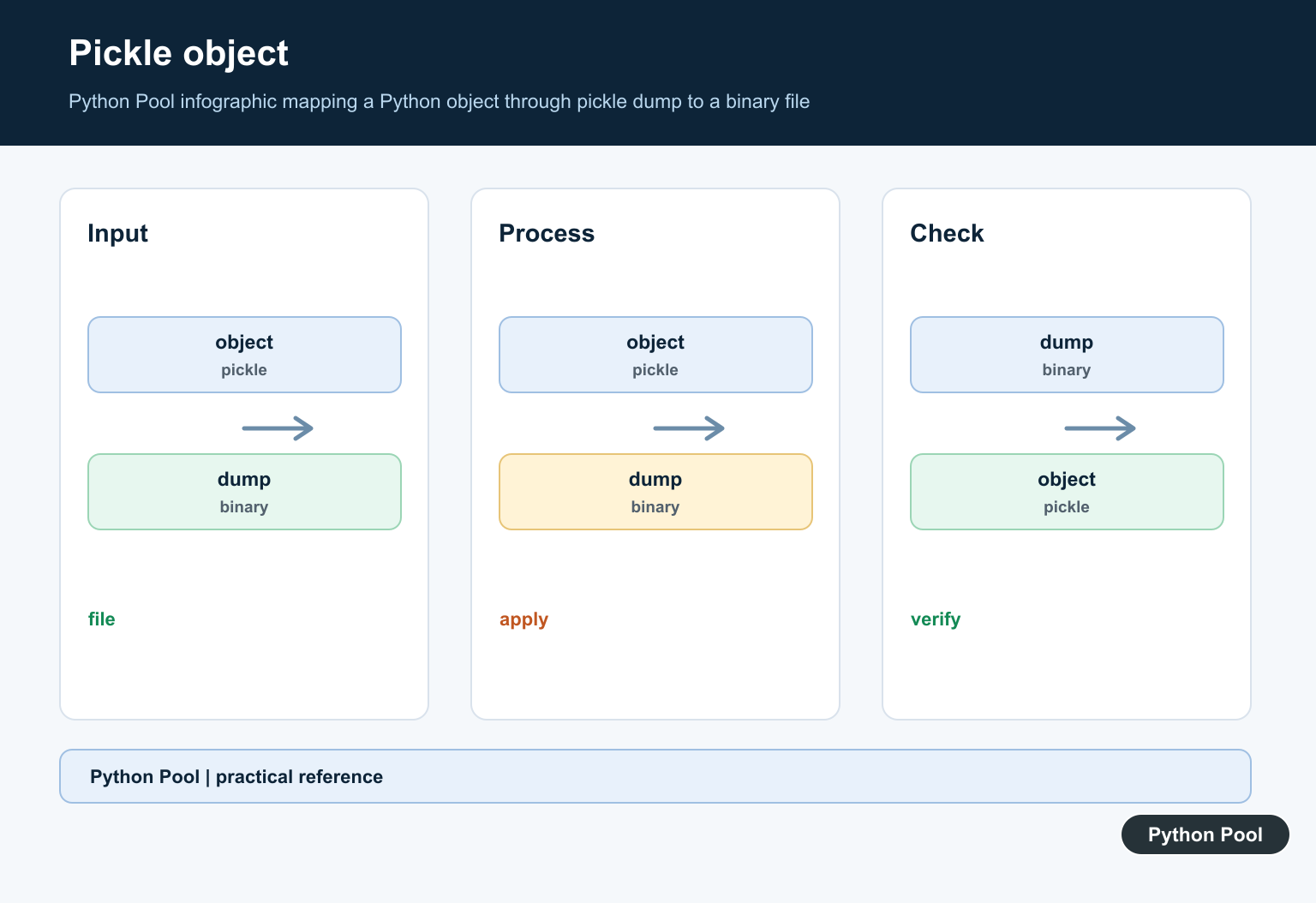
pickle can store many Python-specific objects, but loading a pickle from an untrusted source is unsafe. Use it only for files your own program created and controls.
import pickle
from pathlib import Path
from tempfile import TemporaryDirectory

cache = {"scores": [91, 84, 88], "active": True}

with TemporaryDirectory() as folder:
    path = Path(folder) / "cache.pkl"
    path.write_bytes(pickle.dumps(cache))
    restored = pickle.loads(path.read_bytes())

print(restored["scores"])
print(restored["active"])
For long-term storage or sharing between systems, prefer JSON, CSV, SQLite, Parquet, or another documented format. Pickle is convenient for short-lived trusted Python caches, not for open data exchange.
When you do use pickle, include a rebuild plan. A cache that can be regenerated is much safer than one that becomes a hidden dependency for important business data.
Save Rows As CSV
CSV is a good fit for table-like rows. Use the csv module so commas, quotes, and newlines are escaped correctly.
import csv
from pathlib import Path
from tempfile import TemporaryDirectory

rows = [
    {"name": "Ada", "score": 95},
    {"name": "Guido", "score": 89},
]

with TemporaryDirectory() as folder:
    path = Path(folder) / "scores.csv"
    with path.open("w", newline="", encoding="utf-8") as handle:
        writer = csv.DictWriter(handle, fieldnames=["name", "score"])
        writer.writeheader()
        writer.writerows(rows)

    print(path.read_text(encoding="utf-8").splitlines()[0])
    print(path.read_text(encoding="utf-8").splitlines()[1])
Keep column names stable when another tool will read the file. For complex nested data, CSV is usually the wrong format because every cell is text.
Write Atomically When Overwriting
If a file may already exist, write to a temporary file first and then replace the final path. That reduces the chance of leaving a half-written file after a crash.
from pathlib import Path
from tempfile import TemporaryDirectory

def atomic_write_text(path, text):
    temp_path = path.with_suffix(path.suffix + ".tmp")
    temp_path.write_text(text, encoding="utf-8")
    temp_path.replace(path)

with TemporaryDirectory() as folder:
    path = Path(folder) / "state.txt"
    atomic_write_text(path, "version 1\n")
    atomic_write_text(path, "version 2\n")

    print(path.read_text(encoding="utf-8").strip())
    print((path.with_suffix(".txt.tmp")).exists())
This pattern is useful for settings, cache files, generated reports, and other outputs that should not be corrupted by partial writes. For multiple writers, add a locking strategy or use a database.
Finally, keep paths predictable. Write into an application data directory, a configured output folder, or a temporary directory created by the program. Avoid building paths from unchecked user text.
In short, pick the format before writing the file. Use JSON for simple structured data, text for human-readable output, binary mode for bytes, CSV for rows, and pickle only for trusted Python-owned data. Add explicit encodings, path checks, and atomic replacement when overwriting matters.
Save JSON-Compatible Data
JSON is a good default for configuration and interchange when the values fit its types. Open with an explicit encoding and use indent when a human will review the file.
import json
from pathlib import Path

state = {"name": "Python Pool", "count": 3}
path = Path("state.json")
with path.open("w", encoding="utf-8") as stream:
    json.dump(state, stream, indent=2)
Use pickle Only For Trusted Data
pickle can serialize Python-specific object graphs, but unpickling untrusted bytes can execute code. Treat the file as executable input and use JSON or another safe format when data crosses a trust boundary.
import pickle

value = {"items": [1, 2, 3]}
with open("state.pickle", "wb") as stream:
    pickle.dump(value, stream)
Write Simple Text
A text file is easy to inspect and works well for one value per line or a deliberately documented format. Do not rely on repr as a long-term interchange format unless the parser contract is controlled.
from pathlib import Path

values = ["alpha", "beta", "gamma"]
Path("values.txt").write_text("\n".join(values) + "\n", encoding="utf-8")
Validate On Load
Persistence is a boundary, not a guarantee that the data still has the expected shape. Load the file with the matching format, check required keys and types, and plan how schema changes are handled.
import json

with open("state.json", encoding="utf-8") as stream:
    state = json.load(stream)
if not isinstance(state, dict) or not isinstance(state.get("count"), int):
    raise ValueError("invalid state file")
print(state)
Python’s json and pickle documentation explains serialization choices and trust boundaries. Related references include NumPy save formats, bytes and text, and file operations.
For related persistence choices, compare NumPy save formats, bytes and text, and file operations when choosing a storage format.
Frequently Asked Questions
How do I save a Python dictionary?
Use json.dump for JSON-compatible values and open the file with an explicit encoding.
When should I use pickle?
Use pickle only for trusted Python-specific data because loading an untrusted pickle can execute code.
How do I save a NumPy array?
Use NumPy’s native save formats when preserving array dtype and shape is important.
How do I load the data later?
Read it with the matching format and version policy, then validate the structure before using it.

Please don't do that, even as an example. dict is a built-in name, of an important data type, and now you've made its original value inaccessible.You wouldn't do that with print, int, str, open, ... would you?Hi,
Yes, that’s a great catch. Using dict as a variable is not favorable since it’s a built-in name.
I’ve changed the variable names from dict to input_dictionary to avoid this error.
Regards,
Pratik