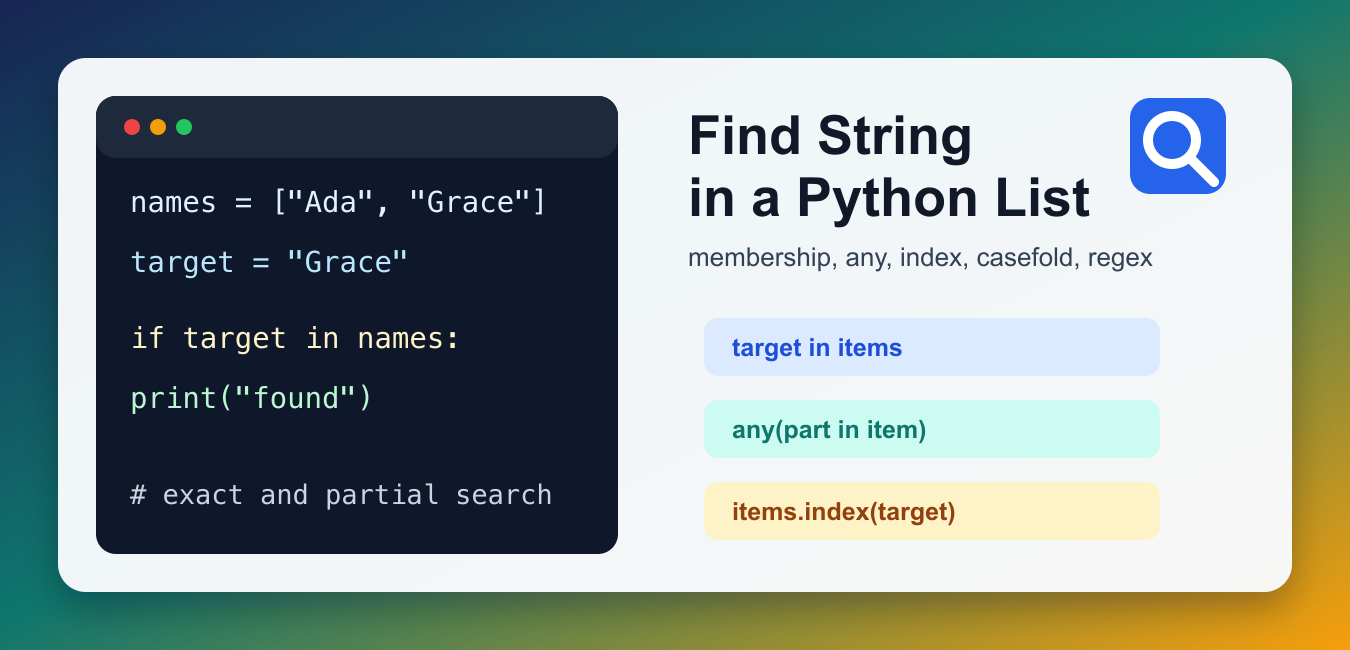
Quick answer: First decide whether the requirement is exact membership, a substring match, the first index, or every matching item. Then choose in, index or enumerate, any, or a comprehension, with an explicit case and missing-value policy.
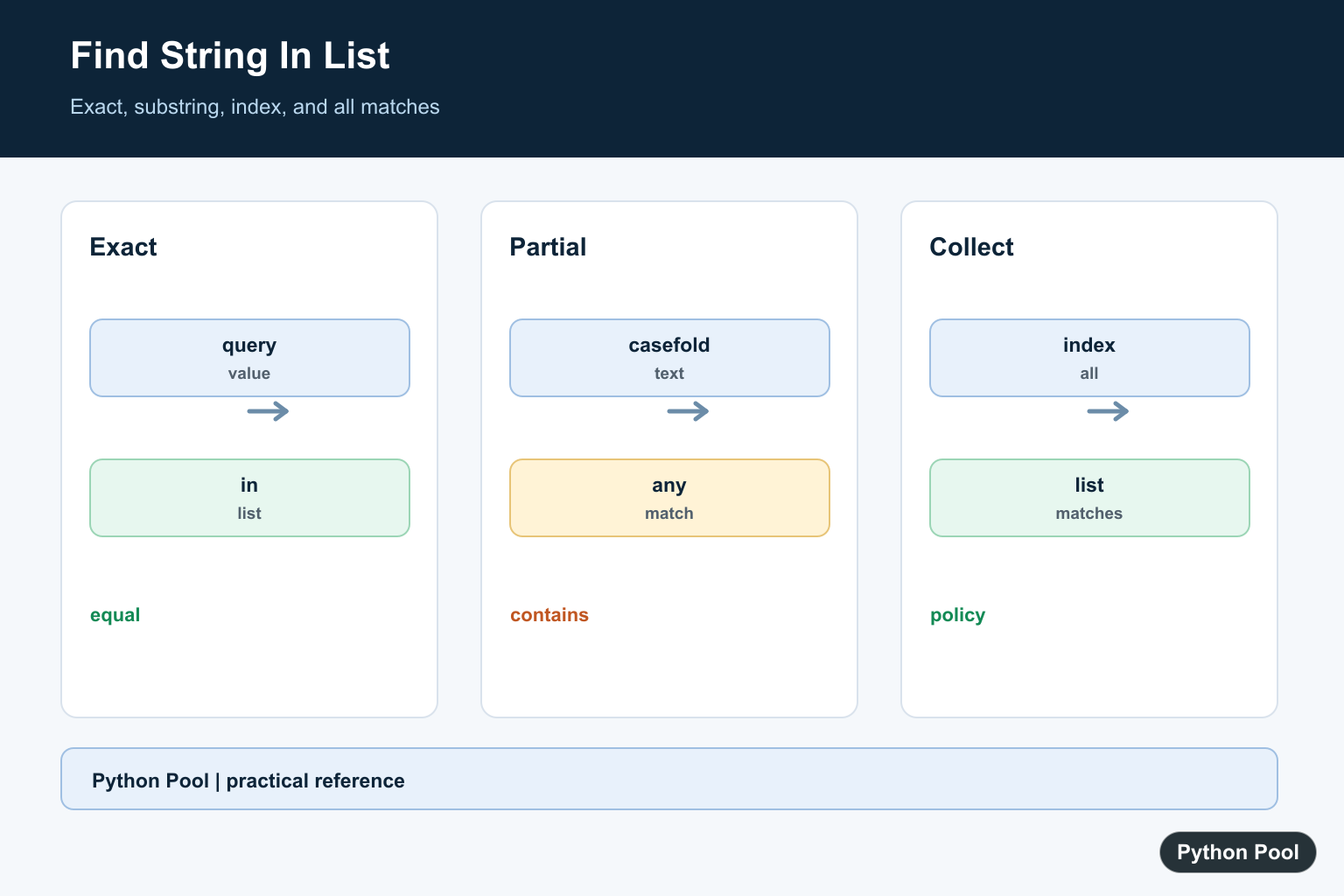
To find a string in a Python list, use the in operator when you need an exact match. Use list.index() when you also need the position, any() for partial matches, and casefold() when uppercase and lowercase should be treated as the same text.
The right method depends on the question you are asking. Are you checking whether the exact string exists? Do you need the index? Are you searching for a word inside each list item? The examples below cover those common cases with code that is easy to test and reuse.
Check for an Exact String With in
The membership test is the simplest option. It returns True if the exact string is an item in the list and False otherwise.
names = ["Ada", "Grace", "Linus"]
target = "Grace"

if target in names:
    print("Found the name")
else:
    print("Name is missing")
This checks complete list items. It will find "Grace", but it will not find "Gra" unless "Gra" is a separate item in the list. It also returns only a boolean answer, so choose another method when you need the matching value, the index, or all duplicate matches.
Find the Index of a String
Use list.index() when you need the first position where the string appears. Because index() raises ValueError when the item is missing, wrap it when missing values are possible.
words = ["python", "list", "search"]
target = "list"

try:
    position = words.index(target)
    print(position)
except ValueError:
    print("Target was not found")
If the list contains the same string more than once, index() gives the first occurrence only. To collect every position, loop with enumerate() and keep the indexes that match. If you later use a position to read or update a value, the Python list index out of range guide explains the common boundary errors to avoid.
Search for a Partial String With any()
Use any() when you want to know whether a substring appears inside at least one list item. This is useful for tags, filenames, sentences, log messages, and other lists of longer strings.
files = ["report.csv", "notes.txt", "summary.md"]
needle = ".csv"

has_csv = any(needle in file_name for file_name in files)
print(has_csv)
This pattern stops as soon as a match is found, so it is concise and efficient for a yes-or-no check. For a deeper walkthrough of looping styles, see iterate through a list in Python.
Do a Case-Insensitive Search
String comparison is case-sensitive by default. For user-entered text, normalize both sides first. casefold() is usually better than lower() for comparisons because it is designed for caseless matching.
cities = ["Delhi", "London", "Tokyo"]
target = "london"

normalized = [city.casefold() for city in cities]
if target.casefold() in normalized:
    print("City found")
Build the normalized list once if you will run many searches against the same data. If you only need display cleanup, Python lowercase covers lower(), casefold(), and related string-cleaning methods.
Return All Matching Strings
If you need the matching values, not just a boolean answer, use a list comprehension. This keeps every list item that contains the substring.
messages = ["error: file missing", "ok", "error: retry"]
needle = "error"

matches = [message for message in messages if needle in message]
print(matches)
This is also a good pattern when you want to filter user names, paths, labels, or rows from a small in-memory list. If the list can contain non-string values, convert carefully with str(value) or skip values that are not strings. If you are formatting the result for output, the guide on removing brackets from a list in Python may help.
Use Regex for Flexible Patterns
Use the re module when plain substring checks are not enough. Regex can match prefixes, suffixes, digits, word boundaries, and alternate spellings.
import re

values = ["item-101", "draft", "item-204"]
pattern = re.compile(r"^item-\d+$")

matches = [value for value in values if pattern.search(value)]
print(matches)
Do not reach for regex when a normal in check is enough. Regex is powerful, but a simple membership test is easier to read and less likely to surprise future maintainers. Compile the pattern once when you reuse it in several checks.
Which Method Should You Use?
Use target in items for exact membership, items.index(target) for the first position, any() for a yes-or-no partial match, a list comprehension for all matches, and regex for structured patterns. If list items may be numbers, validate or convert them before string matching; the guide to checking if a string is an integer covers that situation.
For larger text processing tasks, you may also need to split strings before searching them. The count words in a string in Python guide shows related tokenization examples.
For very large lists or repeated exact lookups, consider storing the strings in a set as well as a list. A list preserves order and duplicates, while a set gives faster membership checks. Keep the list when order matters; build a set when you only need to answer whether a string exists.
References
- Python reference: membership test operations
- Python docs: any()
- Python docs: str.casefold()
- Python docs: re
Check Exact Membership
The in operator checks equality, not containment inside each list item. It is the clearest option when the list contains complete string values with the intended casing and normalization.
Find A Substring
Use any with a generator when the query should occur inside at least one value. This short-circuits after the first match. Decide whether punctuation, whitespace, accents, and case should be normalized before comparing.
Collect Every Match
A comprehension returns all values or indices satisfying the predicate. It is more useful than index when duplicates or multiple matches matter. Keep the original index when a later update must address the source list.
Handle Missing Exact Values
list.index raises ValueError when no exact item exists. Catch it at the boundary or use a default pattern so not-found is not confused with index zero. Do not use a truthiness test when an empty result is valid.
Use The Right Data Structure
Repeated membership checks on a large, stable collection may be better served by a set, while ordered prefix or substring search may need a different index. Start with the clearest list expression, then measure before changing the representation.
Python’s sequence operations and any() references define membership and predicate behavior. Related references include casefold, iteration, and string containment.
For related text matching, compare casefold, iteration, and string containment when searching a list.
Frequently Asked Questions
How do I check if a string is in a list?
Use the in operator for exact membership when the list contains strings with the intended casing.
How do I find the first matching index?
Use list.index inside a controlled try block or enumerate when you need a clear not-found policy.
How do I search case-insensitively?
Normalize both the query and values with casefold when Unicode-aware case-insensitive matching is required.
How do I find every matching string?
Use a list comprehension or enumerate to collect all values or indices that satisfy the matching predicate.
