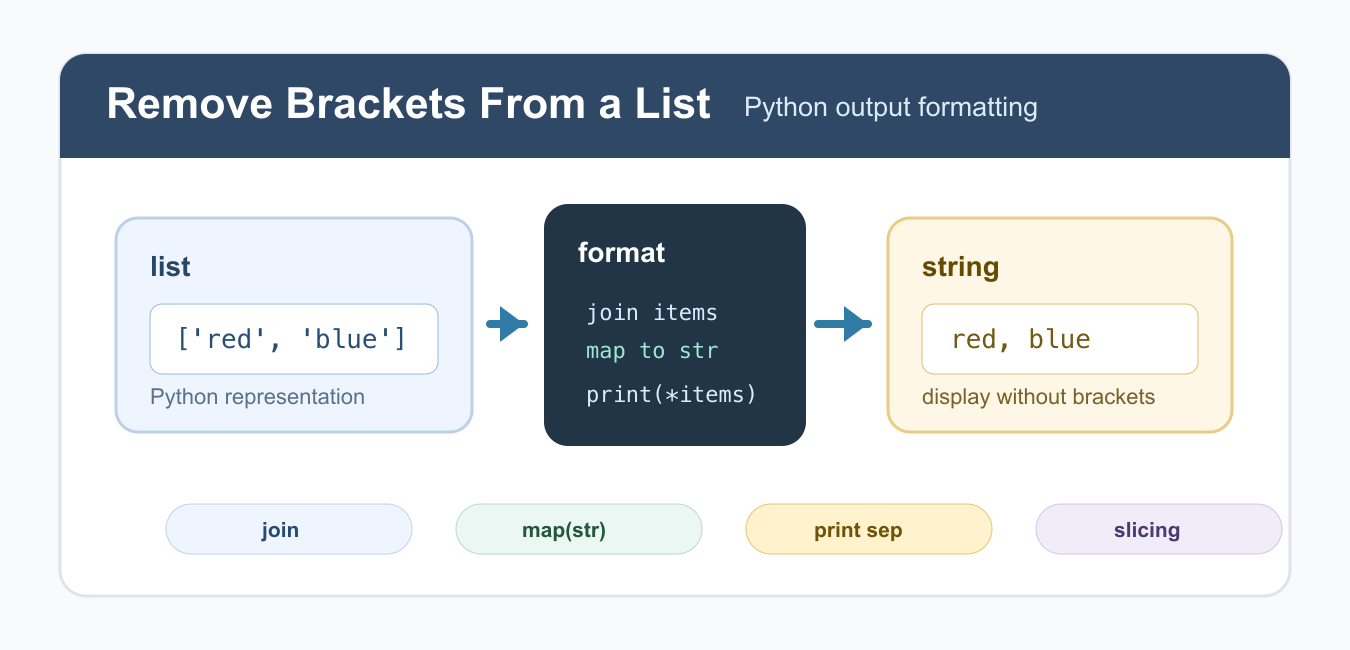
Quick answer: List brackets are part of Python’s representation, not data that must be deleted. For clean display, convert each item to text and join the items with the separator you want. This keeps the original list intact, works with integers and other values, and avoids corrupting values that happen to contain bracket characters.
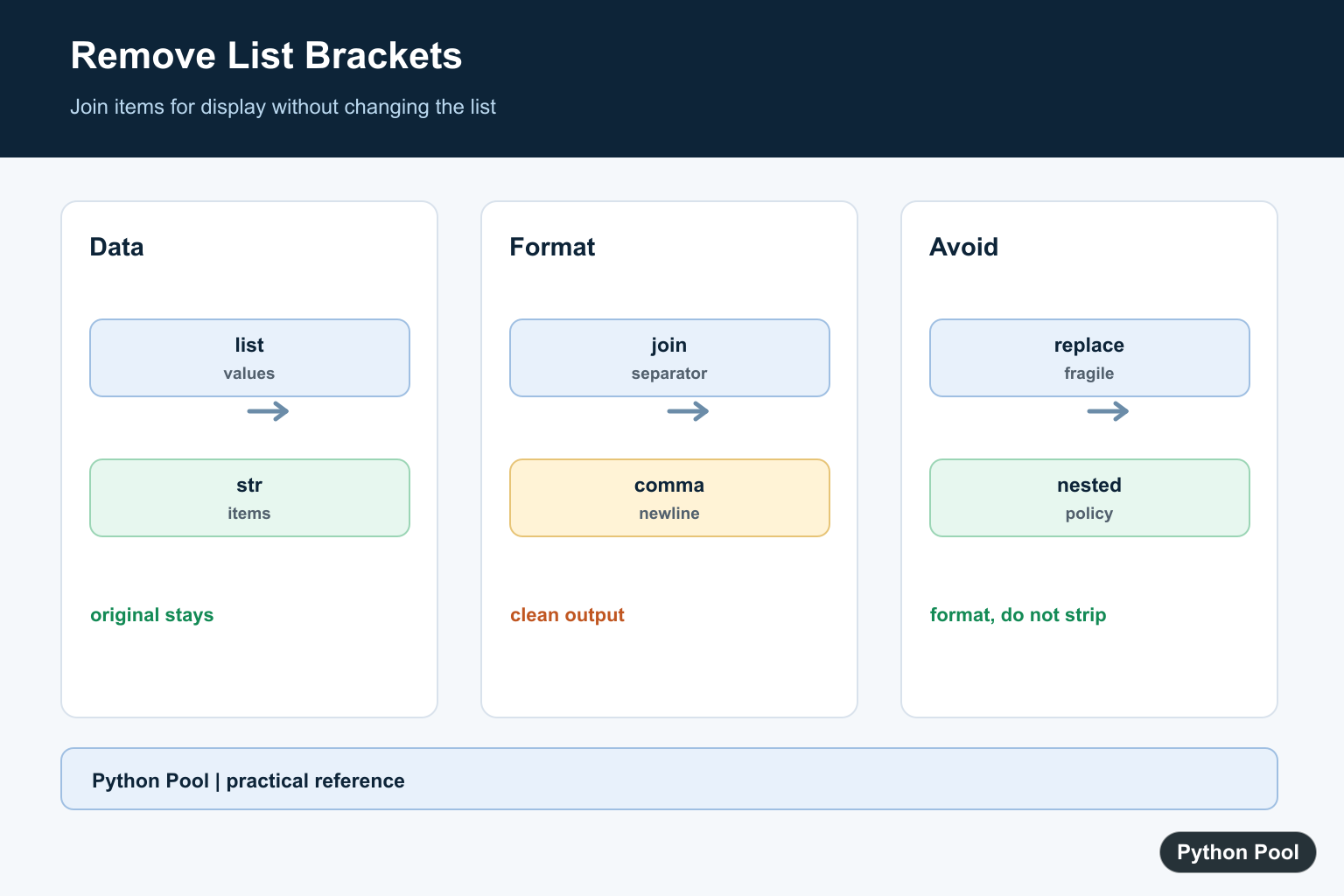
To remove brackets from a list in Python, format the list values as a string instead of printing the raw list object. The square brackets appear because print(my_list) shows Python’s list representation. If you want clean output such as red, blue, green, convert the items to strings and join them with the separator you want.
The best method depends on the data. Use join() for lists of strings, map(str, items) for mixed numbers and strings, print(*items, sep=...) for console output, and slicing only when you deliberately want to remove the first and last character from an already-created string. The official Python lists tutorial is useful background if you are new to list output.
This task is usually about display formatting, not changing the list. The original list should normally stay as a list so later code can still index, sort, append, or iterate over it. Create a separate string only at the point where you need to print, save, or show the values.
Use join() for a List of Strings
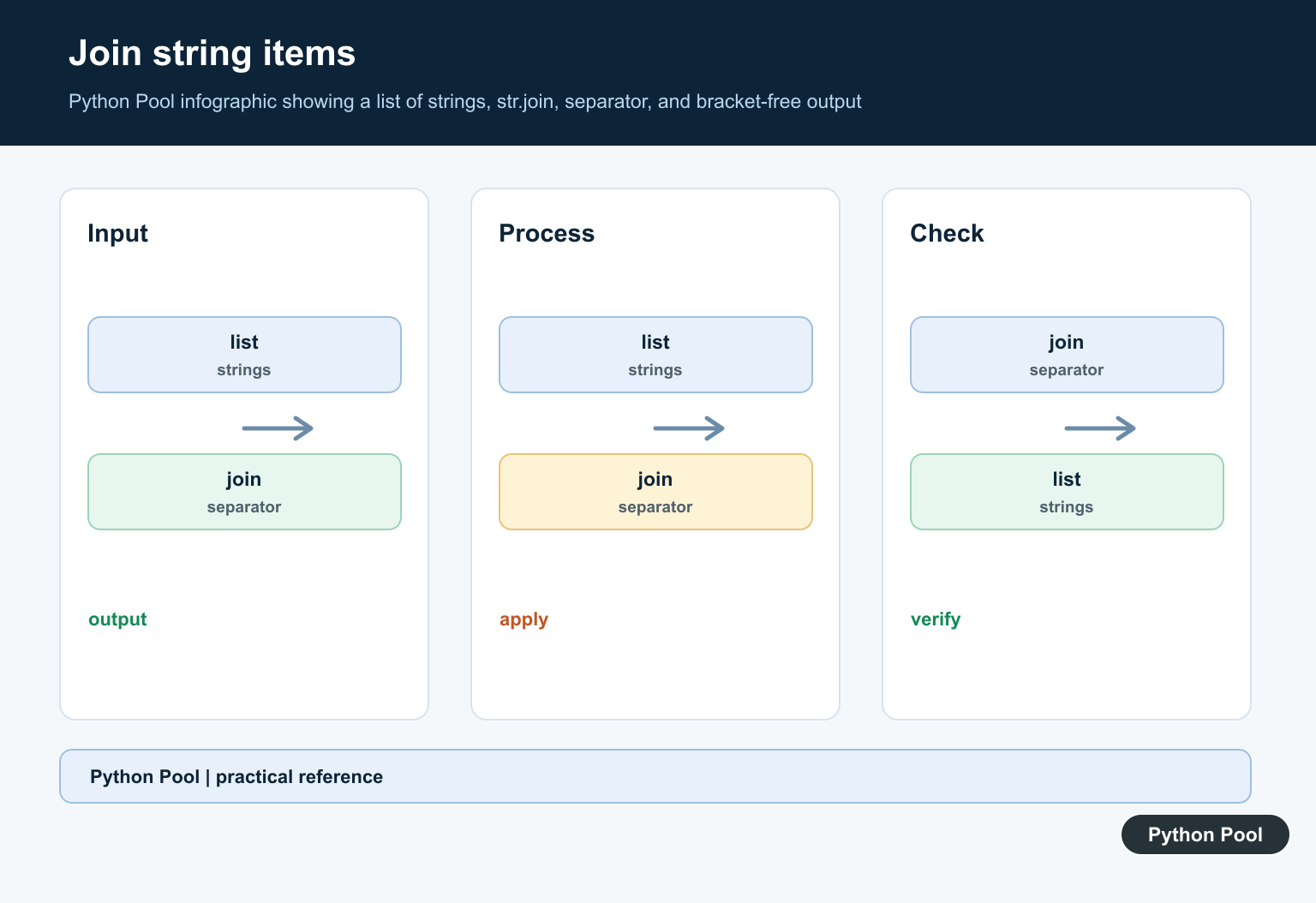
When every item is already a string, str.join() is the cleanest solution. It creates one string by placing a separator between each list item.
colors = ["red", "blue", "green"]

result = ", ".join(colors)

print(result)
This prints red, blue, green without brackets or quotes. The separator can be a comma, a space, a newline, or any other string. The official str.join documentation explains why the separator owns the join() method. If you want one value per line, use " instead.
".join(colors)
Use map(str) for Numbers or Mixed Values
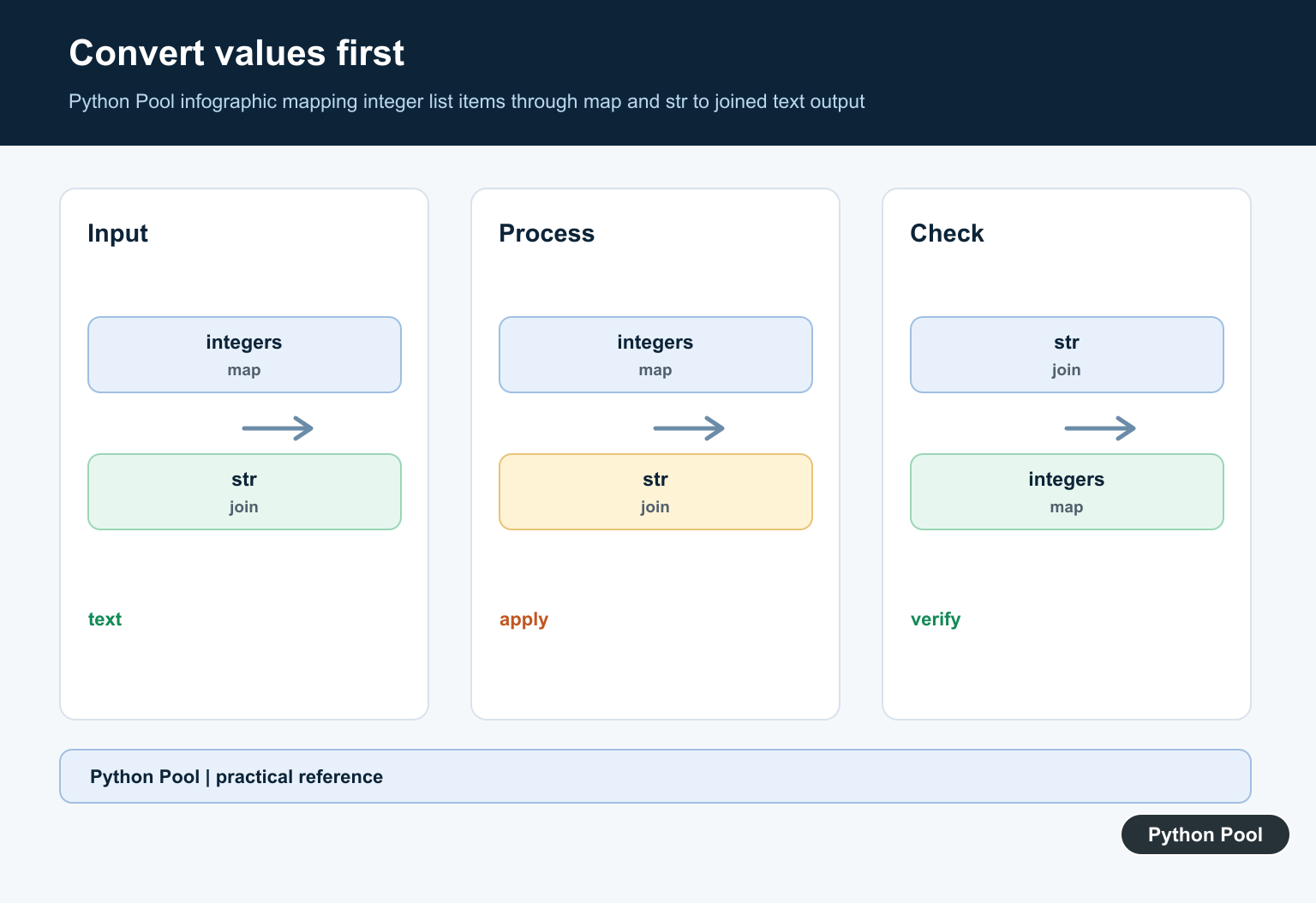
join() requires strings. If your list contains integers, floats, booleans, or mixed values, convert each item first with map(str, items). This keeps the code short while still making the conversion explicit.
scores = [95, 88, 100]

result = ", ".join(map(str, scores))

print(result)
This is safer than manually replacing brackets after calling str(scores). You keep control over the separator and avoid accidentally removing meaningful bracket characters from the data itself. It also works well when values are generated dynamically and you do not want to build a loop just for formatting.
Print Without Brackets Using sep
If you only need console output, unpack the list into print() and set sep. This does not create a reusable string unless you capture output elsewhere, but it is compact for scripts.
items = ["alpha", "beta", "gamma"]

print(*items, sep=", ")
The star operator passes each list item as a separate argument to print(). The sep argument controls what appears between them. The official print documentation covers sep, end, and related output options. For a deeper local explanation, see the sep in Python guide. Use this method for direct terminal output, not for values you need to return from a function.
Remove Brackets From a Nested List
For a nested list, decide whether you want to preserve rows or flatten everything. A common display format is one row per line, with values joined inside each row.
matrix = [[1, 2, 3], [4, 5, 6]]

for row in matrix:
    print(", ".join(map(str, row)))
This output keeps the row structure readable without printing nested square brackets. If your data is truly two-dimensional, the Python 2D list guide covers more ways to create, access, and flatten nested lists. If you flatten a nested list too early, you may lose information about which values belonged together.
Use translate() Only for String Cleanup
You may see examples that convert a list to a string and remove bracket characters with translate(). This can work for display cleanup, but it treats the output as plain text. It does not understand Python list structure.
items = ["red", "blue", "green"]

text = str(items)
cleaned = text.translate(str.maketrans("", "", "[]'"))

print(cleaned)
This removes brackets and quotes from the string representation. It is less precise than join(), especially if the values themselves contain quotes or brackets. Use this approach only for simple display text. For broader string cleanup, see remove characters from a string in Python and the official str.translate documentation.
Use Slicing on the String Representation
String slicing can remove the first and last character from str(list). It is quick, but it leaves quotes around string values and should not be your default method.
items = ["red", "blue", "green"]

text = str(items)
without_outer_brackets = text[1:-1]

print(without_outer_brackets)
This prints the list contents without the outer brackets, but the result still reflects Python’s representation. It is acceptable for debugging, not for polished user-facing output. If you later need CSV, JSON, or another structured format, use the proper serializer instead of slicing text.
Best Practice
Use ", ".join(items) for a list of strings and ", ".join(map(str, items)) for numbers or mixed values. Use print(*items, sep=", ") for console-only output. Avoid replacing brackets after str(list) unless you are doing quick text cleanup and understand the limitations. If your next step is converting other sequences to strings, the tuple to string guide uses the same core join() pattern. If your list items include unwanted newline characters, see remove newline from a list in Python.
Use join For Text Output
str.join expects strings, so a generator expression is the reliable way to format mixed lists. The list remains available for later calculations and the output policy is visible at the call site.
values = ["Python", 3, "Pool"]
text = ', '.join(str(value) for value in values)
print(text)
print(values)
Choose The Separator
A comma, newline, or empty separator communicates a different output format. Select it from the destination rather than removing punctuation after Python has already created a representation.
values = ["red", "green", "blue"]
print(", ".join(values))
print("\n".join(values))
print("".join(values))
Format Nested Values Deliberately
Nested lists need a policy for each level. Flattening, joining rows, or preserving a structured representation are different operations; do not remove brackets if they are the only thing separating nested records.
rows = [[1, 2], [3, 4]]
row_text = [' '.join(str(value) for value in row) for row in rows]
print(' | '.join(row_text))
Do Not Use replace As A Parser
Replacing ‘[‘ and ‘]’ can make a quick screenshot look cleaner, but it also changes bracket characters that are real list values and leaves quoting or nested structure ambiguous. Format items at the boundary instead.
values = ["[ready]", "done"]
clean = "; ".join(str(value) for value in values)
print(clean)
Python’s str.join() reference defines the string-only join contract. Related references include list iteration, character translation, and text trimming.
For related list formatting, compare list iteration, character translation, and text trimming when preparing display text.
Frequently Asked Questions
How do I print a list without brackets?
Use a separator.join(str(item) for item in values) when you want clean display text.
Does removing brackets change the list?
No. Formatting a list into a string leaves the original list unchanged.
How do I handle integers in join?
Convert each item with str or use a generator expression such as str(item) for item in values.
Should I use replace to remove brackets?
No. Replace can damage values that contain bracket characters; format the items instead.

How would I remove the brackets and commas in something like this
Easy =[
[6, 5, 9, 8, 7, 0, 4, 3, 1],
[3, 2, 0, 6, 0, 1, 8, 9, 0],
[8, 0, 1, 0, 9, 0, 2, 0, 6],
[4, 3, 5, 0, 6, 0, 0, 0, 0],
[0, 7, 0, 2, 5, 3, 6, 4, 9],
[2, 0, 0, 7, 0, 4, 5, 0, 0],
[0, 0, 4, 0, 3, 0, 0, 2, 0],
[0, 6, 2, 4, 0, 7, 0, 0, 8],
[7, 1, 3, 5, 2, 8, 9, 6, 4],
]
Following code would work just fine –
asy =[[6, 5, 9, 8, 7, 0, 4, 3, 1],
[3, 2, 0, 6, 0, 1, 8, 9, 0],
[8, 0, 1, 0, 9, 0, 2, 0, 6],
[4, 3, 5, 0, 6, 0, 0, 0, 0],
[0, 7, 0, 2, 5, 3, 6, 4, 9],
[2, 0, 0, 7, 0, 4, 5, 0, 0],
[0, 0, 4, 0, 3, 0, 0, 2, 0],
[0, 6, 2, 4, 0, 7, 0, 0, 8],
[7, 1, 3, 5, 2, 8, 9, 6, 4],
]
x = ""
for i in asy:
x += " ".join(str(j) for j in i) + " "
print(x)