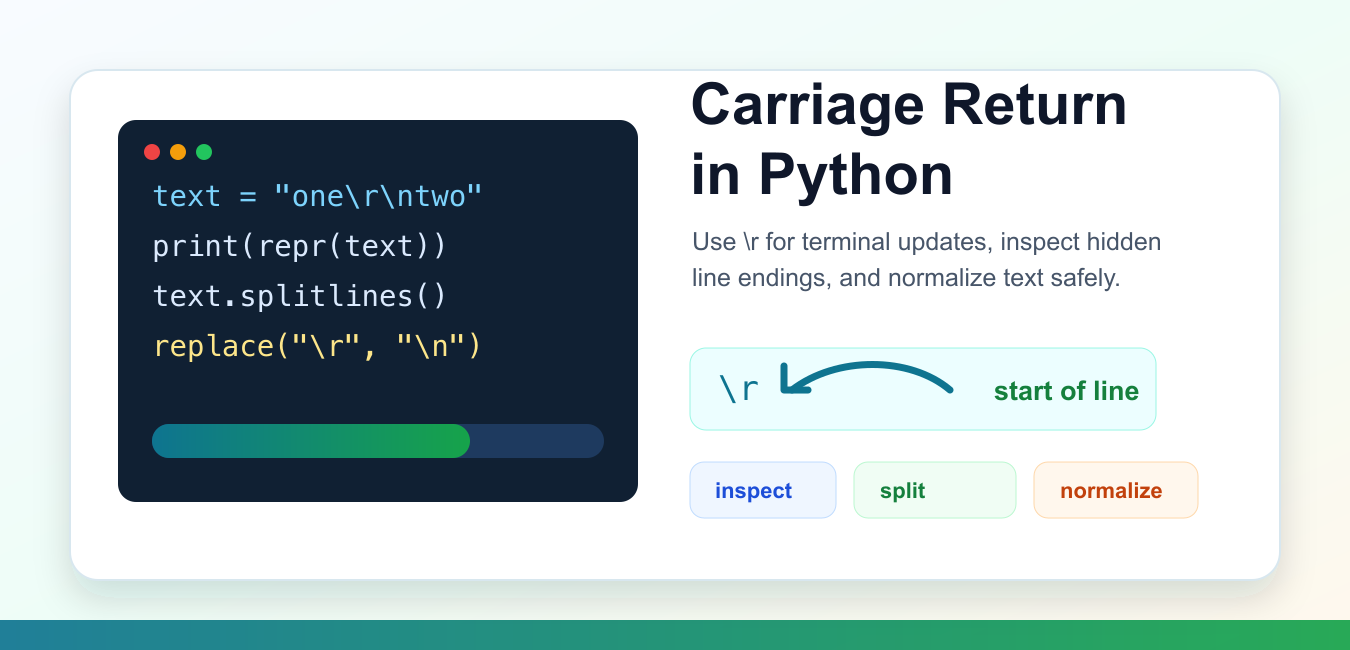
Quick answer: In Python, carriage return is written as \r. In text it is a line-boundary character; in terminal output it returns the cursor to the start of the current line, which can support progress displays. Use splitlines() for mixed line endings, normalize deliberately, and open CSV files with newline=” so the csv module controls record endings.
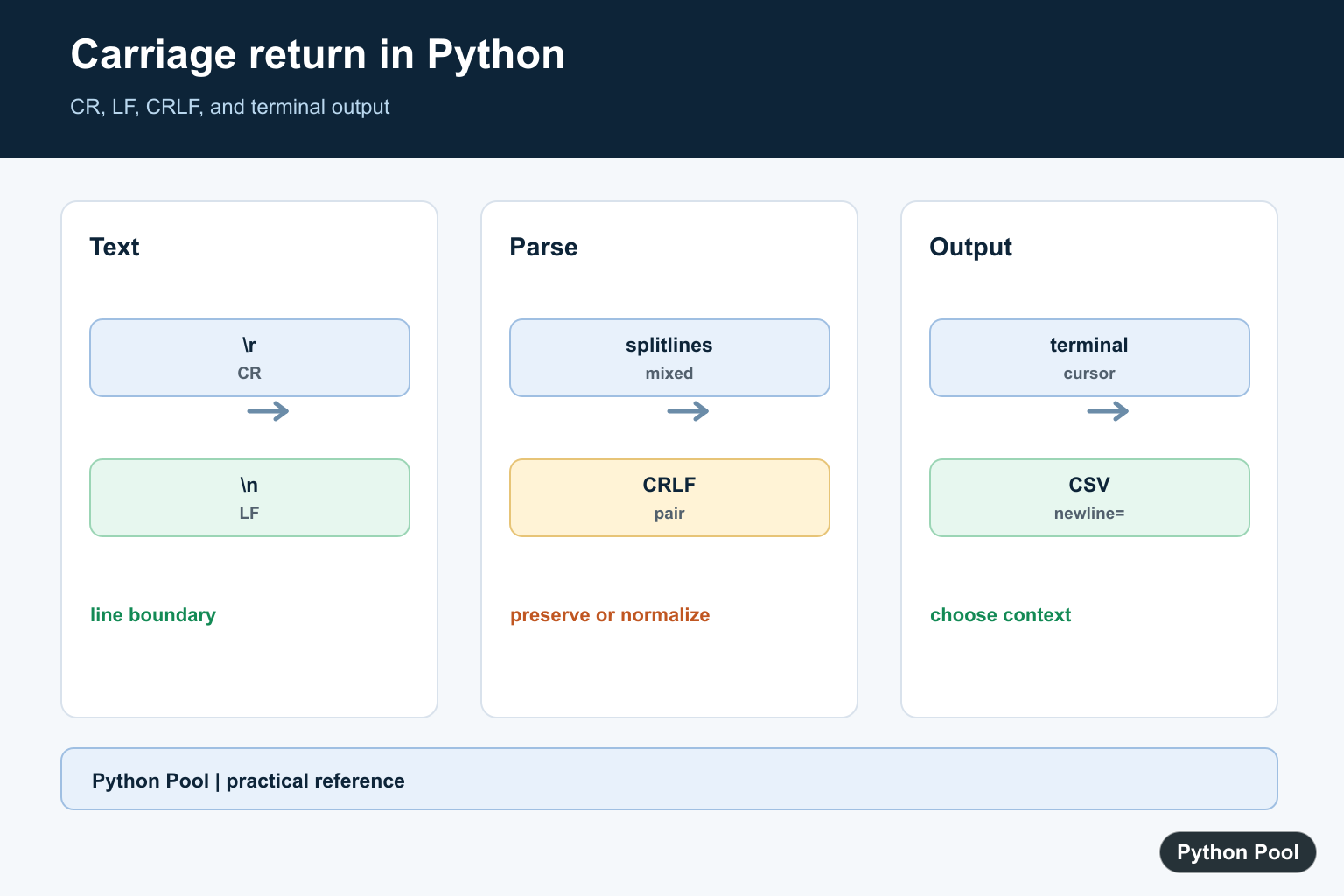
A carriage return in Python is written as \r. It is a control character that moves the cursor back to the start of the current line. In text files, it can also appear as part of Windows line endings, where each line ends with \r\n. Modern Python code usually treats it as a normal character unless a file reader, terminal, or protocol gives it special meaning.
The official Python escape sequence reference lists \r with the other string escapes. The open() documentation explains newline handling when reading and writing files, and the csv documentation shows why CSV files are commonly opened with newline="".
Most Python programs meet carriage returns in one of three places. First, a string literal may include \r directly. Second, a file created on another platform may contain \r\n line endings. Third, terminal output may use \r to redraw progress on a single line. Each case has a different best practice, so the safest first step is to inspect the text with repr().
Do not guess from how the text appears on screen. A carriage return may overwrite the start of a terminal line, hide earlier text, or be converted by a file reader. Use repr(), byte inspection, or explicit newline settings when the exact characters matter.
See A Carriage Return In A String
The easiest way to understand \r is to compare the printed text with its representation. The representation shows the escape clearly, while normal printing lets the terminal interpret it.
text = "first\rsecond"

print(repr(text))
print(text)
The first line prints the visible escape. The second line may show only part of the text, depending on the terminal, because the cursor returns to the start before writing the later characters.
This behavior is useful for demos, but it can be confusing in logs. When debugging text from files, APIs, or copy-paste input, prefer repr(text) so hidden characters are visible.
Split Text With Mixed Line Endings
Python strings provide splitlines(), which understands common line break forms including \n, \r\n, and lone \r. It is often cleaner than splitting only on "\n".
text = "alpha\rbeta\r\ngamma\ndelta"

for line in text.splitlines():
    print(line)
This prints four logical lines. The method handles mixed endings without leaving stray carriage returns at the end of some entries.
Use splitlines() when you need a list of lines from an in-memory string. If you are reading from a file, Python’s text mode may already normalize line endings unless you ask it to preserve them.
Normalize Carriage Returns
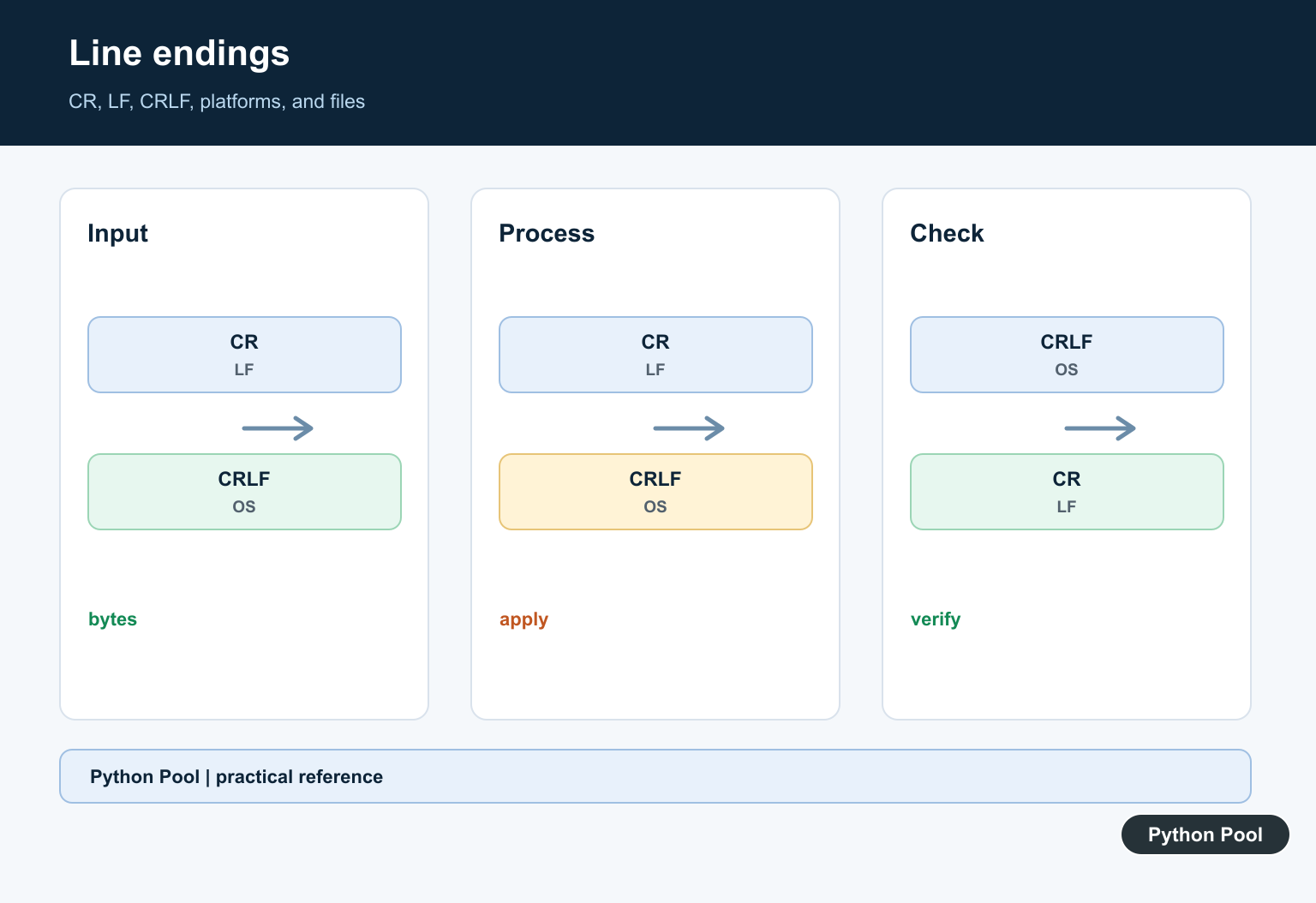
When text will be compared, stored, or displayed in a web page, normalize line endings first. A common policy is to convert every line break form to \n.
def normalize_lines(text):
    text = text.replace("\r\n", "\n")
    text = text.replace("\r", "\n")
    return text

sample = "red\rgreen\r\nblue"
print(normalize_lines(sample).split("\n"))
The order matters. Replace \r\n before replacing lone \r, otherwise the Windows pair becomes two line breaks instead of one.
This helper is useful after reading text from old exports, copied terminal output, form submissions, or small data feeds. If a protocol requires exact line endings, keep a separate path for that format instead of normalizing blindly.
Read A File And Preserve Endings
By default, text mode can translate different line endings to \n. If you need to detect carriage returns exactly, pass newline="" to open() or Path.open().
from pathlib import Path
from tempfile import TemporaryDirectory

with TemporaryDirectory() as folder:
    path = Path(folder) / "notes.txt"
    path.write_bytes(b"one\r\ntwo\rthree\n")

    with path.open("r", encoding="utf-8", newline="") as handle:
        text = handle.read()

print(repr(text))
print(text.count("\r"))
This keeps the original line break characters in the string. That makes it possible to count, report, or repair them with full control.
Use this approach for cleanup tools and format diagnostics. For ordinary reading, the default newline translation is often friendlier because every platform produces the same \n line separator in memory.
Use Carriage Return For Progress Output
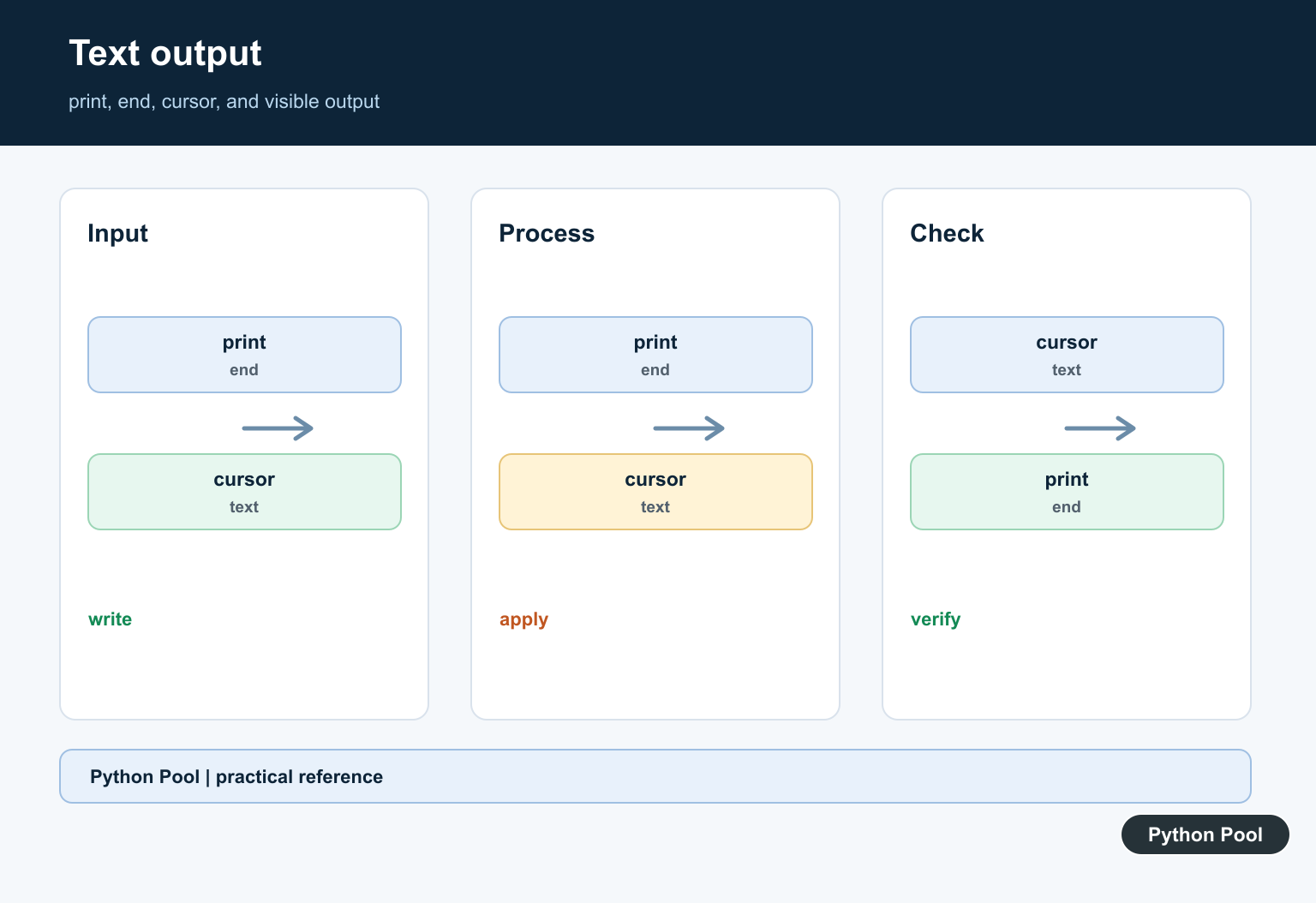
In terminal programs, \r can return the cursor to the start of the current line so the next print updates the same row. This is commonly used for progress messages.
for percent in (0, 25, 50, 75, 100):
    print(f"\rprogress: {percent:3d}%", end="")

print()
The final empty print() moves to the next line after the progress display is complete. Without it, the next output might appear on the same row.
This pattern is best for command-line tools that write to an interactive terminal. In log files, carriage returns can make output hard to read, so a normal line per status update is usually better.
Handle CSV Files Correctly
The csv module has its own newline handling. The documented pattern is to open files with newline="", which lets the module handle record endings itself.
import csv
from pathlib import Path
from tempfile import TemporaryDirectory

rows = [["name", "score"], ["Ada", "10"], ["Grace", "9"]]

with TemporaryDirectory() as folder:
    path = Path(folder) / "scores.csv"
    with path.open("w", encoding="utf-8", newline="") as handle:
        writer = csv.writer(handle)
        writer.writerows(rows)

    with path.open("r", encoding="utf-8", newline="") as handle:
        loaded = list(csv.reader(handle))

print(loaded)
This avoids accidental blank rows on some platforms and keeps CSV parsing consistent. It is a small option, but it prevents many line ending surprises in export and import scripts.
The practical rule is simple: use repr() to reveal carriage returns, splitlines() for mixed in-memory text, explicit normalization when web or comparison output needs consistent newlines, and newline="" when a file format needs exact control.
Carriage return in Python is not a special data type or a mystery feature. It is one character with different effects depending on where it is used. Once you separate terminal behavior from file newline behavior, the fixes are predictable and small.
Reveal The Character With repr
Printing text can hide control characters, so use repr() when diagnosing line endings. Count carriage returns separately when you need to distinguish old Mac-style text, Unix LF, and Windows CRLF input.
sample = "one\rtwo\r\nthree\n"

print(repr(sample))
print("carriage returns:", sample.count("\r"))
print("line feeds:", sample.count("\n"))
Split Mixed Line Endings
str.splitlines() recognizes carriage return, line feed, and CRLF without leaving the terminator in each returned line. Pass keepends=True when the original ending must remain attached to each item.
sample = "one\rtwo\r\nthree\n"

print(sample.splitlines())
print(sample.splitlines(keepends=True))
Normalize In The Correct Order
When an application needs one in-memory newline convention, replace CRLF before replacing lone CR. Otherwise the two characters in a Windows ending become two LF characters.
def normalize_newlines(text):
    return text.replace("\r\n", "\n").replace("\r", "\n")

print(repr(normalize_newlines("a\r\nb\rc")))
Use newline=” For CSV
The csv module expects the file to be opened with newline=” so it can interpret record endings itself. This avoids platform-specific blank rows and preserves the module’s documented newline behavior.
import csv
from io import StringIO

text = "name,score\r\nAda,10\r\n"
rows = list(csv.reader(StringIO(text, newline="")))
print(rows)
The official Python splitlines documentation lists CR, LF, and CRLF boundaries, while the csv module documentation covers newline handling. For related cleanup, see removing newlines from a list and repr().
For related newline diagnostics and cleanup, compare removing newlines from a list, repr(), and Python trim methods when preserving or normalizing text boundaries.
Frequently Asked Questions
What does carriage return mean in Python?
The carriage return character is represented by \r; in terminal output it returns the cursor to the start of a line, while in text it can mark a line boundary.
How do I split text with carriage returns?
Use str.splitlines(), which recognizes carriage return, line feed, and CRLF boundaries and can optionally preserve the endings.
How do I normalize CRLF and CR newlines?
Replace CRLF with LF first, then replace remaining CR with LF so Windows and legacy carriage-return endings become one consistent in-memory form.
Why do CSV files use newline=”?
Opening CSV files with newline=” lets the csv module handle record endings itself and avoids platform-specific blank-row or newline surprises.

Kudos for that, that was Super!
Keep them coming, Bless you x
string = ‘My web\nsite is Latracal \rSolution’
print(string)
The output:
My web
SolutionLatracal
I don’t understand this.
The o/p i run on the compiler came out differentlyi.e,
My web
site is Latracal
Solution
> o/p i thought is
My web
Solutionctracal
\rdoes not stand for a new line.\r\ndoes.