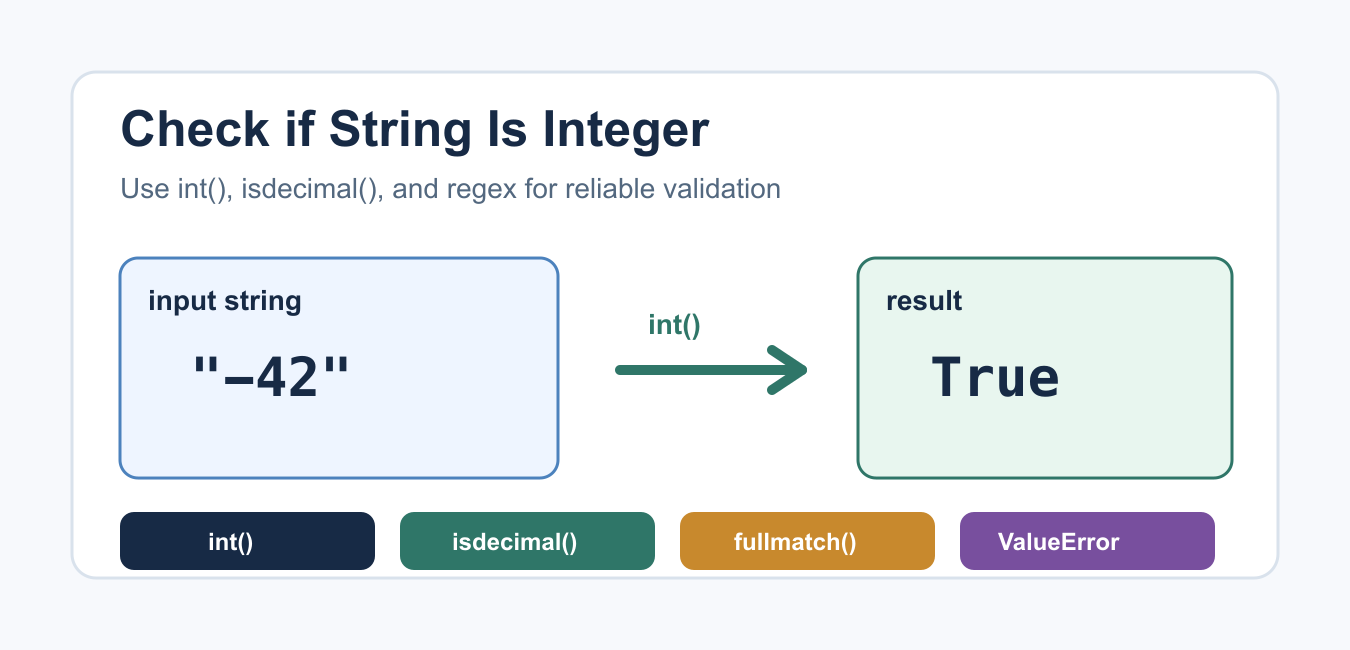
To check whether text represents an integer in Python, try the same conversion the program will eventually need: call int() and catch ValueError. This accepts ordinary signed integer syntax and surrounding whitespace. Methods such as isdecimal(), isdigit(), and isnumeric() answer narrower character questions; they are not interchangeable with conversion.
Quick answer
Use int(value) inside a try/except ValueError block when the input must become an integer. Use a string method when the policy is specifically about which characters are allowed. The Python string-method documentation defines the differences among the digit predicates.
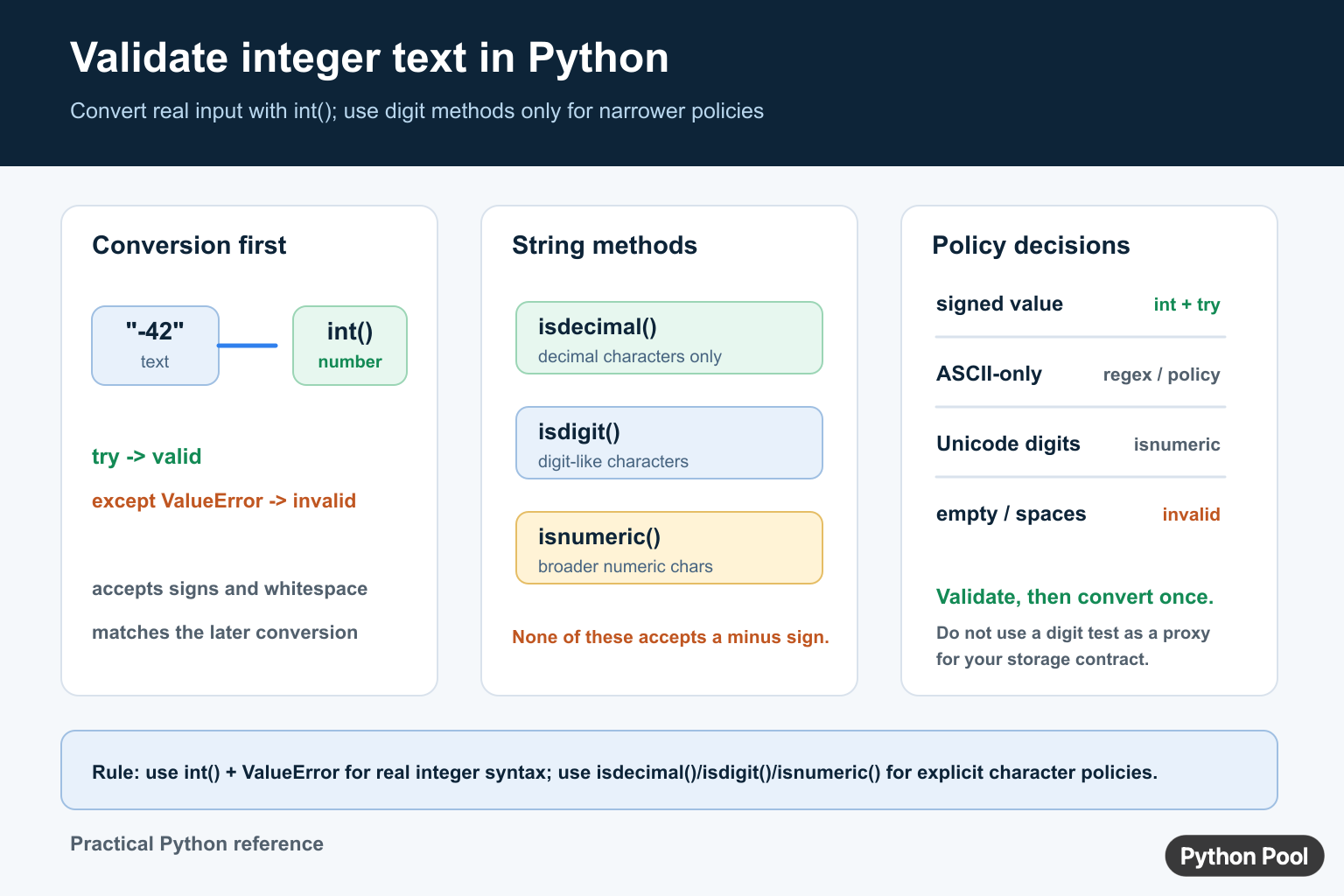
Use int() for real integer syntax
The conversion approach matches the operation that follows. It accepts values such as "42", "-42", "+42", and strings with harmless leading or trailing whitespace. Invalid text raises ValueError.
def is_integer_text(value: str) -> bool:
    try:
        int(value)
    except ValueError:
        return False
    return True

samples = ["42", "-42", "+42", " 42 ", "4.2", "python", ""]
for sample in samples:
    print(sample, is_integer_text(sample))
This is usually the best policy for form fields, command-line values, CSV cleanup, and API payloads. It avoids accepting a character sequence that passes a digit test but cannot be stored or used by the next numeric operation.
Convert once after validation
If the value is valid, keep the converted integer rather than validating and then parsing it again. A helper can return either a parsed value or a clear error, depending on the application boundary.
def parse_quantity(value: str) -> int | None:
    try:
        return int(value)
    except ValueError:
        return None

quantity = parse_quantity("12")
print(quantity)
Decide whether an empty string should produce a default, an optional missing value, or a validation error. Do not silently turn invalid business input into zero unless zero has that explicit meaning.
Know what isdecimal(), isdigit(), and isnumeric() mean
isdecimal() is the narrowest of the three common predicates and returns true for strings made entirely of decimal characters. isdigit() includes additional digit-like characters. isnumeric() is broader still and includes characters with numeric meaning that are not ordinary decimal digits. All three return false for an empty string, and none accepts a leading minus sign.
samples = ["123", "-123", "123", "²", "⅕", ""]

for sample in samples:
    print(
        repr(sample),
        sample.isdecimal(),
        sample.isdigit(),
        sample.isnumeric(),
    )
Use these methods when the product requirement is about character classes, such as a particular kind of identifier. Do not use them as a shortcut for “can this value be converted to the integer type?”
Accept signed ASCII integers with a policy
If a storage or protocol contract accepts only ASCII decimal digits with an optional sign, state that policy explicitly. A regular expression can express the rule, or a conversion attempt can be followed by an ASCII check when the distinction matters.
import re

integer_pattern = re.compile(r"^[+-]?[0-9]+$")
samples = ["42", "-42", " 42 ", "123"]

for sample in samples:
    print(sample, bool(integer_pattern.fullmatch(sample)))
Choose one contract and test it with signs, whitespace, empty input, leading zeros, Unicode digits, decimal points, and exponent notation. A regex that validates text does not replace the later numeric conversion.
Handle bases and leading zeros deliberately
int(value) treats a normal decimal string as base ten, including leading zeros. When input may contain prefixes such as 0x, pass a base explicitly or use base=0 only when accepting Python-style prefixes is intentional.
decimal_value = int("0012")
hex_value = int("0x10", base=0)

print(decimal_value)
print(hex_value)
Do not accept a base prefix accidentally in a user-facing field. Parsing rules are part of the input contract and should be documented with examples.
Do not confuse text with an integer object
isinstance(value, int) checks whether a value is already an integer object. It does not validate a string. Conversely, a string that contains digits is still text until it is parsed. Keep the distinction clear at boundaries so later arithmetic and formatting do not require guesswork.
For related conversion errors, see str and int TypeError fixes and Python string length.
Validate user input without changing it silently
Validation should report why an input is rejected and preserve the original text for correction or logging. Do not call strip() and overwrite the original value unless surrounding whitespace is explicitly allowed. When whitespace is allowed, parse the trimmed value and keep the policy visible.
raw = "  -12  "
candidate = raw.strip()

try:
    number = int(candidate)
except ValueError:
    print("enter a whole number")
else:
    print(number)
For web forms and APIs, attach validation errors to the input field rather than converting them into a generic zero. This prevents invalid values from silently changing totals, page numbers, limits, or identifiers.
Check booleans and numeric-looking values
In Python, bool is a subclass of int, so an already parsed value may need a policy that excludes booleans. A string such as "1" is text until conversion, while the Boolean object True is already a different type. Decide whether the application accepts either representation.
value = True
is_integer_but_not_bool = isinstance(value, int) and not isinstance(value, bool)
print(is_integer_but_not_bool)
Test the full accepted grammar
Include leading zeros, plus and minus signs, surrounding spaces, decimal points, exponent notation, empty input, Unicode digits, and very large values in validation tests. The expected result should follow the storage and calculation contract, not only what a particular method happens to accept.
When a base is involved, test prefixes such as 0x separately and pass the intended base to int(). Do not use base=0 in an ordinary decimal field unless accepting Python-style prefixes is part of the interface.
Return a typed result
A parsing helper is easier to reuse when its return contract is clear: return an integer, return an optional integer, or raise a domain-specific validation error. Avoid returning a mixture of integer, string, and Boolean sentinel values because callers then need another layer of type guessing.
Document the accepted grammar beside the helper so future callers do not infer it from a single example.
Frequently Asked Questions
How do I check if a string is an integer in Python?
Call int(value) inside try and catch ValueError when the text must become an integer.
What is the difference between isdigit() and int()?
isdigit() checks digit-like characters, while int() tests whether the complete text can be converted using the numeric contract.
Do isdecimal() and isdigit() accept negative numbers?
No. These methods return false for a leading minus sign; use int() or an explicit signed-input policy.
Does int() accept spaces and leading zeros?
int() accepts surrounding whitespace and normal decimal leading zeros, subject to the base and input policy you choose.

You can use the instruction strip too:
st = ‘-50’
if st.strip(“-“).isnumeric():
do something
Yes, that’s one more way to do that.
Regards,
Pratik
what if it is ‘2.3’?
Yes, that’ll be a problem for this specific string. But since ‘2.3’ is not an integer, it’s technically correct. If our intent was to check if the string is ‘number’ then that was incorrect.
this is actually a good way to check for -ve nos
isnumeric doesn’t check if the string represents an integer, it checks if all the characters in the string are numeric characters. In the second example,
'\u00BD'is unicode for ½, which is not integer. But'\u00BD'.isnumeric()still returns True.Nice catch! Learned something interesting today. Yes, then using isnumeric is not good. I’ve updated the article accordingly. Thank you for noticing this.