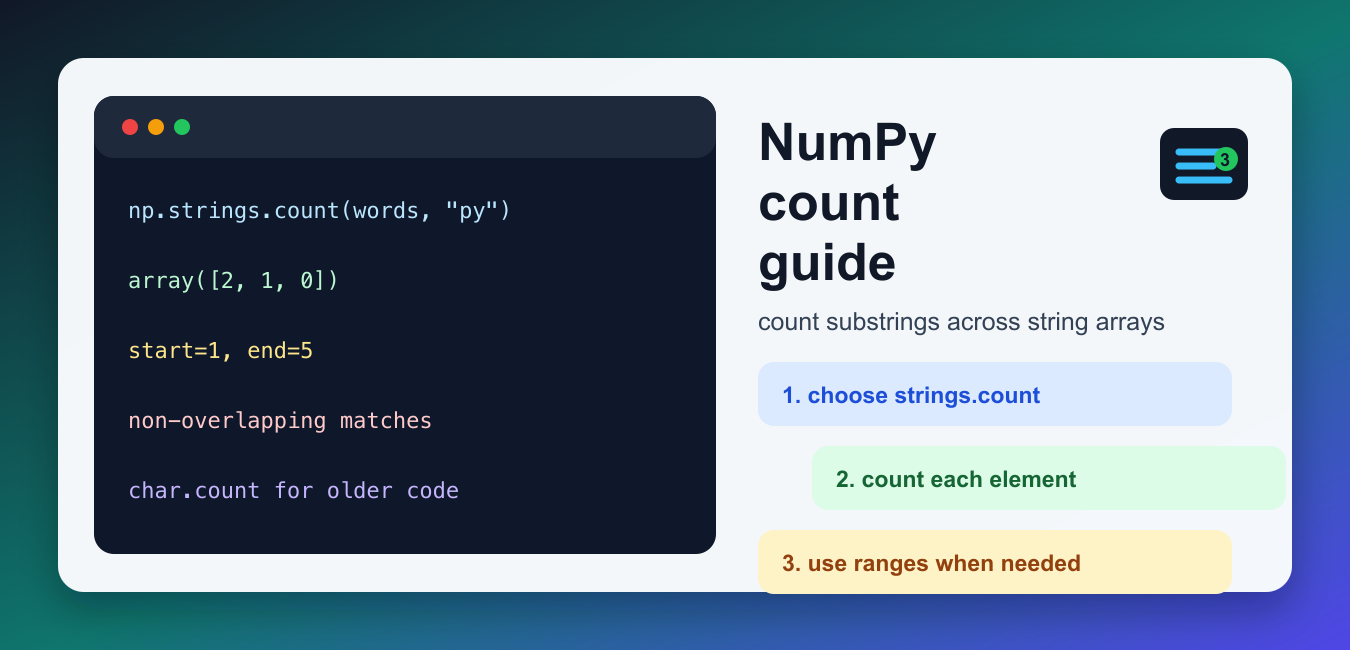
Quick answer: For current NumPy string arrays, np.strings.count(array, sub) returns one integer count per element. It counts literal, non-overlapping occurrences and accepts start and end ranges. Use the result as a mask when filtering; use np.count_nonzero for the number of true or nonzero array entries, which is a different operation.
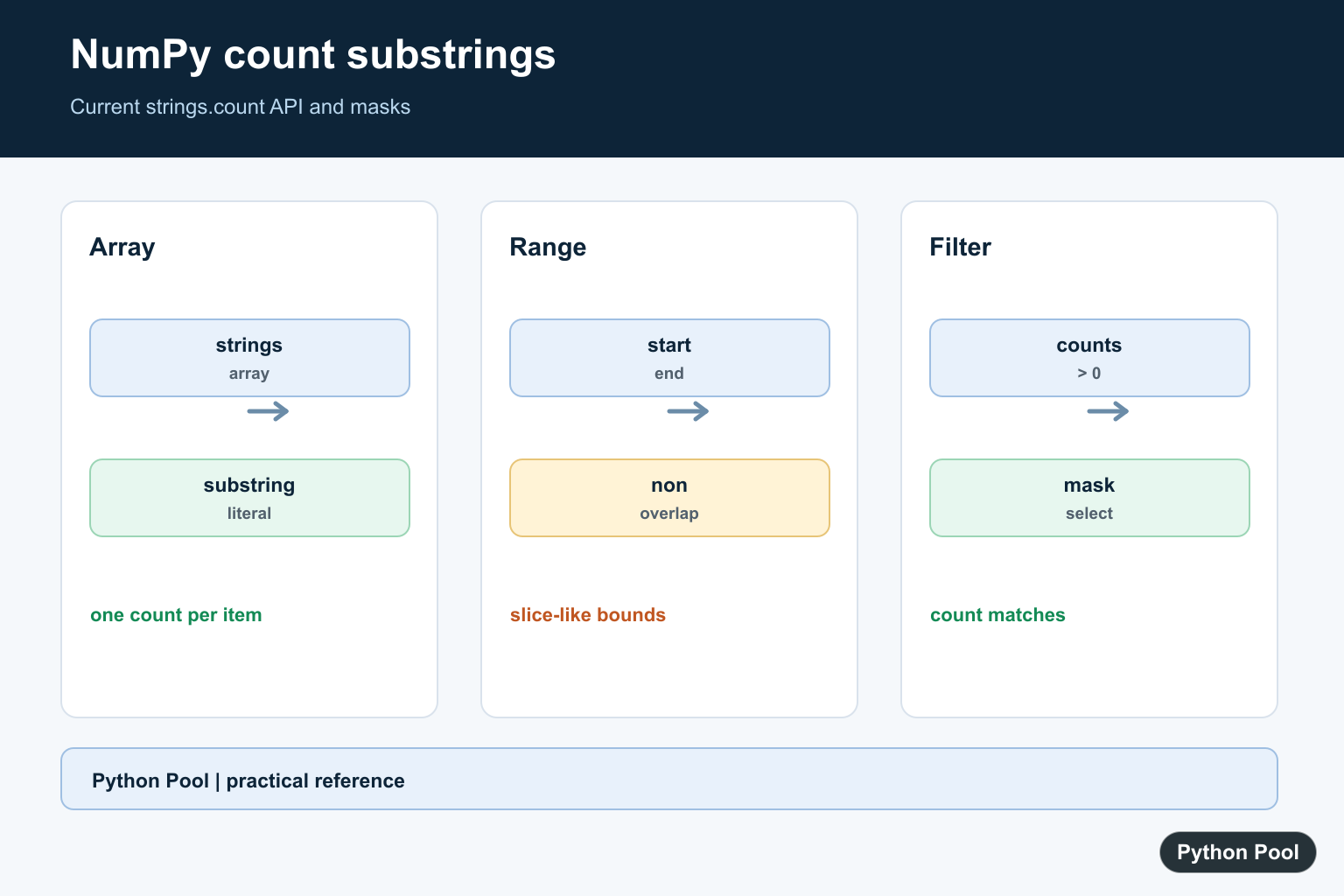
NumPy count usually means counting how many times a substring appears inside every string element of a NumPy array. The old article used outdated links and treated this as only np.char.count(). Current NumPy documentation is clearer: modern string operations live under numpy.strings, and numpy.strings.count is the current API for this job. The older numpy.char.count function is still documented, but the numpy.char module is described as legacy in the stable manual.
What NumPy count does
np.strings.count(a, sub, start=0, end=None) returns an array with the number of non-overlapping occurrences of sub in each string element of a. The result has the same shape as the input string array, but its values are integers. This is different from NumPy count_nonzero(), which counts nonzero or true values in an array. Use strings.count for substring matches; use count_nonzero for boolean masks and numeric arrays.
Here is the simplest modern form. Each element is checked separately, so the output has one count per input string.
import numpy as np

words = np.array(["python", "pythonic", "data"])
counts = np.strings.count(words, "py")
print(counts)
Syntax and parameters
The main arguments are a, the string array, and sub, the substring to search for. The optional start and end arguments limit the search to a slice inside each string, using the same half-open idea as normal Python slicing: start is included and end is excluded. The function accepts arrays of strings or bytes, and the substring can also be array-like when you need element-wise matching.
One detail matters: matches are non-overlapping. In a word such as banana, counting ana returns one match, not two overlapping matches.
import numpy as np

values = np.array(["banana", "bandana", "cabana"])
print(np.strings.count(values, "ana"))
Using start and end
The range arguments are useful when your strings have prefixes, fixed-width codes, or suffixes that should not be searched. For example, if the first character is a status marker or the final characters are a checksum, you can count only the meaningful part of each value. This keeps the operation vectorized while avoiding manual loops.
import numpy as np

codes = np.array(["AB-100-AB", "AB-200", "XY-300-AB"])
print(np.strings.count(codes, "AB", start=1, end=8))
strings.count vs char.count
For new code on current NumPy, prefer np.strings.count. If you maintain older code or support older NumPy versions, you will still see np.char.count. The call shape is almost the same, so migration is usually straightforward: replace np.char.count with np.strings.count after confirming your NumPy version supports the newer namespace.
import numpy as np

labels = np.array(["error:error", "warning", "error"])
modern = np.strings.count(labels, "error")
legacy = np.char.count(labels, "error")
print(modern)
print(legacy)
This distinction is important for SEO and maintenance because older tutorials often point only to numpy.char. That can still help readers understand existing code, but a refreshed article should explain the modern namespace instead of teaching a legacy module as the only path.
Counting in two-dimensional arrays
Because the function is vectorized, it works across arrays of any shape. If your data is a table of labels, product names, log messages, or short text fields, NumPy returns a count for each cell. You do not need nested Python loops for basic substring counting.
import numpy as np

table = np.array([
    ["red apple", "green apple"],
    ["apple pie", "berry tart"],
])
print(np.strings.count(table, "apple"))
Filtering with the result
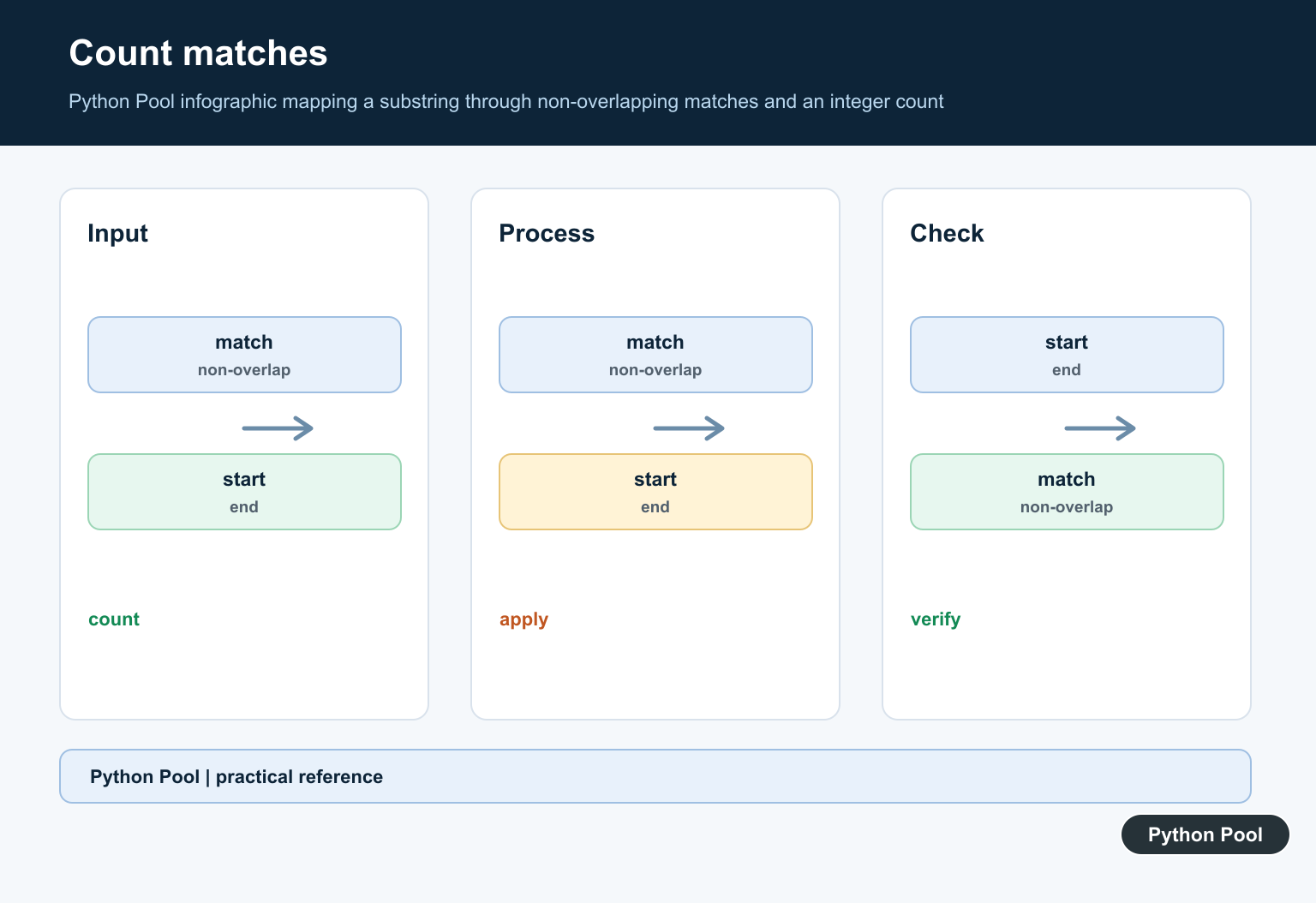
The returned count array can be turned into a boolean mask. This is useful when you want to keep rows or messages that contain a substring at least once. For numeric summaries of the mask, combine this with np.count_nonzero; for averages after filtering, see the NumPy mean guide.
import numpy as np

messages = np.array(["fail fail", "ok", "fail soon"])
counts = np.strings.count(messages, "fail")
needs_review = counts > 0
print(messages[needs_review])
When it is the right tool
Use this function when the strings are already in a NumPy array and you want an element-wise answer without changing shape. It is a good fit for compact labels, product codes, log fragments, small text fields, and prepared arrays in a data-cleaning step. It is not a text-search engine, and it is not meant for long documents. For large natural-language text, parse the data first and use a tool designed for tokenization or pattern matching.
Common mistakes
Do not use numpy.count; NumPy does not have a top-level substring-counting function with that name. Do not expect overlapping matches. Do not use this for regular expressions, because the substring is treated literally. If you need regex matching, use Python string tools, pandas string methods, or the re module depending on the shape of your data. If you only need to search a normal Python list of strings, our find string in list guide may be simpler than converting the data to NumPy.
Use NumPy substring counting when the data is already in an array and you want a vectorized result that keeps the same shape. Use plain Python when the data is small or not already array-based. That distinction keeps the code readable and avoids adding NumPy where it does not help.
Count Each String Element
The operation is element-wise and preserves the input shape. This makes it useful for compact labels, codes, and log fragments already represented as a NumPy string array, without writing a nested Python loop.
import numpy as np

values = np.array(["python", "pythonic", "data"])
counts = np.strings.count(values, "py")
print(counts)
Remember Matches Are Non-overlapping
Substring matches do not overlap. If a substring can overlap with itself, do not infer a regex-style overlapping count from this API; define the desired text rule explicitly and use a tool that supports it.
import numpy as np

values = np.array(["banana", "bandana"])
print(np.strings.count(values, "ana"))
Limit The Search Range
start and end behave like slice boundaries for each string. Use them when a prefix, suffix, or fixed-width field should not participate in the count, and keep the range policy visible in the code so it is not mistaken for a whole-string search.
import numpy as np

values = np.array(["AB-100-AB", "AB-200"])
print(np.strings.count(values, "AB", start=1, end=8))
Turn Counts Into A Filter
The integer result can become a boolean mask for selecting values with at least one match. If you need the number of matching elements rather than the count within each string, count the mask separately with count_nonzero.
import numpy as np

messages = np.array(["fail fail", "ok", "fail soon"])
counts = np.strings.count(messages, "fail")
matching = messages[counts > 0]
print(matching)
print(np.count_nonzero(counts > 0))
NumPy’s official strings.count reference documents the non-overlapping behavior and range arguments. For the older namespace, compare char.count, and use count_nonzero for boolean or numeric array counts.
For related matching and array counts, compare count_nonzero(), NumPy isin(), and Python character searches when deciding whether the task is substring counting or element membership.
Frequently Asked Questions
How do I count a substring in a NumPy array?
Use np.strings.count(array, substring) in current NumPy versions; it returns one integer count for each string element.
Does NumPy count overlapping matches?
No. The count is based on non-overlapping occurrences, matching the behavior documented for the string operation.
What are start and end used for?
They limit the search to a slice-like range inside each string, which is useful when prefixes or suffixes should be ignored.
What is the difference between strings.count and char.count?
strings.count is the current namespace for new code, while char.count is the older API you may need to maintain for older NumPy environments.
