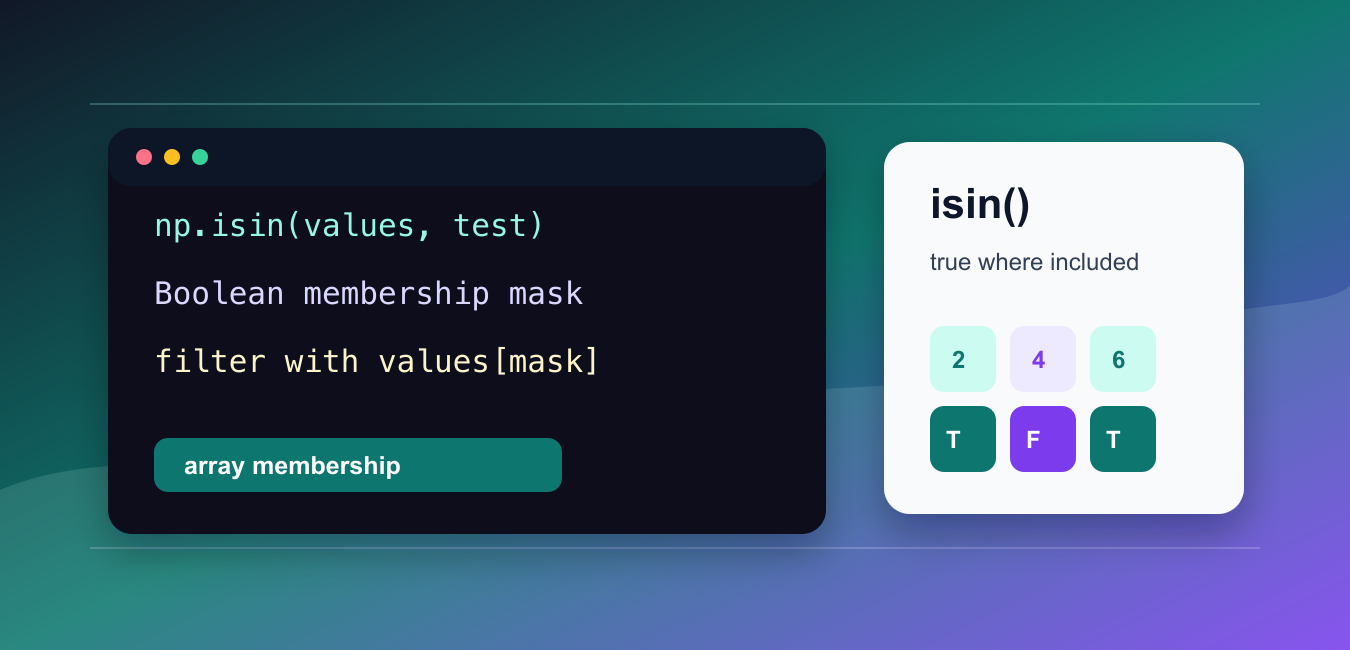
Quick answer: np.isin() returns a Boolean array shaped like its first argument, marking whether each element appears in test_elements. Use that mask to filter aligned data, invert=True for exclusions, and a list or array rather than a raw Python set. Use the kind option only after considering the time and memory tradeoff for the input range.
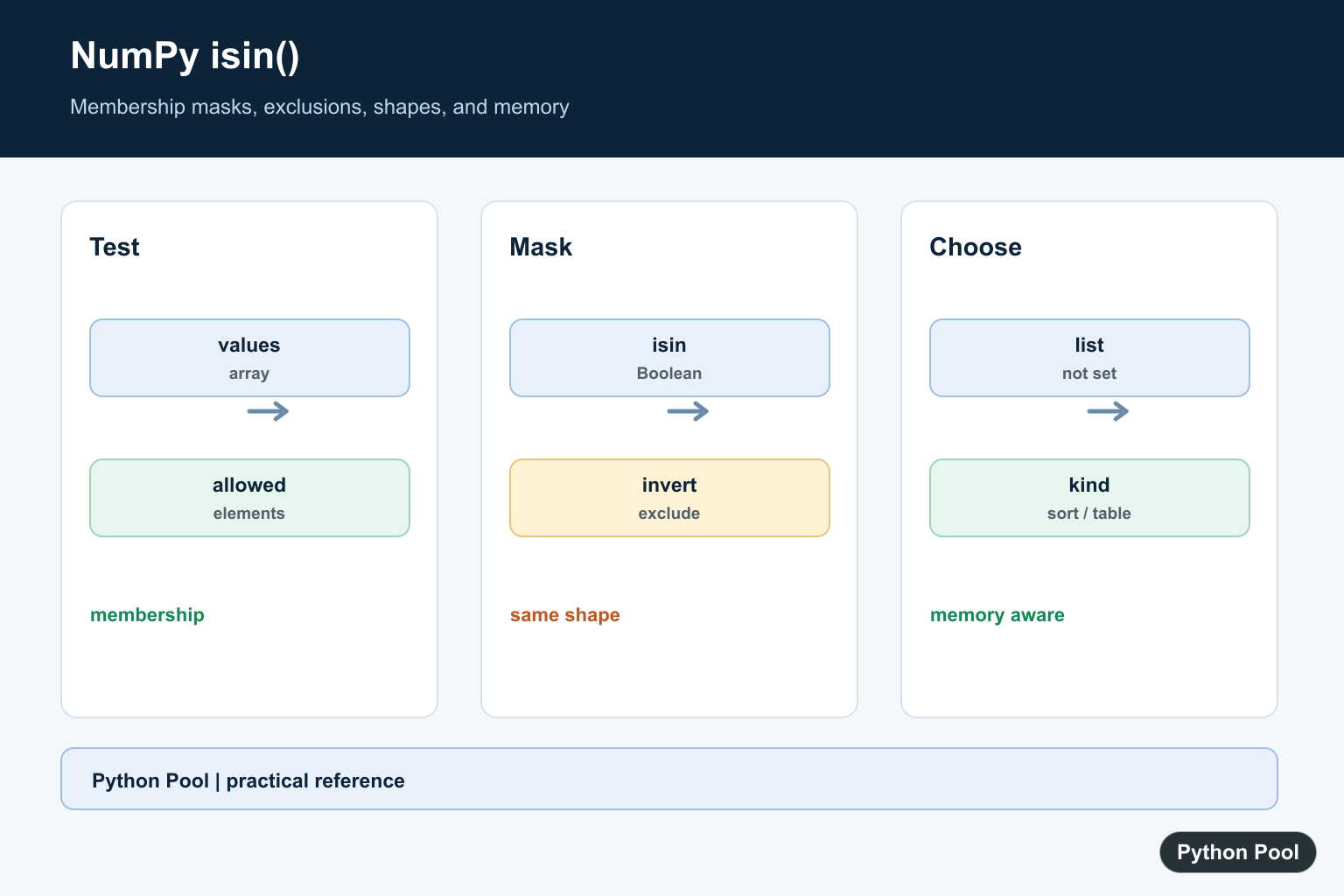
numpy.isin() tests whether each element of an input array appears in another collection of values. It returns a Boolean mask with the same shape as the input.
The official NumPy documentation covers numpy.isin(), numpy.intersect1d(), and numpy.setdiff1d().
Use isin() when you need a mask for filtering, validation, or comparison against a set of accepted values.
The first argument is the array to test. The second argument, test_elements, contains the allowed or matched values.
The output is not the matching values themselves. It is a Boolean array that you can use to filter the original input.
This distinction matters when you are cleaning data. A membership mask lets you keep the source array in place, apply the same test to another aligned array, or pass the mask into a later check such as any() or all(). You can inspect the mask, count matches, or use it directly for selection.
Set invert=True when you want values that are not in the test set.
Use assume_unique=True only when both inputs are already unique. Otherwise, keep the default so NumPy handles duplicates correctly.
The shape of the result matches the shape of the first input, which makes it useful for row, column, and grid-style filtering.
For finding coordinate positions where the mask is true, combine isin() with argwhere() or nonzero().
For whole-array set operations, choose a different function. Use intersect1d() when you need the unique values common to two arrays. Use setdiff1d() when you need the values from one array that are missing from another. Use isin() when you need a true-or-false answer for every element in the original shape.
Keep test_elements as a list, tuple, or NumPy array. A plain Python set is not a good input here because NumPy treats it as one object during array conversion, not as the sequence of allowed values many readers expect.
Create A Membership Mask
The basic result is a Boolean mask.
import numpy as np

values = np.array([1, 2, 3, 4, 5])
allowed = np.array([2, 4])

mask = np.isin(values, allowed)

print(mask)
This marks values that appear in allowed.
The result has the same shape as values.
Use this mask for filtering or validation.
It is clearer than writing several equality checks by hand.
For example, a quality-control step might allow only known category codes. A scoring pipeline might keep only selected IDs. A small script might check whether command-line choices are present in a whitelist. In each case, np.isin() gives one mask that can be reused instead of repeating several comparisons.
Filter Values With isin
Use the Boolean mask to select matching values.
import numpy as np

values = np.array([10, 20, 30, 40])
targets = [20, 40]

mask = np.isin(values, targets)
filtered = values[mask]

print(filtered)
This keeps only values that appear in targets.
The test collection can be a list, tuple, or NumPy array.
For predictable behavior, keep the target values in a simple sequence or array.
Filtering is the most common use of np.isin().
Boolean filtering keeps the result order from the original array. It does not sort matches and it does not remove duplicates. If the source array has the same matching value twice, both positions remain in the filtered result. That behavior is useful when order and repetition carry meaning.
Invert The Test
Set invert=True to find values that are not present.
import numpy as np

values = np.array([10, 20, 30, 40])
blocked = [20, 40]

result = values[np.isin(values, blocked, invert=True)]

print(result)
This keeps values that are not in blocked.
Use this form for exclusion filters.
It is equivalent to negating the mask, but the intent is visible in the function call.
Either style is fine when used consistently.
invert=True is especially readable when the list of blocked or rejected values has a clear name. It also avoids an extra pair of parentheses around a negated mask, which helps when the expression is part of a larger filtering condition.
Use isin With 2D Arrays
isin() preserves the shape of the first input.
import numpy as np

data = np.array([
    [1, 2, 3],
    [4, 5, 6],
])

mask = np.isin(data, [2, 5, 6])

print(mask)
The output is a two-dimensional Boolean array.
This is useful for grids, matrices, and table-like data.
You can use the mask to select matching values or locate positions.
Shape preservation makes the mask easy to compare with the original array.
That shape preservation is also why isin() fits arrays that represent tables, images, or grids. The true and false entries line up with the source positions, so you can see exactly where the accepted values appear before flattening or selecting the data.
Find Positions Of Matches
Combine isin() with argwhere() when you need coordinates.
import numpy as np

data = np.array([
    [1, 2, 3],
    [4, 5, 6],
])

mask = np.isin(data, [2, 6])
coords = np.argwhere(mask)

print(coords)
This returns row-column coordinates where the membership test is true.
Use this when locations matter, not just matching values.
For direct indexing, nonzero() is often a better fit.
For readable coordinate rows, argwhere() is convenient.
Use coordinates when you need to update matching locations, report positions, or compare hits across rows and columns. Use plain Boolean filtering when you only need the values themselves.
Use assume_unique Carefully
assume_unique=True can be used when both inputs contain unique values.
import numpy as np

values = np.array([1, 2, 3, 4])
targets = np.array([2, 4])

mask = np.isin(values, targets, assume_unique=True)

print(mask)
Only use this when uniqueness is already guaranteed.
If duplicates may exist, leave the default behavior in place.
The default call is usually the right call in application code because it is clear and correct for repeated values. Reach for uniqueness and performance options only after profiling real data and confirming the input assumptions.
In short, use np.isin(values, targets) to create a membership mask, use that mask for filtering, set invert=True for exclusions, and preserve default uniqueness handling unless you know both inputs are unique.
Build A Membership Mask
The result is a mask, not the matching values themselves. Keep the original array and apply the mask when you need selected values or aligned rows from another array.
import numpy as np

values = np.array([[10, 20], [30, 40]])
allowed = [20, 40, 90]
mask = np.isin(values, allowed)
print(mask)
print(values[mask])
Use invert For Exclusions
invert=True answers the opposite membership question without manually negating the test collection. The result still has the same shape as the input, so it can be used for aligned filtering.
import numpy as np

values = np.array(["draft", "published", "archived"])
blocked = ["archived"]
keep = np.isin(values, blocked, invert=True)
print(values[keep])
Convert Sets Before Passing Them
A Python set is a collection to humans, but NumPy’s array conversion can treat a non-sequence set as one object. Convert it to a list or array so isin receives the individual test values you intend.
import numpy as np

values = np.array([1, 2, 3, 4])
test_set = {2, 4}
mask = np.isin(values, list(test_set))
print(mask)
print(values[mask])
Choose A Memory Strategy Deliberately
For integer or Boolean data, kind=’table’ can use a lookup-table strategy, while kind=’sort’ uses a sorting strategy. The default chooses based partly on memory considerations; benchmark representative inputs before overriding it.
import numpy as np

values = np.array([1, 2, 5, 8])
test = np.array([2, 8])
for kind in ["sort", "table"]:
    mask = np.isin(values, test, kind=kind)
    print(kind, mask)
The official numpy.isin reference documents shape preservation, invert, assume_unique, kind, and the Python-set conversion caveat. Related references include any(), list intersection, and counting matches.
For related membership and mask summaries, compare any(), list intersection, and count_nonzero() when deciding whether you need a Boolean mask or a reduced result.
Frequently Asked Questions
What does NumPy isin() return?
It returns a Boolean array with the same shape as the element input, marking whether each value occurs in test_elements.
How do I filter values not in a list?
Call np.isin(values, allowed, invert=True) and use the returned mask to select the values that are absent from the allowed collection.
Can I pass a Python set to np.isin()?
Convert the set to a list or array first; NumPy can otherwise treat a set as one object rather than as the collection of values you intended.
When should I use intersect1d instead?
Use isin when you need a mask aligned to the original array shape; use a set routine such as intersect1d when you need the unique shared values themselves.
