
Quick answer: np.count_nonzero counts elements that evaluate as true, not merely the number of slots in an array. Use it for masks, thresholds, and per-axis summaries; use size when you need the total element count, and use keepdims when the summary must broadcast back onto the input.
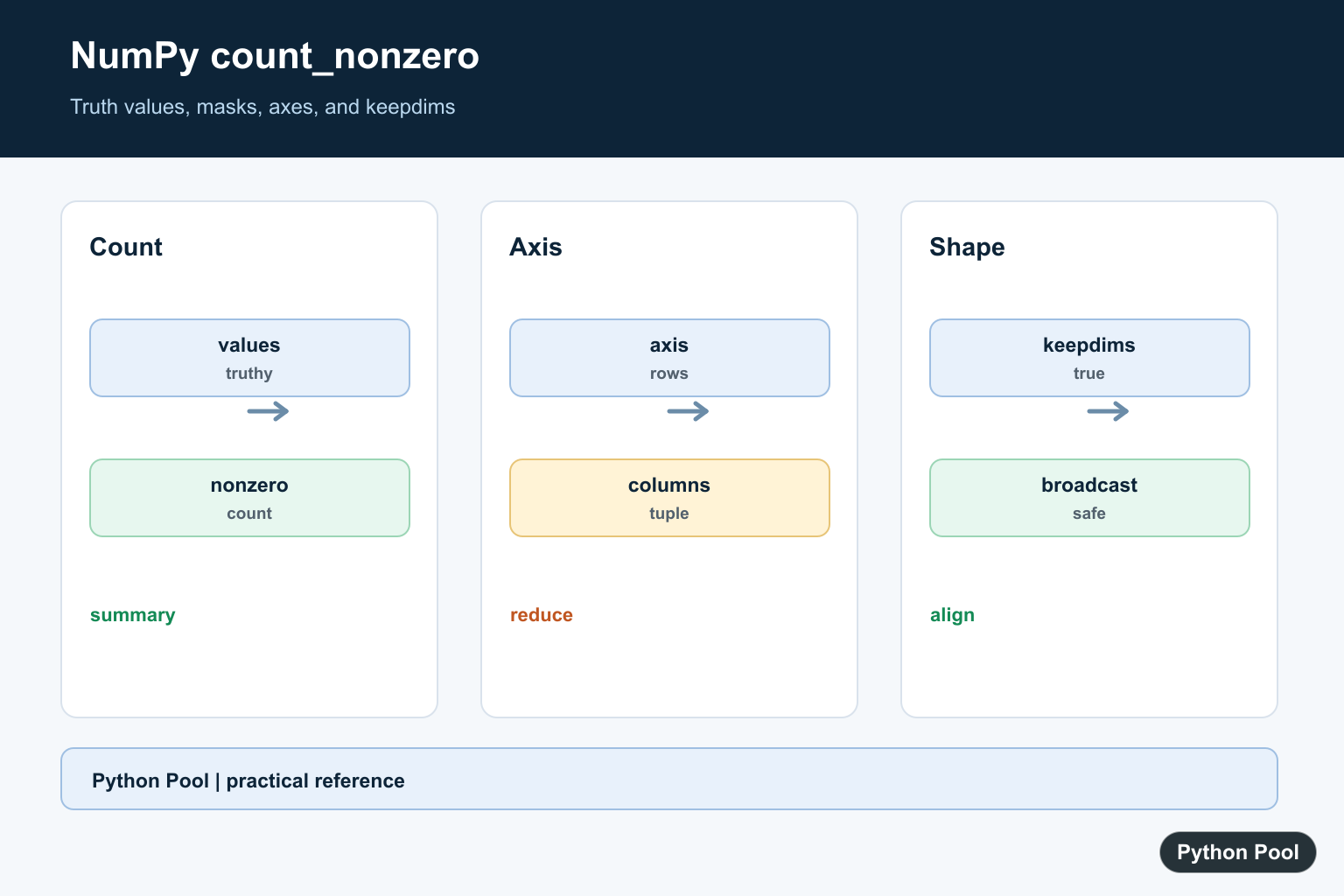
NumPy count_nonzero() counts how many elements in an array evaluate to true. For numeric arrays, that usually means values that are not zero. For boolean arrays, it counts True values. This makes it useful for masks, filters, sparse-looking data, and quick array summaries.
The function is different from checking the shape or size of an array. array.size tells you how many elements exist, while np.count_nonzero(array) tells you how many elements are truthy. Zeros, False, and empty strings count as false values.
Use count_nonzero() when you care about values, not just dimensions. It is especially handy after building a condition such as data > 10, because the boolean result can be counted directly. That keeps filtering logic short and avoids manually converting masks to integers.
This function is also a good sanity check before a heavier calculation. For example, you can count how many valid entries remain after cleaning data, how many features are active in each row, or how many values pass a threshold before sending the array into another NumPy routine.
Count Nonzero Values in an Array
The official numpy.count_nonzero() function accepts an array-like object and returns the total number of nonzero or truthy elements by default.
import numpy as np

data = np.array([0, 4, 0, 7, 9])

count = np.count_nonzero(data)
print(count)
This returns 3 because only 4, 7, and 9 are nonzero. If you only need to count words in normal text, see count words in a string in Python; array counting is a different problem.
Count Values Along an Axis
Use the axis argument to count nonzero values per row or per column. For a two-dimensional array, axis=0 counts down columns and axis=1 counts across rows.
import numpy as np

data = np.array([
    [1, 0, 3],
    [0, 5, 6],
])

column_counts = np.count_nonzero(data, axis=0)
row_counts = np.count_nonzero(data, axis=1)

print(column_counts)
print(row_counts)
Axis-based counts are useful for checking missing indicators, feature columns, and row-level data quality. If array shape is confusing, the NumPy c_ guide shows how columns can be assembled explicitly. Labeling axes in comments can prevent row and column counts from being swapped in reports.
Count True Values in a Boolean Mask
Boolean arrays work naturally with count_nonzero(). Each True counts as one and each False counts as zero.
import numpy as np

mask = np.array([True, False, True, True])

true_count = np.count_nonzero(mask)
print(true_count)
This is often clearer than converting booleans to integers manually. It also communicates the intent: you are counting matches in a mask, not summing business values. Masks are common when cleaning arrays, selecting rows, or validating numeric ranges.
Count Values Matching a Condition
You can pass a comparison directly into count_nonzero(). NumPy builds a boolean array, then counts the True entries.
import numpy as np

scores = np.array([72, 91, 65, 88, 94])

passing = np.count_nonzero(scores >= 80)
print(passing)
This pattern is useful for thresholds, filters, validation checks, and data-quality rules. If you are searching for matches in ordinary Python lists, see find a string in a Python list. For arrays, comparisons are usually faster and clearer than looping through every item yourself.
Compare With nonzero() and sum()
numpy.nonzero() returns the indexes where values are nonzero. count_nonzero() returns the number of such values. Use the one that matches your question.
import numpy as np

data = np.array([0, 2, 0, 5])

positions = np.nonzero(data)
count = np.count_nonzero(data)

print(positions)
print(count)
For boolean arrays, np.sum() can also count True values because True behaves like 1. However, count_nonzero() states the intent more clearly and works directly on numeric arrays too. Use sum() when you are adding values; use count_nonzero() when you are counting truthy entries. When the locations matter as much as the count, NumPy argwhere: Find Nonzero Indices returns the coordinates of every nonzero or true element.
Use keepdims for Broadcast-Friendly Output
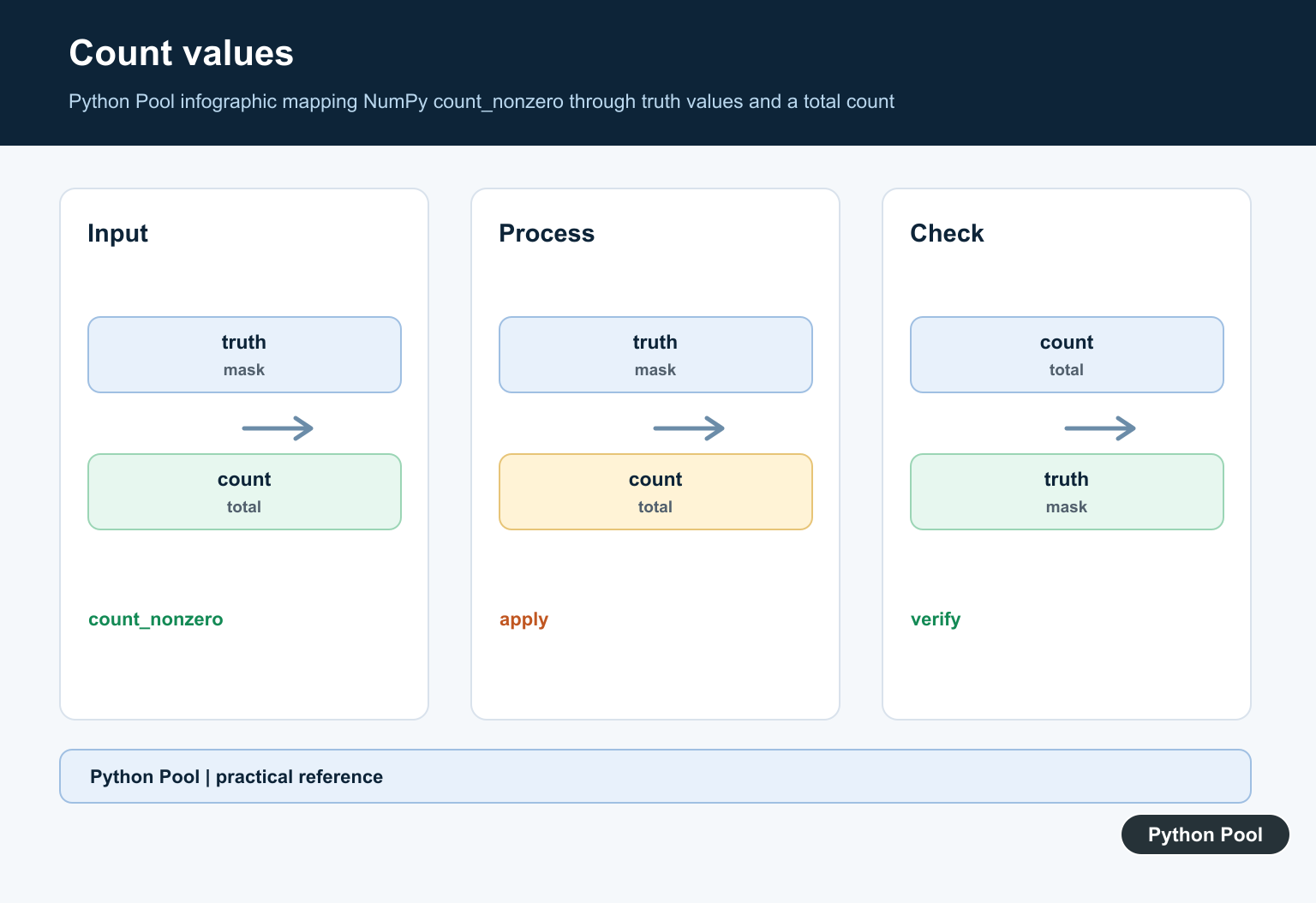
The keepdims argument keeps reduced axes in the result with length one. This can make later broadcasting easier.
import numpy as np

data = np.array([
    [1, 0, 3],
    [0, 5, 6],
])

counts = np.count_nonzero(data, axis=1, keepdims=True)
print(counts)
Keeping dimensions is helpful when you plan to divide, compare, or combine the counts with the original array. For display, you may prefer the smaller output without keepdims. Broadcasting-friendly output is useful in feature engineering and row-level normalization.
Common Mistakes
Do not use count_nonzero() when you need the positions of nonzero values; use nonzero() for indexes. Do not confuse nonzero counts with array length. Also remember that np.nan is truthy in this context, so clean missing values first when they should not count as valid data.
When presenting numeric summaries, round only after the calculation. The NumPy round() guide covers output formatting, and NumPy cov() shows another example of shape-aware array summaries. If missing values matter, build an explicit mask with ~np.isnan(data) before counting. This makes your rule visible and testable.
References
- NumPy docs: numpy.count_nonzero()
- NumPy docs: numpy.nonzero()
- NumPy docs: ndarray.any()
- NumPy docs: numpy.sum()
Count Values Or Masks
For numeric arrays, nonzero values count as true. For boolean arrays, count_nonzero counts True values, making it a direct way to summarize a condition such as data > threshold.
Choose The Axis
With axis=None, NumPy counts the whole array. Pass an integer or tuple of axes to summarize rows, columns, or groups while keeping the meaning of the result aligned with the data layout.
Preserve Dimensions When Needed
keepdims=True leaves counted axes as dimensions of length one. That shape can broadcast against the original array, which is useful for row-wise validity counts and normalization workflows.
Compare Size And Nonzero
array.size answers how many elements exist, while count_nonzero answers how many are truthy. An empty array has size zero; an array full of zeros has a positive size but a zero nonzero count.
Check Data Semantics
NaN, strings, object values, and masked data can have application-specific meaning. Test representative values and decide whether truthiness is the right definition of valid or active data.
The NumPy count_nonzero reference defines truthiness, axis, and keepdims behavior. Related references include axis semantics, shape cleanup, and array tests.
For related array summaries, compare axis semantics, shape cleanup, and array tests when counting masks and valid values.
Frequently Asked Questions
What does NumPy count_nonzero count?
It counts elements that evaluate as true, including nonzero numeric values and True values in boolean arrays.
How is count_nonzero different from size?
size counts every element in the array, while count_nonzero counts only values that are truthy.
Can count_nonzero work per axis?
Yes. Pass an axis or tuple of axes to get counts along selected dimensions.
Why use keepdims=True?
It keeps counted axes as dimensions of length one, which can make the result broadcast cleanly against the original array.
