
Quick answer: Python permits a semicolon between simple statements on one physical line, but it does not remove the language’s indentation or compound-statement rules. One statement per line is usually easier to read, debug, format, and review. Use a semicolon only when the compact form is genuinely clearer, such as a short interactive command.
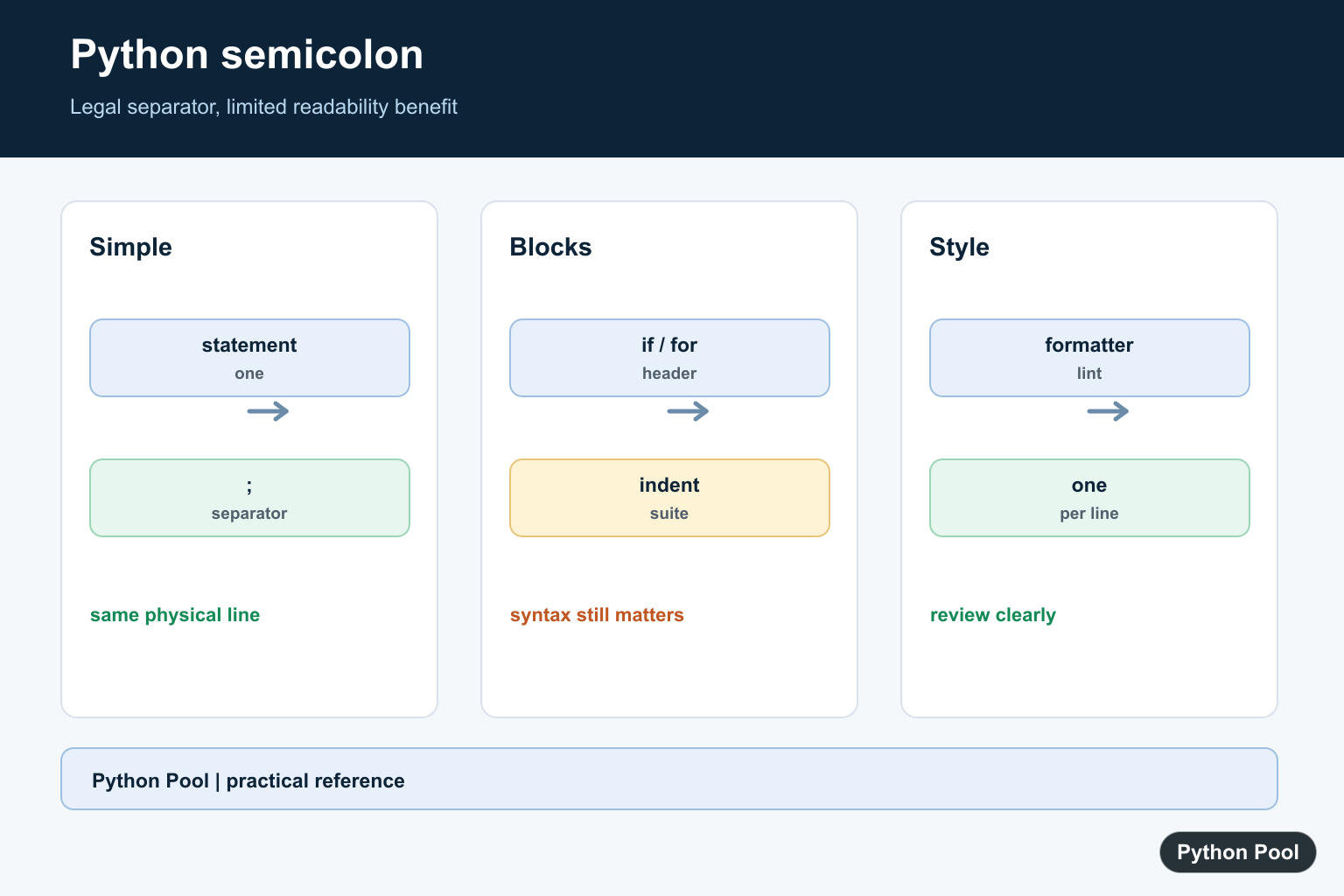
A Python semicolon can separate multiple simple statements on one physical line. Python does not require semicolons at the end of normal lines, and most Python code is clearer without them. The semicolon exists for rare compact cases, interactive snippets, and generated code, not as the default style.
The official Python simple statements reference defines the grammar for simple statements, and the PEP 8 recommendations discourage compound statements on one line.
The important distinction is between what Python accepts and what humans should maintain. Python accepts x = 1; y = 2, but two separate lines are easier to scan, debug, comment, and review.
Use semicolons only when the compact form improves a tiny, local example. Avoid them in application code where future readers need clear structure.
Semicolons also do not make Python faster. They only change how source code is written on a line. The interpreter still sees separate statements, so the decision is about readability and style, not performance.
Separate Simple Statements
A semicolon can place two or more simple statements on the same line. Assignment and function calls are simple statements.
x = 1; y = 2; total = x + y

print(total)
This prints 3. The semicolon separates statements the same way a newline usually would.
Even though it works, this style should be rare. Separate lines make each operation easier to inspect and change later.
A trailing semicolon at the end of a line is also allowed, but it is unnecessary. It usually comes from habits learned in languages where semicolons are required.
Prefer Separate Lines
The standard Python style is to write one statement per line for normal code.
x = 1
y = 2
total = x + y

print(total)
This version behaves the same as the semicolon version, but it is easier to read. It also gives debuggers and code review tools cleaner line-level information.
When there is no strong reason to compress the code, use separate lines. Readability is one of Python’s main design goals.
Separate lines also produce clearer diffs. If you change only one assignment, version control can show the exact changed line instead of a packed line with several unrelated statements.
Use Semicolons In Tiny Interactive Snippets
In a shell or quick scratch command, a semicolon can be convenient for a short setup and print.
name = "Ada"; score = 95

print(f"{name}: {score}")
This is acceptable as a quick demonstration, but it should not become a habit in modules, notebooks, or scripts that other people maintain.
If a one-line snippet grows past two small statements, split it into normal lines. The compact version stops being helpful quickly.
Do Not Use Semicolons For Block Headers
Compound statements such as if, for, while, def, and class use colons and indentation. A semicolon does not replace that structure.
items = [1, 2, 3]

for item in items:
    print(item)
The colon starts the block, and indentation defines the body. This is core Python syntax.
You may see tiny one-line conditionals such as if ready: print("go"), but that style should stay limited. Multi-line blocks are clearer for real logic.
Avoid Hiding Important Work
Semicolons can hide meaningful steps by packing them onto one line. That makes errors harder to spot.
def area(width, height):
    width = float(width)
    height = float(height)
    return width * height

print(area("4", "2.5"))
This function uses separate lines so validation, conversion, and calculation are visible. Packing those steps onto one line would make the function harder to maintain.
If a statement can fail, deserves a comment, or may need a breakpoint, give it its own line.
This is especially important for database calls, file operations, network calls, parsing, and validation. Those steps often need error handling or logging later.
Use Semicolons Carefully In Generated Code
Generated code or code-golf examples may use semicolons to reduce line count. Production Python should still prioritize clarity.
commands = ["x = 1", "y = 2", "print(x + y)"]
snippet = "; ".join(commands)

print(snippet)
This creates a compact snippet string. It is a demonstration of semicolon syntax, not a recommendation to generate and execute code casually.
The practical rule is simple: Python semicolons are valid between simple statements, but they are rarely needed. Use normal line breaks in scripts and applications. Reach for a semicolon only when the code is tiny, local, and more readable that way.
Good tests and linters should focus on behavior and readability. A semicolon is not automatically a bug, but it often signals code that should be split into clearer lines.
If a formatter or linter flags a semicolon, treat that as a style review rather than a syntax problem. The usual fix is simple: place each statement on its own line and let indentation show the structure.
Separate Simple Statements
A semicolon terminates one simple statement so another can follow on the same physical line. Both statements still execute from left to right. The syntax is legal, but line breaks communicate boundaries more clearly in application code and produce better diffs when a statement changes.
first = 1; second = 2
print(first, second)

first = 1
second = 2
print(first, second)
Do Not Compress Compound Blocks
if, for, while, try, with, def, and class statements introduce suites whose indentation carries meaning. A semicolon cannot replace the block structure. Keep the header and its indented body on the lines Python’s grammar expects, even when the body is short.
value = 3
if value > 0:
    print("positive")
    print("validated")
Prefer Readability And Tooling
Linters and formatters often flag multiple statements on one line because compact punctuation hides control flow and makes a traceback location less precise. One statement per line also lets a future change add a comment, guard, or logging call without restructuring the line.
items = [1, 2, 3]
total = sum(items)
average = total / len(items)
print(average)
Use The Interactive Exception Carefully
At a REPL, a semicolon can be convenient for a quick experiment, and generated code may use it when output format requires a single line. That does not make it a good default for library or production code. Keep generated code valid and readable when humans will debug it later.
# Useful for a short interactive experiment.
name = "Python Pool"; print(name)

# Prefer this form in maintained source.
name = "Python Pool"
print(name)
The Python simple statements reference defines semicolon-separated statements and their grammar. Style guidance is a maintainability decision: legal syntax is not automatically the clearest syntax.
For related Python syntax and text formats, compare the syntax-checking workflow, XML-to-CSV conversion, and TSV reader patterns when readability and output grammar both matter.
Frequently Asked Questions
Can you use semicolons in Python?
Yes. A semicolon can separate simple statements on one physical line, although separate lines are usually clearer.
Should I use semicolons in Python?
Use them sparingly for compact interactive input or generated code; normal application code is easier to read, debug, and review one statement per line.
Can a semicolon replace indentation?
No. Compound statements, blocks, and suites still follow Python’s indentation and grammar rules.
Why do style tools remove Python semicolons?
Formatters favor a consistent one-statement-per-line layout because it improves readability, diffs, error locations, and reviewability.

Thanks it was a very good explanation :D!