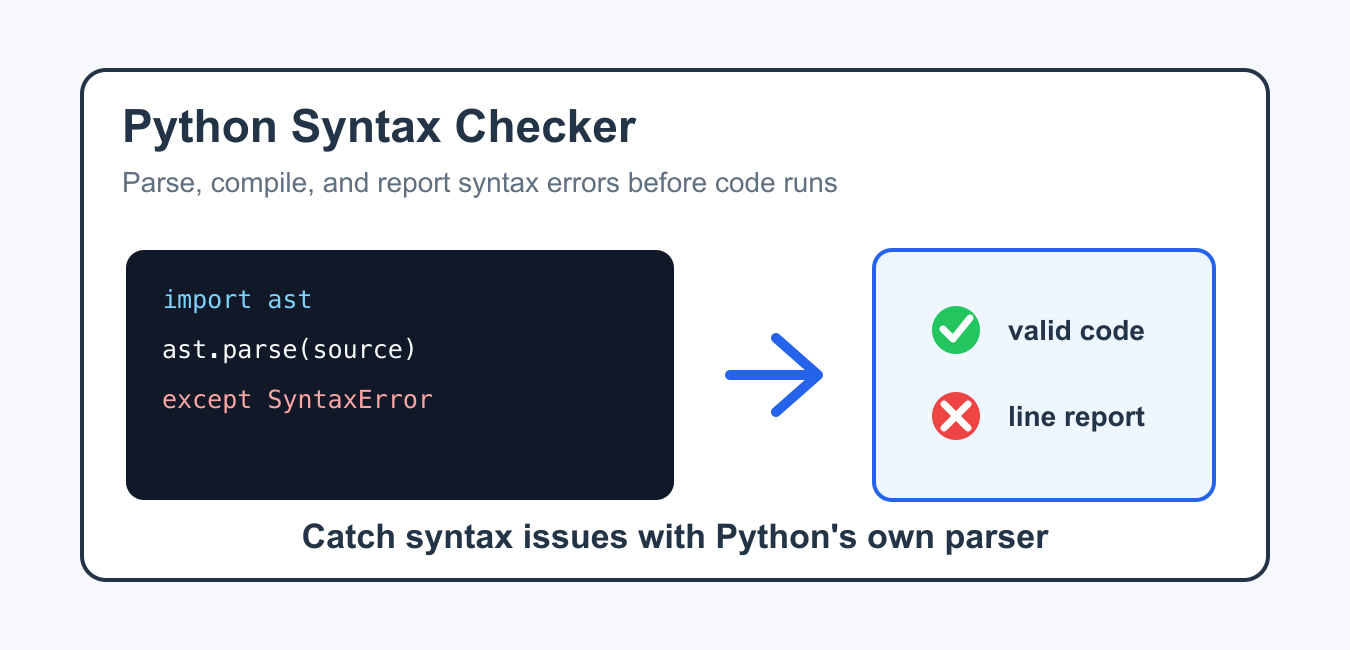
Quick answer: Use ast.parse() to check a Python source string or py_compile to check a .py file without executing it. Syntax checking catches parse errors, but linting, type checking, tests, and runtime validation answer different questions.
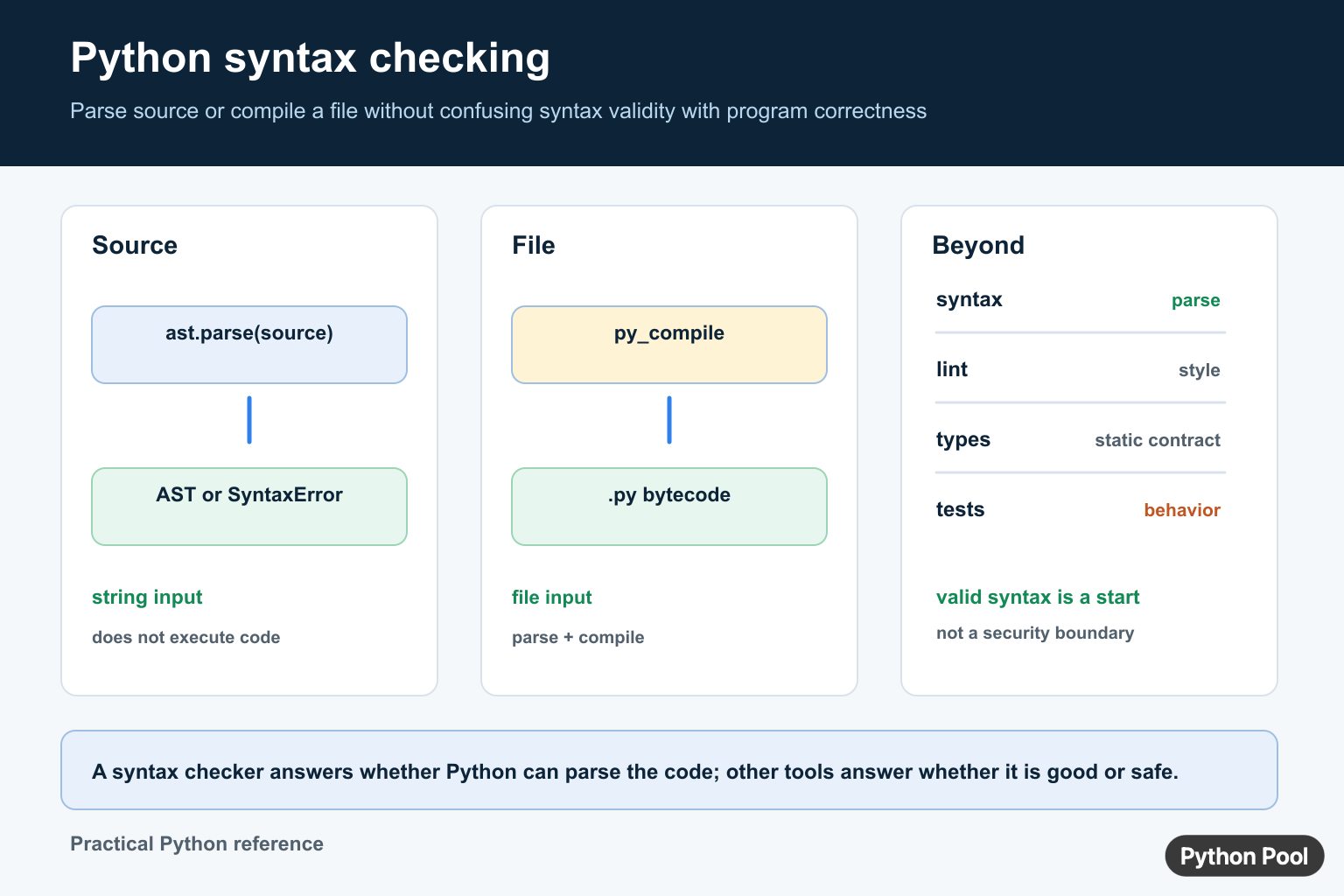
A Python syntax checker verifies that source code follows Python grammar before the code is executed. It can catch missing colons, unmatched brackets, broken indentation, unterminated strings, and other grammar mistakes that stop a file from running at all. Python syntax validation checks code, while Gingerit Python Grammar Checker Guide applies grammar correction to natural-language text.
The most reliable syntax checker for Python code is Python itself. Tools such as editors, linters, test runners, and build systems usually call the same parser or compiler pipeline that the interpreter uses. That is why a clean syntax check is a basic gate before style checks, type checks, or runtime tests. A syntax checker may permit several simple statements on one line, but Python Semicolon: When to Use ; in Code explains why semicolons are usually unnecessary.
A syntax checker does not prove that the program is correct. It only proves that Python can parse the source. A statement can be syntactically valid and still raise NameError, TypeError, or a logic bug later. Use syntax checking as the first layer, then run focused tests for behavior.
The official ast.parse documentation, py_compile documentation, compile documentation, tokenize documentation, and SyntaxError documentation are the primary references.
Check A Code String With ast.parse()
ast.parse() parses Python source into an abstract syntax tree. If the source has invalid syntax, Python raises SyntaxError. If parsing succeeds, the grammar is valid. When tokenization fails before the parser can build valid syntax, Invalid Token in Python: Causes and Fixes covers stray characters, quote damage, encoding issues, and copied prompts.
import ast

source = """
def add(left, right):
    return left + right
"""

tree = ast.parse(source, filename="snippet.py")
print(type(tree).__name__)
This is useful for web forms, notebooks, code generators, and internal tools that receive code as text. The parser does not execute the source, so it is a safer first check than calling exec() directly.
Read SyntaxError Details
SyntaxError carries the line number, offset, message, and filename that Python used while parsing. Show these details to make syntax reports actionable.
import ast

bad_source = """def add(left, right)
    return left + right
"""

try:
    ast.parse(bad_source, filename="example.py")
except SyntaxError as error:
    print(error.filename)
    print(error.lineno, error.offset)
    print(error.msg)
In this example, the function header is missing a colon. A checker should report the original file name and line location instead of returning a generic failure.
Compile A Python File Without Running It
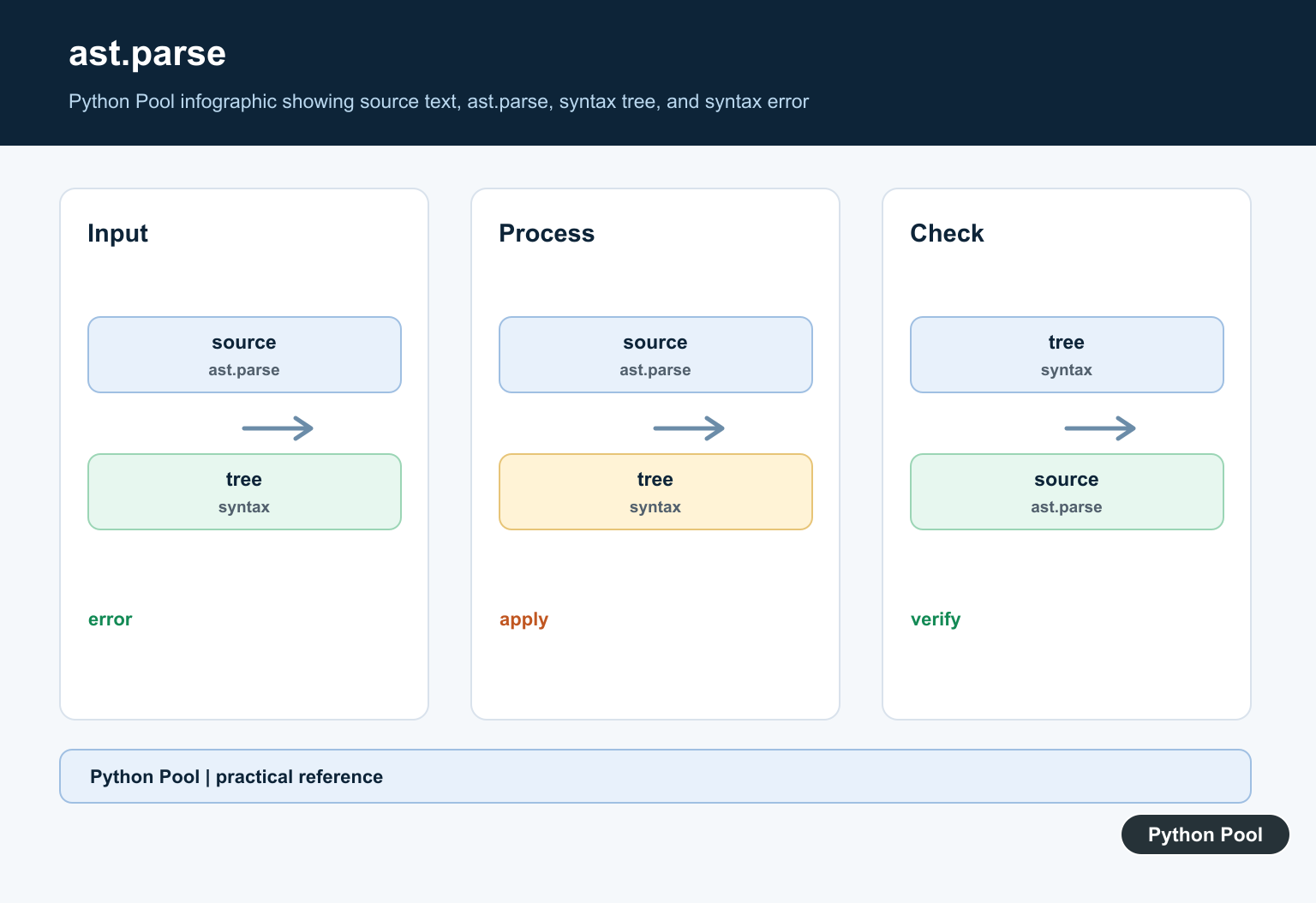
py_compile checks whether a file can be compiled to bytecode. It is a practical option for pre-commit hooks, deployment checks, and scripts that scan files on disk.
import py_compile
from pathlib import Path
from tempfile import TemporaryDirectory

with TemporaryDirectory() as folder:
    path = Path(folder) / "example.py"
    path.write_text("answer = 42\nprint(answer)\n", encoding="utf-8")
    py_compile.compile(str(path), doraise=True)

print("syntax ok")
Passing doraise=True makes failures easier to handle in Python code. Without it, py_compile may print an error and return instead of raising the exception you expect.
Use compile() For A Smaller Check
The built-in compile() function can also validate source text. Use mode "exec" for normal Python modules, "eval" for one expression, and "single" for interactive-style input.
source = "total = 3 + 4\nprint(total)\n"

program = compile(source, "<memory>", "exec")
namespace = {}
exec(program, namespace)
compile() creates a code object only after the source parses successfully. Running that object is a separate step. If you only need syntax validation, compile the source and skip exec().
Catch Tokenization Problems
Some broken inputs fail while Python is turning text into tokens. The tokenize module can catch issues such as an unclosed string before a larger parser workflow continues.
import io
import tokenize

source = 'print("hello"\n'

try:
    list(tokenize.generate_tokens(io.StringIO(source).readline))
except tokenize.TokenError as error:
    message, location = error.args
    print(message)
    print(location)
Most application code can rely on ast.parse() or compile(). Tokenization is helpful when you are building an editor feature, formatter, custom checker, or code analysis pipeline.
Scan A Project Directory
For a small project, you can walk through Python files and parse each one. This gives you a concise report of files that fail grammar checks.
import ast
from pathlib import Path

def syntax_report(root):
    failures = []
    for path in Path(root).rglob("*.py"):
        source = path.read_text(encoding="utf-8")
        try:
            ast.parse(source, filename=str(path))
        except SyntaxError as error:
            failures.append((path, error.lineno, error.msg))
    return failures

for path, line, message in syntax_report("src"):
    print(f"{path}:{line}: {message}")
This pattern is intentionally simple. Large projects usually use mature tools through a pre-commit setup or continuous integration, but the idea is the same: parse every changed Python file and stop the build when syntax is invalid.
Choose The Right Syntax Checker
Use your editor for immediate feedback while typing. Use python -m py_compile file.py or a small ast.parse() script for automated checks. Use a linter when you also want style, unused import, and code quality reports. Use tests when you need proof that the program does the right thing.
Do not replace syntax checking with manual review. Missing punctuation and indentation mistakes are easy to miss, especially after a large edit. A parser catches those mistakes consistently and reports the exact location.
The practical workflow is simple: save the file, run a syntax check, run a linter if the project uses one, then run tests. That order keeps feedback fast because syntax errors are fixed before deeper tools spend time analyzing code that Python cannot parse.
Check A Source String
ast.parse() parses source into an abstract syntax tree. It raises SyntaxError for invalid Python syntax, which makes it useful for editors, upload validation, and small code-checking tools that should not execute the submitted program.
import ast

source = "total = 1 + 2"
try:
    ast.parse(source)
except SyntaxError as error:
    print(f"Invalid syntax: {error}")
else:
    print("Syntax is valid")
Check A Python File
Use python -m py_compile path/to/file.py or the py_compile module when the input is a file. Compilation checks parsing and bytecode generation but does not run the module’s application logic or import-time behavior.
Know What A Syntax Checker Does Not Prove
A valid parse does not prove that names exist, types are compatible, tests pass, files are present, or network calls work. Add a linter for style and suspicious constructs, a type checker for static contracts, tests for behavior, and a sandbox or review step before executing untrusted code. Never treat syntax validation as a security boundary.
Frequently Asked Questions
How do I check Python syntax without running a file?
Use python -m py_compile file.py for a file or ast.parse(source) for a source string; both can report syntax errors without running the program logic.
What does ast.parse() check?
ast.parse() parses Python source into an abstract syntax tree and raises SyntaxError when the source is not valid Python syntax.
Is a syntax checker the same as a linter?
No. Syntax checking covers parsing, while a linter reports style or suspicious patterns and a type checker evaluates static type contracts.
Can syntax checking make untrusted Python safe?
No. Parsing or compiling does not execute the program, but it is not a complete security boundary for later execution of untrusted code.
