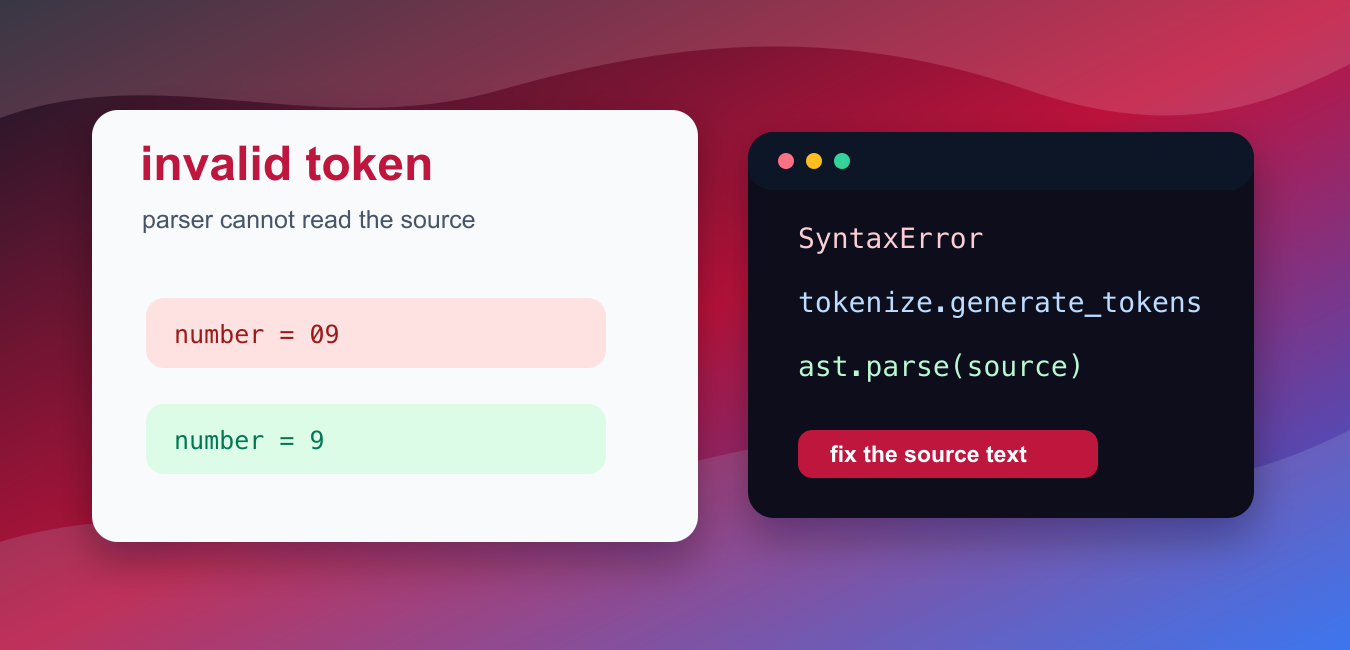
Quick answer: An invalid-token or invalid-character error means Python’s tokenizer cannot interpret part of the source as valid syntax for the active interpreter. Inspect the exact bytes and encoding around the reported line, then check smart quotes, numeric literals, invisible characters, and version-specific syntax.
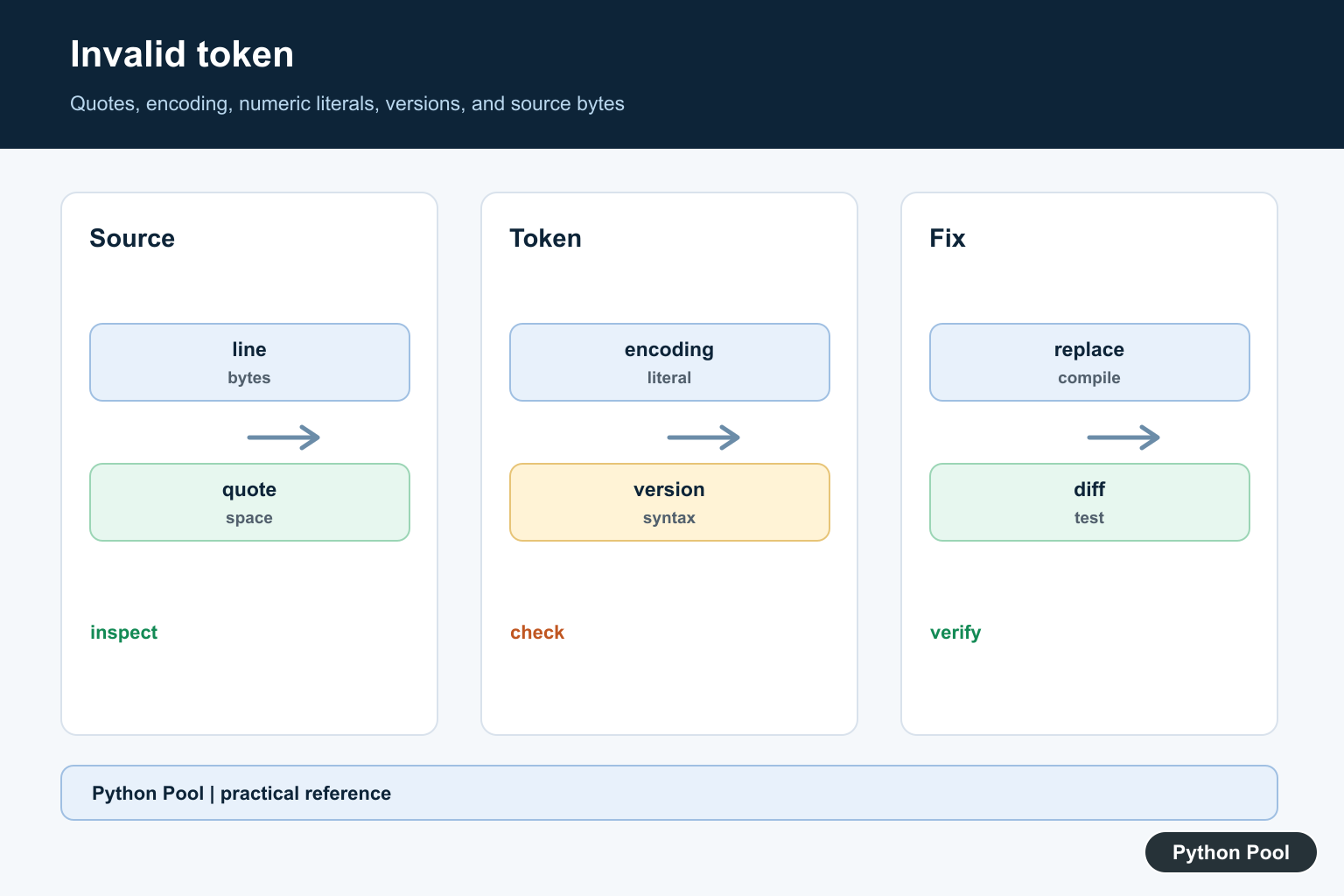
An invalid token error means Python could not turn part of your source code into valid Python syntax. The parser stops before the program can run, so the fix is to correct the source text.
In modern Python, many invalid-token cases appear as SyntaxError messages such as leading zeros in decimal integer literals are not permitted or invalid decimal literal. The exact wording depends on the bad text and Python version.
The official Python documentation covers lexical analysis, the tokenize module, ast.parse(), and SyntaxError.
The fastest way to debug the error is to look at the line and column in the traceback. The highlighted token is often a number, identifier, quote, or character that Python cannot interpret in that location.
Do not treat this as a runtime exception. A syntax error prevents compilation, so a try block around the bad code will not help unless the code is being compiled from a string.
Invalid token problems often happen after copying code from formatted documents, editing numeric IDs, or translating examples from another language. Python has strict rules for numbers, names, strings, indentation, and operators, so one unexpected character can stop the whole file from compiling.
When the error appears in a large file, reduce the problem to the smallest failing line. Comment out nearby code or paste the line into a small syntax checker. A smaller example makes it easier to see whether the issue is a number, a missing quote, a bad name, or punctuation in the wrong place.
If the code came from a web page or rich text editor, retype suspicious quotes, minus signs, and spaces manually. Smart punctuation and invisible formatting characters can make source code look normal while the parser sees something else.
The examples below use compile(), ast.parse(), and tokenize so the invalid source can be inspected safely as text.
Detect A Leading Zero Error
Python 3 does not allow decimal integers such as 09. Use 9 for a number or "09" for an ID-like string.
source = "roll_number = 09"

try:
    compile(source, "<example>", "exec")
except SyntaxError as error:
    print(type(error).__name__)
    print(error.msg)
This fails before execution because the parser cannot accept the numeric literal.
If the leading zero is meaningful, store the value as text. That is common for roll numbers, ZIP codes, product codes, and other labels.
If you actually need octal notation, use Python’s explicit 0o prefix. For ordinary decimal values, remove the leading zero.
Fix Leading Zeros
Choose a numeric value when you need arithmetic, or a string when the leading zero is part of the data.
student_number = "09"
quantity = 9

print(student_number)
print(quantity + 1)
The string keeps the visible leading zero. The integer supports numeric operations.
Mixing those meanings is a common cause of confusing fixes. Decide whether the value is a number or a label first.
This is especially important when reading CSV files or form input. A value such as 09 may be an ID, not a quantity, even though it contains digits.
Find Invalid Identifier Syntax
Python identifiers cannot start with a digit. If you write a name such as 1total, Python reports a syntax problem.
source = "1total = 5"

try:
    compile(source, "<example>", "exec")
except SyntaxError as error:
    print(error.msg)
    print(error.offset > 0)
Rename the identifier so it starts with a letter or underscore, such as total1 or student_1.
Use descriptive names rather than trying to keep a broken name with punctuation or leading digits.
The same rule applies to generated code. If a program builds Python source from column names or external labels, sanitize those names before inserting them into code.
Use ast.parse For Syntax Checks
ast.parse() can validate Python source text without running it.
import ast

examples = ["total = 5", "total ="]

for source in examples:
    try:
        ast.parse(source)
        print("valid")
    except SyntaxError:
        print("invalid")
This is useful in editors, teaching tools, and validation scripts where code text needs to be checked before execution.
Parsing is not the same as running. A program can parse successfully and still fail later because of missing names, wrong types, or failed imports.
That distinction is useful in tools. Syntax validation can run quickly and safely before a script is executed, while runtime validation needs a separate test path.
Inspect Tokens With tokenize
The tokenize module shows how Python splits source text into tokens.
from io import StringIO
import tokenize

source = "total = 10\nprint(total)"
tokens = tokenize.generate_tokens(StringIO(source).readline)

for token in tokens:
    if token.type in (tokenize.NAME, tokenize.NUMBER):
        print(token.string)
This helps explain why some text is valid syntax and other text is not. It is also useful for linters and formatters.
Most application code does not need to call tokenize. Use it when you are building teaching tools, formatters, code analyzers, or debugging source text that looks different from what Python reports.
Report Line And Column Details
SyntaxError includes line and column information that can be shown in custom tools.
source = "total = (1 + )"

try:
    compile(source, "sample.py", "exec")
except SyntaxError as error:
    print(error.filename)
    print(error.lineno)
    print(error.offset > 0)
Use those fields to point users at the exact location of the invalid token.
Common causes include leading zeros in integers, identifiers that start with digits, missing quotes, copied characters from rich text, and punctuation from another language’s syntax.
A related mistake is confusing syntax errors with conversion errors. number = 09 is invalid source code. int("09") is valid Python and converts the string to the integer 9. The first problem is parsed before execution; the second happens while the program runs.
In short, invalid token errors are syntax problems. Read the traceback location, inspect the token, decide whether the value should be text or a number, and use parser tools such as ast.parse() or tokenize when you need automated checks.
Start At The Exact Source
Read the complete traceback and inspect the marked line plus the line before it. An unclosed string, bracket, or expression can shift the point where the tokenizer finally becomes unable to continue.
Replace Smart Punctuation
Copying code through a word processor can introduce curly quotes, non-breaking spaces, or long dashes. Replace them with plain source characters and save the file as a known encoding.
Check Numeric Literals
Python versions differ in accepted literal syntax. Look for leading-zero forms, malformed hexadecimal or binary values, misplaced underscores, and punctuation copied into a number.
Inspect Bytes And Encoding
If the editor view looks normal, inspect the file’s bytes near the error and confirm the declared or detected encoding. A source-control diff can expose characters that a font hides.
Confirm The Interpreter
Run the same file with the intended Python executable and print its version when safe. Syntax accepted by a newer interpreter may fail when an older runtime executes the file.
Validate Before Running
Use a syntax checker or compile step in the editor and CI. Keep the original file backed up while replacing suspicious characters, then add a small regression test for the corrected source.
The official lexical-analysis reference explains tokens and source encoding. Related Python Pool references include syntax checking and version checks.
For related debugging workflows, compare syntax checks, interpreter versions, and diagnostic output when locating invalid tokens.
Frequently Asked Questions
What causes an invalid token error in Python?
Common causes include smart quotes, invisible characters, unsupported numeric syntax, encoding issues, and code written for a different Python version.
Why can a quote look correct but still fail?
A word processor or web page may replace straight quotes with typographic quotes, which Python treats as different characters.
How do I find an invisible invalid character?
Open the file in a code editor that reveals whitespace or inspect its bytes and encoding around the line reported by Python.
Can the error be on the line before the marker?
Yes. An unclosed string, bracket, or comment-like construct can make the tokenizer report the next line even though the original mistake is earlier.
