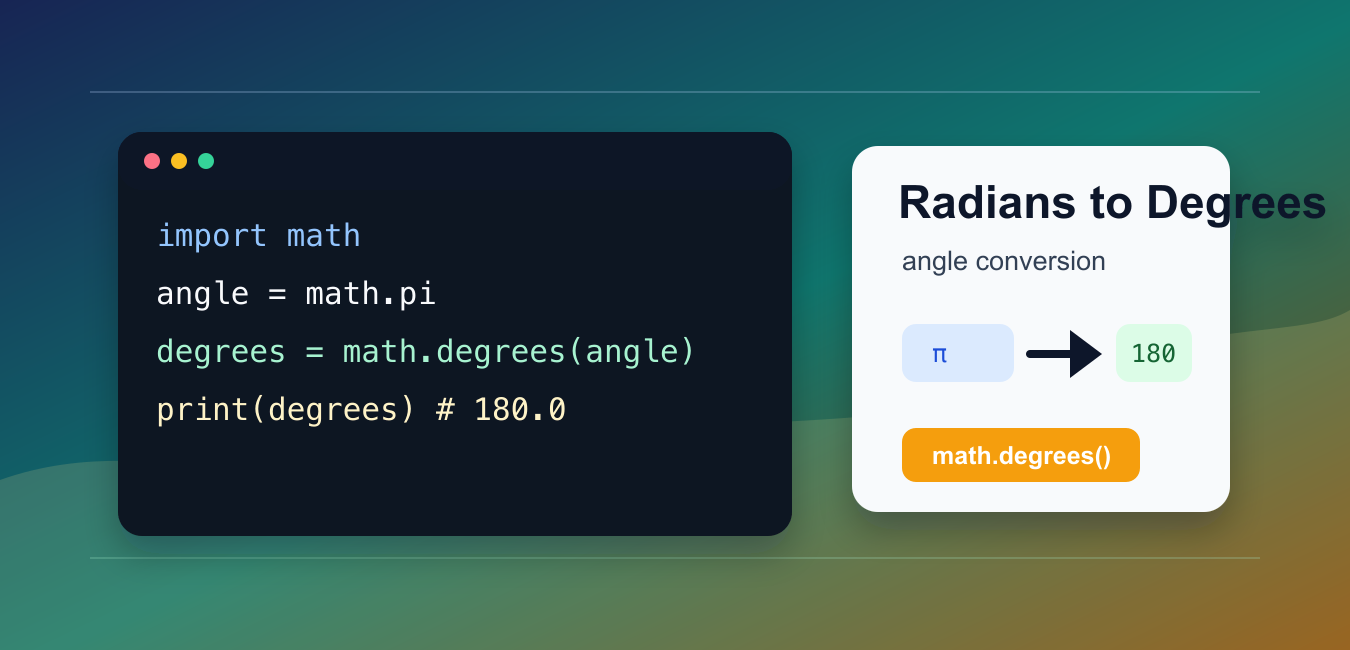
Quick answer: Use math.degrees() for one scalar angle and numpy.degrees() for arrays. Both convert radians to degrees by multiplying by 180 divided by pi. Keep full precision while an angle participates in calculations, then round only when formatting a label or report.
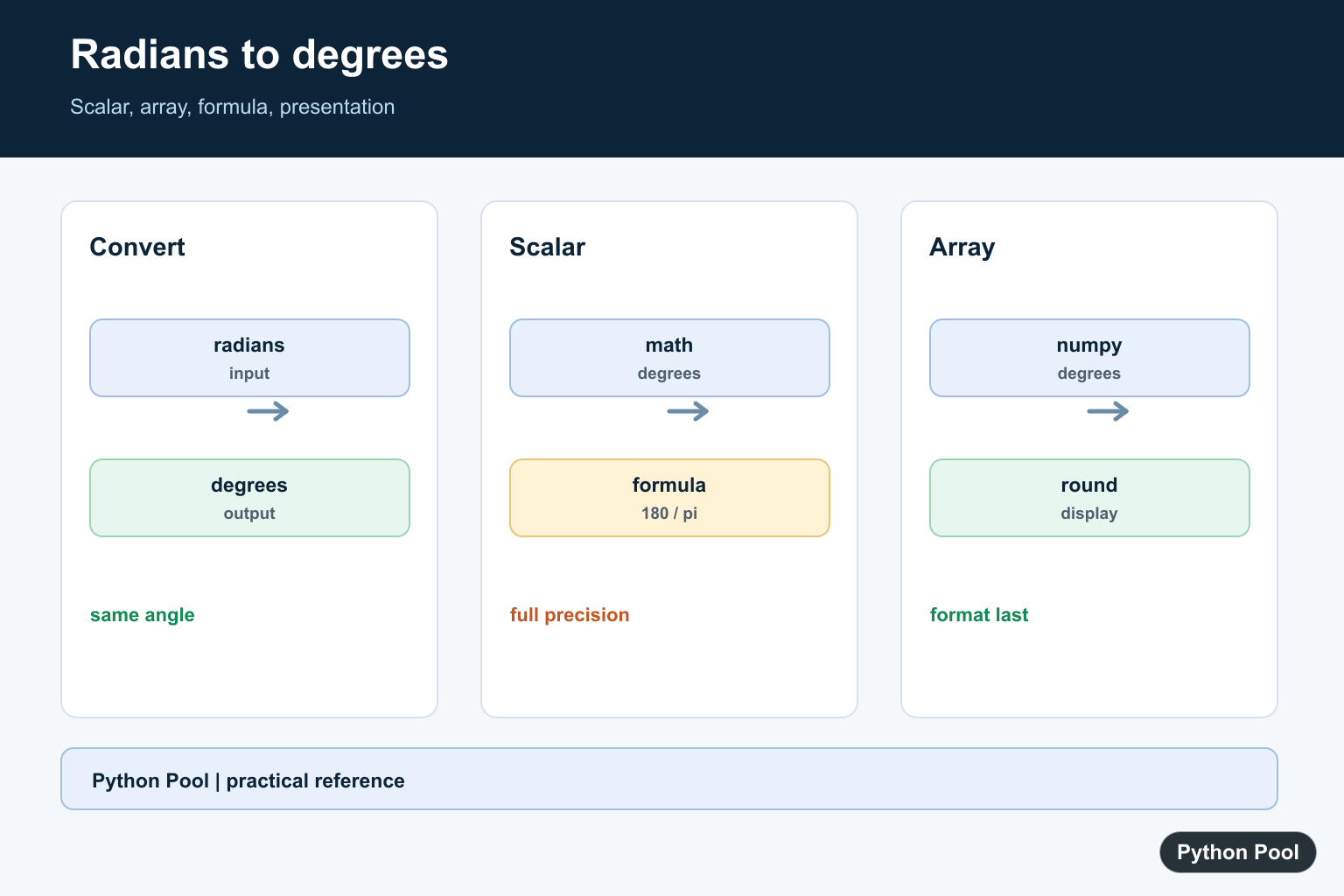
The easiest way to convert radians to degrees in Python is math.degrees(angle). It converts an angle measured in radians into the matching degree value.
The main references are Python’s math.degrees documentation, the math.radians documentation, and NumPy’s numpy.degrees documentation.
Radians and degrees measure the same angle with different units. A full circle is 2 * pi radians or 360 degrees, so pi radians equals 180 degrees.
Use math.degrees() for one number. Use NumPy when you need vectorized conversion across many values.
The most common mistake is mixing units in the same calculation. Trigonometric functions such as math.sin() and math.cos() expect radians, while user-facing reports often show degrees.
Convert only at the boundary where the unit changes. That might be when reading input, printing output, or passing data into a library that expects a specific angle unit.
Use math.degrees
The standard library math module handles the common one-value conversion.
import math

angle = math.pi
result = math.degrees(angle)

print(result)
The output is 180.0.
This is the clearest option for scripts, formulas, and functions that work with one angle at a time.
If the source value already comes from a trigonometric calculation, it is probably already in radians. Convert it to degrees only when a reader or downstream system needs degrees.
Convert With The Formula
The formula is degrees = radians * 180 / pi. Python’s helper uses the same idea.
import math

angle = math.pi / 2
result = angle * 180 / math.pi

print(result)
This prints 90.0. The formula is useful when explaining the math, but math.degrees() is usually better in production code.
A named helper also avoids repeating the formula throughout a project.
When you use the formula directly, always use math.pi instead of a shortened hand-written value. That keeps the conversion consistent with the standard library helper.
Convert A List Of Angles
Use a list comprehension when you have a short list of angles.
import math

angles = [0, math.pi / 6, math.pi / 4, math.pi / 2, math.pi]
degree_values = [math.degrees(item) for item in angles]

print(degree_values)
This keeps the conversion readable and works without any third-party dependency.
For large numeric arrays, NumPy is usually faster and more convenient.
Round The Output
Many conversions produce floating-point results with more precision than you want to display.
import math

angle = 1.234
result = math.degrees(angle)
rounded = round(result, 2)

print(result)
print(rounded)
Round only for display or reporting. Keep the unrounded value for later calculations when precision matters.
Floating-point output may include tiny representation differences. That is normal for decimal display of binary floating-point numbers.
Convert Back To Radians
Use math.radians() to convert degrees back to radians.
import math

degree_value = 180
angle = math.radians(degree_value)

print(angle)
print(math.isclose(angle, math.pi))
math.isclose() is a good way to compare floating-point results instead of expecting exact equality in every calculation.
This is helpful in tests where a rounded display value and a calculated value may not match character for character.
Use NumPy For Arrays
NumPy can convert an array of radians in one call.
import numpy as np

angles = np.array([0, np.pi / 2, np.pi])
degree_values = np.degrees(angles)

print(degree_values)
Use NumPy when your data already lives in arrays or pandas workflows. For one-off conversions, the standard math module is enough.
The practical rule is simple: math.degrees() for one angle, a list comprehension for a small plain-Python list, and numpy.degrees() for arrays.
When documenting formulas, include the unit in names such as angle_radians or angle_degrees. That prevents accidentally mixing the two units in later code.
For tests, check known angle pairs: 0 radians is 0 degrees, pi / 2 radians is 90 degrees, pi radians is 180 degrees, and 2 * pi radians is 360 degrees.
Use math.isclose() for calculated comparisons because floating-point results can differ by tiny amounts. This matters more when the input comes from prior calculations instead of a fixed constant.
For display in dashboards, logs, or charts, round to the precision your audience needs. For continued math, keep the full float and round only at the final presentation step.
Negative angles convert normally. For example, -pi / 2 radians becomes -90 degrees. If your application expects degrees in a 0 to 360 range, normalize the result after conversion.
One common normalization pattern is degrees % 360. That keeps direction-style output positive while preserving the same circular angle. Use it only when the domain calls for wrapped angles.
For geometry, robotics, plotting, and game code, document whether each function accepts radians or degrees. A short docstring with the expected unit is often enough to prevent mistakes.
If data comes from a file or API, check its unit before converting it.
Clear unit naming, one conversion point, and the standard helper function prevent most angle conversion bugs.
Convert A Scalar With math.degrees
math.degrees accepts a real number in radians and returns a floating-point degree value. Use math.radians for the inverse conversion and a tolerance when checking a round trip because floating-point representations are approximate.
import math

radians = math.pi / 2
degrees = math.degrees(radians)
print(degrees)
assert math.isclose(math.radians(degrees), radians)
Convert Arrays With NumPy
numpy.degrees is vectorized and preserves array shape, making it useful for angle arrays from geometry or trigonometry. Keep the input dtype and output precision in mind, especially when values are later used in comparisons or indexing.
import numpy as np

radians = np.array([0, np.pi / 4, np.pi / 2])
print(np.degrees(radians))
Use The Formula When Explaining Or Porting
The conversion is degrees = radians times 180 divided by pi. The helper functions are preferable in application code because they state intent and work with the expected numeric type, while the formula can make a port or derivation easier to verify.
import math

radians = 2 * math.pi
formula = radians * 180 / math.pi
print(math.degrees(radians), formula)
Round Only At The Presentation Boundary
Rounding an angle before a later trigonometric calculation can introduce avoidable error. Keep the converted value at full precision, then use format or round for a displayed label. For arrays, choose a formatting method that does not mutate the numeric data.
import math

degrees = math.degrees(math.pi / 7)
print(degrees)
print("{:.2f} degrees".format(degrees))
Python’s official math.degrees reference defines scalar conversion, and NumPy provides vectorized degrees() for arrays.
For related angle calculations, compare NumPy arctan2(), NumPy sin(), and NumPy angle() when preserving units and quadrants across scalar and array code.
Frequently Asked Questions
How do I convert radians to degrees in Python?
Use math.degrees(angle) for a scalar angle or numpy.degrees(values) for an array of angles.
What is the radians-to-degrees formula?
Multiply radians by 180 divided by pi; Python’s math and NumPy helpers implement that conversion directly.
How do I convert a list of radians?
Use a list comprehension with math.degrees or convert the list to a NumPy array and call numpy.degrees.
Should I round converted angles?
Keep full precision for calculations and round only when formatting a displayed label or report.
